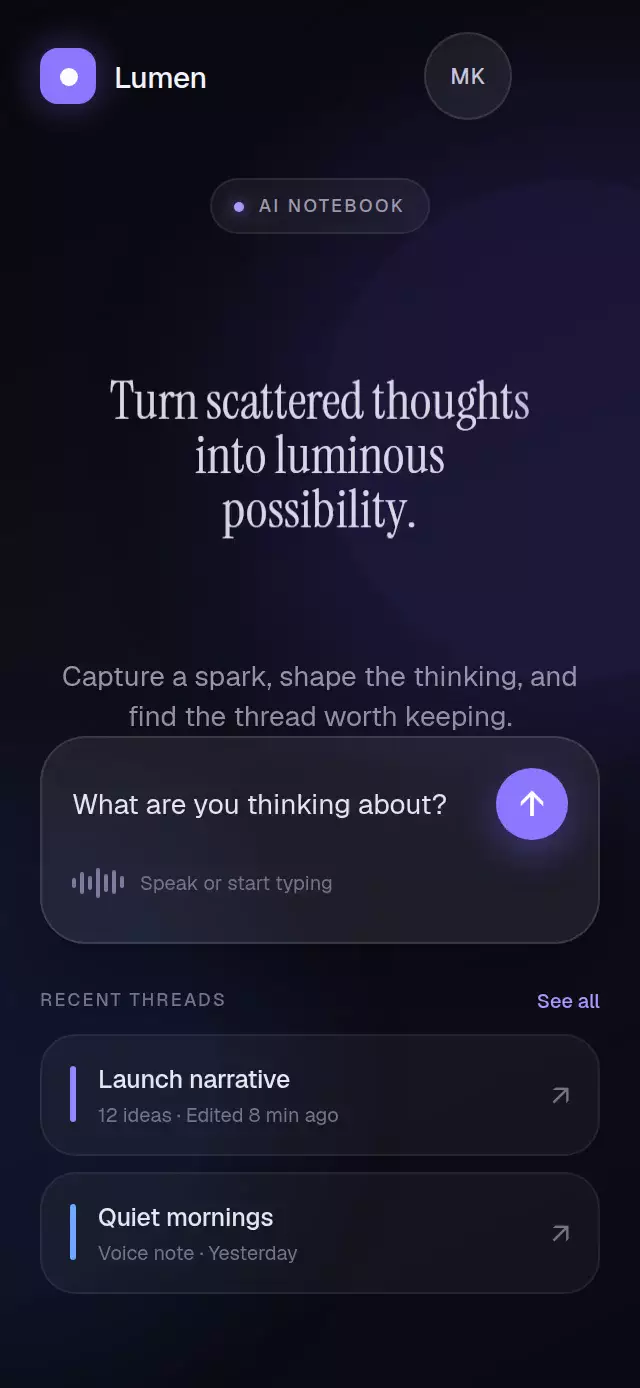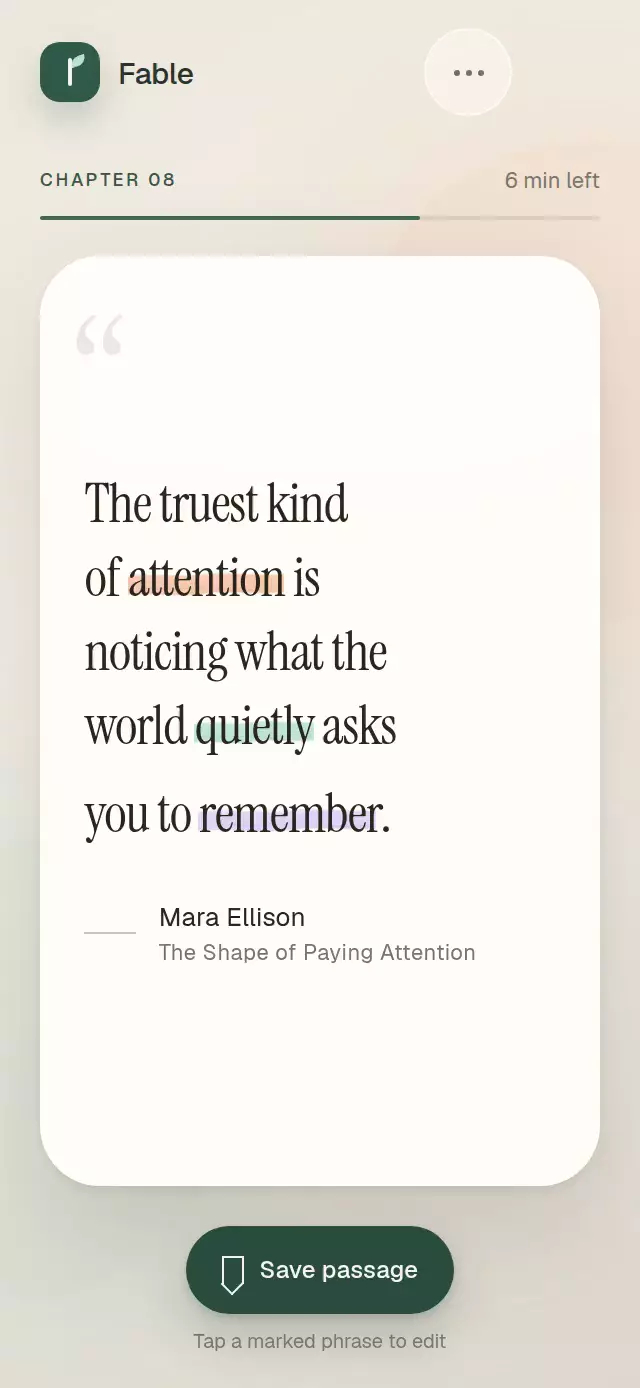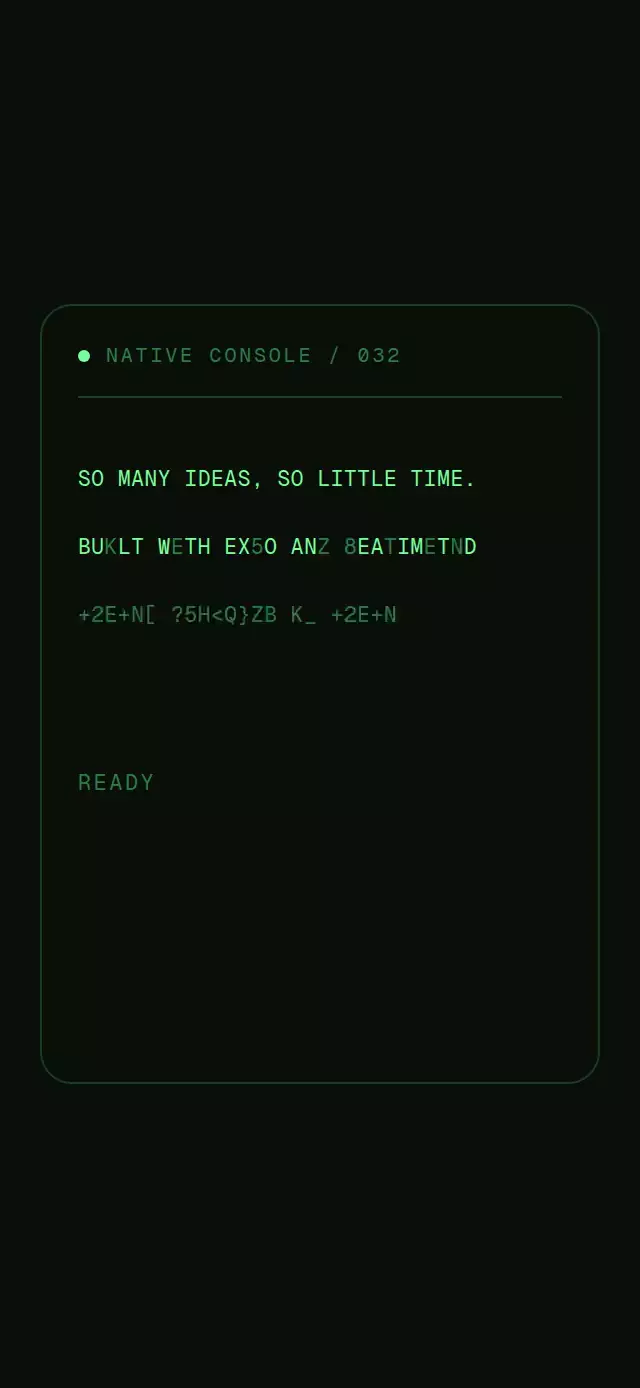
About this animation
A terminal-style text reveal that scrambles changing characters before resolving them into a stable phrase.
Why this one
Most scramble effects update React state on every tick, causing avoidable renders and uneven timing. This component keeps its clock, random glyph selection, settlement order, and per-character visibility on the UI thread. It also reserves the final phrase's width, supports three settlement modes, honors reduced motion, and only re-scrambles positions that changed when a new phrase arrives.
How it works
- A single timing shared value represents elapsed milliseconds for the current phrase.
- One non-editable animated
TextInputderives every unsettled glyph from elapsed time, FPS, and a deterministic run seed without React renders per tick. - Static final glyph layers become visible from the same UI-thread clock as their scrambled counterparts turn into spaces.
- Reveal, random, and wave modes generate different character ranks while sharing the same animation path.
- An invisible copy of the final phrase reserves its exact width, including when a proportional font is supplied.
scramble(next)compares the current and next phrases so matching character positions remain settled.
Install
npx expo install react-native-reanimated react-native-workletsUsage
import DecryptText from './DecryptText';

export function StatusLine() {
  return <DecryptText text="SIGNAL ACQUIRED" />;
}
Customize the reveal and change the phrase imperatively:
import { useRef } from 'react';
import { Button, View } from 'react-native';
import DecryptText, { type DecryptTextRef } from './DecryptText';

export function ConsoleLine() {
  const textRef = useRef<DecryptTextRef>(null);

  return (
    <View>
      <DecryptText
        ref={textRef}
        text="WAITING FOR SIGNAL"
        mode="wave"
        charset="ABCDEFGHIJKLMNOPQRSTUVWXYZ0123456789_/."
        settleMs={460}
        staggerMs={34}
        fps={30}
        scrambleColor="#397A4B"
        style={{ color: '#92FFAD', fontSize: 18 }}
      />
      <Button
        title="Acquire signal"
        onPress={() => textRef.current?.scramble('SIGNAL ACQUIRED')}
      />
    </View>
  );
}
The forwarded ref exposes play() and scramble(next).
Props
| Prop | Type | Default | Description |
|---|---|---|---|
text | string | Required | Final phrase revealed by the animation. |
mode | 'reveal' | 'random' | 'wave' | 'reveal' | Character settlement order. |
charset | string | A-Z, 0-9, and symbols | Characters used while positions are unsettled. |
settleMs | number | 380 | Milliseconds each character scrambles before settling. |
staggerMs | number | 28 | Milliseconds between character starts. |
fps | number | 24 | Scramble ticks per second. |
autoStart | boolean | true | Starts the animation when mounted. |
scrambleColor | string | '#2E7D46' | Color for unsettled glyphs. |
style | StyleProp<TextStyle> | Monospace, 16 px | Text styling shared by settled and scrambled glyphs. |
onDone | () => void | — | Called after each completed reveal. |
testID | string | — | Test identifier for the accessible wrapper. |
Compatibility
- Expo SDK 57
- React Native 0.86
- Reanimated 4.5 and Worklets 0.10
- iOS: supported, not yet verified on a device
- Android: supported, not yet verified on a device
- Web: supported, not yet verified
- Works in Expo Go because Reanimated and Worklets are included in the SDK
Accessibility
The animated input and glyph layers are hidden from assistive technology. The wrapper exposes the final phrase as a fixed text label, so screen readers never announce scrambled characters. When reduced motion is enabled, the final phrase appears immediately and onDone is still called.