About this animation
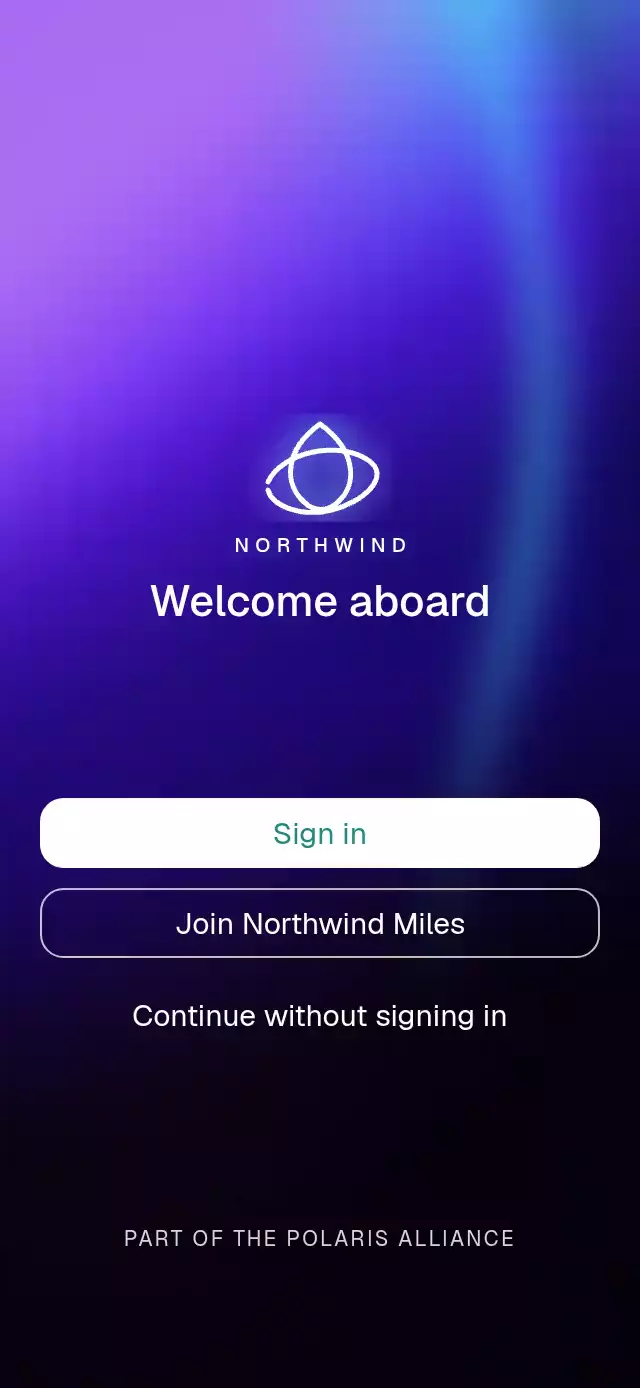
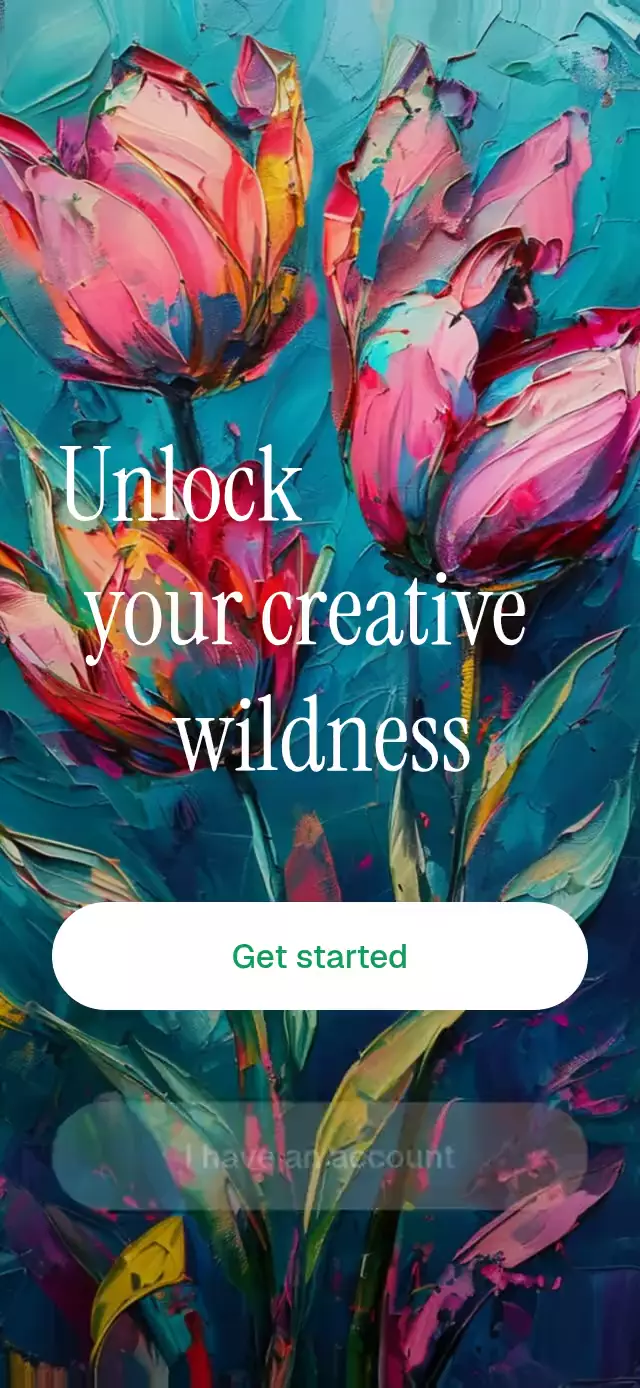
A React Native animated painting background can give a welcome screen motion while preserving the colors of its source artwork. This component maps a supplied image into a centered cover crop, then uses a Skia runtime shader to displace its coordinates like slowly moving wet pigment. A Reanimated intro timeline stages the headline, gradient-backed glass controls, legal copy, and optional identity mark, while a separate UI-thread clock keeps the painting flowing. Use it for a creative-tool welcome, an art-focused signup entry, a studio introduction, or a visually expressive first-run screen. Supply the painting, customize headline lines, action labels, legal text, colors, fonts, and title scale, then adjust flow strength. Action and entrance callbacks connect the screen to your app, and the ref replays its entrance.
When to use it
- Welcome users to a creative tool.
- Animate original painting artwork.
- Introduce an art-focused account flow.
- Stage typography above a flowing background.
A cinematic welcome that stages kinetic typography and glass controls over an oil painting that flows like wet pigment.
How it works
- The component measures its own container and maps the supplied image into a centered
covercrop without reading the window dimensions. - A Skia runtime shader applies two layers of slow sine-and-cosine displacement to the image coordinates. It moves the paint without recoloring the source artwork.
- One linear
introshared value drives the measured entrance: the headline rises first, the two actions follow, legal copy fades in, and the optional logo finishes with a four-keyframe bounce. - An independent UI-thread clock keeps the paint moving and oscillates the glass gradient continuously without causing React renders.
- The headline, actions, legal copy, and logo remain regular React Native views above the Canvas, so they stay crisp, accessible, and easy to customize.
Install
npx expo install @shopify/react-native-skia expo-linear-gradient react-native-reanimated react-native-workletsOn web, copy CanvasKit into the public directory and load it before mounting the component:
npx setup-skia-web publicimport { LoadSkiaWeb } from '@shopify/react-native-skia/lib/module/web';
await LoadSkiaWeb({ locateFile: () => '/canvaskit.wasm' });Usage
import LivingPaintWelcome from './LivingPaintWelcome';

export function WelcomeScreen() {
  return (
    <LivingPaintWelcome image={require('./assets/painting.jpg')} />
  );
}
Customize the identity and replay the entrance from a parent:
import { useRef } from 'react';
import { Text } from 'react-native';
import LivingPaintWelcome, {
  type LivingPaintWelcomeRef,
} from './LivingPaintWelcome';

export function WelcomeScreen() {
  const welcomeRef = useRef<LivingPaintWelcomeRef>(null);

  return (
    <LivingPaintWelcome
      ref={welcomeRef}
      image={require('./assets/painting.jpg')}
      headline={['Find', 'your next', 'bright idea']}
      logo={<Text>Studio</Text>}
      accentColor="#276749"
      glassColors={['#FF8A65', '#38B2AC']}
      flow={0.75}
      titleFontFamily="YourDisplayFont"
      fontFamily="YourSansFont"
      titleScale={1.08}
      onPrimaryPress={() => openWorkspace()}
      onSecondaryPress={() => openSignIn()}
      onEntranceEnd={() => trackWelcomeReady()}
    />
  );
}
The forwarded ref exposes replay().
Props
| Prop | Type | Default | Description |
|---|---|---|---|
image | DataSourceParam | Required | Painting used as the living full-bleed background. |
headline | string[] | ['Unlock', 'your creative', 'wildness'] | Progressively indented headline lines. |
logo | ReactNode | — | Optional brand mark that drops in last. |
primaryLabel | string | 'Get started' | Main action label. |
onPrimaryPress | () => void | — | Called when the main action is pressed. |
secondaryLabel | string | 'I have an account' | Secondary action label. |
onSecondaryPress | () => void | — | Called when the secondary action is pressed. |
legalText | string | 'By continuing, you agree to our Terms and Privacy.' | Agreement copy below the actions. |
accentColor | string | '#0F9D58' | Main-label color. |
glassColors | [string, string] | ['#FF7A59', '#4FD1C5'] | Moving glass-button gradient. |
flow | number | 0.6 | Paint-flow strength, clamped from 0 to 1. |
titleFontFamily | string | System font | Headline font family. |
fontFamily | string | System font | Button and legal-copy font family. |
titleScale | number | 1 | Headline-size multiplier. |
autoStart | boolean | true | Starts the entrance on mount. |
onEntranceEnd | () => void | — | Called when the entrance finishes. |
style | StyleProp<ViewStyle> | — | Outer-container style. |
testID | string | — | Outer-container test identifier. |
Compatibility
- Expo SDK 57
- React Native 0.86
- Reanimated 4.5
- React Native Skia 2.6
- iOS: supported, not yet verified on a device
- Android: supported, not yet verified on a device
- Web: verified by the project build
- Works in Expo Go because Skia, Reanimated, Worklets, and Linear Gradient are included in the SDK
Accessibility
Both actions are exposed as labeled buttons to screen readers. With reduced motion enabled, the paint freezes, every element stays in its final position, and the complete composition fades in over 300 ms.
FAQ
- Does the painting animation change the image colors?
- No. The shader displaces image coordinates with slow sine and cosine motion without recoloring the source. flow controls the displacement strength from 0 to 1.
- Can I replace the painting, headline, and welcome actions?
- Yes. image supplies the artwork. Configure headline, logo, primaryLabel, secondaryLabel, legalText, fonts, titleScale, accentColor, and glassColors, then handle the action callbacks.
- How does the painting welcome handle Reduce Motion?
- The paint freezes, all elements stay in their final positions, and the full composition fades in over 300 ms. Both actions retain their button labels.