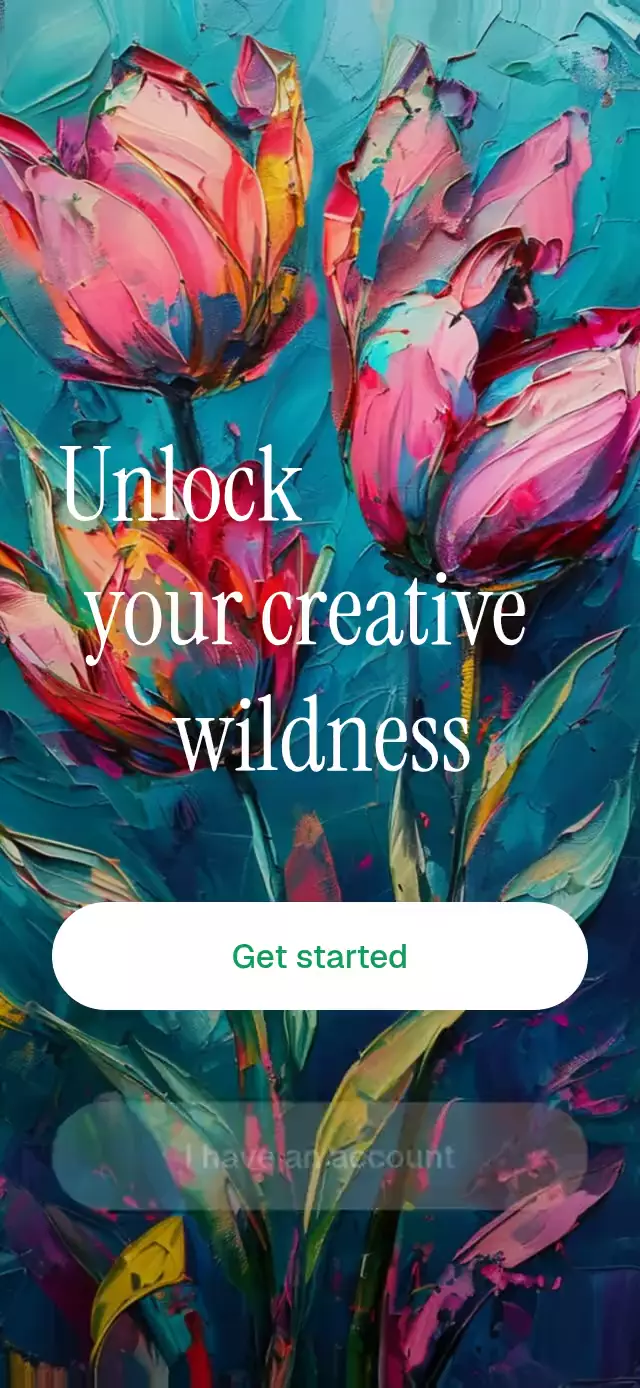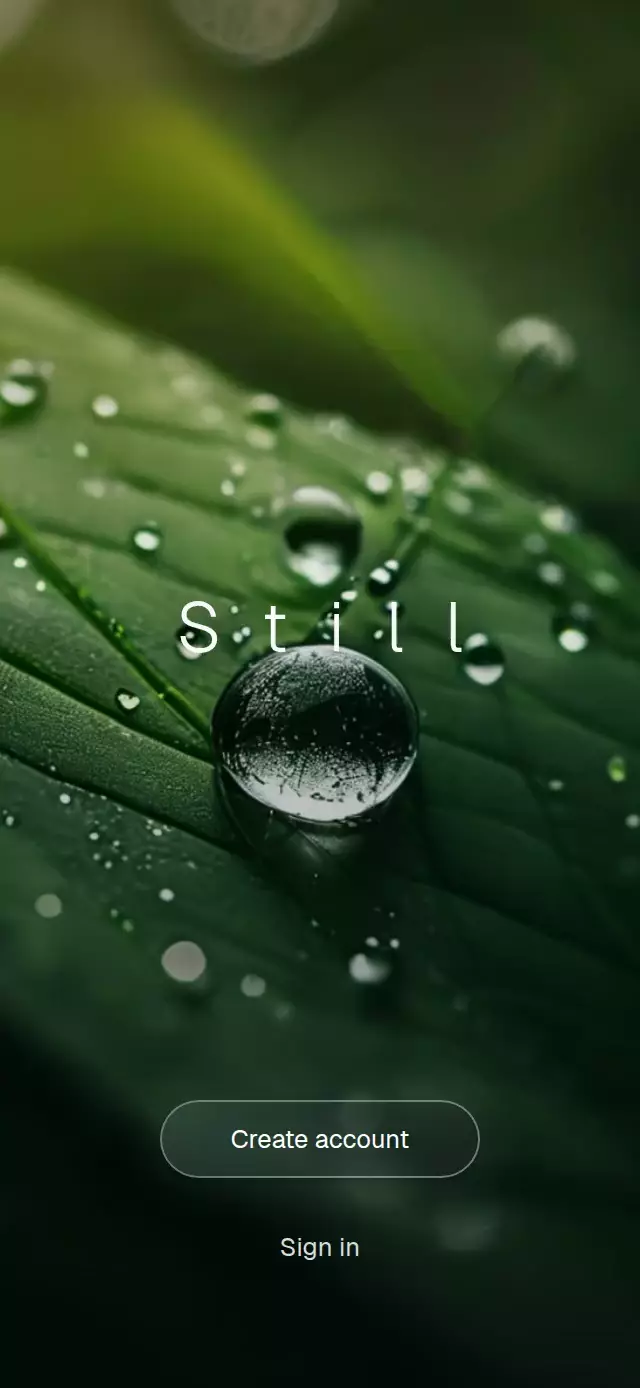
About this animation
A React Native animated image welcome can establish a visual mood before asking someone to create an account. This full-screen component dissolves between photographic scenes while a centered wordmark slowly changes its letter spacing. Every Expo Image scene remains mounted, and a loading cover stays visible until the complete image set has loaded. Reanimated blends each incoming scene over an opaque outgoing scene and adds reversible camera drift, separate action entrances, and press feedback. Use it for a photographic introduction, a travel welcome, a lifestyle signup screen, or a visual membership entry. Supply at least two scenes, customize the wordmark, fonts, action labels, scene interval, fade duration, and spacing range, then connect action callbacks or advance, pause, and resume through the ref.
When to use it
- Introduce an app with photographic scenes.
- Create a travel or lifestyle welcome.
- Lead into account creation or sign-in.
- Control a dissolving image sequence.
A full-screen welcome experience where photographic scenes dissolve like film shots while a spacious wordmark breathes at the center.
How it works
- Every scene mounts once and remains mounted for the lifetime of the component, so a transition never swaps or remounts an image.
- An opaque loading surface stays in place until every image reports
onLoad; only then do the interface and automatic sequence begin. - The incoming scene fades over a fully opaque outgoing scene, while a slow reversible drift creates restrained Ken Burns movement.
- A six-second sine wave controls the wordmark spacing, while a damped spring adds a small typographic accent at every scene change.
- The wordmark and actions use separate entrance values so the scene remains visible before the interface settles into place.
Why this one
Most cinematic welcome screens recycle two image nodes and briefly expose an unloaded source between shots. This version keeps every scene warm in memory, waits for the complete set, and always dissolves a new frame over an opaque previous frame. The result is a continuous film-like sequence with no blank flash, paired with responsive spring feedback and a subtly lit glass action.
Install
npx expo install react-native-reanimated react-native-worklets expo-image expo-linear-gradientUsage
import CinematicWelcome from './CinematicWelcome';

const scenes = [require('./forest.jpg'), require('./stone.jpg')];

export function WelcomeScreen() {
  return <CinematicWelcome scenes={scenes} />;
}
Customize the rhythm, typography, and actions or control the sequence through its forwarded ref:
import { useRef } from 'react';
import CinematicWelcome, { type CinematicWelcomeRef } from './CinematicWelcome';

export function WelcomeScreen() {
  const welcomeRef = useRef<CinematicWelcomeRef>(null);

  return (
    <CinematicWelcome
      ref={welcomeRef}
      breath={[0.28, 0.52]}
      fadeMs={1100}
      fontFamily="YourSansFont"
      onPrimaryPress={() => beginSignup()}
      onSceneChange={(index) => trackScene(index)}
      onSecondaryPress={() => openSignIn()}
      primaryLabel="Begin"
      sceneSeconds={4}
      scenes={scenes}
      secondaryLabel="I have an account"
      wordmark="Quiet"
      wordmarkFontFamily="YourLightFont"
    />
  );
}
The forwarded ref exposes next(), pause(), and resume().
Props
| Prop | Type | Default | Description |
|---|---|---|---|
scenes | ImageSourcePropType[] | Required | At least two full-screen photos. |
wordmark | string | 'Still' | Centered wordmark. |
primaryLabel | string | 'Create account' | Primary button label. |
secondaryLabel | string | 'Sign in' | Secondary action label. |
sceneSeconds | number | 3.2 | Seconds between automatic scene changes. |
fadeMs | number | 900 | Cross-fade duration in milliseconds. |
breath | [number, number] | [0.35, 0.6] | Minimum and maximum letter spacing as fractions of the wordmark size. |
wordmarkFontFamily | string | System font | Font used by the wordmark. |
fontFamily | string | System font | Font used by both actions. |
onPrimaryPress | () => void | — | Called when the primary action is pressed. |
onSecondaryPress | () => void | — | Called when the secondary action is pressed. |
onSceneChange | (index: number) => void | — | Called after a scene transition completes. |
style | StyleProp<ViewStyle> | — | Outer-container style. |
testID | string | — | Test identifier for the outer container. |
Compatibility
- Expo SDK 57
- React Native 0.86
- Reanimated 4.5 and Worklets 0.10
- iOS: supported, not yet verified on a device
- Android: supported, not yet verified on a device
- Web: supported, verified by the project build
- Works in Expo Go because its native dependencies are included in Expo SDK 57
Accessibility
Both actions expose button roles and labels to screen readers. When reduced motion is enabled, camera drift and typographic breathing stop, while scene changes and action entry use short 300 ms fades.
FAQ
- How does the image welcome avoid blank transitions?
- It mounts all scenes once and waits for every image to load before starting. Each incoming image fades over a fully opaque outgoing scene.
- Can I supply my own images and welcome text?
- Yes. Pass at least two scenes and customize wordmark, primaryLabel, secondaryLabel, both fonts, sceneSeconds, fadeMs, and the breath letter-spacing range.
- Does the cinematic welcome need a development build?
- No. Expo Image, Expo Linear Gradient, Reanimated, and Worklets are included in Expo SDK 57. Reduce Motion stops camera drift and spacing changes and uses short fades.