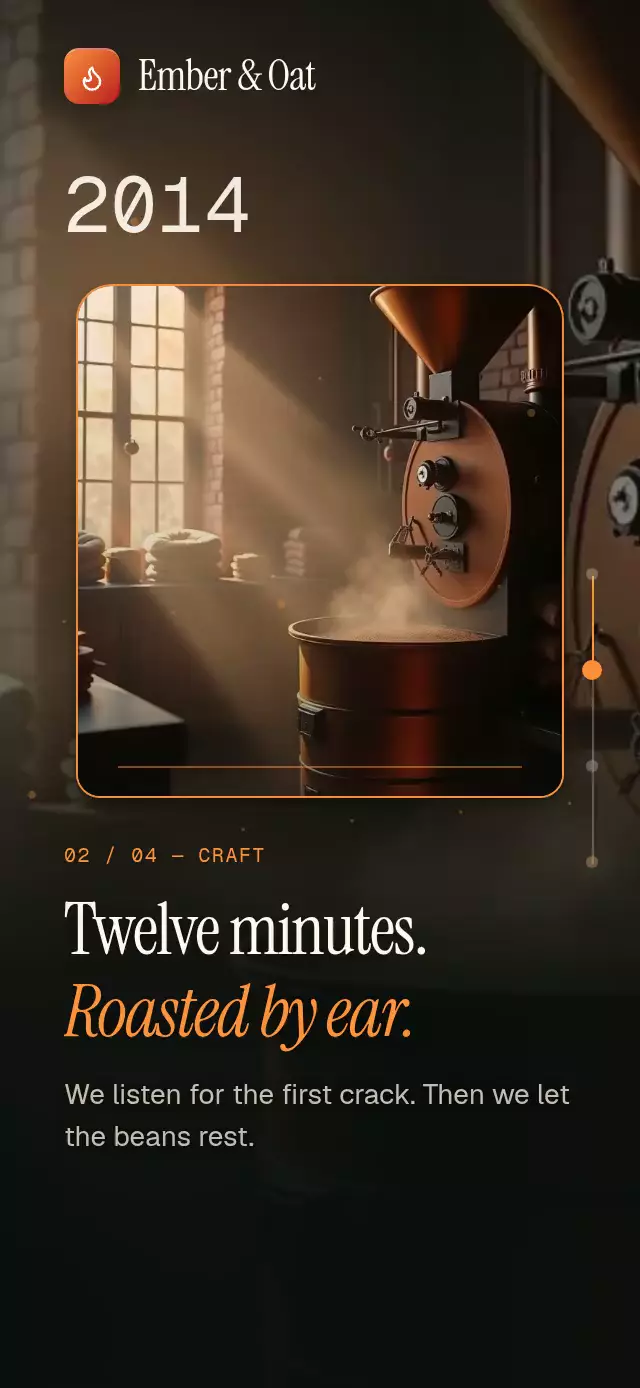
About this animation
A photo story with rolling reason numbers, drawn zigzags, and counting stats, with configurable sections, colors, fonts, and parallax strength.
Why this one
Large alternating numbers replace generic benefit icons. A thin mint route guides the eye between reasons while the landscape moves independently. The scene then opens into a turbine portrait and a concise four-line promise with live statistics. The route and the rolling typography give the story two distinct focal moments.
How it works
- A native animated ScrollView retains touch inertia, keyboard scrolling, and mouse-wheel behavior without mandatory snap points.
- One shared scroll offset controls chapter crossfades, slow background movement, zoom, and the connector lengths.
- Measured layouts trigger one reveal per viewport entry. Each text line fades from the opposite side with an offset in its reveal window.
- Numeric columns use static digit nodes. Each column advances only at its own carry; digits fade by distance and settle exactly on an integer. Suffixes have their own natural widths.
- Imperative section navigation animates a shared destination and calls Reanimated scrollTo on the UI thread. Touch cancels that animation immediately. The demo alone owns its timers.
Install
npx expo install expo-image expo-linear-gradient react-native-reanimated react-native-workletsUse your project's Reanimated configuration and load any custom fonts before rendering. Icons: Lucide (ISC); copied paths are in icons.ts. No Skia setup is required.
Usage
import { ZigzagReasonsScroll } from './zigzag-reasons-scroll';

<ZigzagReasonsScroll
  sections={[
    {
      background: require('./landscape.jpg'),
      title: 'WHY MAKE THE SWITCH?',
      reasons: [{ number: 1, lines: ['A cleaner future.', 'A simpler choice.'] }],
    },
    {
      background: require('./detail.jpg'),
      metrics: [{ value: 48, suffix: 'K+', label: 'Homes powered' }],
    },
  ]}
/>
const story = useRef<ZigzagReasonsScrollRef>(null);
<ZigzagReasonsScroll
ref={story}
sections={sections}
brand="Your brand"
parallax={0.25}
revealDuration={500}
colors={{ accent: '#F4D890', text: '#FFF8EB', muted: '#E5D9C4' }}
onMenuPress={openMenu}
onScroll={offset => trackScroll(offset)}
/>
// Call from a host event handler:
story.current?.scrollToSection(1);Props
| Prop | Type | Default | Purpose |
|---|---|---|---|
| sections | ZigzagSection[] | required | Local photos, titles, reasons, metrics, initials |
| brand / brandMark | string / ReactNode | empty / none | Host identity |
| fontFamily | string | system | Body font |
| titleFontFamily | string | system | Headline font |
| monoFontFamily | string | system | Reason numbers |
| metricFontFamily | string | system | Statistics |
| brandFontFamily | string | system | Wordmark |
| colors | Partial palette | evergreen, ivory, mint | Background, text, muted, accent, veil, clear, control, border |
| parallax | number | 0.4 | Relative photo movement |
| revealDuration | number | 600 | Reveal duration in milliseconds |
| menuLabel / nextLabel | string | Open menu / Next section | Control labels |
| accessibilityLabel | string | Energy story | Scroll region label |
| onMenuPress | () => void | none | Host menu; defaults to chapter advance |
| onScroll | (offset: number) => void | none | JS callback, quantized to 16-point changes |
| onInteraction | () => void | none | Stop external autoplay on touch or manual scroll |
| style / testID | StyleProp / string | none | Container and stable control IDs |
sections supports background, title, reasons: { number, lines }[], metrics: { value, suffix, label }[], and avatars: string[]. Values are nonnegative integers, capped at 999999. scrollToSection(index, duration = 650) clamps the zero-based index. Entry counters replay only after leaving the viewport.
Compatibility
Expo SDK 58, React Native 0.88.0, Reanimated 4.7.1, worklets 0.13.0. Compatible dependencies are included in Expo Go. Supports iOS, Android, and web.
The root fills its parent and measures with onLayout. Chapters grow beyond short containers instead of squeezing text; content width is capped at 440 points on tablets. Rotation recalculates measured chapter offsets. This is a full-screen presentation: the demo reserves 52 points above its controls; the host owns safe-area handling and may embed it inside a safe-area container. System font scaling remains enabled.
The supplied demo photographs are 768×1344. They are the commissioned assets and cannot guarantee 3× detail at full phone or tablet width, especially with zoom. Supply higher-resolution originals for production use.
Accessibility
Controls have 48-point targets, button roles, customizable labels, and 0.97 press feedback. The persistent next-section button is the tap alternative to scrolling. Headlines are headers; numeric columns expose one complete value instead of individual digits. Chapter changes announce the title or metric label. Reduced motion removes rolling digits, side entrances, the drawn route, zoom, and parallax; entry and navigation use 200 ms transitions. The demo stops on user interaction.
Demo timeline
The first reason rolls immediately (600 ms). At 0.9 seconds the demo starts a 3.7-second trip toward the turbine, then another 3.7-second trip toward the final landscape. It rests for a second, returns in 700 ms, and repeats at 11 seconds. Touch or wheel interaction stops the loop's commands permanently until autoplay is remounted.