Native Animation Base
Connect the MCP.
Build the whole app.
A free React Native UI library for your next Expo app.
Modern screens. Curated motion. One coherent theme.
Free forever. MIT. Your app. Your source.
Run in your project’s terminal.
claude mcp add nativeanimation -- npx -y nativeanimation@latest mcpOne connection. The whole Native Animation catalog.
Base needs no account. Requires Node.js 20 or later.
“Build a habit tracker app with Native Animation Base…”
Three screens. A shared theme. Every detail connected.
App preview
A little better,
every day.
JYour progress.
Every little win adds up.
You’re building something that lasts. One day at a time.
Your space.
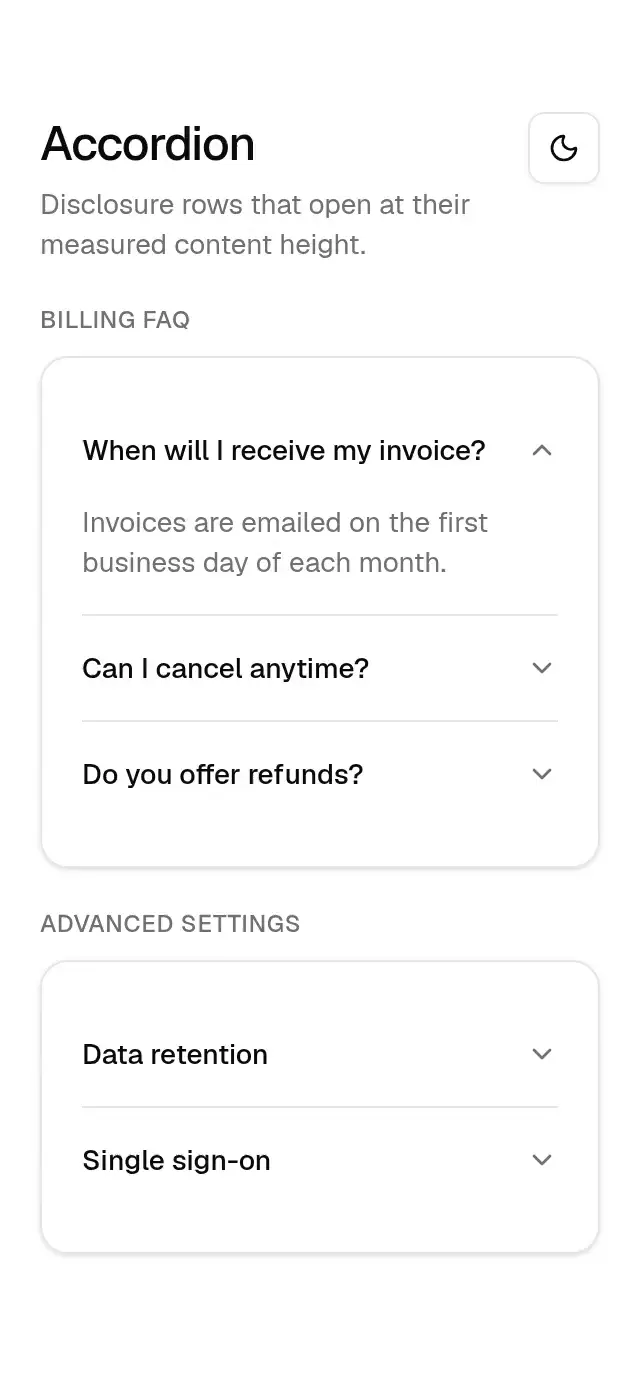
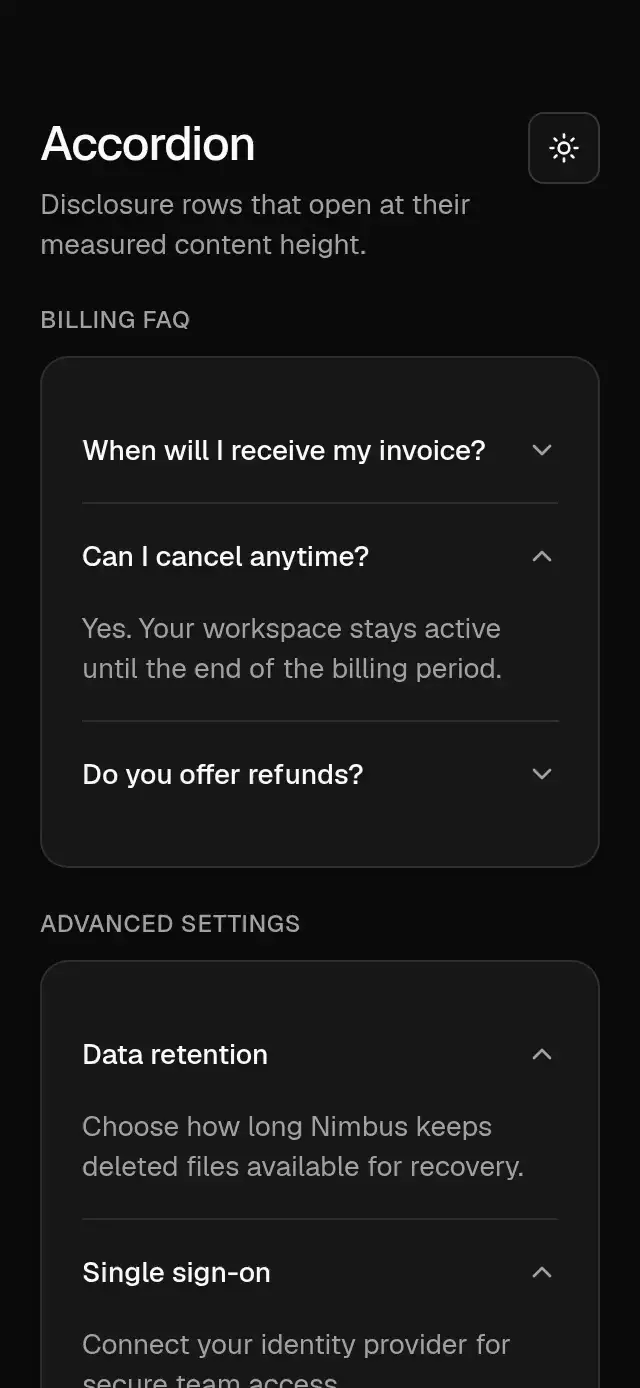
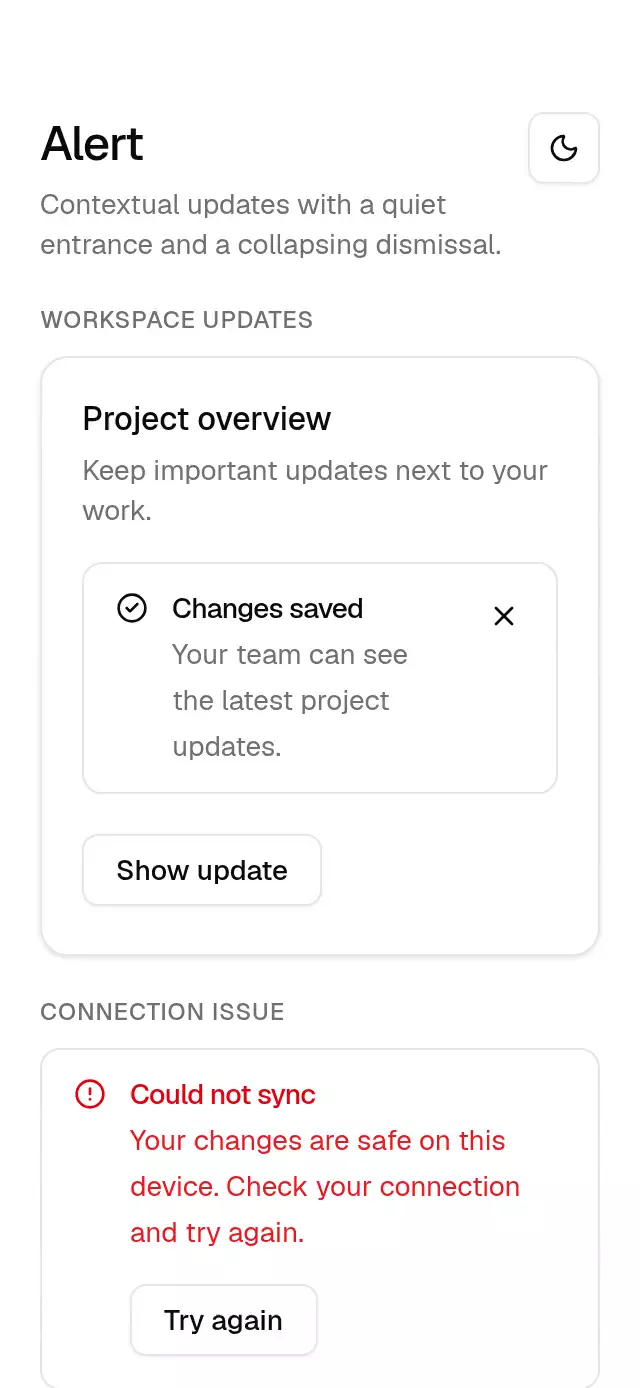
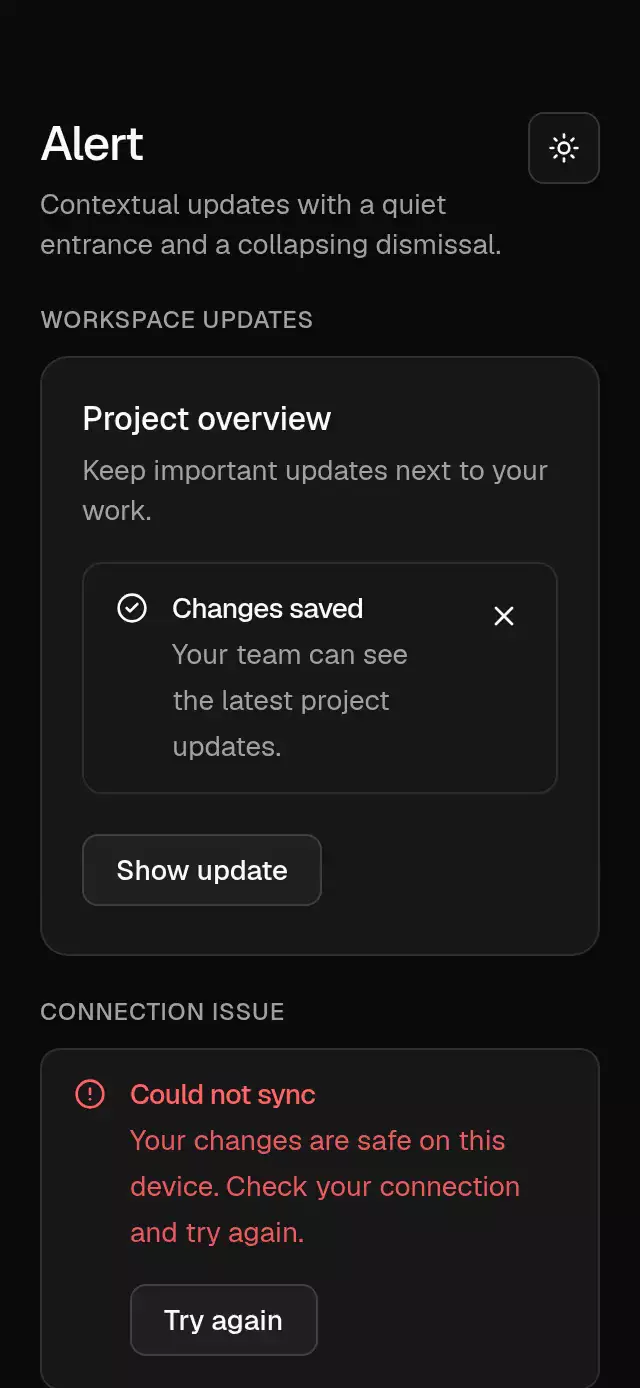
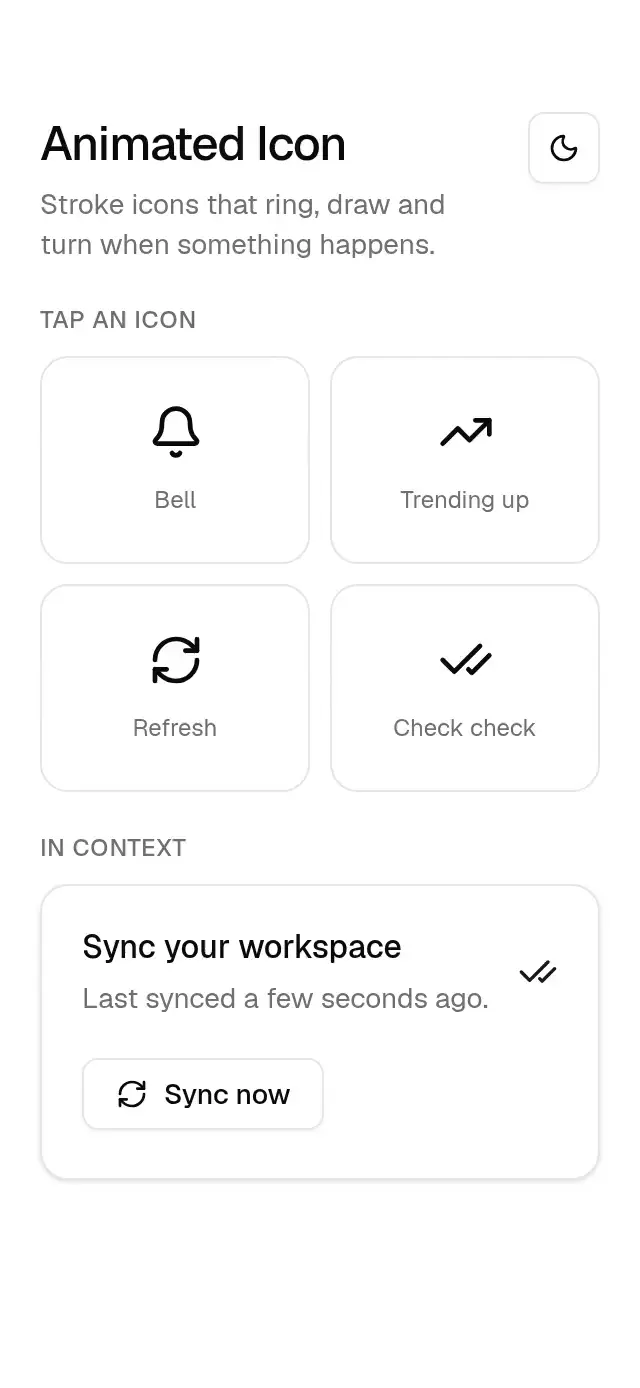
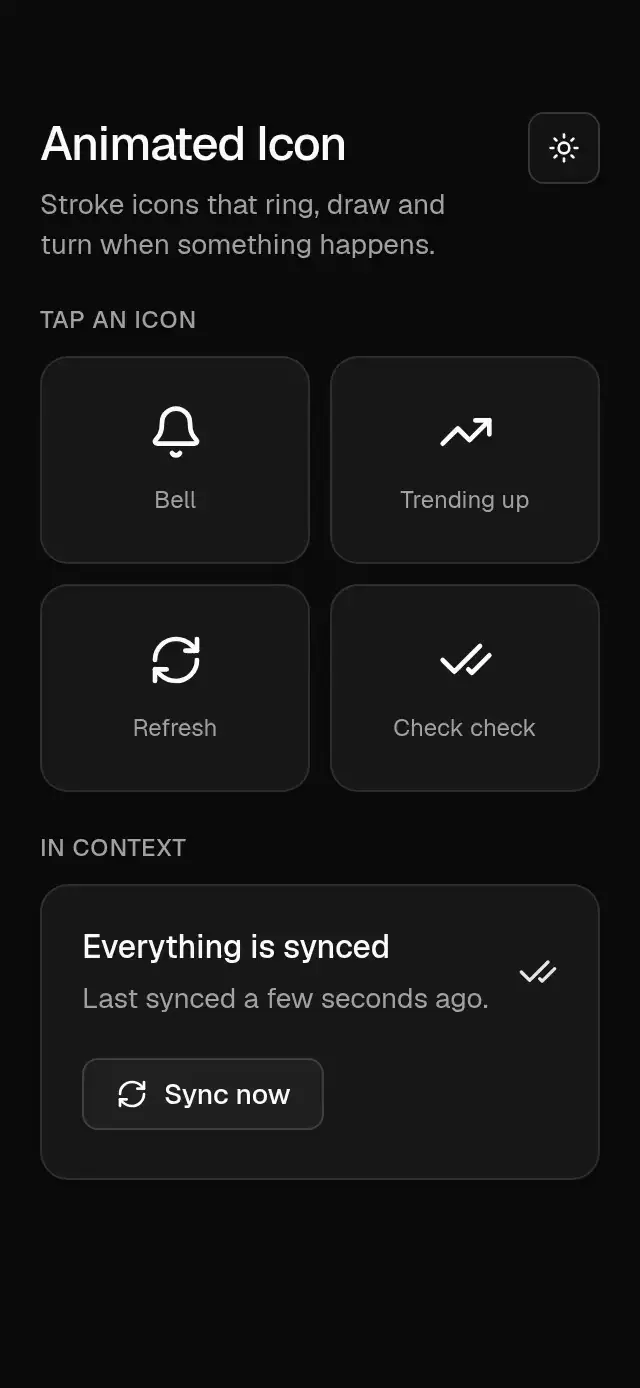
An interactive web illustration of a Base app. Change the theme. Try a habit. Make it yours.
How it works
From a thought
to something you can tap.
Connect your agent
Add the Native Animation MCP to your project. Your agent gets the design guide, component docs, and source in one place.
Describe your app
Tell it what you’re making, the screens you need, and the feeling you want. Start with the example prompt or write your own.
Make it feel like one app
Your agent sets up a shared theme, composes screens, and connects navigation and state. Then refine the details together.
A system, down to the details
One theme.
Every screen.
Buttons, fields, tabs, and feedback share semantic colors, spacing, and motion. Switch the accent above. The whole app follows.
Theme preview
import { createBaseTheme } from '@/components/base-theme';

const theme = createBaseTheme({
  scheme: 'light',
  accent: 'quill',
});import { createBaseTheme } from '@/components/base-theme';

const theme = createBaseTheme({
  scheme: 'dark',
  accent: 'quill',
});
The everyday, considered
Small pieces.
Complete possibilities.
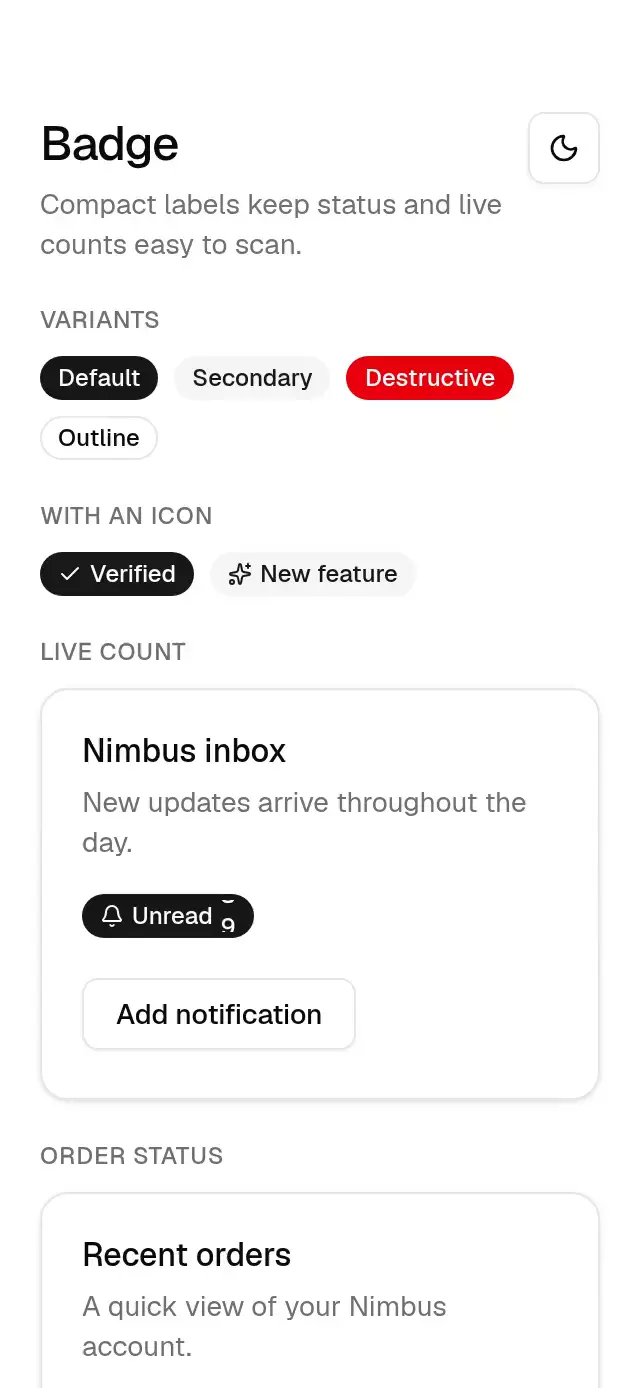
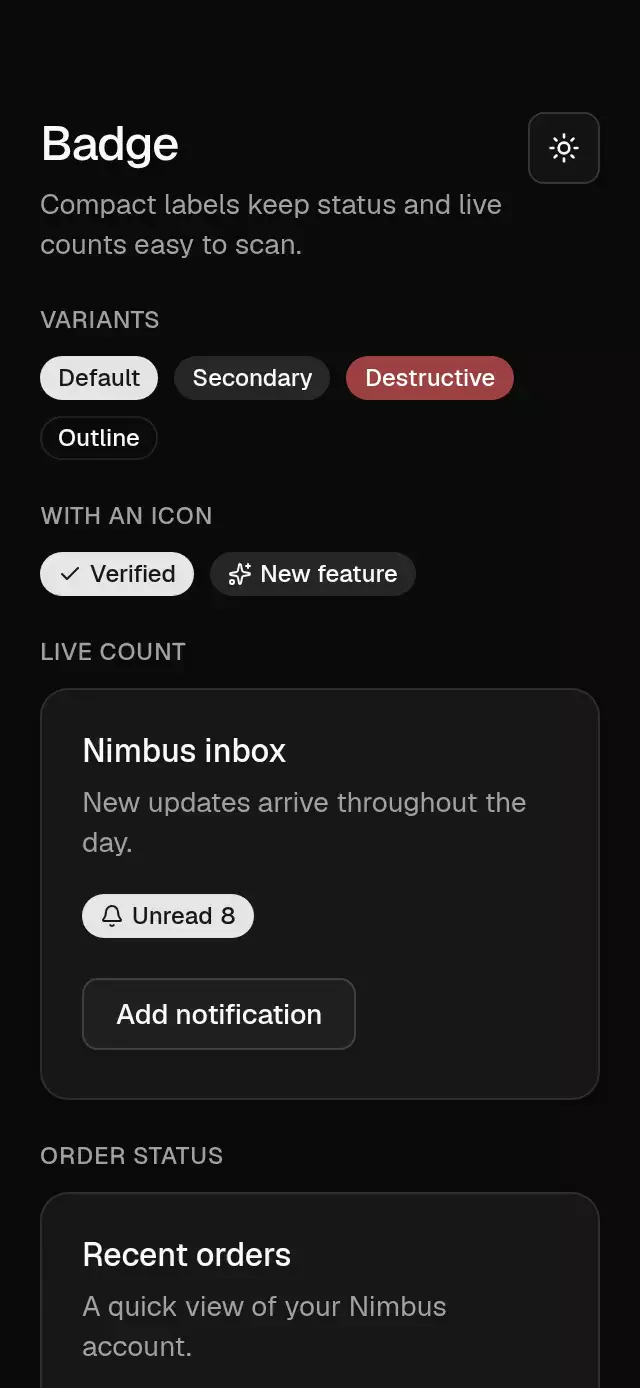
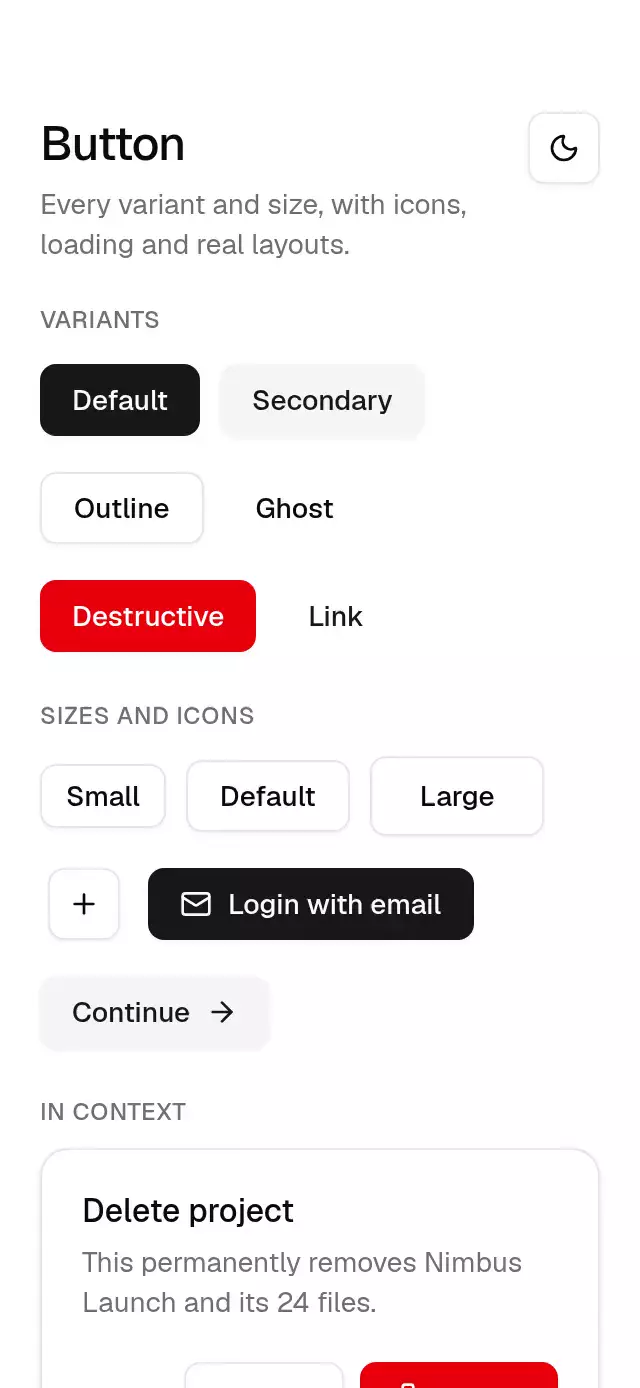
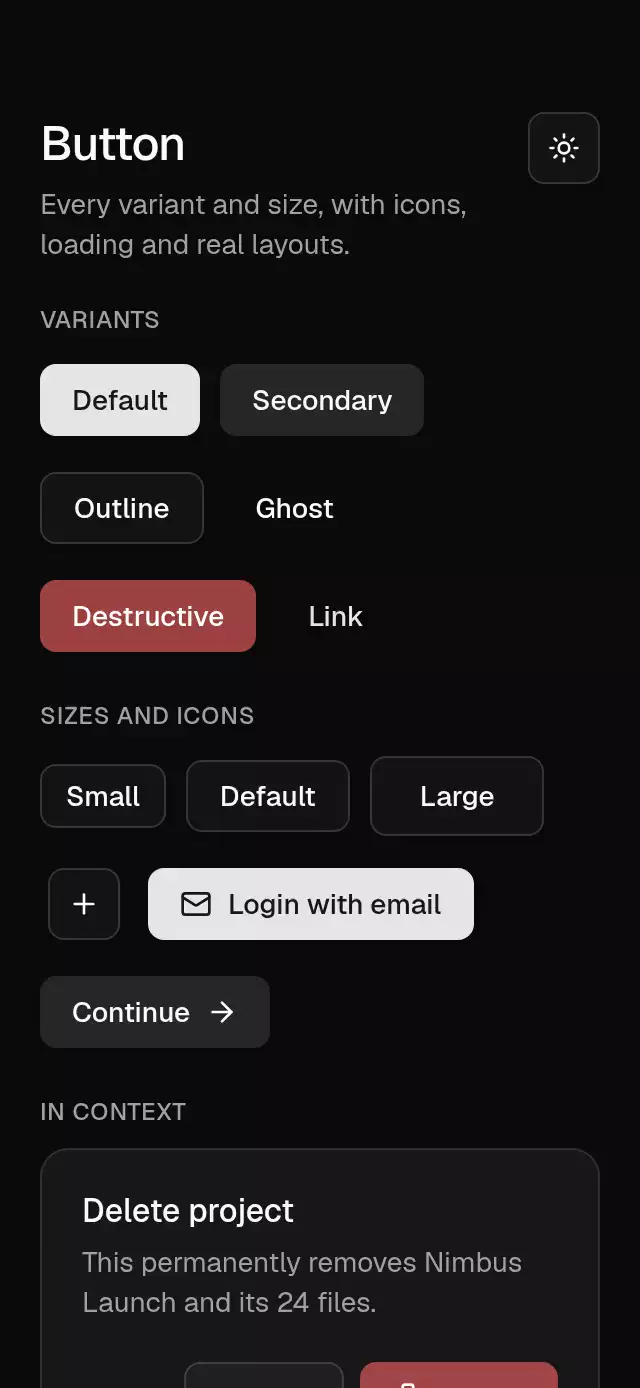
Buttons, text inputs, overlays, and feedback with editable TypeScript source. Use the CLI, connect your agent, or download the source. Start with the Base installation guide.
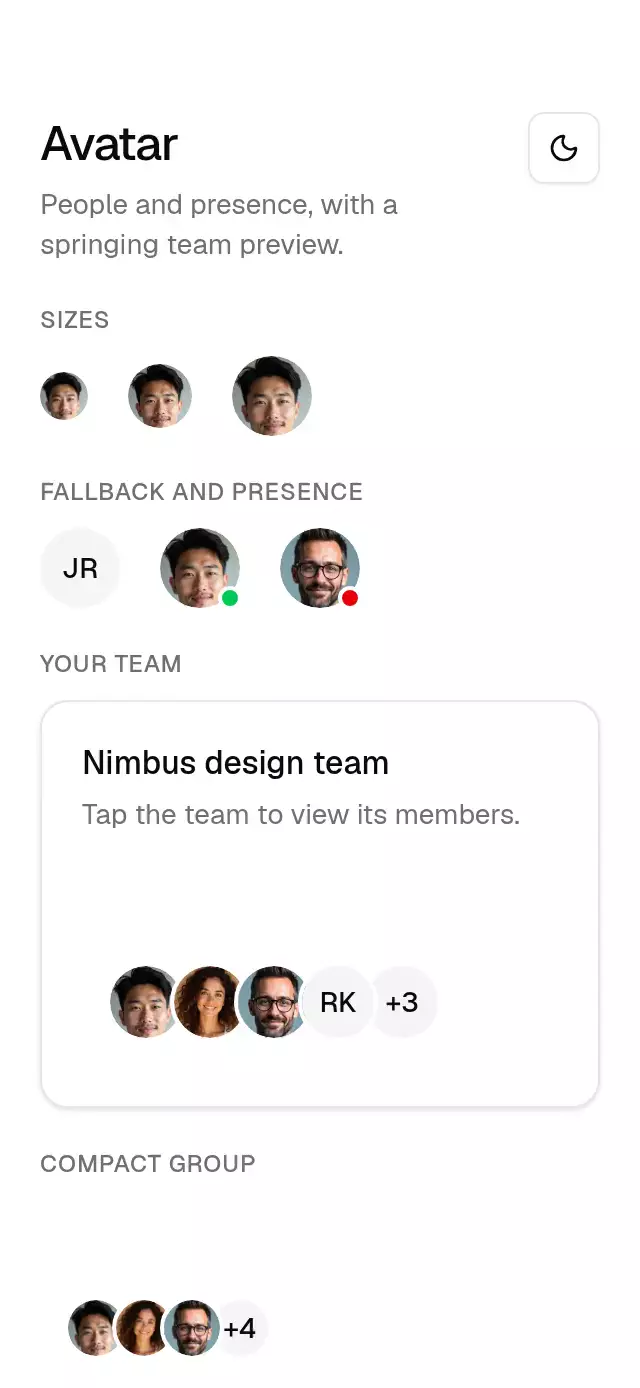
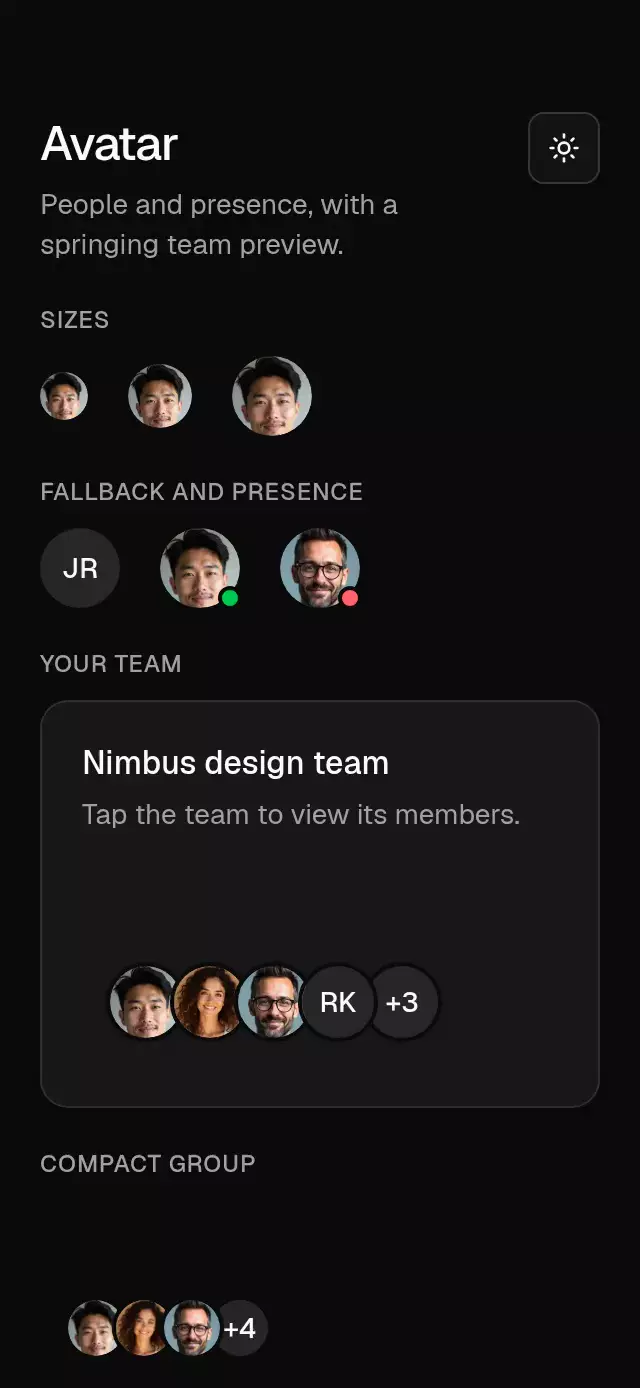
Start with a screen.
Connected layouts for the tasks every app needs. Explore the published screen blocks or use the example app brief to build your own.
Prefer the terminal?
Add one component and its family dependencies. No account required.
npx nativeanimation add base-buttonOr download the source from a published component’s page and follow its README.
Go further.
Base covers the everyday. Choose a more expressive interaction when your app calls for it.
OTP Code Input ↗
A passcode field with animated slots and validation feedback, with configurable code length, slot size, accent color, and font.
Premium animation · $9Swipe to Delete Row ↗
A swipe-action row with expanding actions and collapse dismissal, with configurable row content, action labels, delete color, and font.
Premium animation · $9Snap Sheet Backdrop ↗
A map-linked bottom sheet with three snap points and a receding backdrop, with configurable locations, photos, accent colors, and fonts.
A few things to know.
What is Native Animation Base?
A family of animated React Native components inside Native Animation. Your agent can compose everyday screens using a shared theme, documented props, and editable source.
Is Base free forever?
Yes. Base components and the Base theme are free forever under the MIT license. No account, email, or card is required. Other Native Animation pieces have their own prices and licenses.
What can I do with the source?
Use it in personal and commercial apps, change it, and redistribute it under MIT. Keep the included copyright notices and license with your copies.
Do I need an agent?
No. The CLI and manual source downloads are available too. An MCP connection simply lets your coding agent find components, read their real APIs, and compose a consistent app.
Does Base include a styling engine?
Base uses React Native StyleSheet and a local, shared theme. Customize semantic colors, fonts, and component props in your own project.
Which Expo SDK does it support?
Use the compatibility table on each published component. The CLI selects a release for your project’s SDK and installs missing packages with Expo. Each published piece is reviewed on physical iPhone and Android devices with Expo Go before release.
Choosing between a UI kit and editable source? Compare installation formats.
A FOUNDATION YOU CAN MAKE YOUR OWN