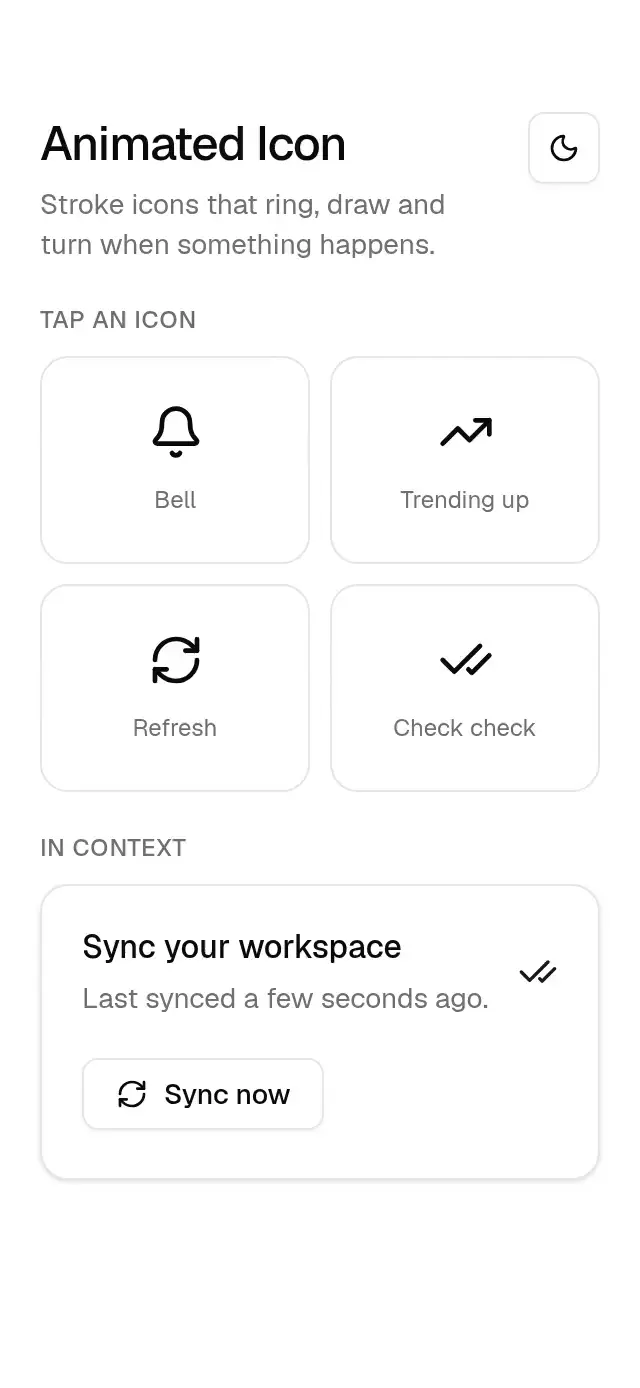
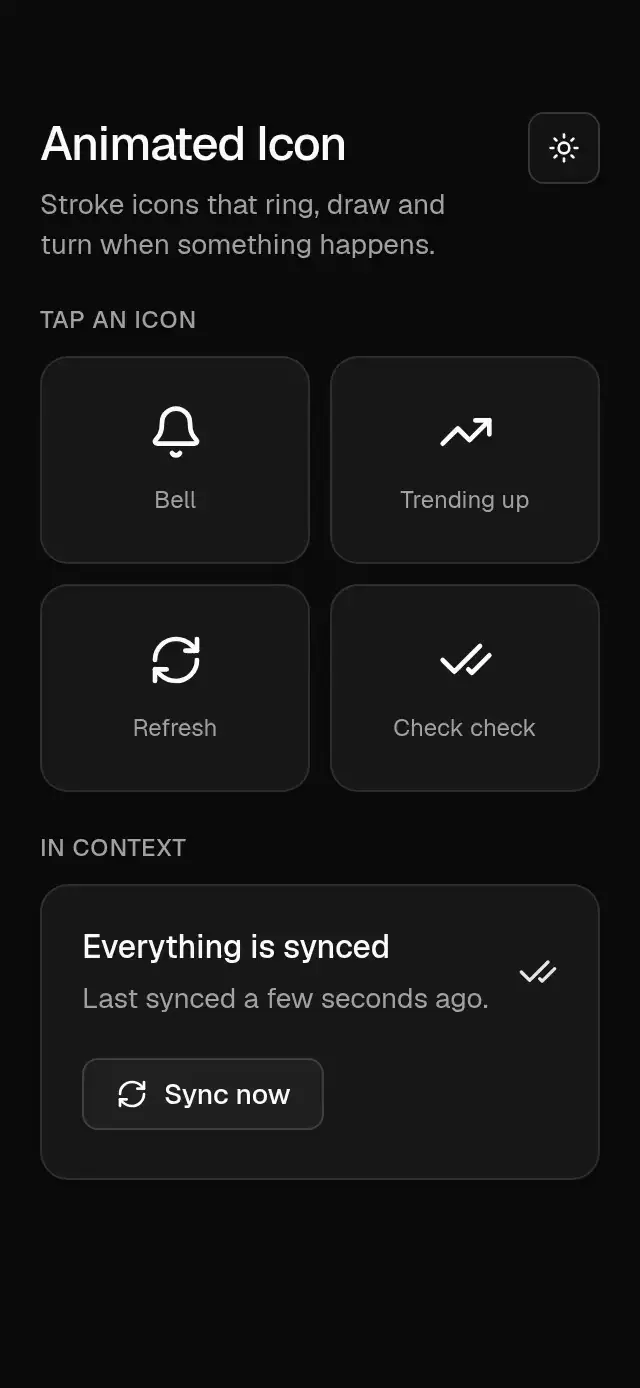
About this component
Animated stroke icons that ring, draw, and turn, with configurable icon, size, color, and stroke width.
How it works
- Each icon is drawn with
react-native-svgfrom Lucide's paths. - Changing
triggerplays its motion once: the bell swings (0 → 20° → −10° … in 900 ms) while its clapper sways, the trend line draws itself and its arrow pops in, the refresh arrow turns 45° and back on a spring, the double check draws its two strokes in turn. - Stroke drawing animates
strokeDashoffsetwith precomputed path lengths. - Size, color and stroke width match Lucide's API so it sits next to regular
lucide-react-nativeicons.
Install
npx nativeanimation add base-animated-iconThe CLI also copies base-theme. Dependencies, if you copy by hand:
npx expo install react-native-reanimated react-native-worklets react-native-svgUsage
import { BaseAnimatedIcon } from './base-animated-icon';

const [ring, setRing] = useState(0);
<Pressable onPress={() => setRing((n) => n + 1)} accessibilityLabel="Notifications">
  <BaseAnimatedIcon name="bell" trigger={ring} size={20} />
</Pressable>
Inside a button, playing on each sync:
<BaseButton variant="outline" onPress={sync} leading={<BaseAnimatedIcon name="refresh-cw" size={16} trigger={syncs} />}>
  Sync now
</BaseButton>
Wrap your app in BaseThemeProvider (from base-theme) to choose light/dark and an accent; without it, pieces use the light neutral theme. Every piece also takes a theme prop that wins over the provider.
Props
| Prop | Type | Default | Description |
|---|---|---|---|
name | 'bell' | 'trending-up' | 'refresh-cw' | 'check-check' | — | Which icon. |
trigger | number | 0 | Change it to play the motion once. |
animateOnMount | boolean | false | Plays once when it appears. |
size | number | 20 | Width and height. |
color | string | foreground | Stroke color. |
strokeWidth | number | 2 | Stroke width on Lucide's 24 grid. |
accessibilityLabel | string | — | Set it when the icon carries meaning on its own. |
theme | BaseTheme | provider | Overrides the theme from BaseThemeProvider. |
testID | string | — | Test identifier on the root view. |
Compatibility
Expo SDK 58 · React Native 0.88 · Reanimated 4.7 · react-native-worklets 0.13. Runs on iOS, Android and web, in Expo Go
and in development builds. Part of Native Animation Base, a free family that shares one theme: install
base-theme once (the CLI does it for you) and every Base piece picks it up.
Accessibility
Decorative by default (hidden from screen readers unless you pass accessibilityLabel). With Reduce Motion on, the icon stays still.
Part of a shared foundation
Use it in a screen
Compose Base Animated Icon with other Base components and a single shared theme. Ask your agent to read each API, then connect real navigation, state, and callbacks.
Go further.
Base covers the everyday. Choose a more expressive interaction when your app calls for it.
Stacked Category Cards ↗
A category stack whose tabs unfold into detail cards, with configurable categories, title, colors, and fonts.
Another way to solve this task · $9Review Approval Card ↗
A moderation queue with swipe-to-approve or decline feedback, with configurable reviews, labels, colors, and fonts.
Source code
Loading public source…