Skip to content
Native Animation

The Base collection

Free React Native
components.

Find the right piece for the task. One shared theme, purposeful motion, and editable source. Free forever. MIT.

01 / Find your interaction02 / Try it in motion03 / Make it your own
components

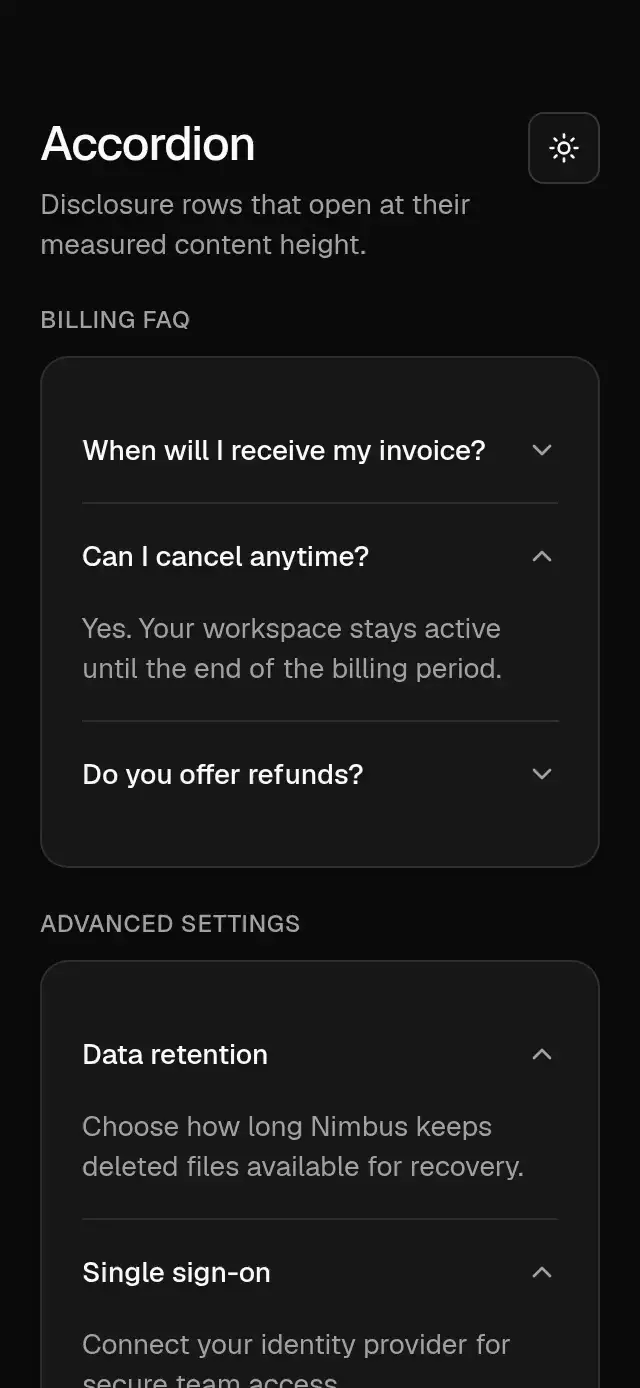
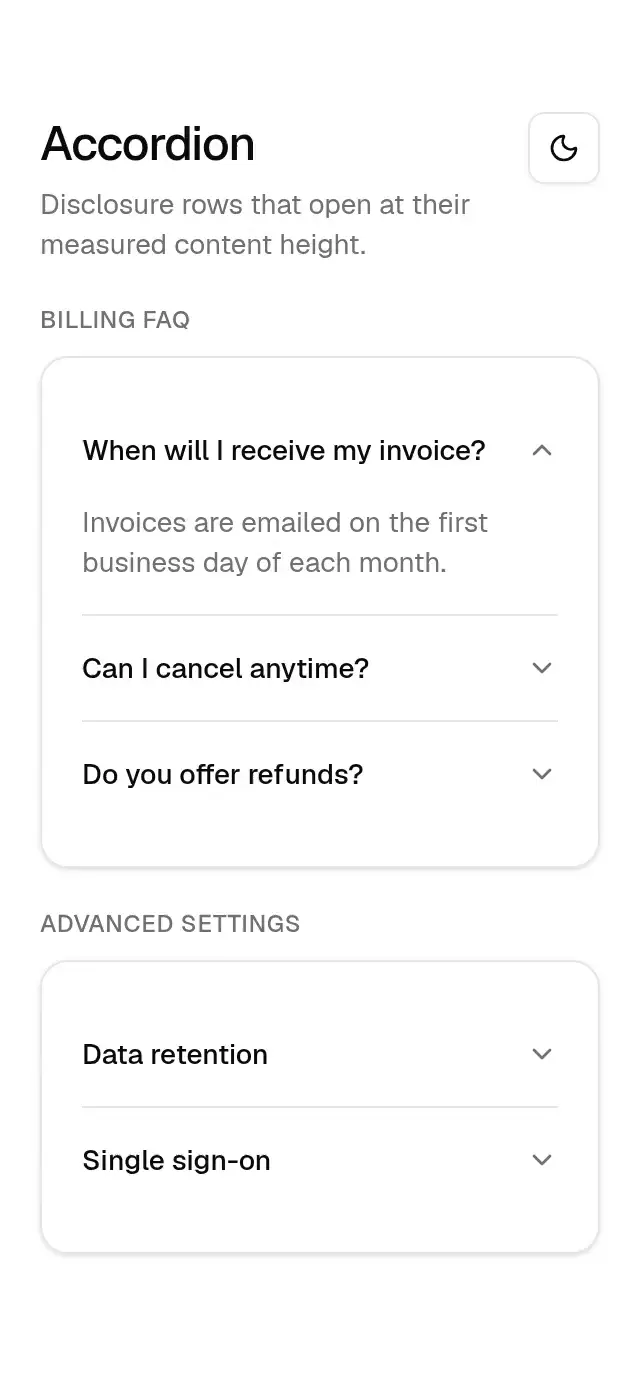
Base Accordion previewBase Accordion preview
Actions & inputs · MIT

Base Accordion

Measured disclosure rows that open smoothly without guessing their content height.

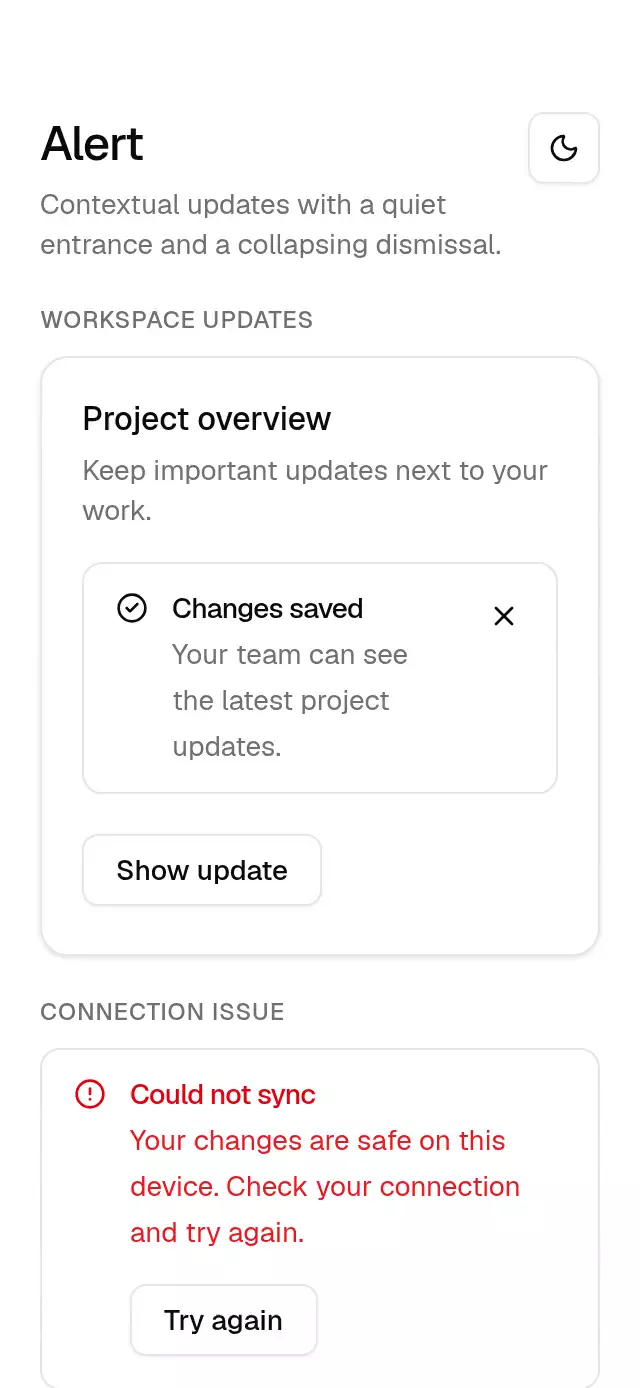
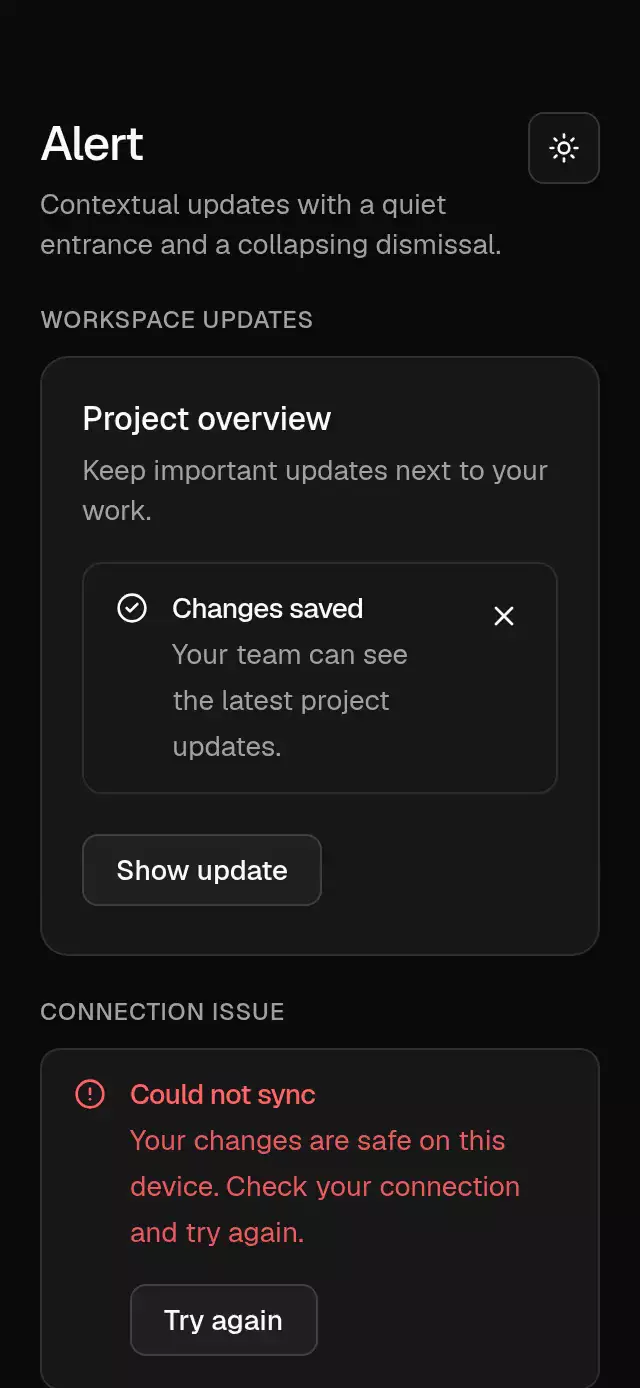
Base Alert previewBase Alert preview
Feedback · MIT

Base Alert

An inline alert with an animated entrance and collapsing dismissal, configurable tone, icon, title, description, action, and theme.

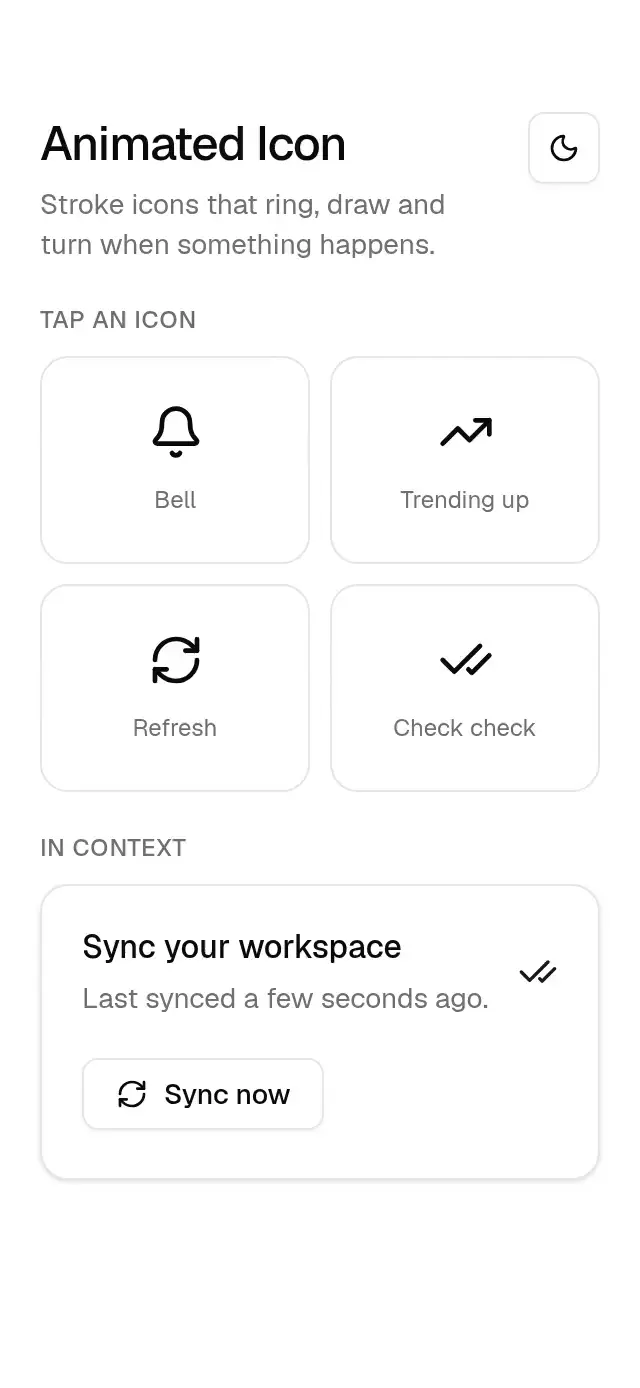
Base Animated Icon previewBase Animated Icon preview
Text & motion · MIT

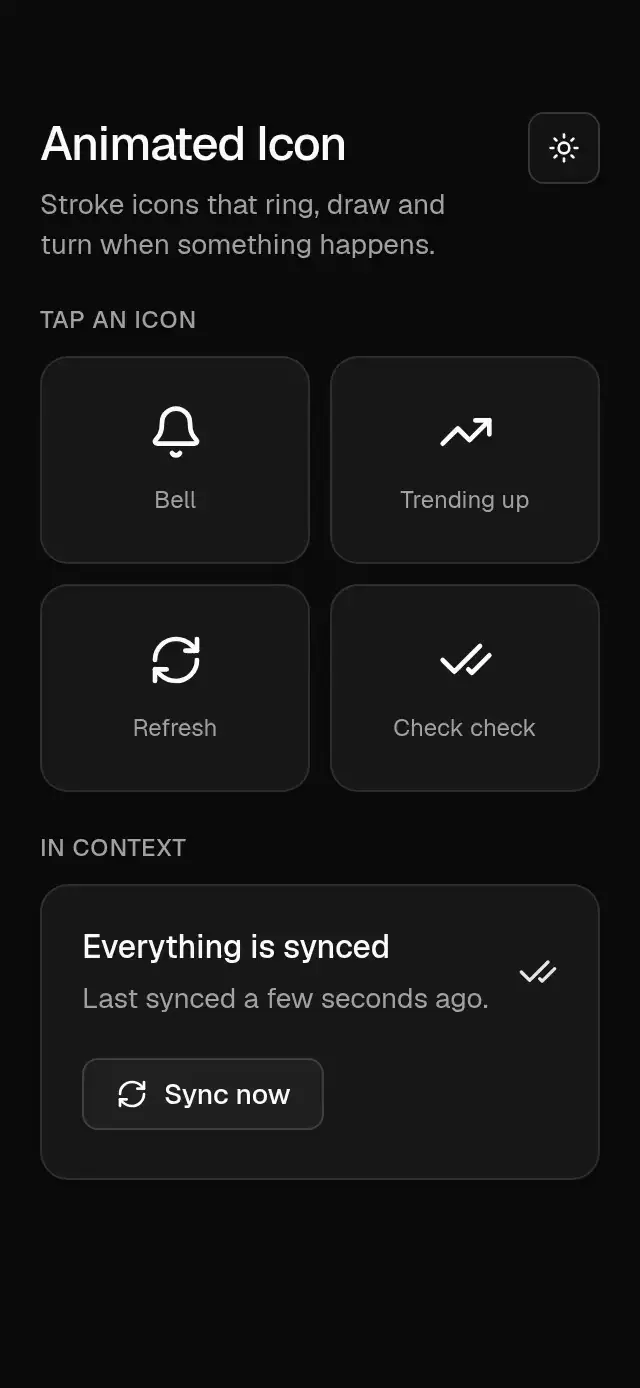
Base Animated Icon

Animated stroke icons that ring, draw, and turn, with configurable icon, size, color, and stroke width.

Base Avatar previewBase Avatar preview
Actions & inputs · MIT

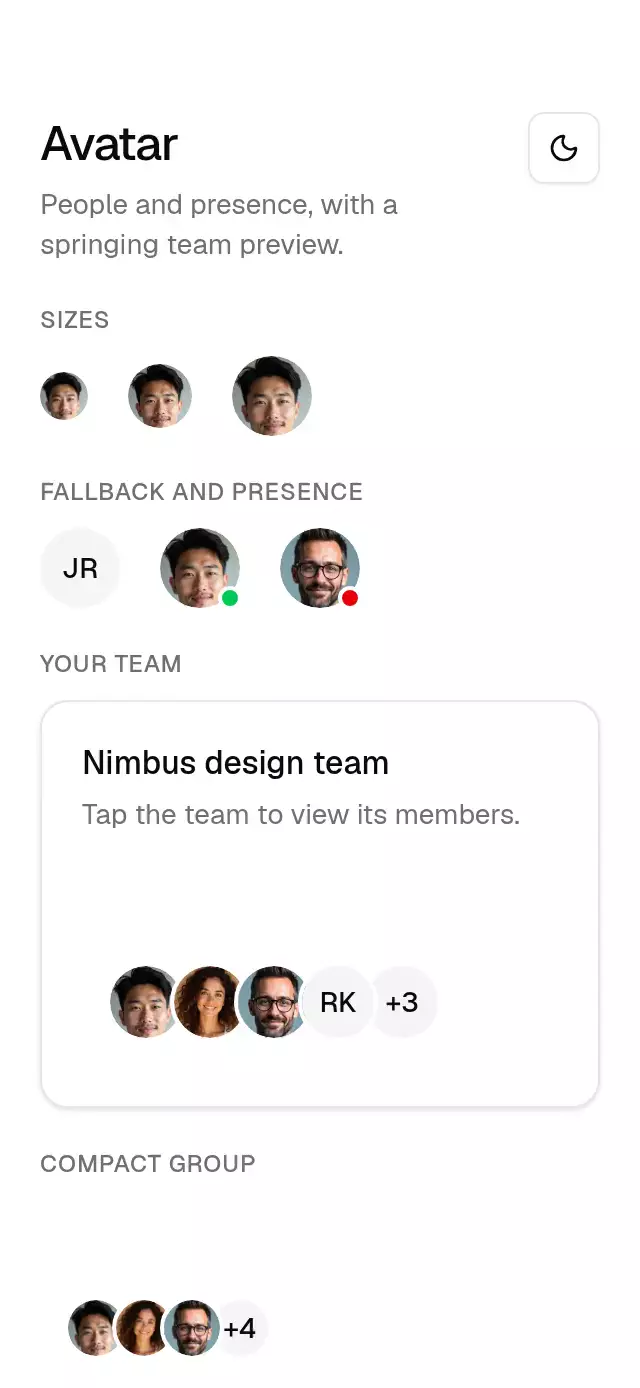
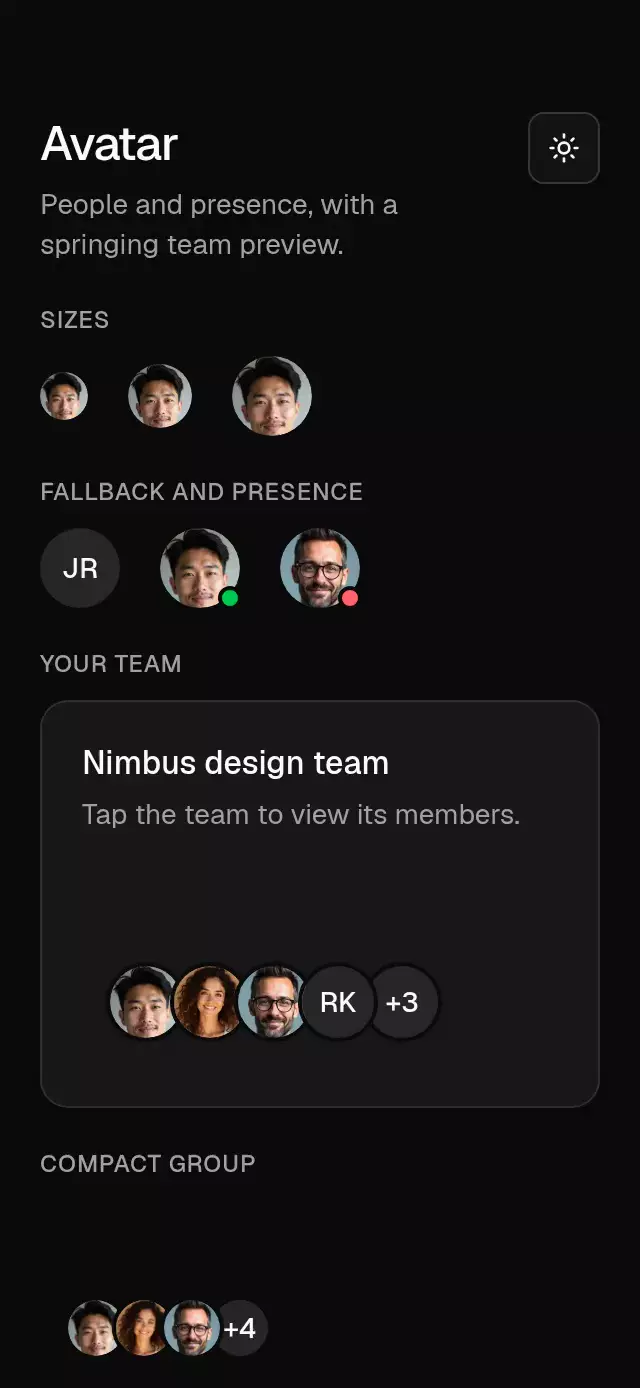
Base Avatar

An avatar and overlapping group with press feedback and configurable images, initials, size, and theme.

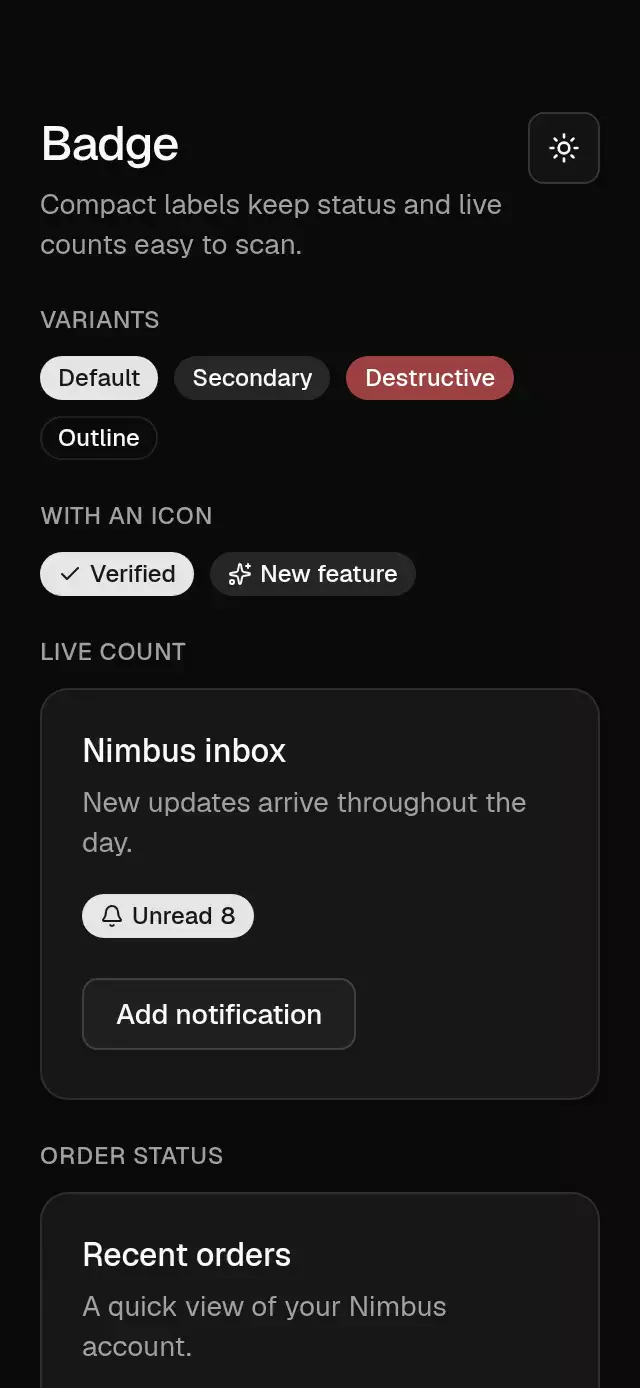
Base Badge previewBase Badge preview
Feedback · MIT

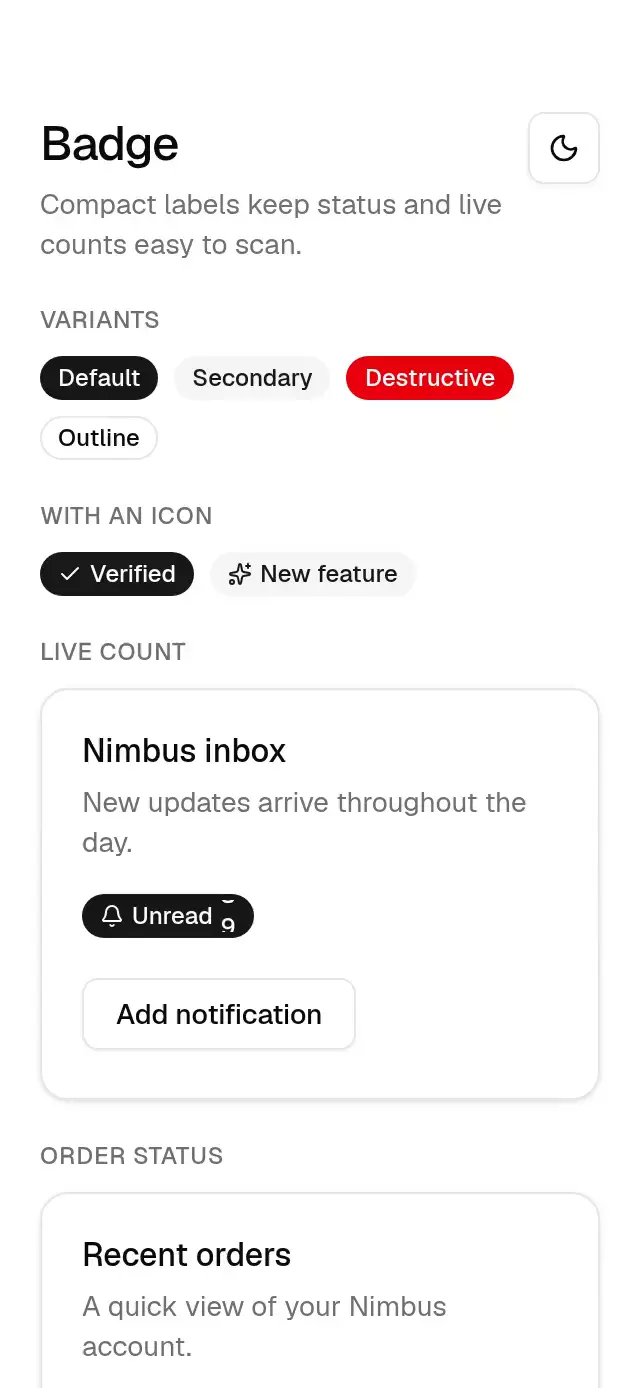
Base Badge

A status badge with a sliding count and configurable content, leading icon, count, and theme.

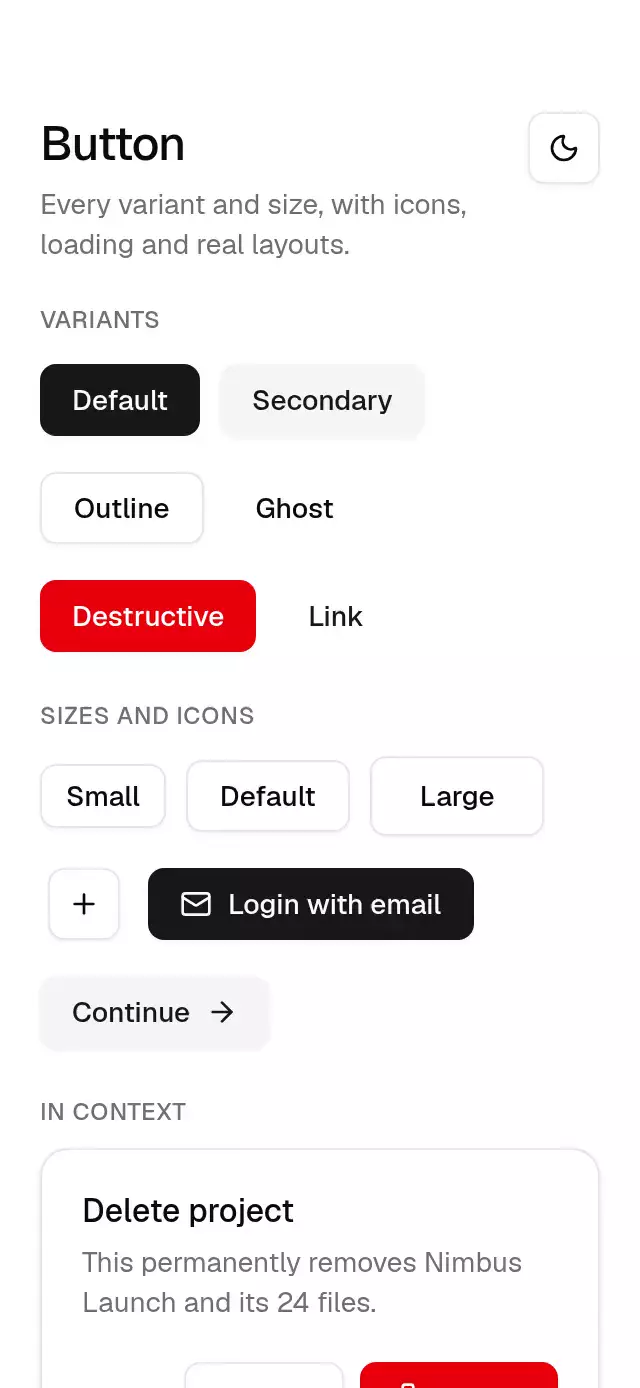
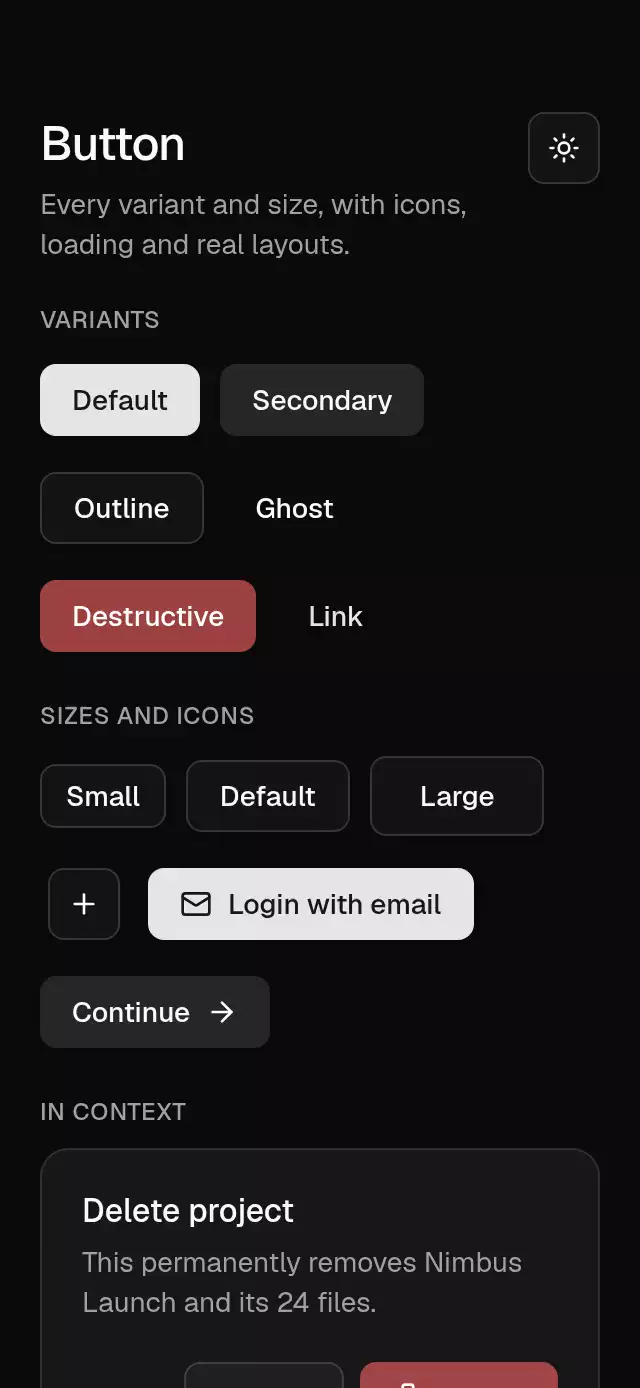
Base Button previewBase Button preview
Actions & inputs · MIT

Base Button

A button with spring-driven press feedback and configurable content, size, variant, and theme.

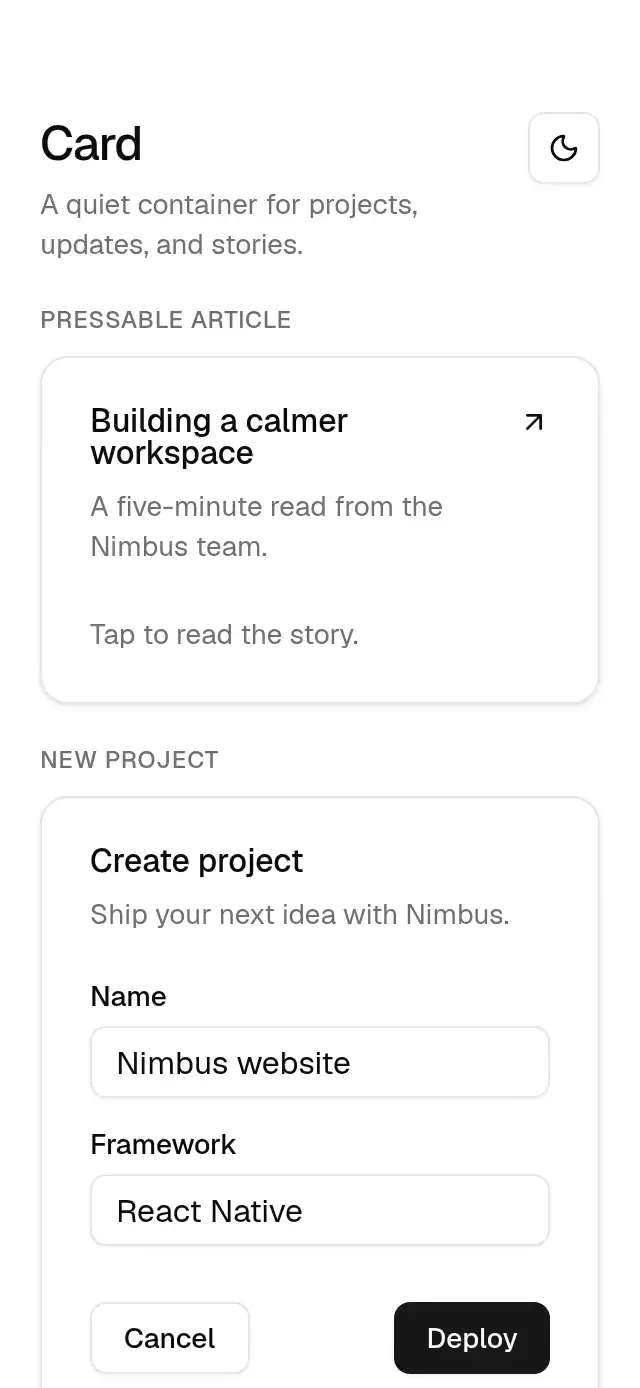
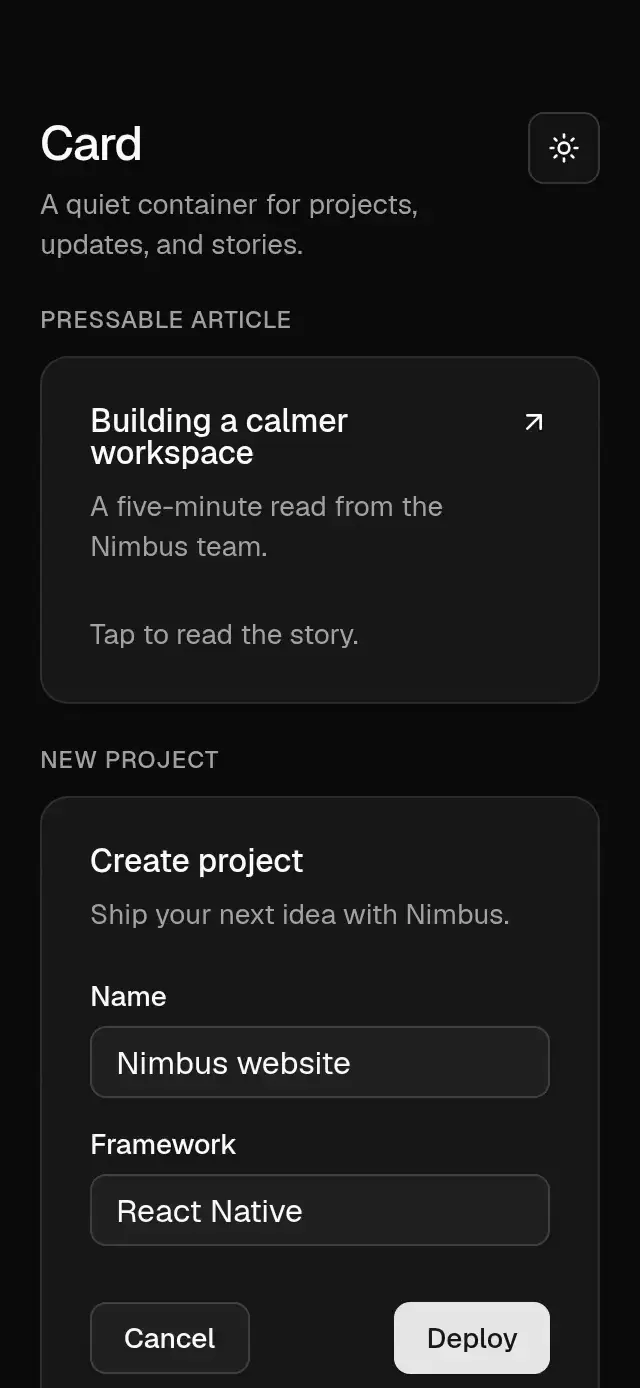
Base Card previewBase Card preview
Actions & inputs · MIT

Base Card

A composable card with optional press feedback and configurable content and theme.

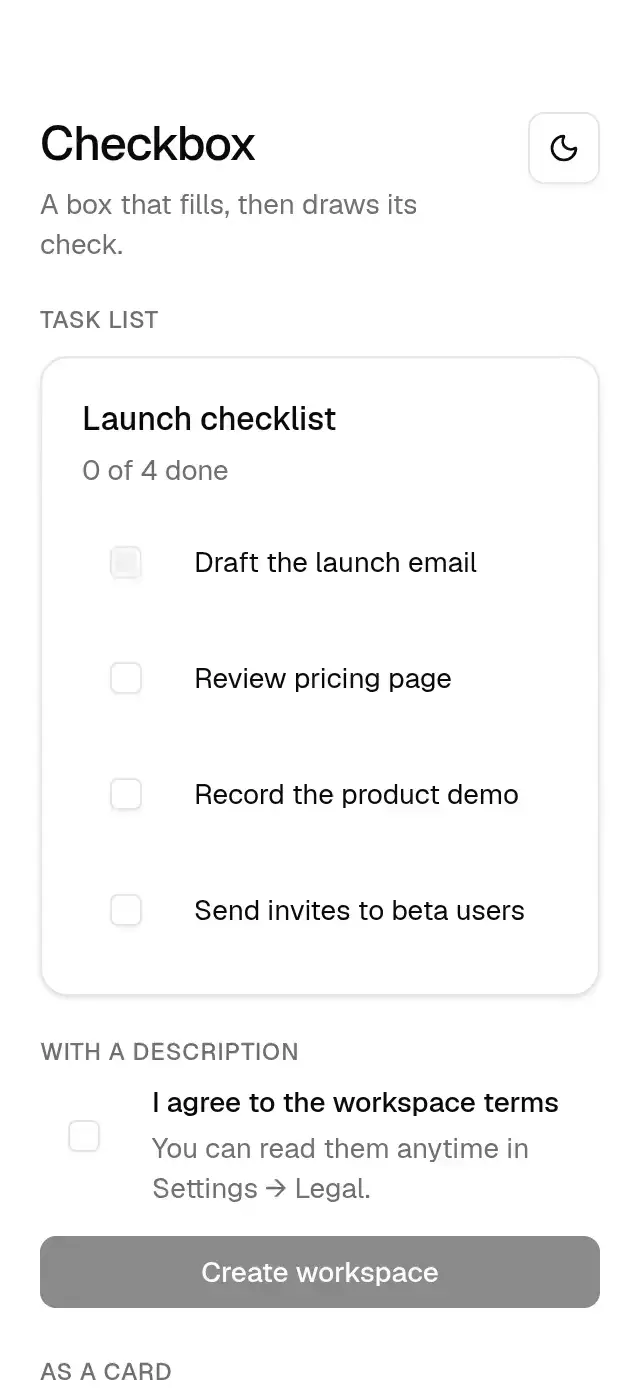
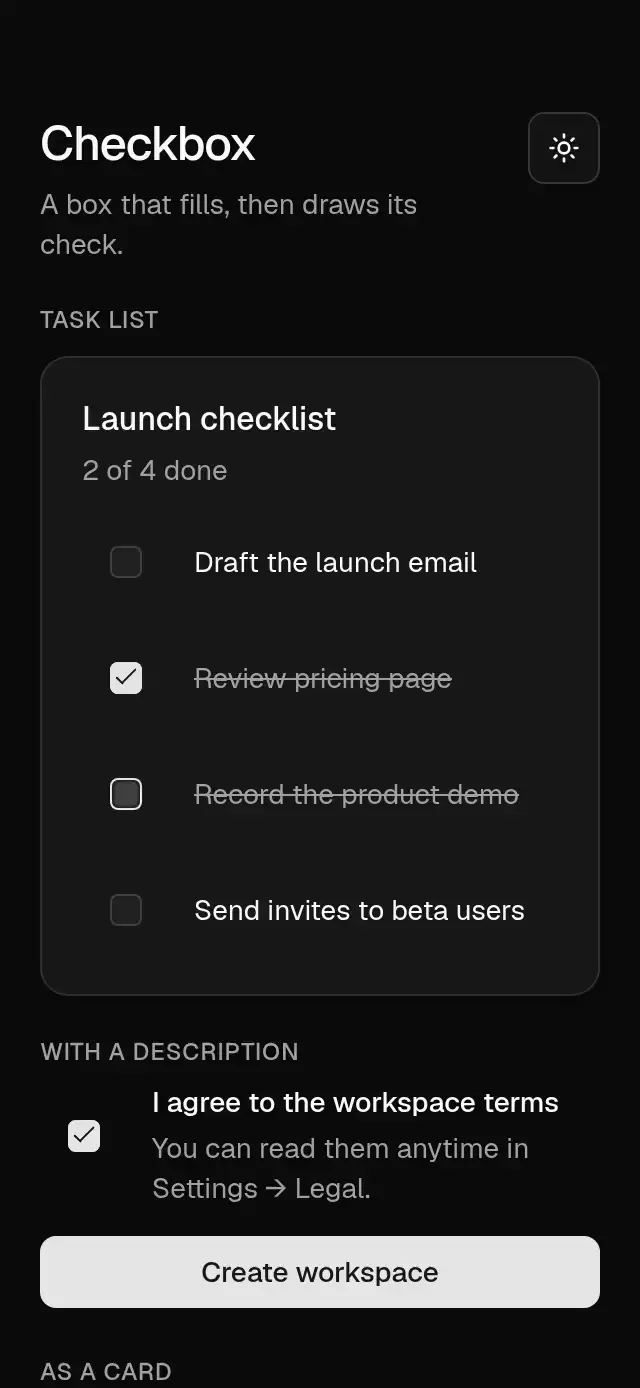
Base Checkbox previewBase Checkbox preview
Selection · MIT

Base Checkbox

A checkbox with an animated check stroke that takes its colors and radius from a configurable theme.

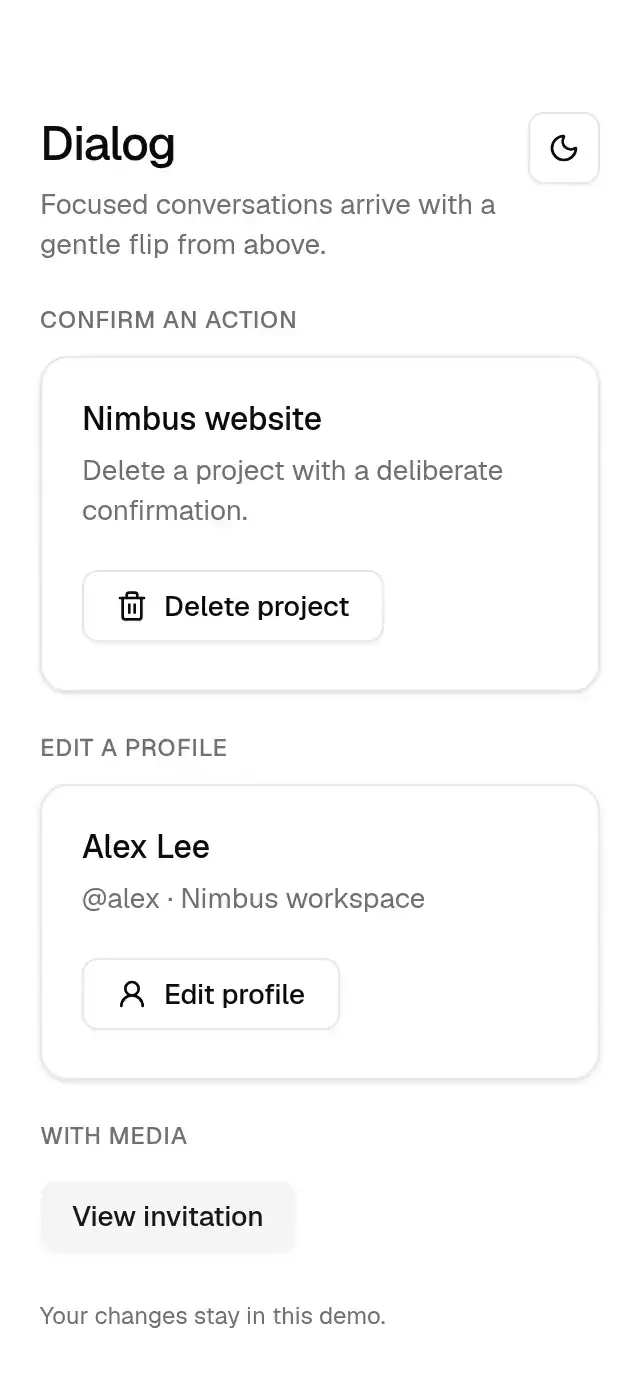
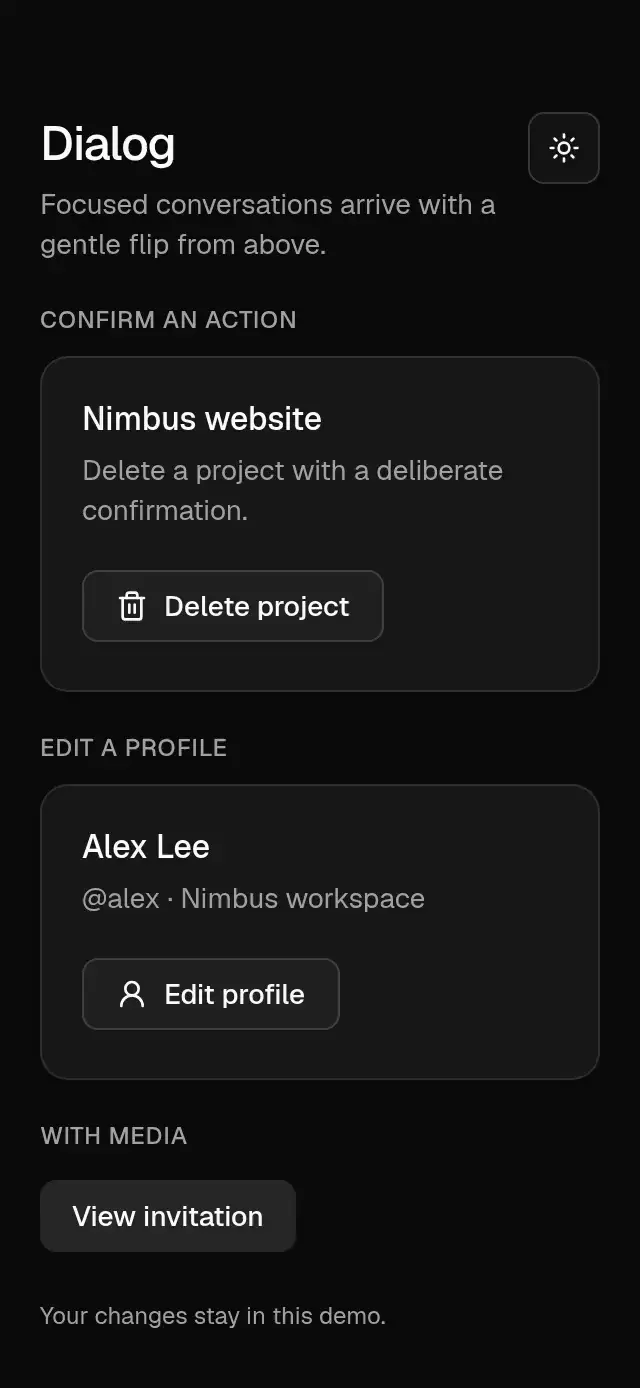
Base Dialog previewBase Dialog preview
Overlays · MIT

Base Dialog

A centered dialog with a spring-driven flip and configurable copy, content, footer, and theme.

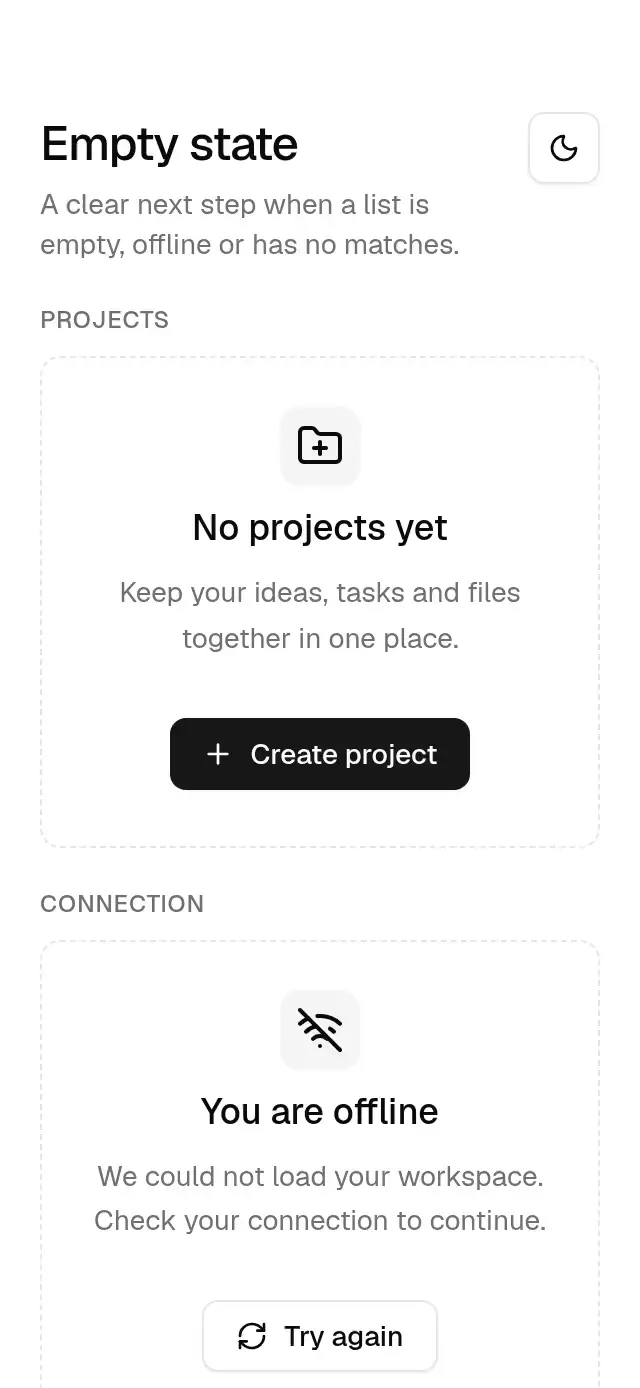
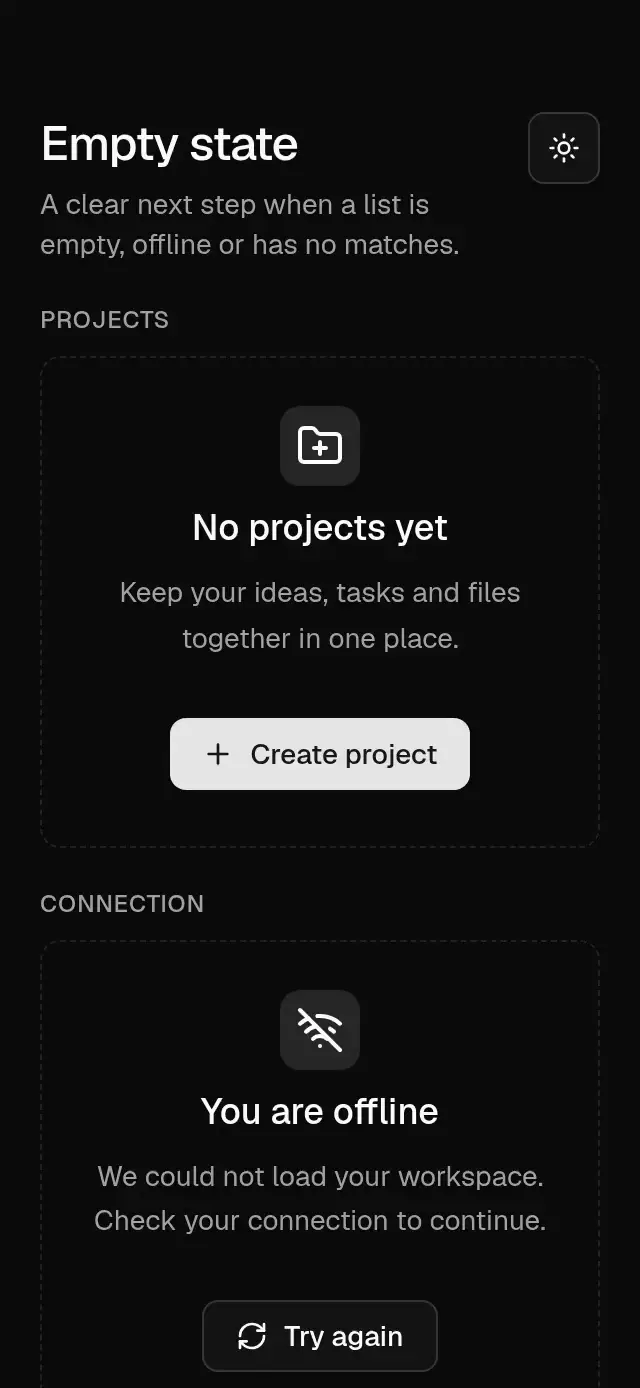
Base Empty State previewBase Empty State preview
Feedback · MIT

Base Empty State

A staggered empty state with configurable icon, title, description, actions, border, and theme.

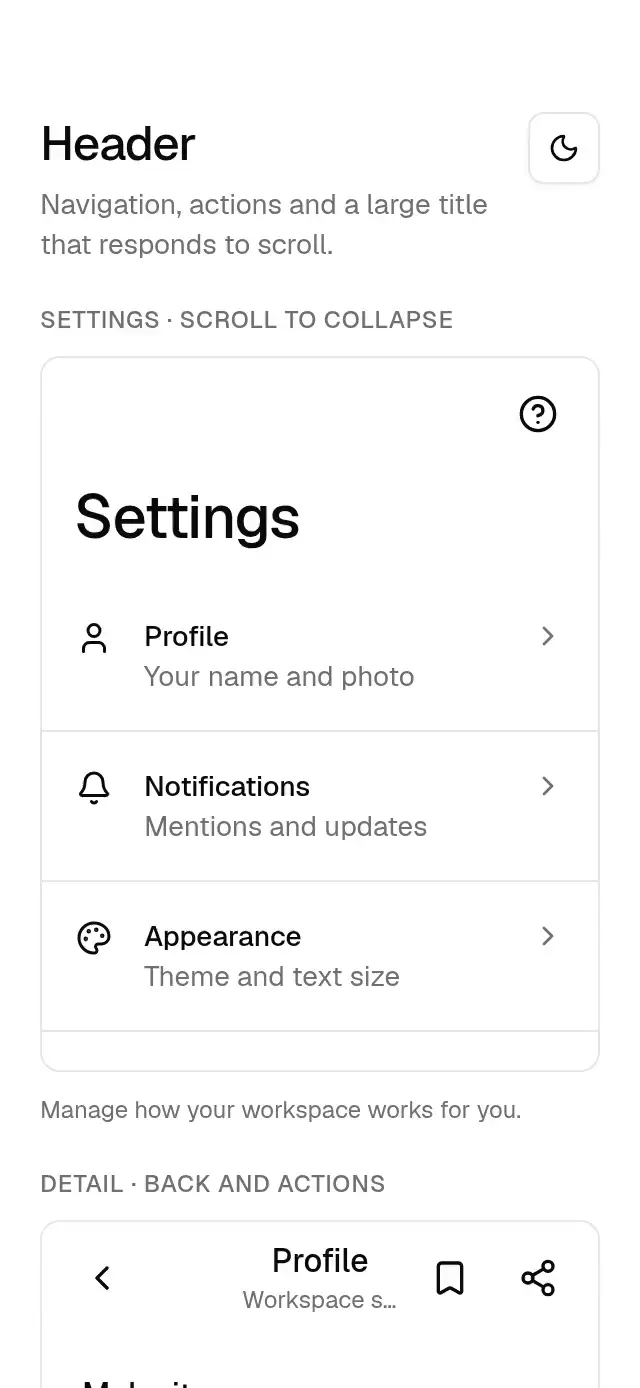
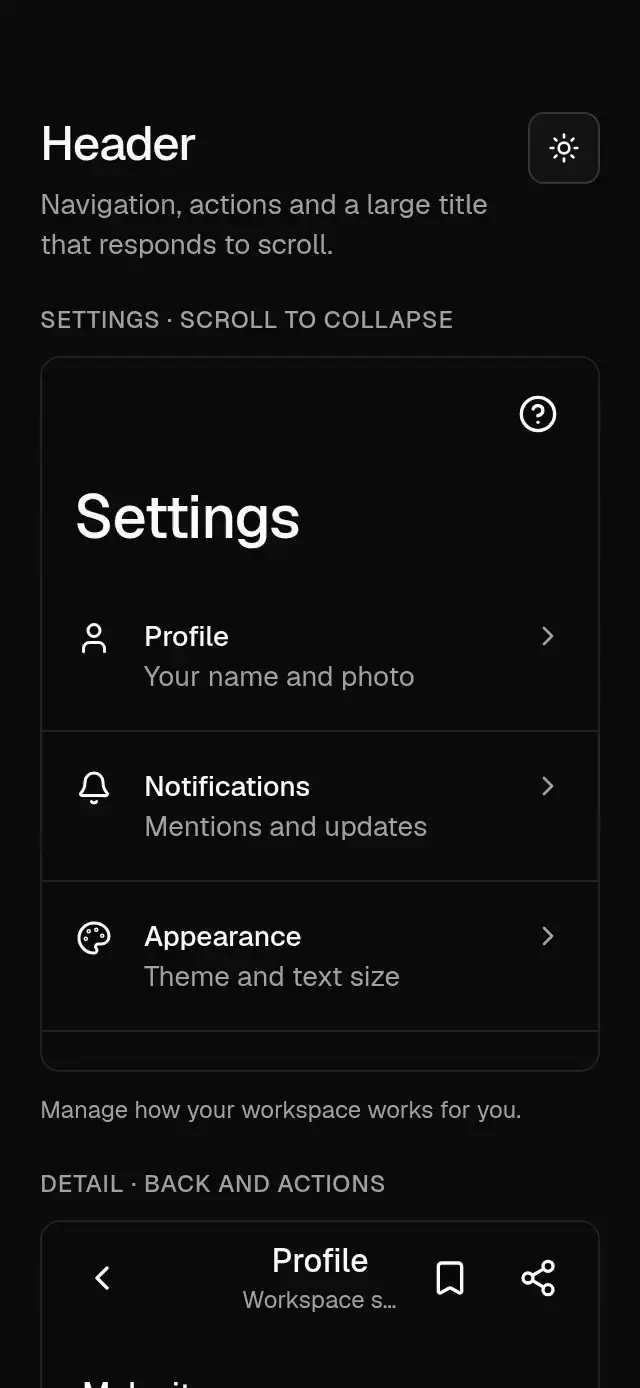
Base Header previewBase Header preview
Navigation · MIT

Base Header

A navigation header with configurable titles, back action, action slots, alignment, safe-area inset, theme, and scroll-driven title handoff.

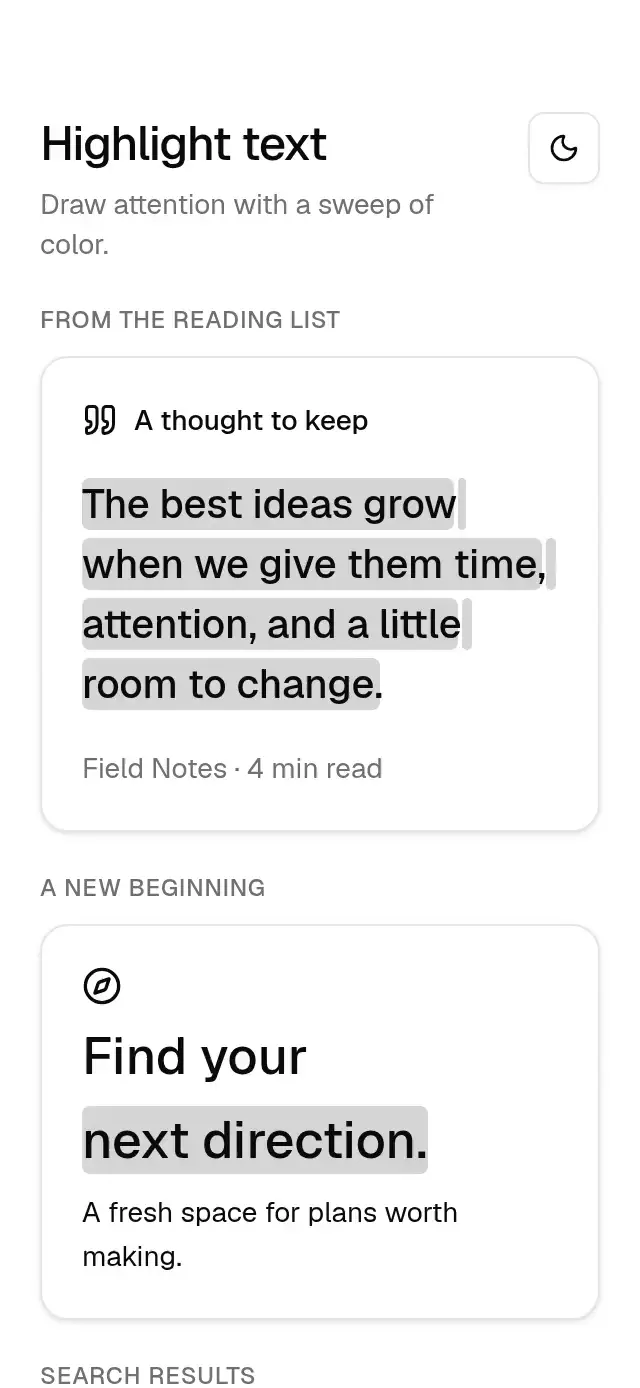
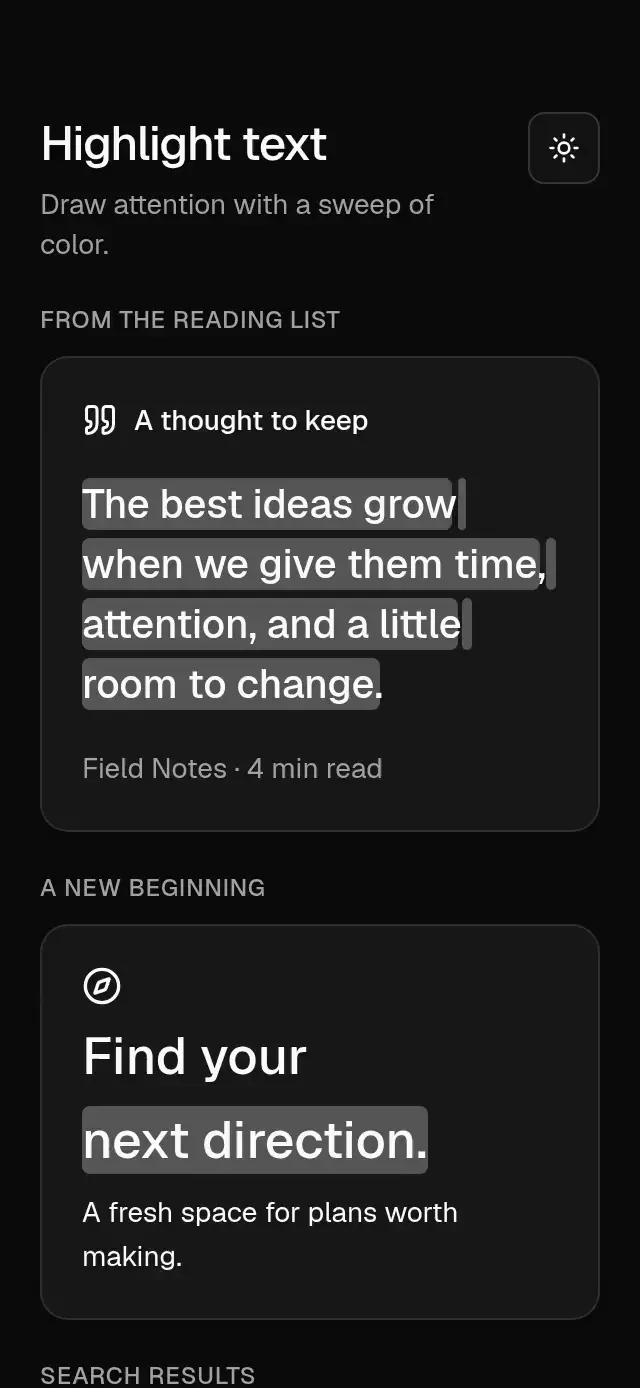
Base Highlight Text previewBase Highlight Text preview
Text & motion · MIT

Base Highlight Text

A left-to-right highlight sweep behind each wrapped text line, with configurable text, highlight color, duration, delay, trigger, typography, and theme.

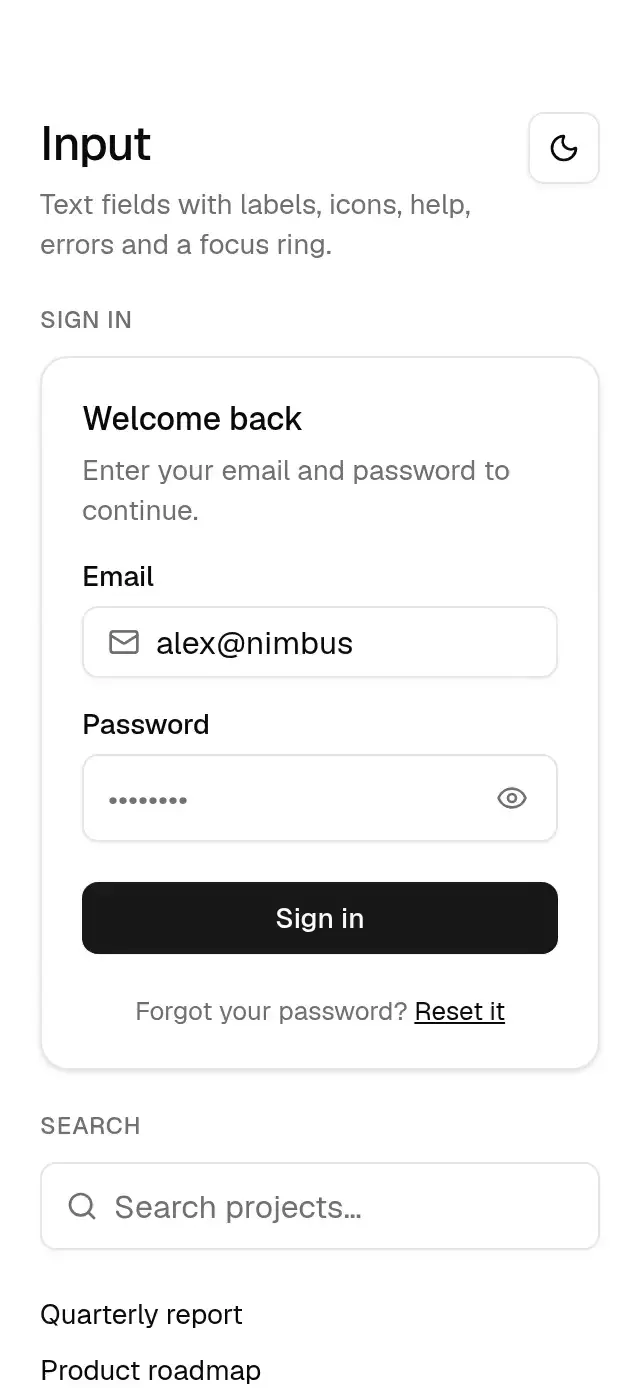
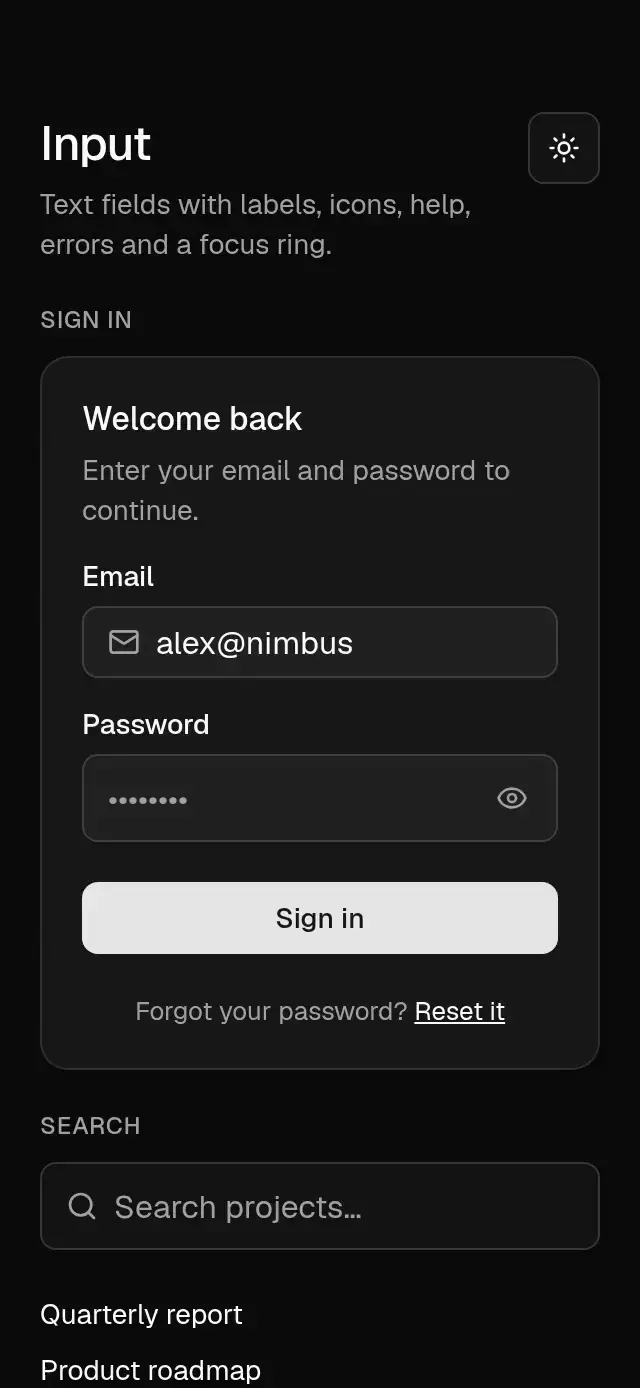
Base Input previewBase Input preview
Actions & inputs · MIT

Base Input

A text field with a fading focus ring, animated password reveal and clear controls, auto-growing multiline text, and configurable labels, icons, validation…

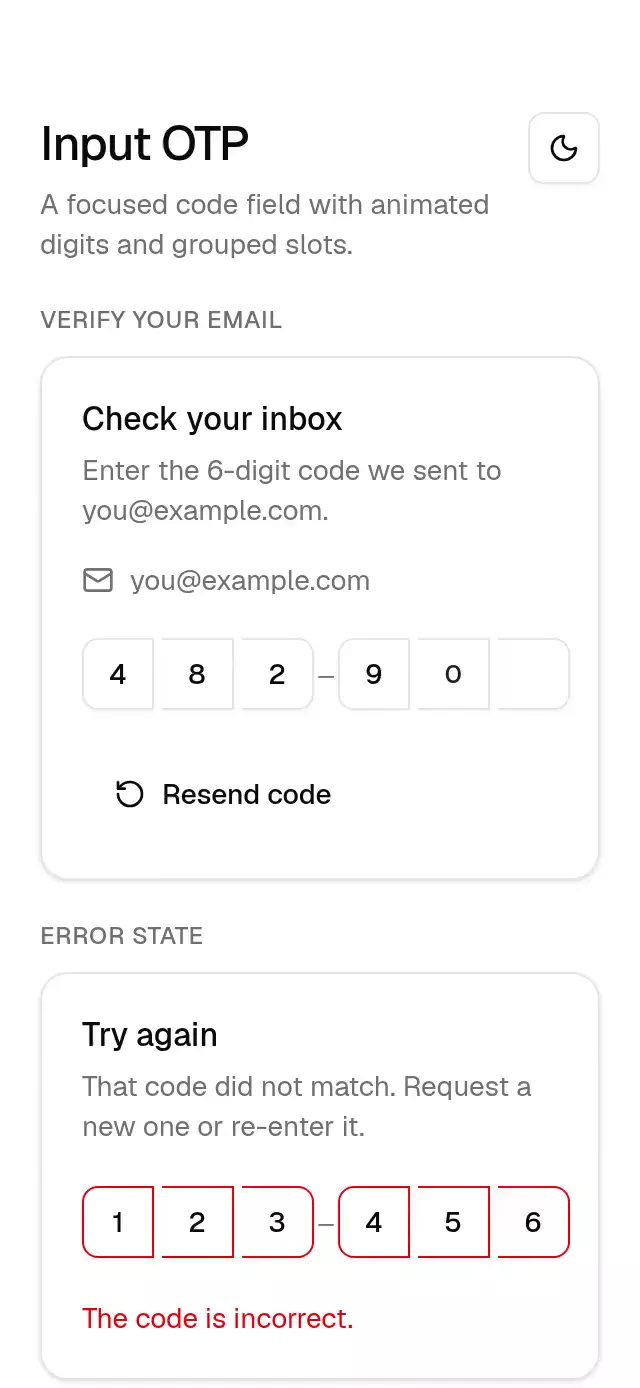
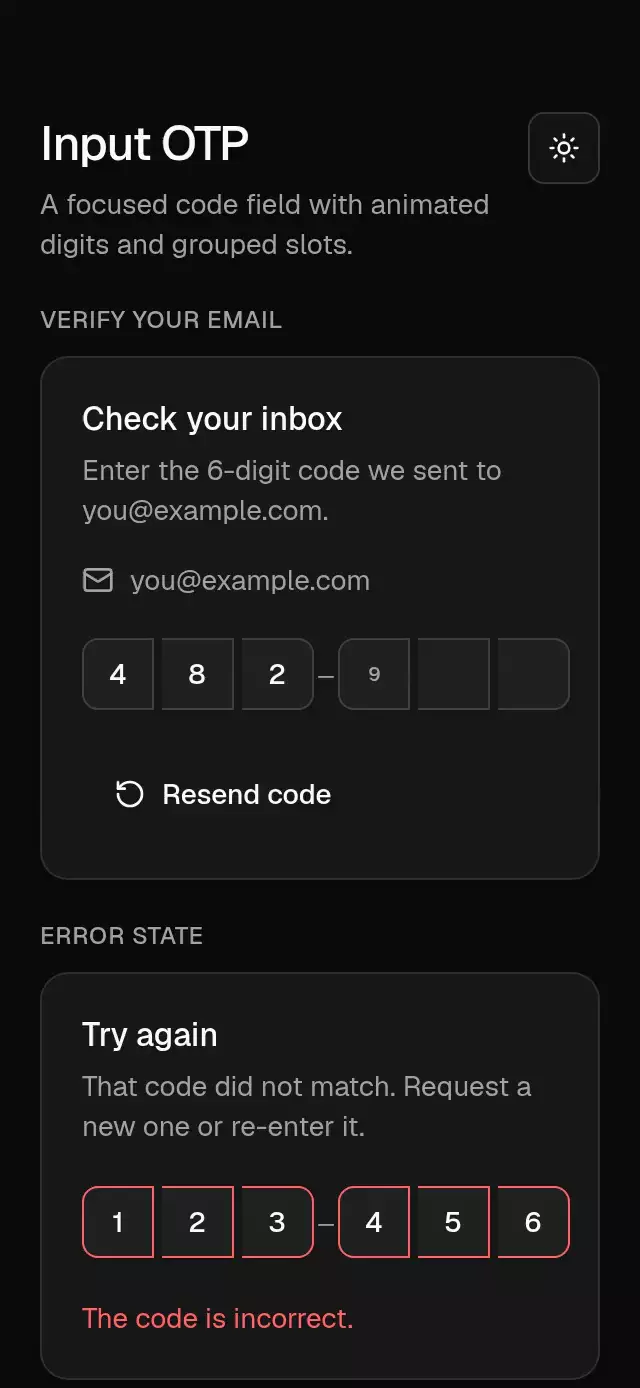
Base Input OTP previewBase Input OTP preview
Actions & inputs · MIT

Base Input OTP

A passcode field with a sliding focus ring and configurable code length, digit groups, and theme.

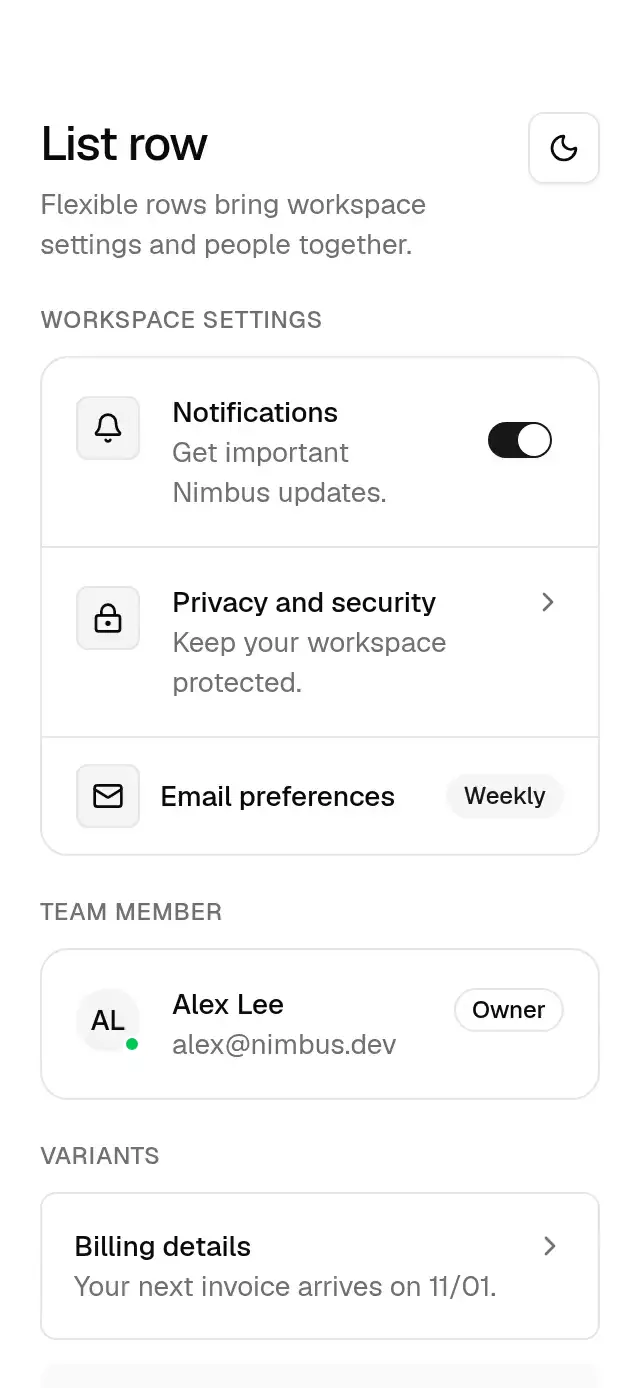
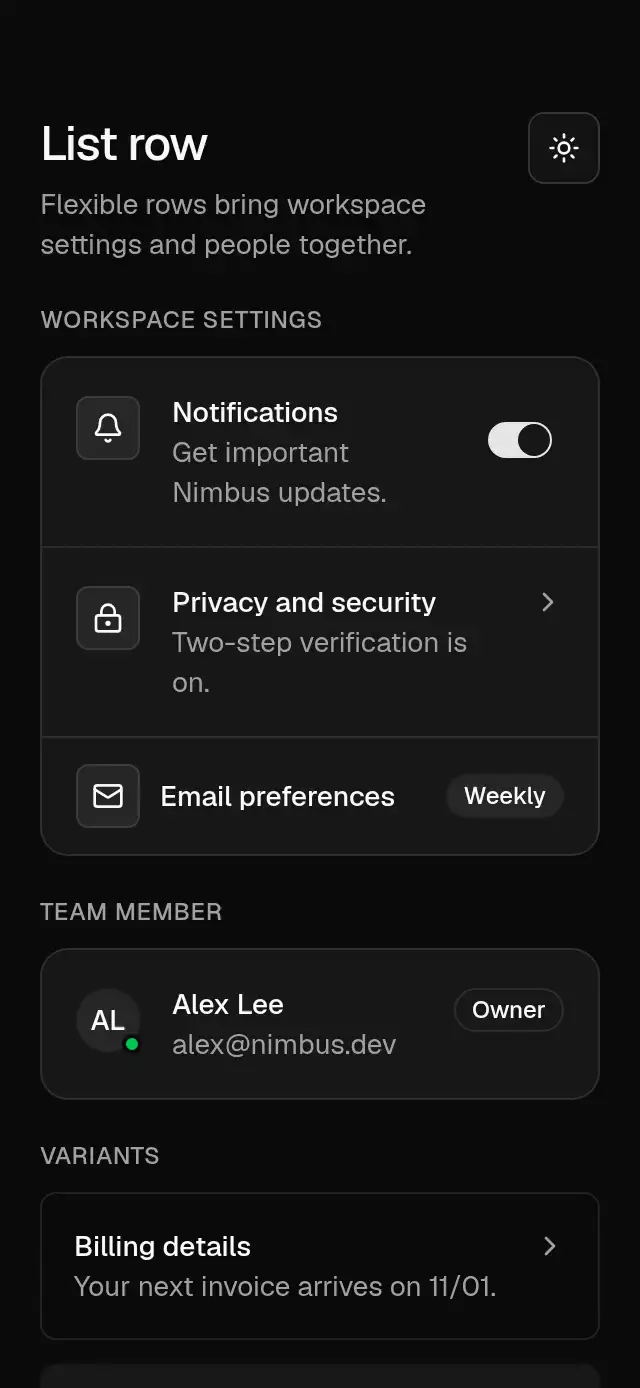
Base List Row previewBase List Row preview
Actions & inputs · MIT

Base List Row

A composable list row with press feedback and configurable copy, leading content, trailing content, and theme.

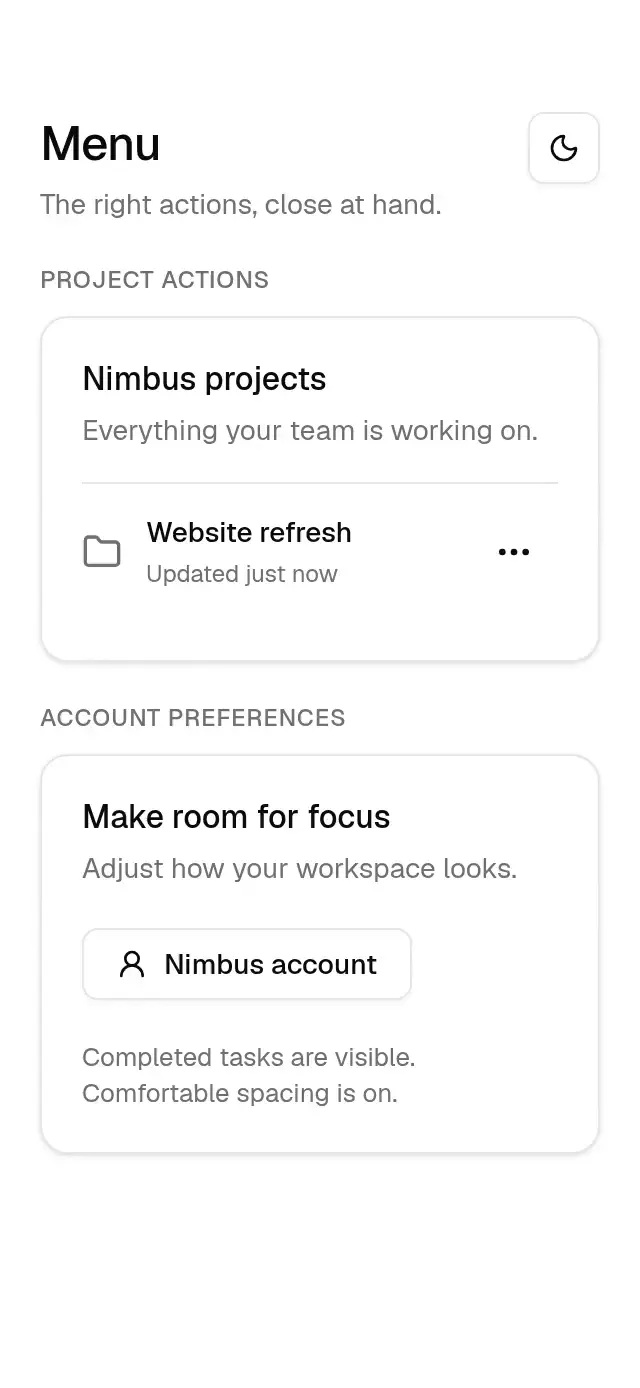
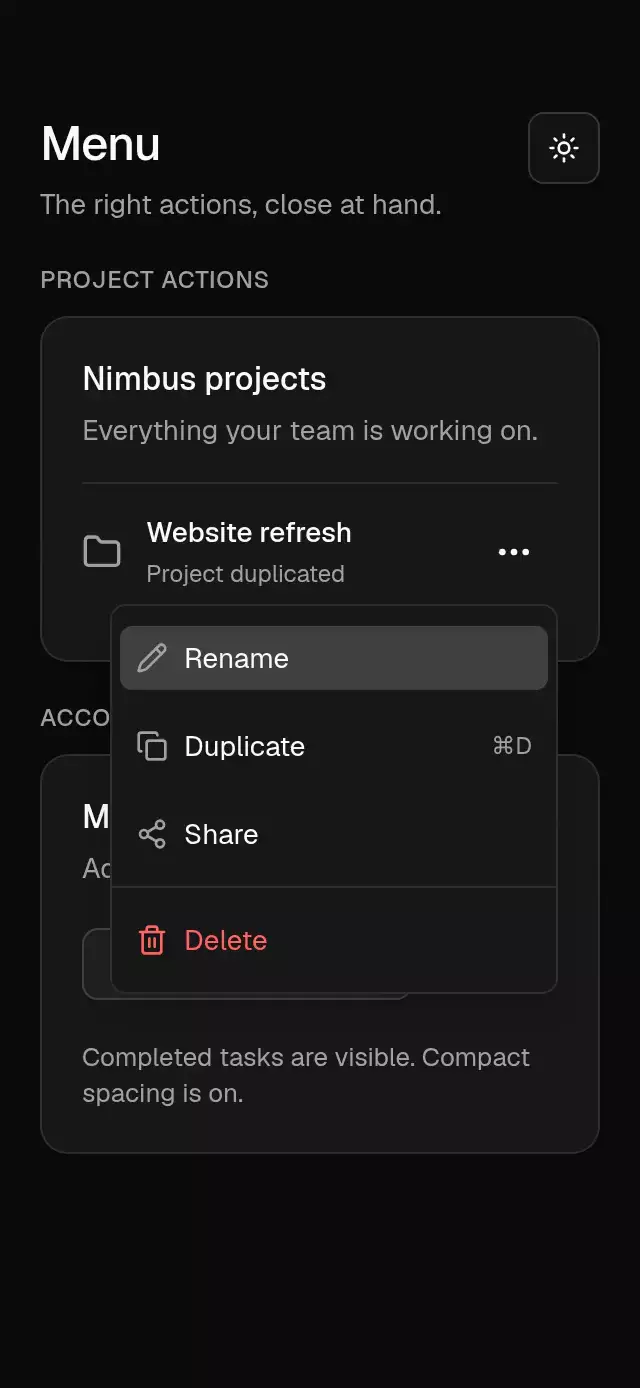
Base Menu previewBase Menu preview
Navigation · MIT

Base Menu

An anchored action menu with configurable items, trigger, alignment, and theme.

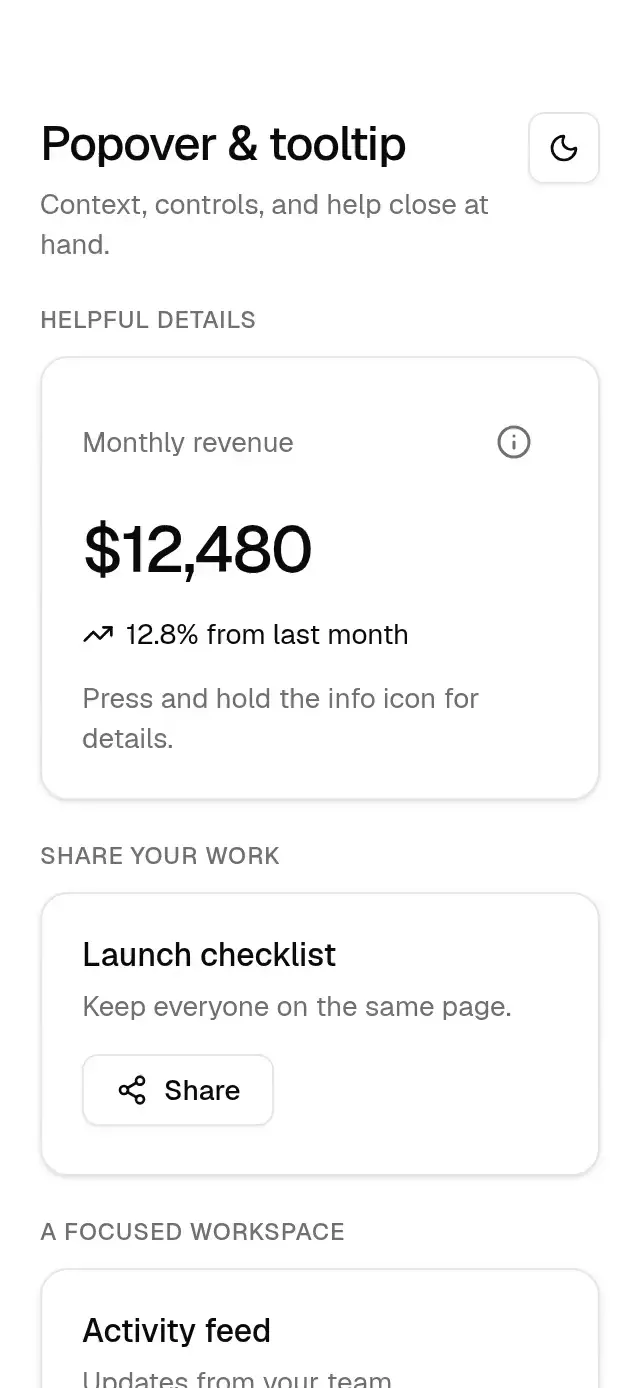
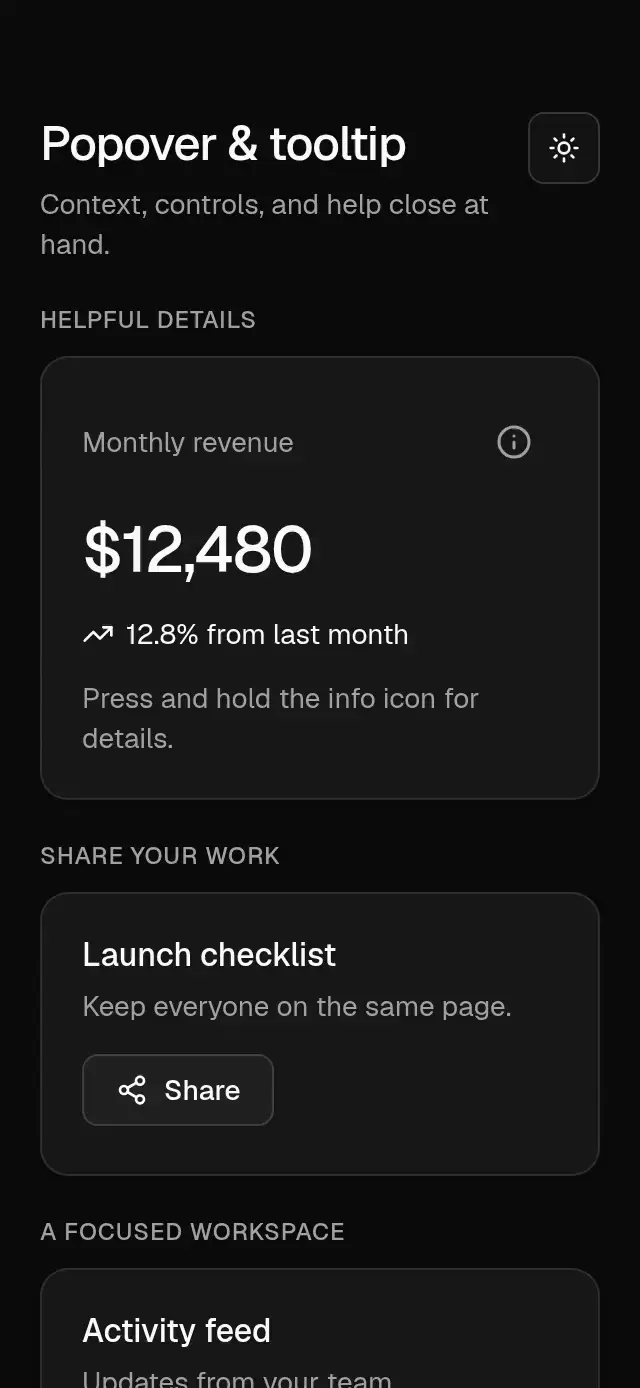
Base Popover previewBase Popover preview
Overlays · MIT

Base Popover

Anchored popovers and long-press tooltips with configurable content, trigger, placement, alignment, width, open state, labels, delay, and theme.

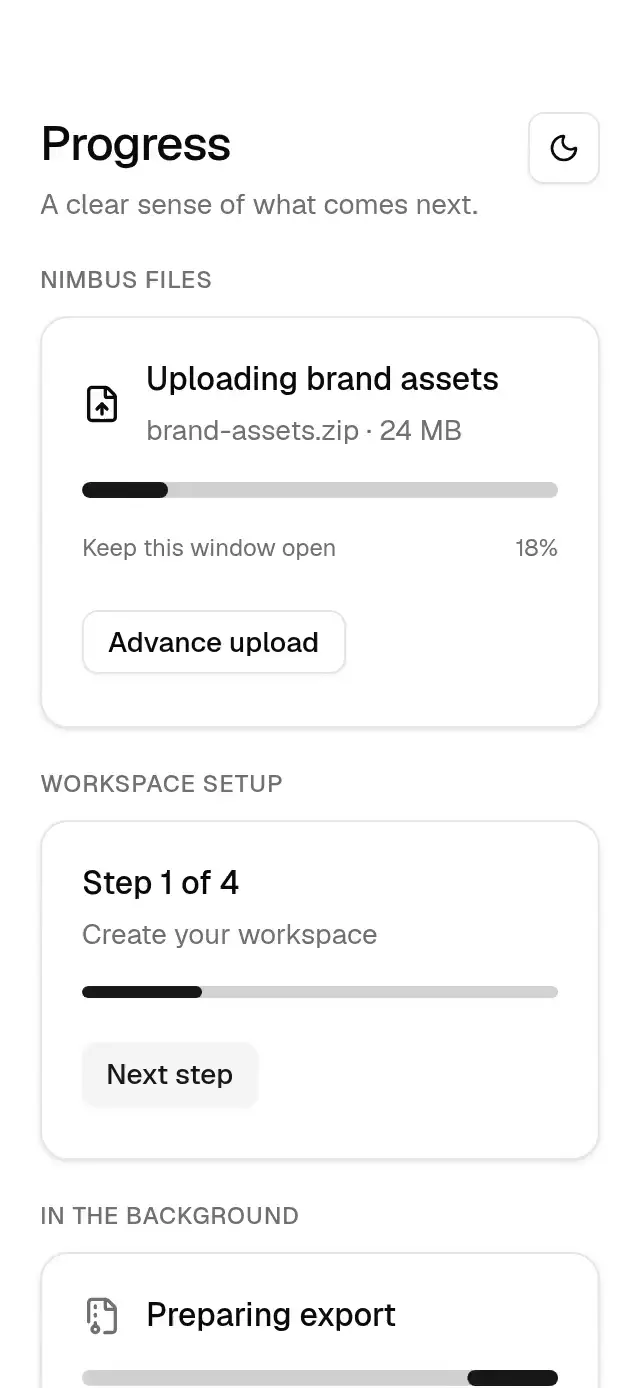
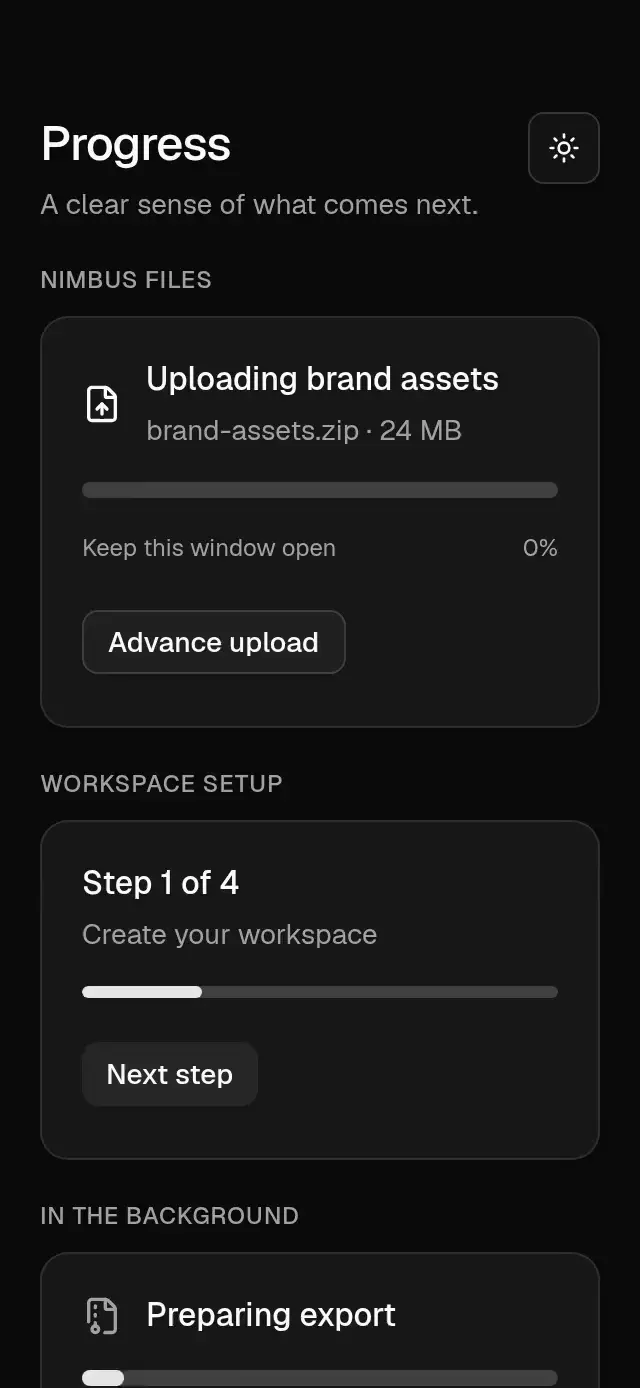
Base Progress previewBase Progress preview
Feedback · MIT

Base Progress

A determinate or indeterminate progress bar with animated updates and configurable value, height, and theme.

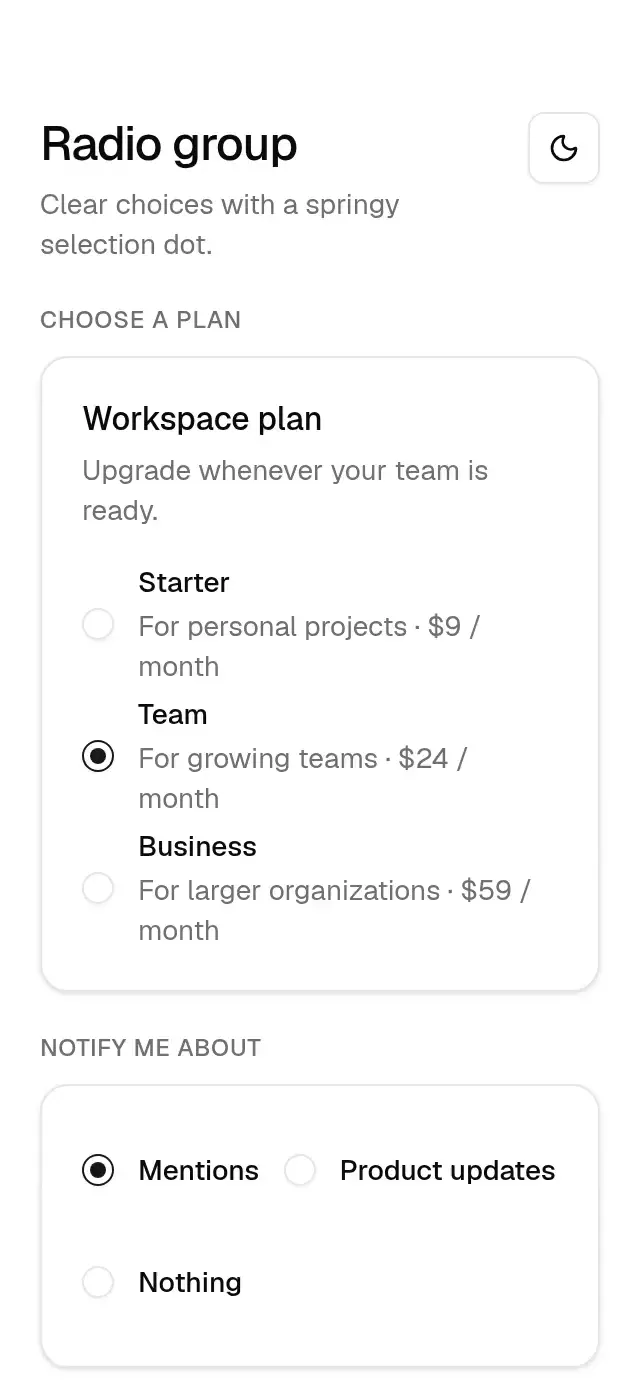
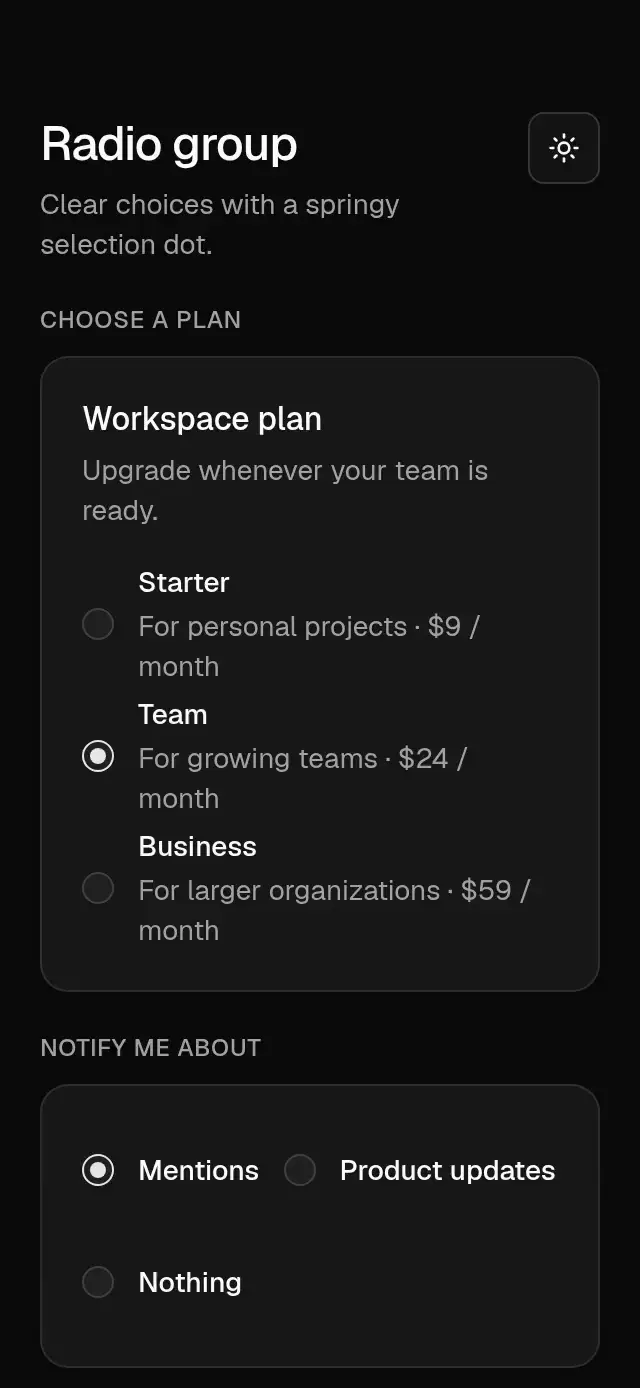
Base Radio Group previewBase Radio Group preview
Selection · MIT

Base Radio Group

A radio group with spring-driven selection dots and configurable options, orientation, and theme.

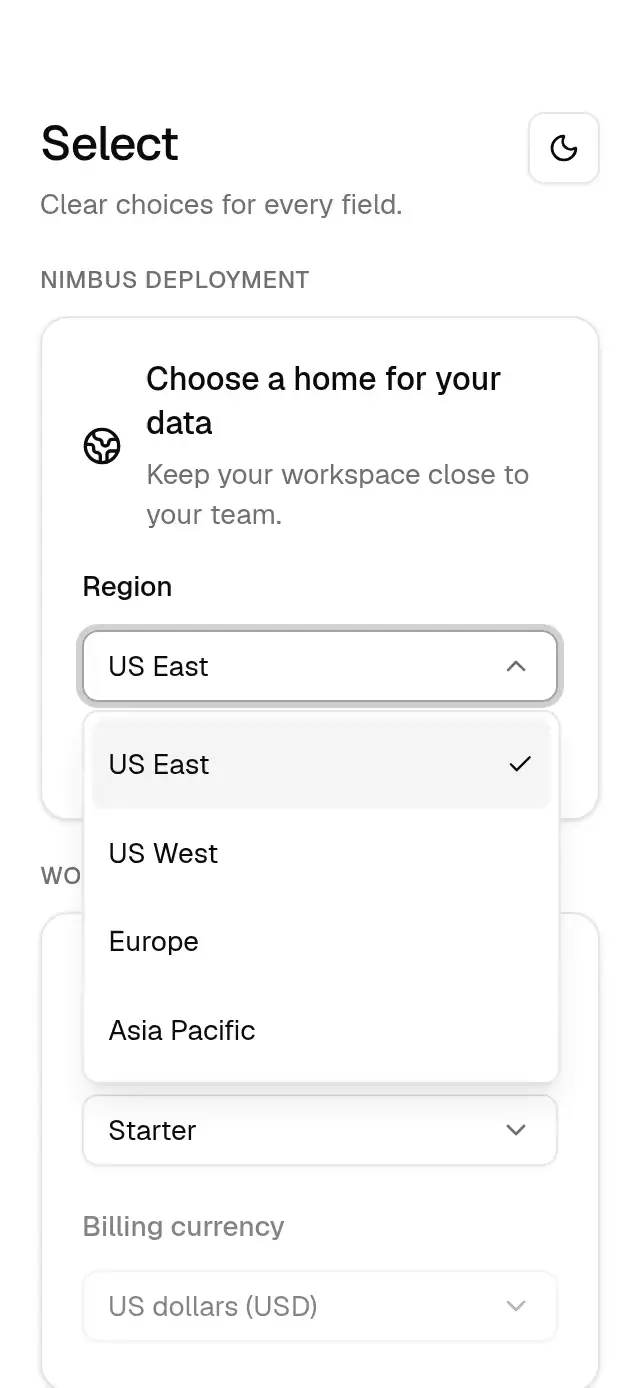
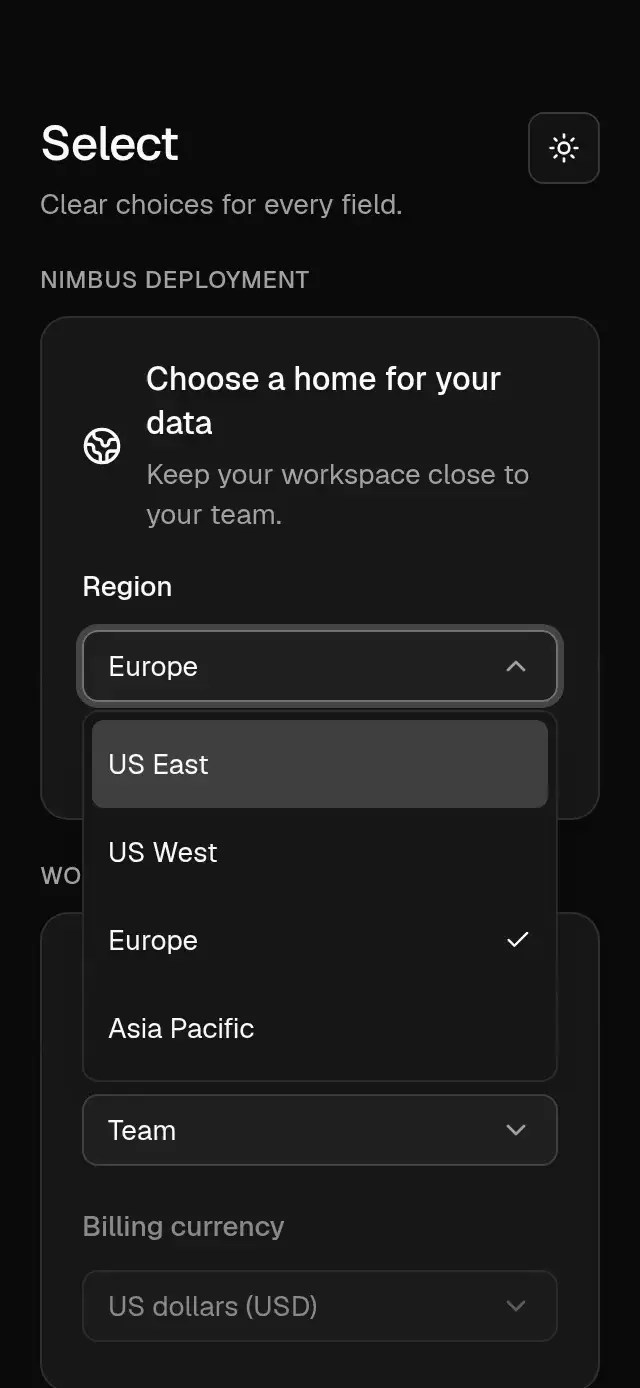
Base Select previewBase Select preview
Selection · MIT

Base Select

A select field with an anchored option list and configurable options, placeholder, label, and theme.

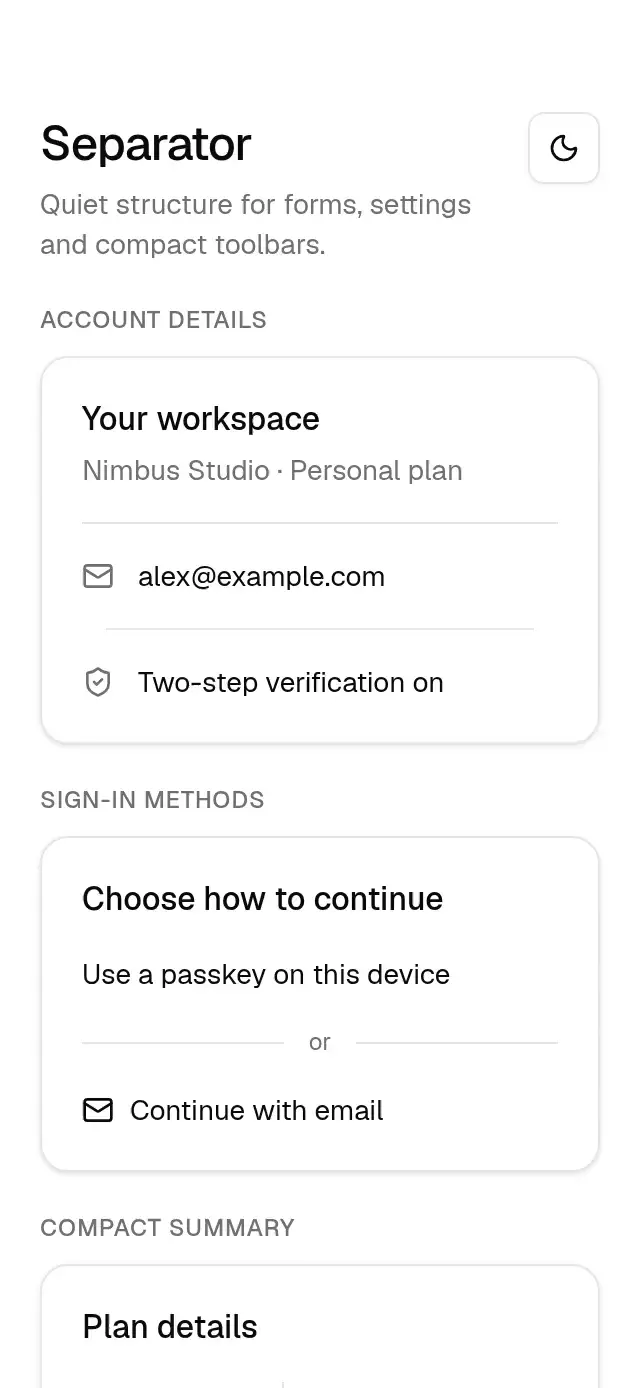
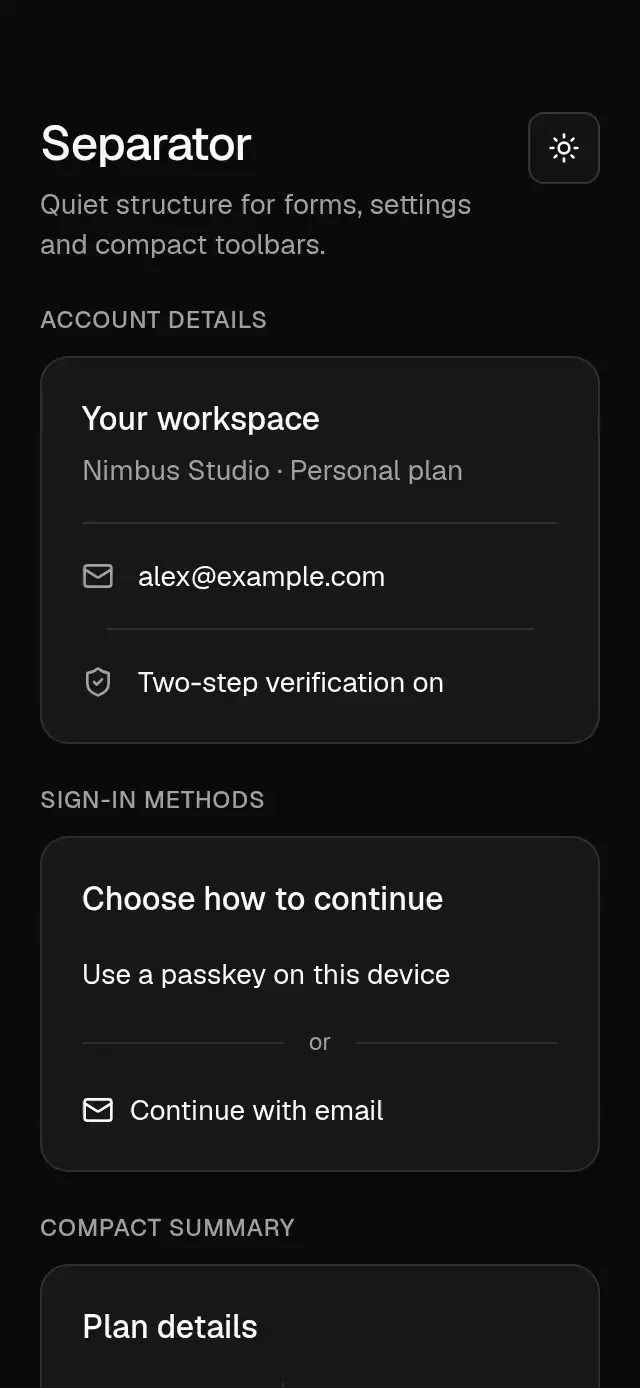
Base Separator previewBase Separator preview
Actions & inputs · MIT

Base Separator

A static horizontal or vertical separator with configurable inset, optional horizontal label, semantics, and theme.

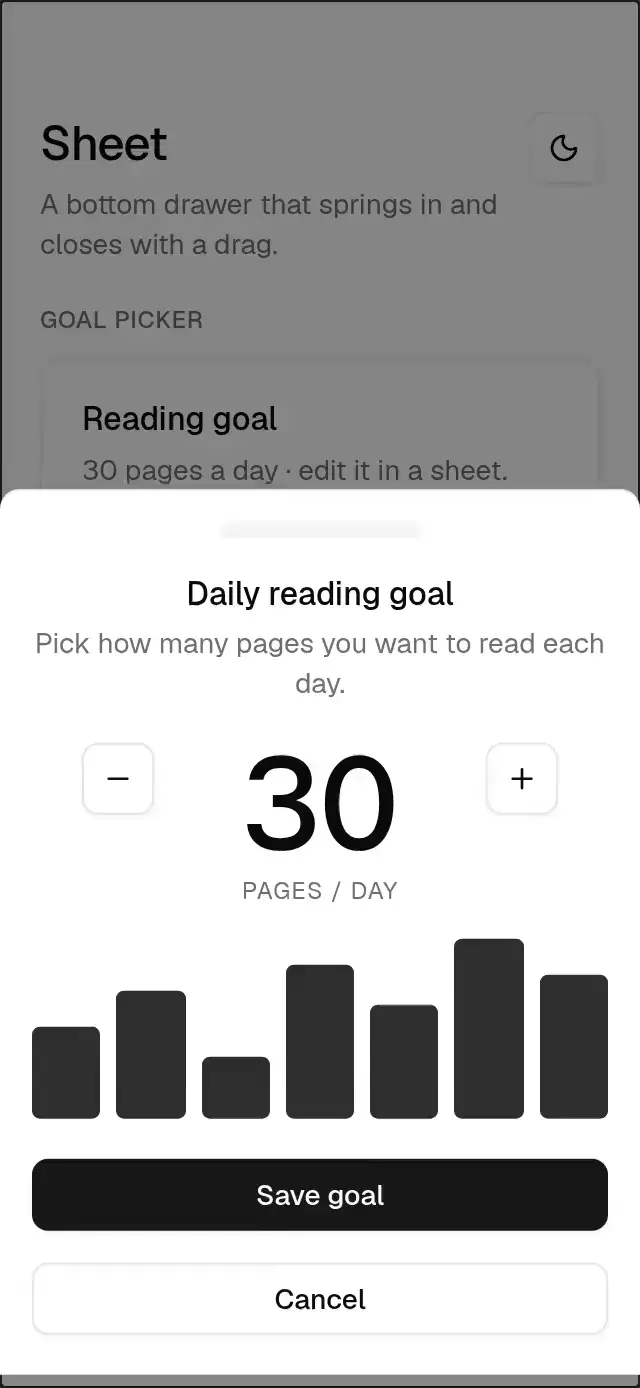
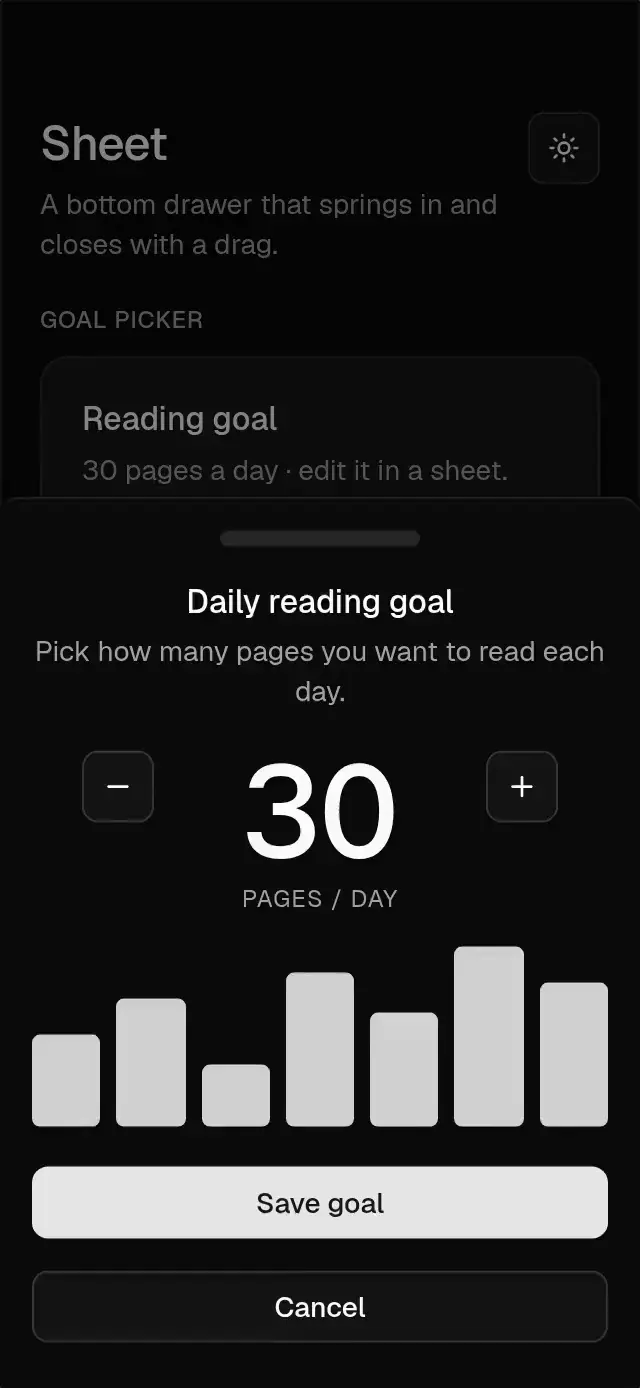
Base Sheet previewBase Sheet preview
Overlays · MIT

Base Sheet

A bottom sheet with a 400 ms timing entry and drag dismissal, with configurable copy, content, footer, and theme.

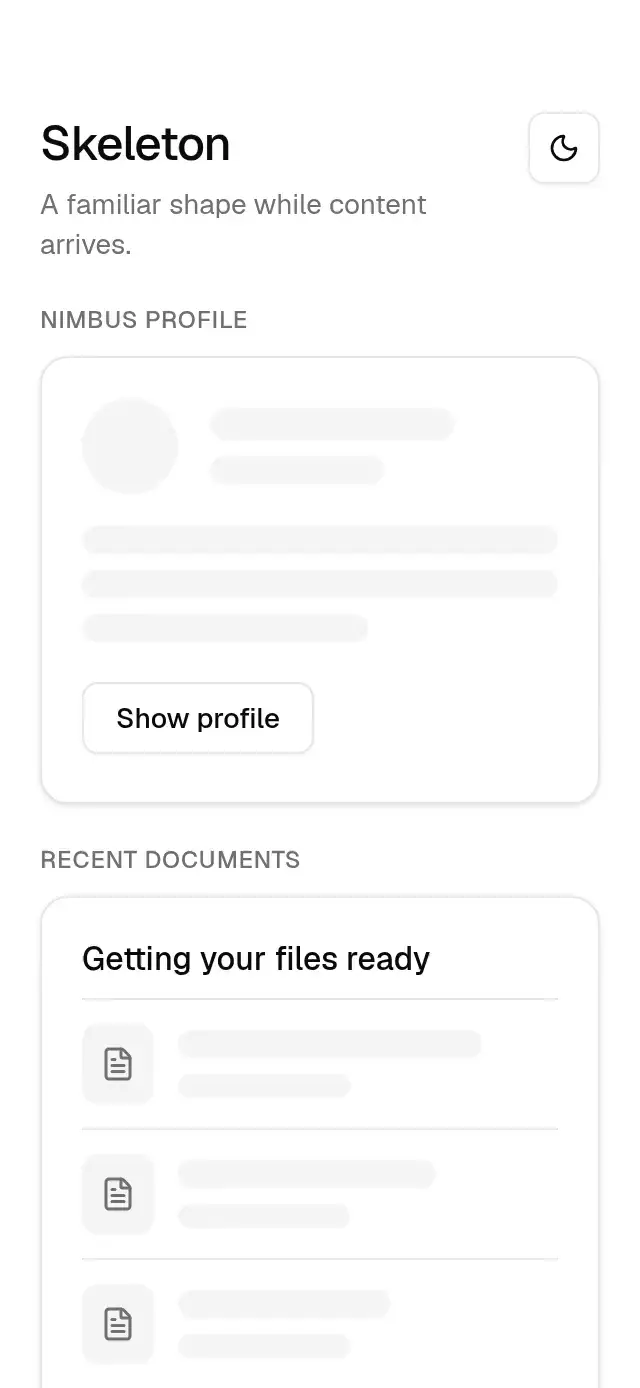
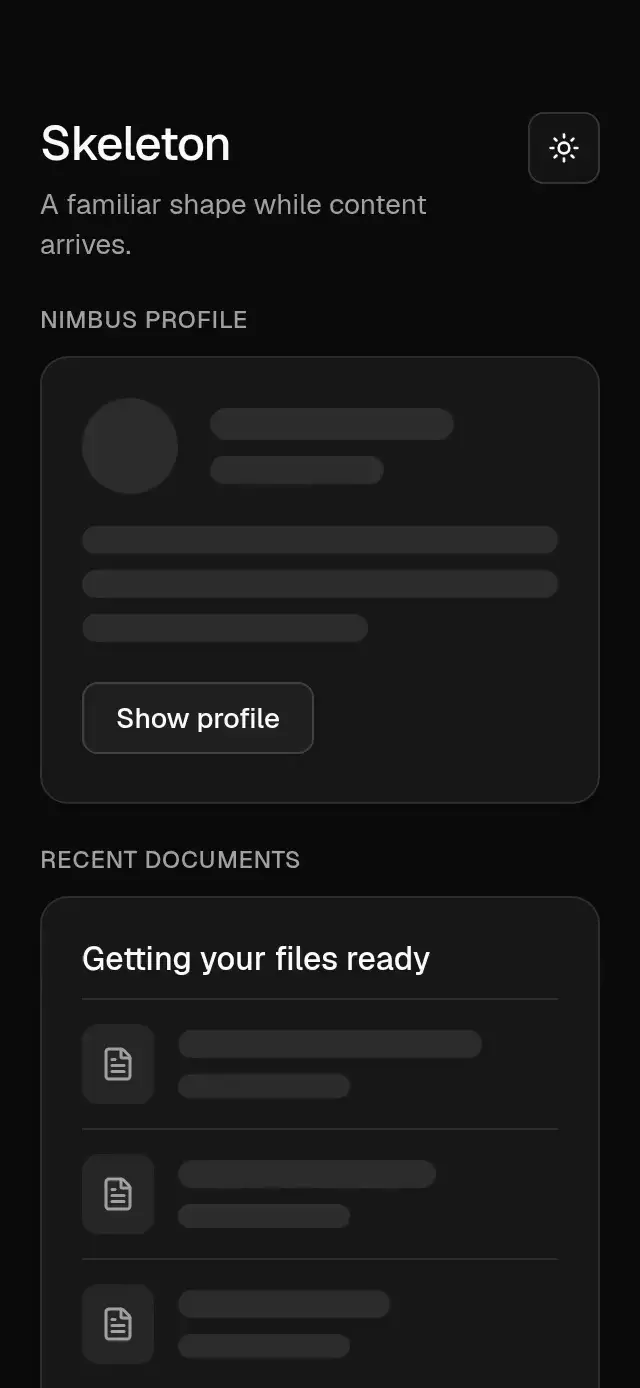
Base Skeleton previewBase Skeleton preview
Feedback · MIT

Base Skeleton

Synchronized loading placeholders with configurable width, height, corner radius, and theme.

Base Slider previewBase Slider preview
Selection · MIT

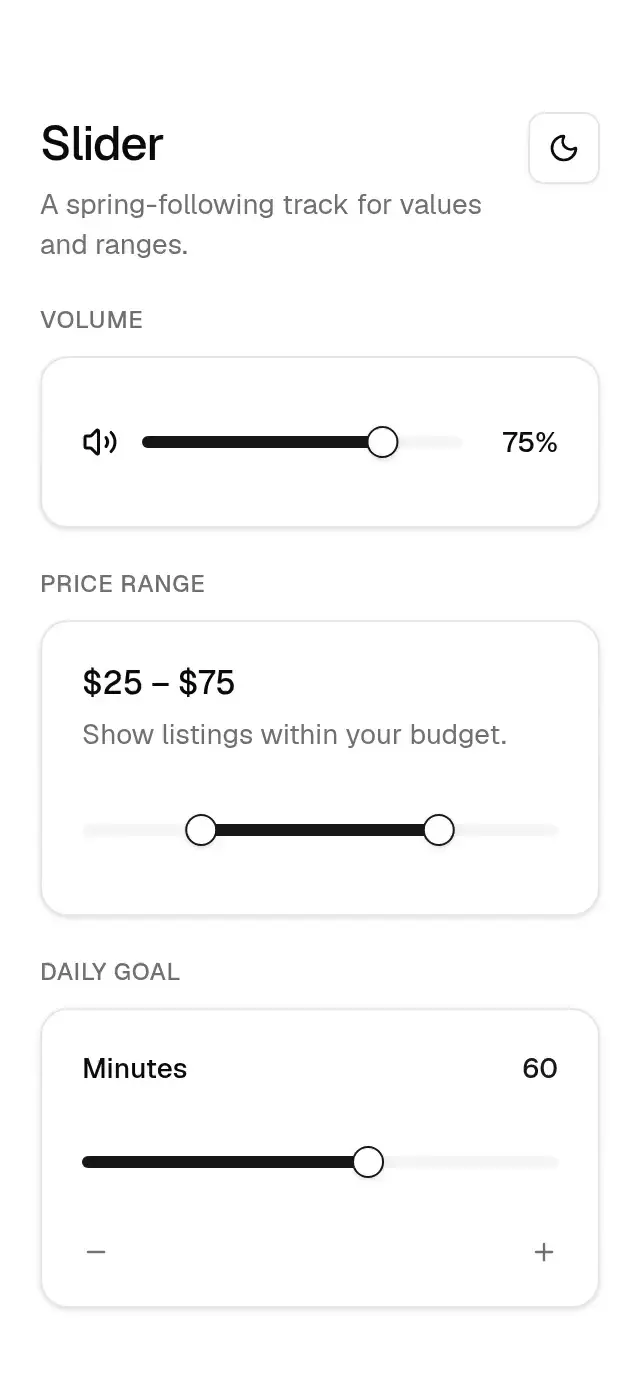
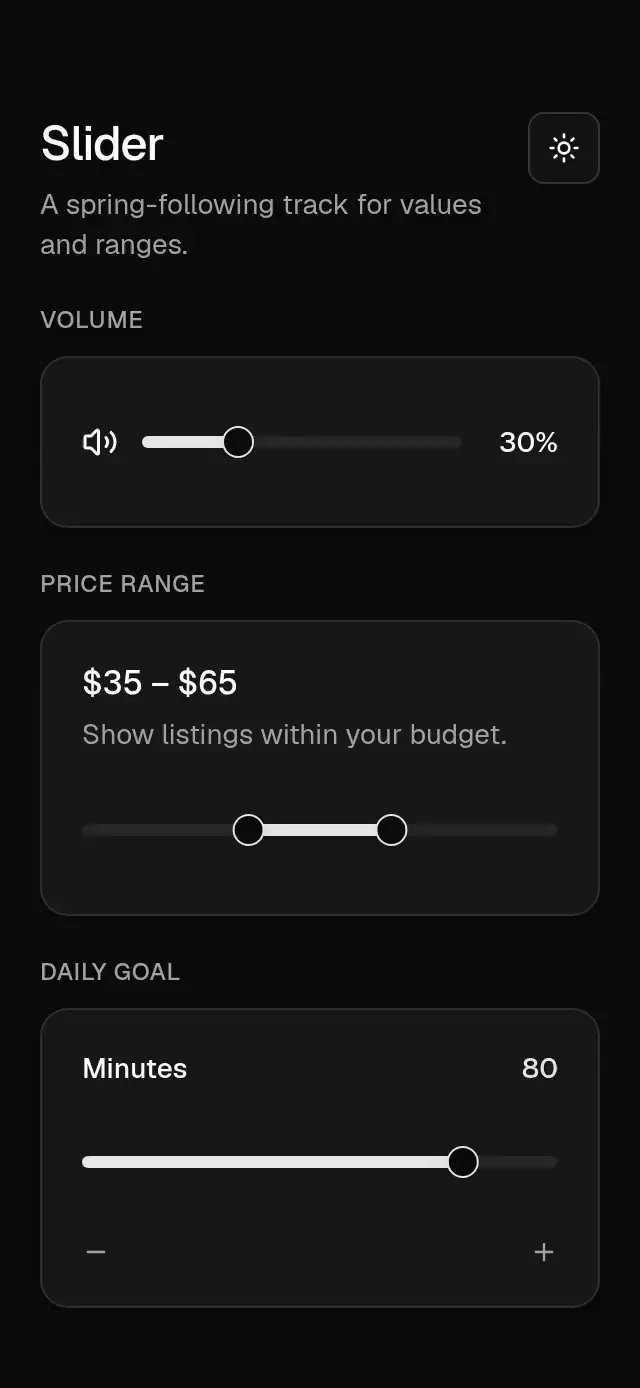
Base Slider

A value or range slider with spring-following thumbs and configurable bounds, step, and theme.

Base Sliding Number previewBase Sliding Number preview
Text & motion · MIT

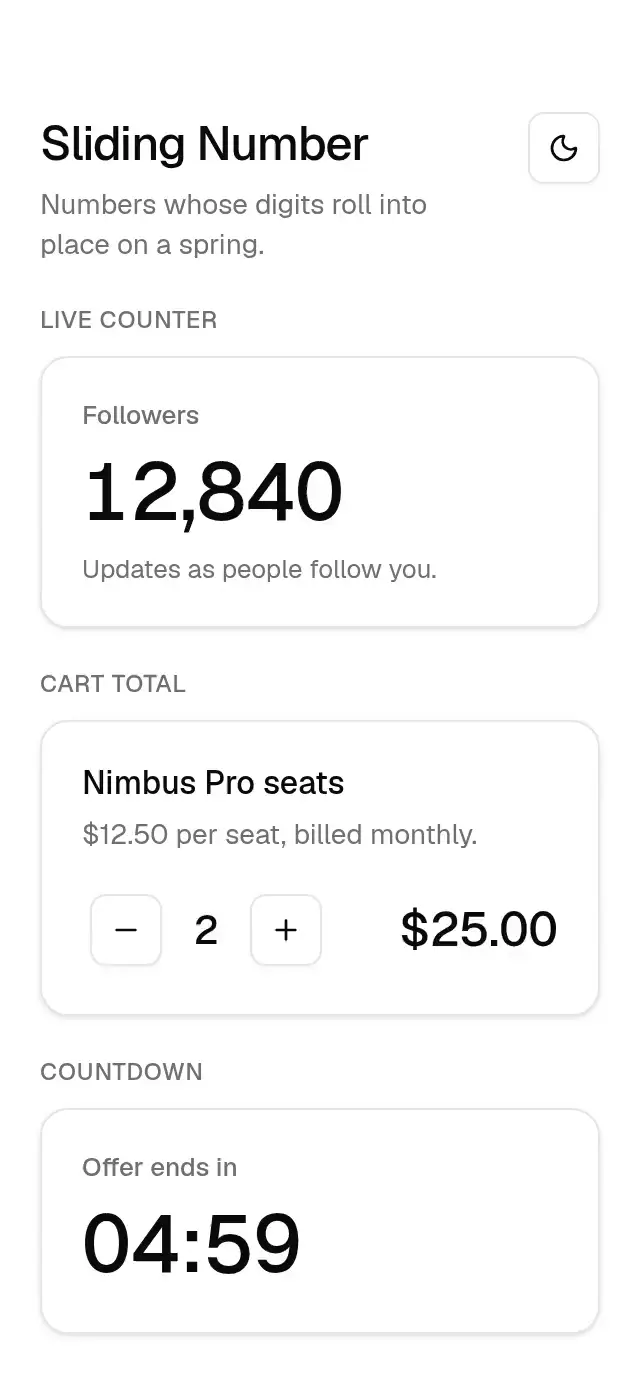
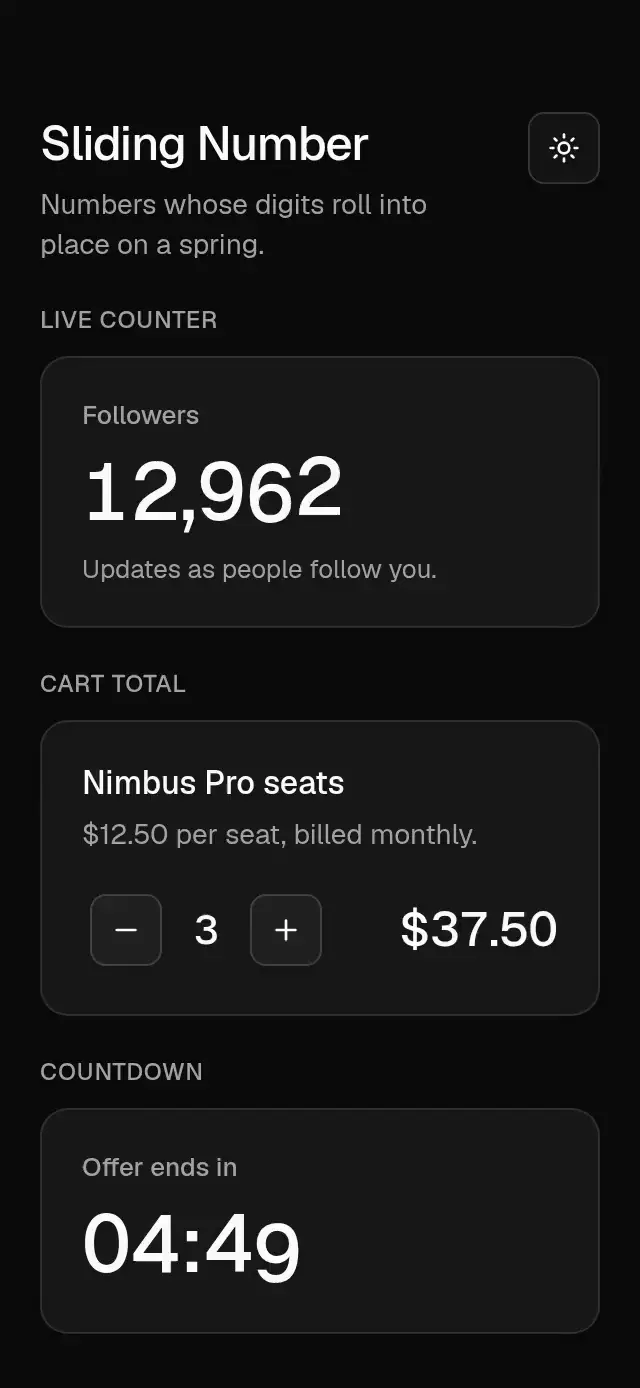
Base Sliding Number

A rolling number display with independent digit springs and configurable value, formatting, font, and color.

Base Switch previewBase Switch preview
Selection · MIT

Base Switch

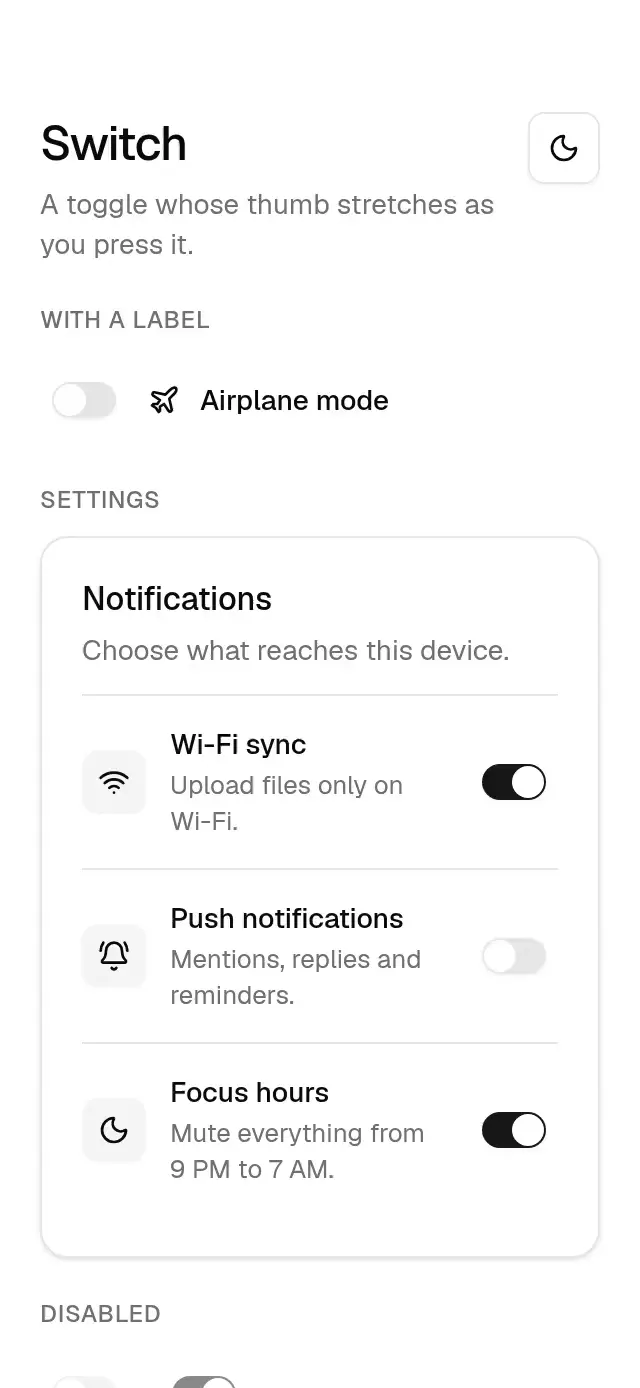
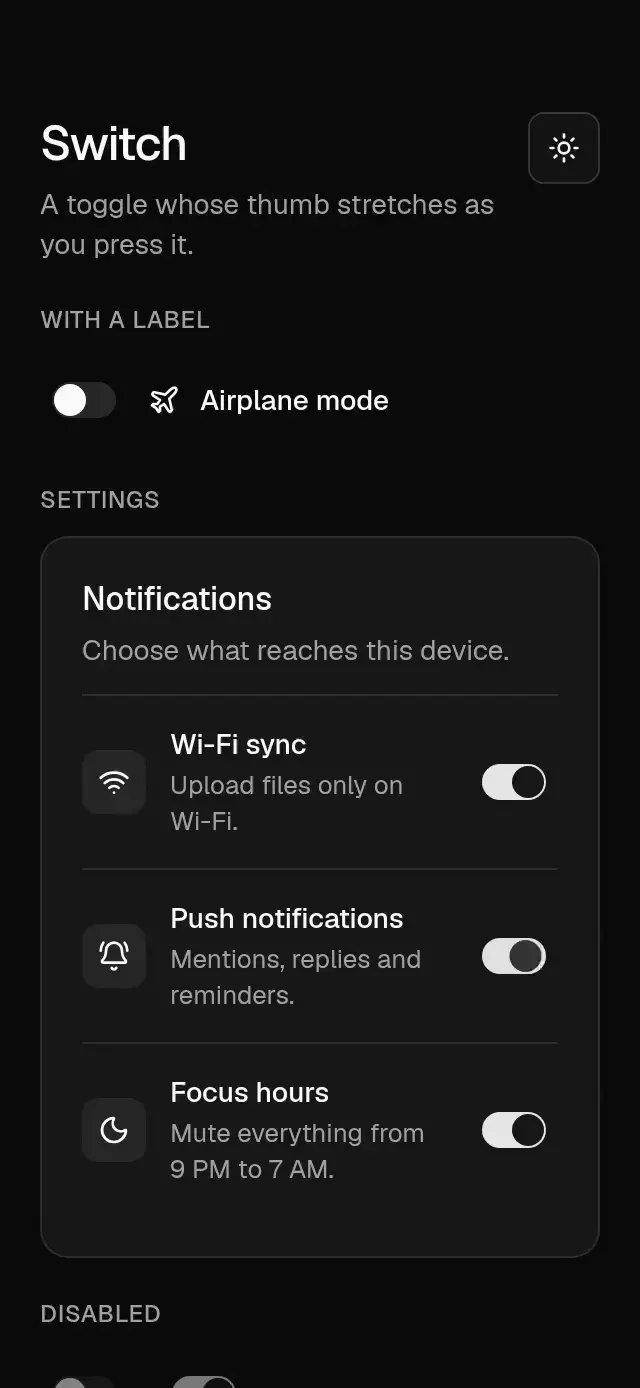
A switch with a stretching, spring-driven thumb that takes its colors and radius from a configurable theme.

Base Tab Bar previewBase Tab Bar preview
Navigation · MIT

Base Tab Bar

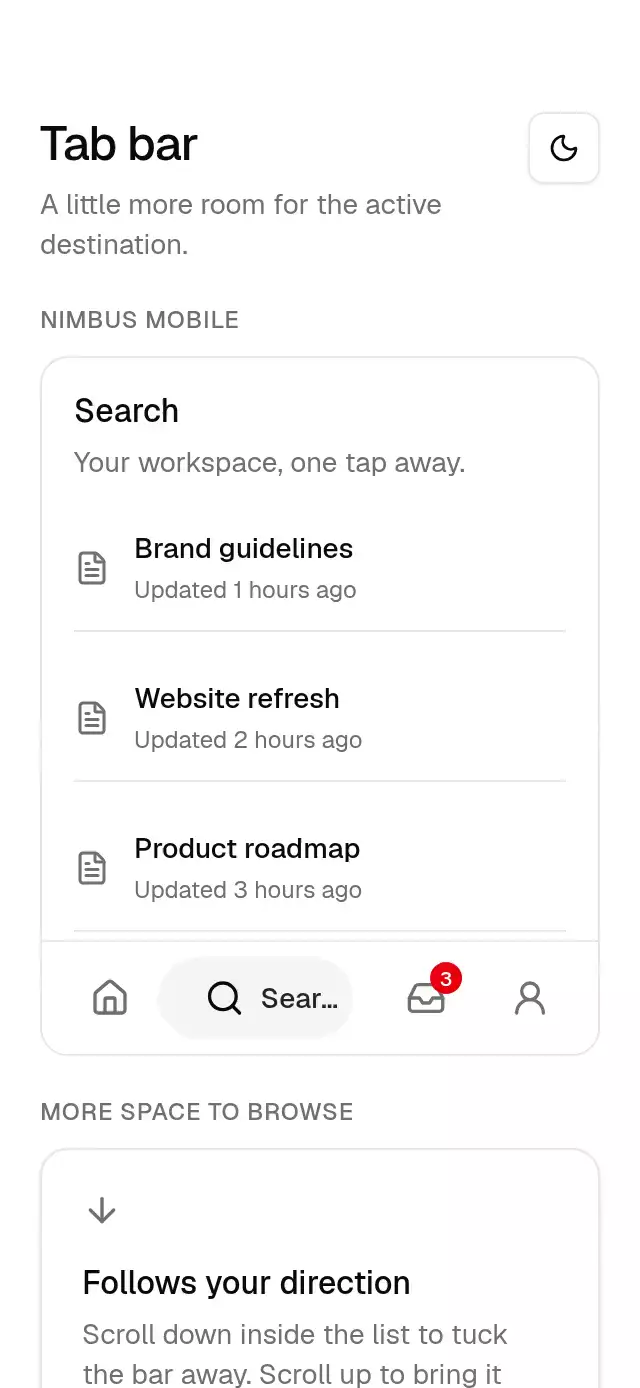
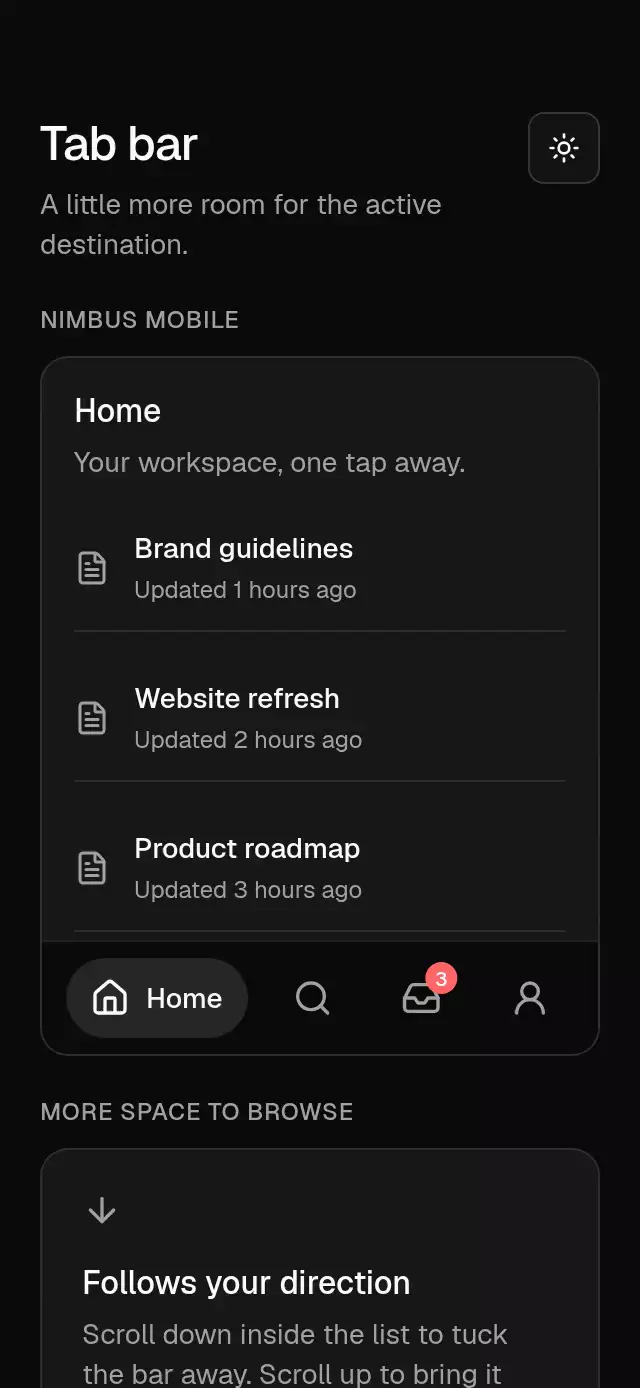
A bottom tab bar that expands the active destination, with configurable items, bottom inset, and theme.

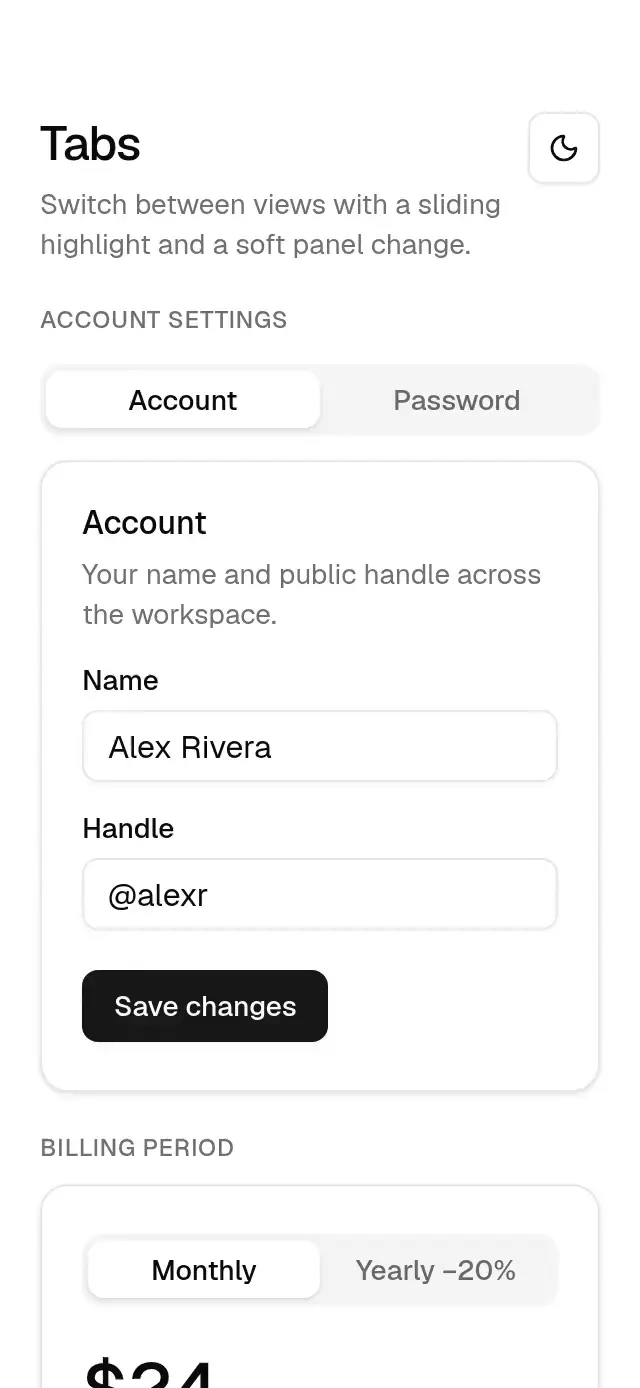
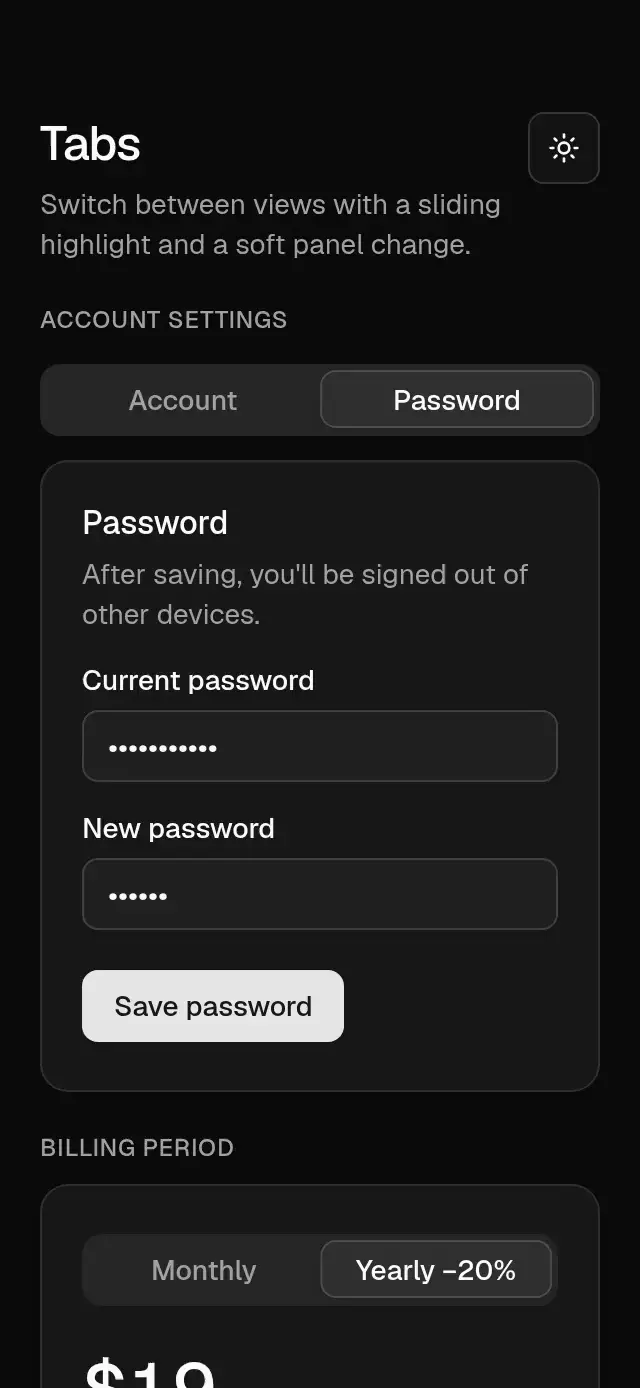
Base Tabs previewBase Tabs preview
Navigation · MIT

Base Tabs

Tabs with a spring-driven highlight and shifting content, with configurable labels, panels, and theme.

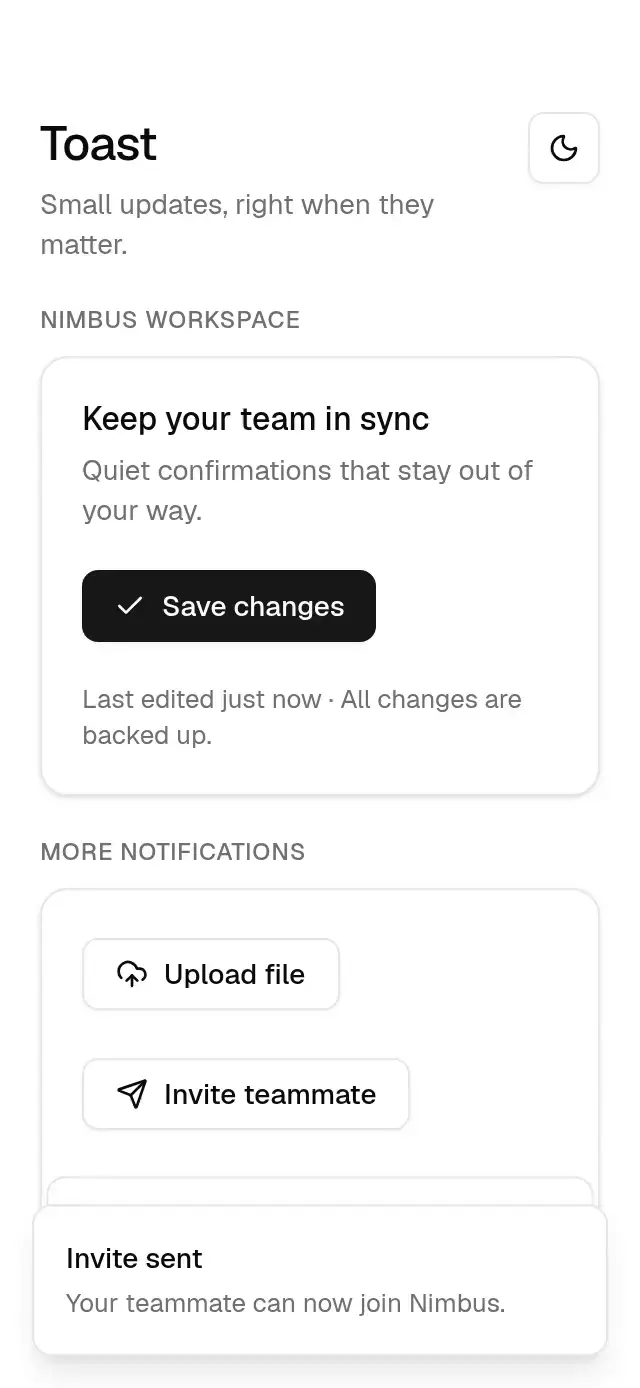
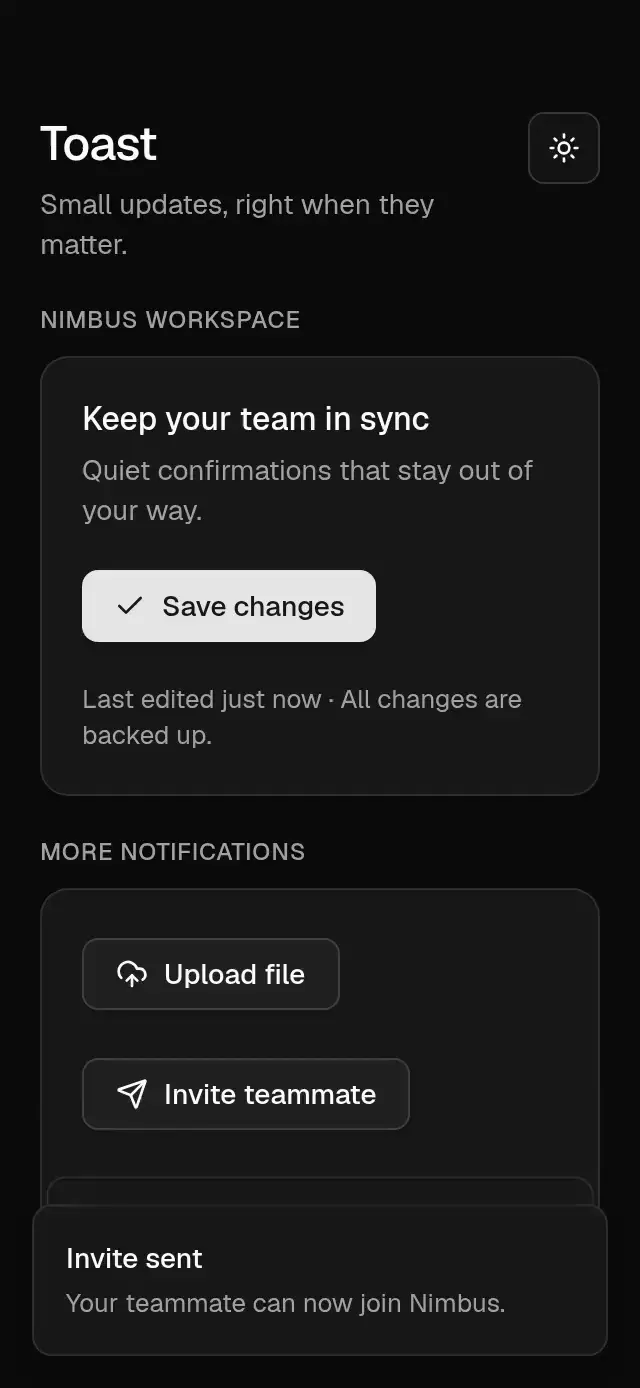
Base Toast previewBase Toast preview
Feedback · MIT

Base Toast

A notification stack with swipe dismissal and configurable position, duration, visible count, and theme.

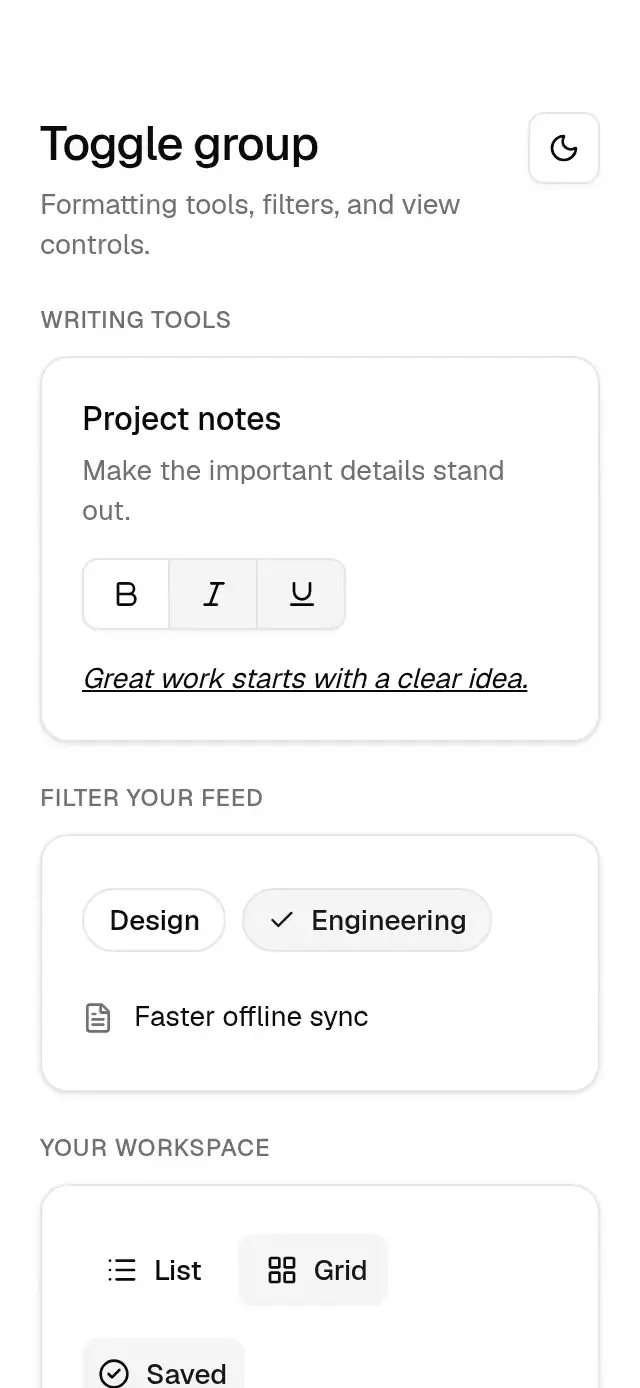
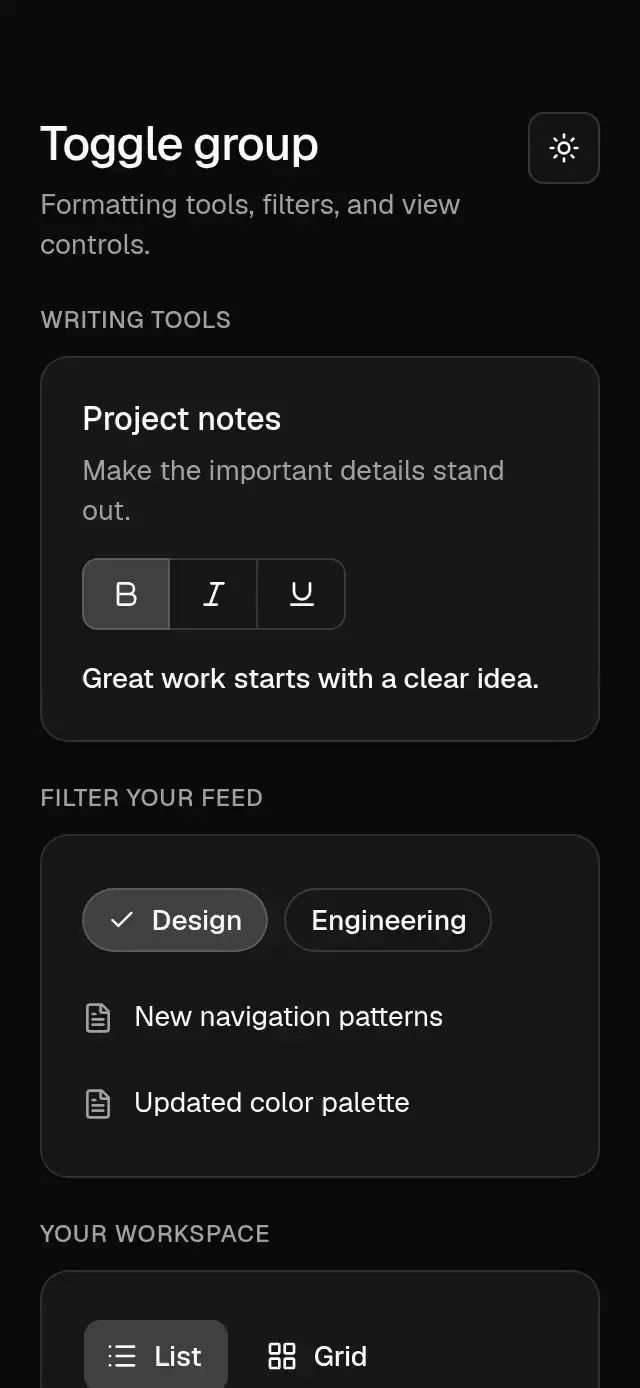
Base Toggle Group previewBase Toggle Group preview
Selection · MIT

Base Toggle Group

Spring-driven toggles, sliding single selection, and checkmark filter chips with configurable items, selection, sizes, variants, and theme.

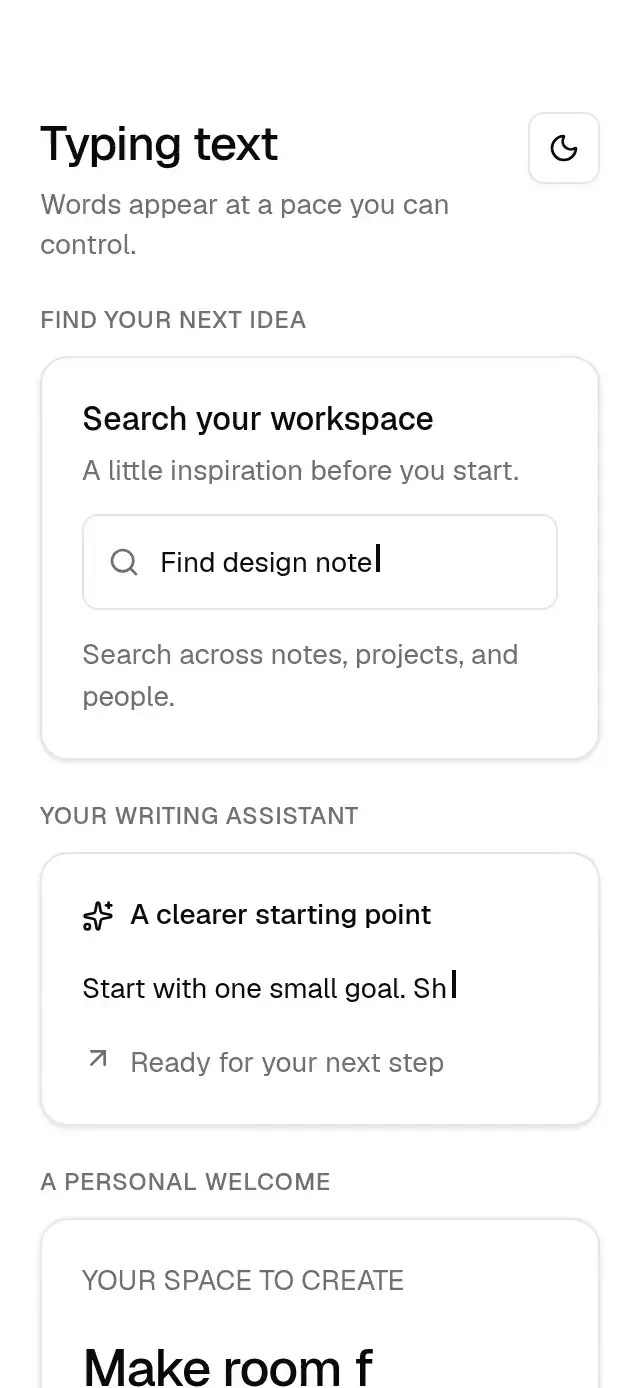
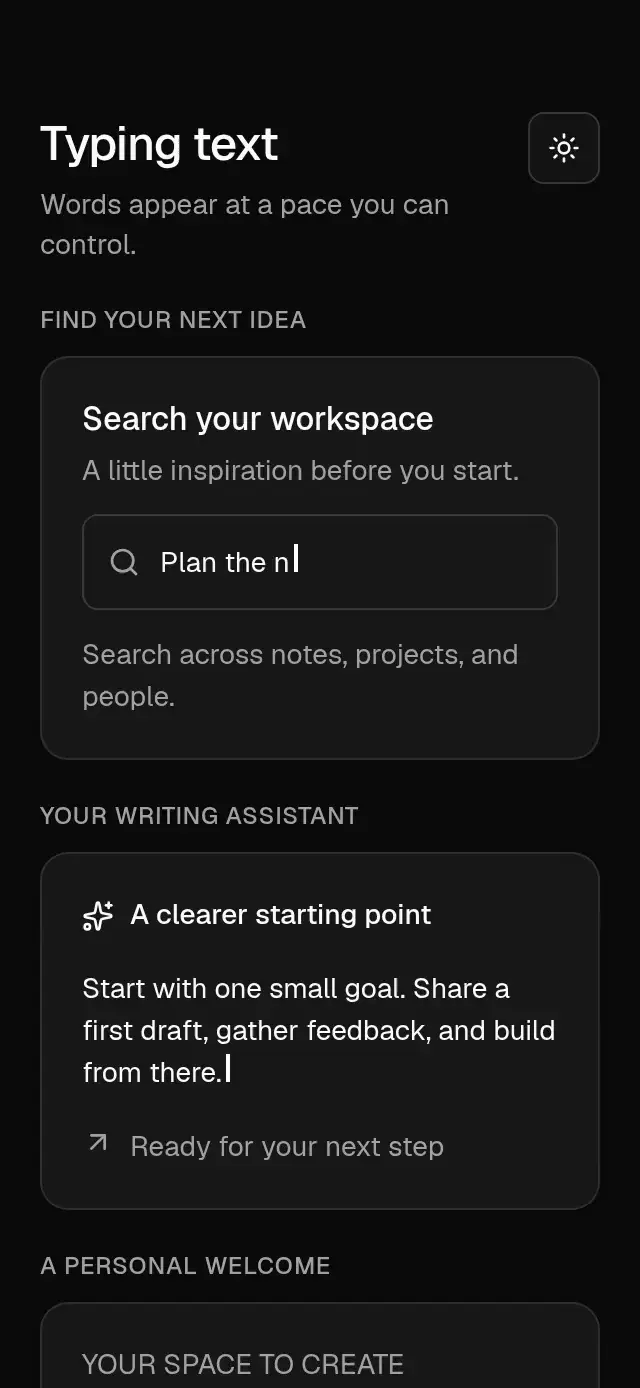
Base Typing Text previewBase Typing Text preview
Text & motion · MIT

Base Typing Text

Character-by-character text with configurable phrases, typing speed, delay, looping, cursor, completion callback, typography, and theme.

Choose a component, then connect your screen

Each component page includes its preview, props, dependencies, accessibility notes, and SDK compatibility. The CLI copies the component and required family modules into your project. You own the state, callbacks, and navigation. Base is free forever under MIT, including commercial use.
Follow the installation guide, choose a light or dark theme, or start with a complete screen block. For a step-by-step explanation of a pattern, explore the React Native guides.