About this component
Related guides
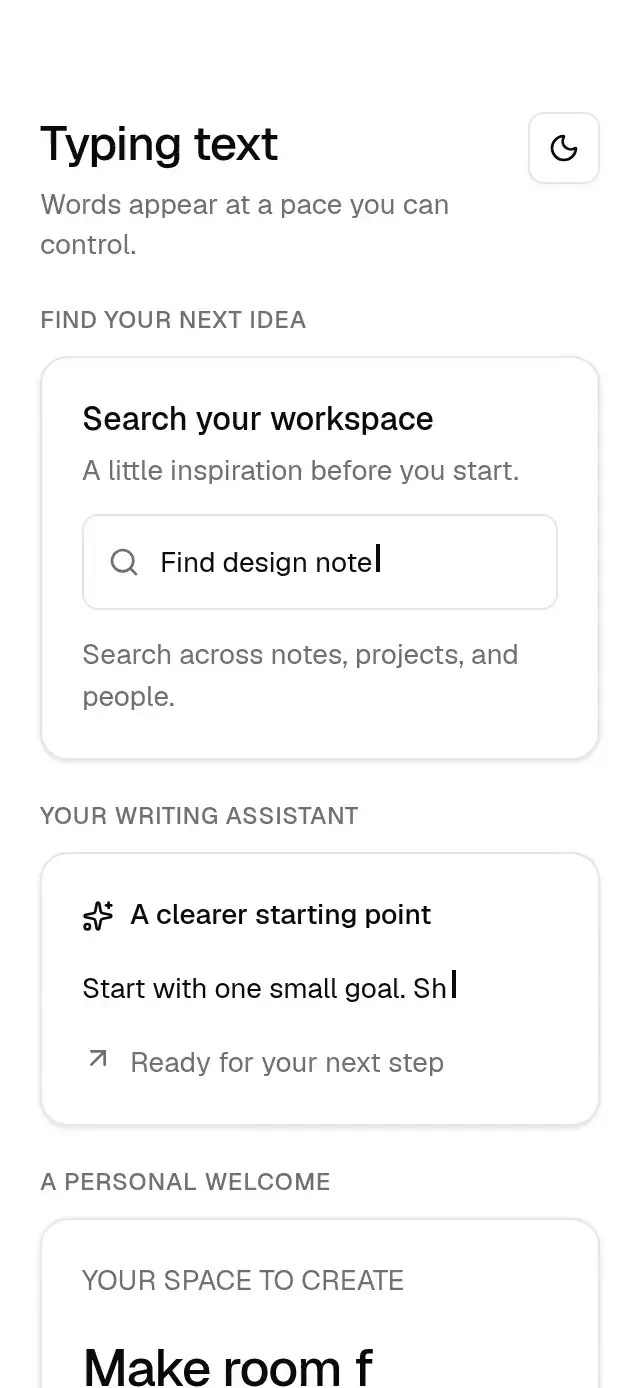
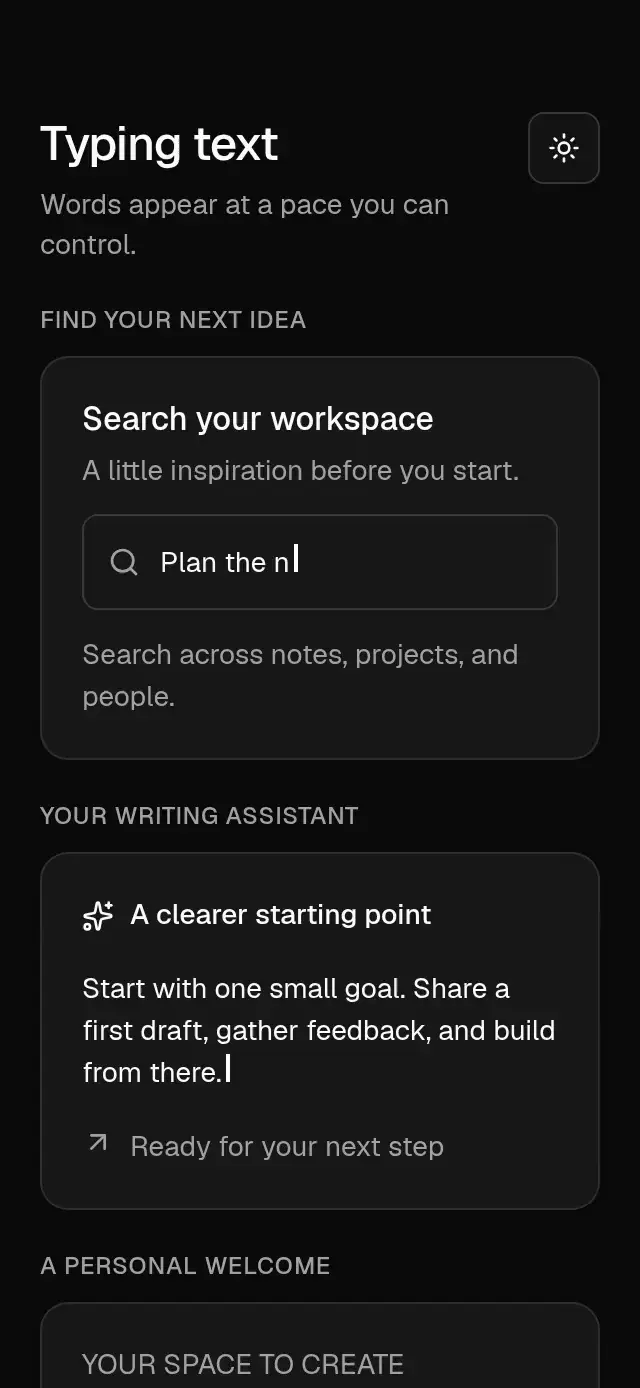
Character-by-character text with configurable phrases, typing speed, delay, looping, cursor, completion callback, typography, and theme.
How it works
- A single cleaned-up timeout advances each typing or deletion step; no interval runs for every mounted character.
- Text arrays type each phrase, hold for
holdDelay, delete at the same speed, and advance. Withoutloop, the final phrase stays visible. Empty arrays render no text. - The optional 2 pt cursor stays solid during typing and deletion, then blinks in two discrete halves of a one-second cycle while idle.
- Changing the text or playback settings restarts the sequence. Changing styles, theme, or the callback does not restart it.
onCompleteruns after each completed phrase.
For an assistant response with richer streaming states, explore streaming-ai-reply.
Install
npx nativeanimation add base-typing-textThe CLI also copies base-theme. Dependencies, if you copy by hand:
npx expo install react-native-reanimated react-native-workletsFree forever. MIT.
Usage
import { BaseTypingText } from './base-typing-text';

<BaseTypingText text="Make room for your best work." duration={80} />
<BaseTypingText
  text={['Find design notes', 'Explore new ideas', 'Plan your week']}
  duration={90}
  holdDelay={1500}
  loop
/>
Wrap your app in BaseThemeProvider (from base-theme) to choose light/dark and an accent; without it, pieces use the light neutral theme. The theme prop overrides the provider. Use style to change text color, font family, size, alignment, and line height. The cursor uses the theme's foreground color and follows the text's font size.
Props
| Prop | Type | Default | Description |
|---|---|---|---|
text | string | string[] | — | One phrase or a sequence. |
duration | number | 100 | Milliseconds per character; deletion uses the same speed. |
delay | number | 0 | Initial delay in milliseconds. |
loop | boolean | false | Repeats after the last phrase. |
holdDelay | number | 1000 | Pause before deleting a phrase. |
cursor | boolean | true | Shows the idle-blinking cursor. |
style | StyleProp<TextStyle> | — | Text styling. |
onComplete | () => void | — | Called after each phrase has finished typing. |
theme | BaseTheme | provider | Theme override. |
testID | string | — | Identifier on the text. |
Compatibility
Expo SDK 58 · React Native 0.88 · Reanimated 4.7 · react-native-worklets 0.13. Targets iOS, Android, and web, in Expo Go and development builds. Part of Native Animation Base, a free family sharing one theme. Text wraps naturally inside the space supplied by the parent; it is a standalone text block, not a nested text span. No safe-area padding is applied. Unicode code points stay intact; combined grapheme clusters may appear in more than one step.
Accessibility
The text exposes the full phrase or the full joined phrase array as its accessible label, so assistive technology does not announce partial characters. Reduce Motion displays the first full phrase immediately, calls onComplete once, and removes the cursor and automatic cycling. Timers and cursor animation are canceled on unmount.
Part of a shared foundation
Use it in a screen
Compose Base Typing Text with other Base components and a single shared theme. Ask your agent to read each API, then connect real navigation, state, and callbacks.
Go further.
Base covers the everyday. Choose a more expressive interaction when your app calls for it.
Bubble Sale Banner ↗
A sale banner with jumping balloon letters and a printing receipt, with configurable copy, character artwork, fonts, and colors.
Another way to solve this task · $9Year Digits Rollover ↗
An interactive year reveal with alternating bands on changing digits, with configurable start year, end year, colors, and numeral font asset.
Source code
Loading public source…