About this animation
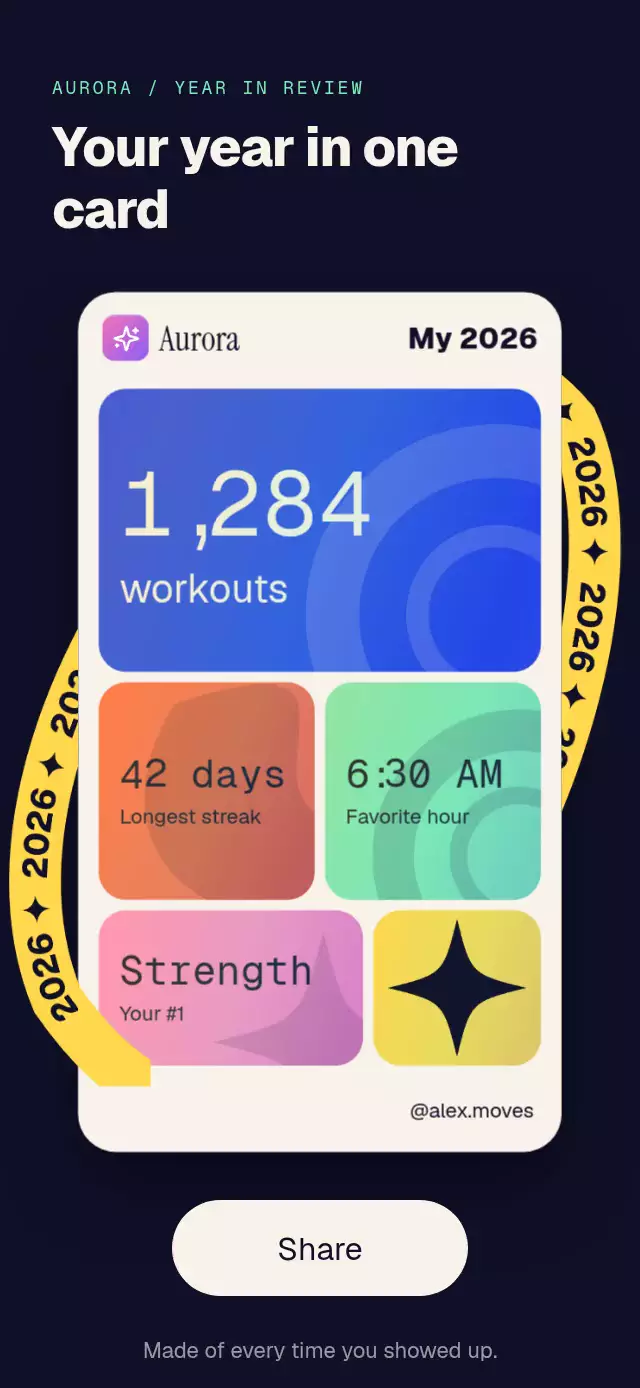
An interactive year reveal with alternating bands on changing digits, with configurable start year, end year, colors, and numeral font asset.
Why this one
The unchanged digits stay anchored. Four slices travel in opposite directions with a velocity-sensitive vertical blur, then a diagonal light sweep and six four-point stars mark the new year. Both an outlined recap cover and a warm gradient celebration use the same component.
How it works
- The container measures itself with
onLayout. Skia'sgetTextWidthsizes four digit slots to 92% of its width; the larger glyph in each old/new pair reserves the slot. - One UI-thread
rollvalue drives every changing digit. Band windows are offset by 70 ms, with a 620 ms cubic in/out travel and a small settling rebound. Unchanged digits have no rolling layers. - Each band clips a vertical old/new glyph strip. Alternating travel directions create the split effect, with a vertical Skia blur that fades to zero at rest.
- A masked diagonal highlight sweeps across the finished year for 500 ms. The grid shifts by 12 points and six stars scale into view.
- Drag vertically to scrub and release to a spring with explicit mass and gesture velocity. Tap to toggle. Caption lines rise eight points in 260 ms, staggered by 240 ms.
Install
npx expo install @shopify/react-native-skia react-native-gesture-handler react-native-reanimated react-native-workletsUse a GestureHandlerRootView at your application root. Configure Reanimated for your Expo project. Web requires CanvasKit following the Skia web setup. No additional native module beyond those included in the project's Expo Go setup is introduced.
Usage
import { YearDigitsRollover } from './year-digits-rollover';

<View style={{ height: 400 }}>
  <YearDigitsRollover
    titleFont={require('./assets/Display-ExtraBold.ttf')}
    caption={'Year\nin review'}
  />
</View>
Pass a locally bundled extra-bold font asset for consistent native and web rendering. Without one, a guarded system-font fallback is attempted on native; web waits for a supplied font. The demo supplies Geist ExtraBold. No font or theme imports are required by the component.
const cover = useRef<YearDigitsRolloverRef>(null);

<YearDigitsRollover
  ref={cover}
  from={2029}
  to={2030}
  variant="solid"
  titleFont={require('./assets/Display-ExtraBold.ttf')}
  caption={'Happy\nNew Year'}
  colors={{
    background: '#2346E8',
    digits: '#FFD84D',
    gradient: '#FF6B4A',
    stroke: '#FFD84D',
    flash: '#F7F3EA',
    caption: '#F7F3EA',
    grid: '#F7F3EA',
  }}
  onRolled={year => saveSelectedYear(year)}
/>
// Call cover.current?.roll() from your own button or event handler.
Import YearDigitsRolloverRef as a type alongside the component. roll() and play() animate to to; reset() crossfades to from over 300 ms; replay() restarts from from and runs the transition again. Callbacks receive completed destinations, including completed resets; interrupted transitions do not notify.
Props
| Prop | Type | Default | Purpose |
|---|---|---|---|
from | number | 2026 | Starting year, rounded and clamped to 0000–9999. |
to | number | 2027 | Destination year. |
variant | 'solid' | 'outline' | 'outline' | Vertical gradient fill or two-point stroke. |
caption | string | 'Year in review' | Caption; newline separates entrance lines. |
colors | Partial<YearDigitsRolloverColors> | Ink/violet palette | Background, digits, gradient endpoint, stroke, flash, caption, and grid. |
stripCount | number | 4 | Bands per changing digit, clamped to 1–12. |
duration | number | 620 | Per-band travel in milliseconds, plus the fixed 70 ms stagger. |
onRolled | (year: number) => void | — | Completion callback on the JS thread. |
titleFont | DataSourceParam | — | Skia display-font asset; required for web text. |
fontFamily | string | System | React Native caption font. |
accessibilityLabel | string | Current year + caption | Override the accessible name. |
style | StyleProp<ViewStyle> | — | Container sizing and styling. |
testID | string | 'year-digits-rollover' | Root identifier. |
The default palette uses #101028 background, #8B7BFF digits/stroke, #C9C0FF gradient endpoint, and #F7F3EA caption/grid/flash. The parent owns safe area insets. The component fills its box; the display compresses vertically in short landscape containers while retaining the 92% width. Caption text scales with system preferences. Reserve sufficient height for custom multiline or enlarged captions.
Compatibility
Targets Expo SDK 58, React Native 0.88.0, Reanimated 4.7.1, Worklets 0.13.0, Gesture Handler 3.3, and Skia 2.14.0. Designed for iOS, Android, and web. Autoplay belongs to the demo, which rolls, holds 1.6 seconds after the sweep, crossfades back, and alternates palettes.
Accessibility
The entire year is a button with the current year and caption as its label. Screen reader activation toggles the year; increment/decrement actions choose the destination/start. Dragging is optional. With reduced motion, year changes use a 300 ms crossfade, with no rolling, blur, grid parallax, highlight sweep, or stars. Caption entrances retain opacity only.