About this animation
An annual story deck with kinetic type and ink-ribbon transitions, with configurable slides, colors, navigation labels, and fonts.
Why this one
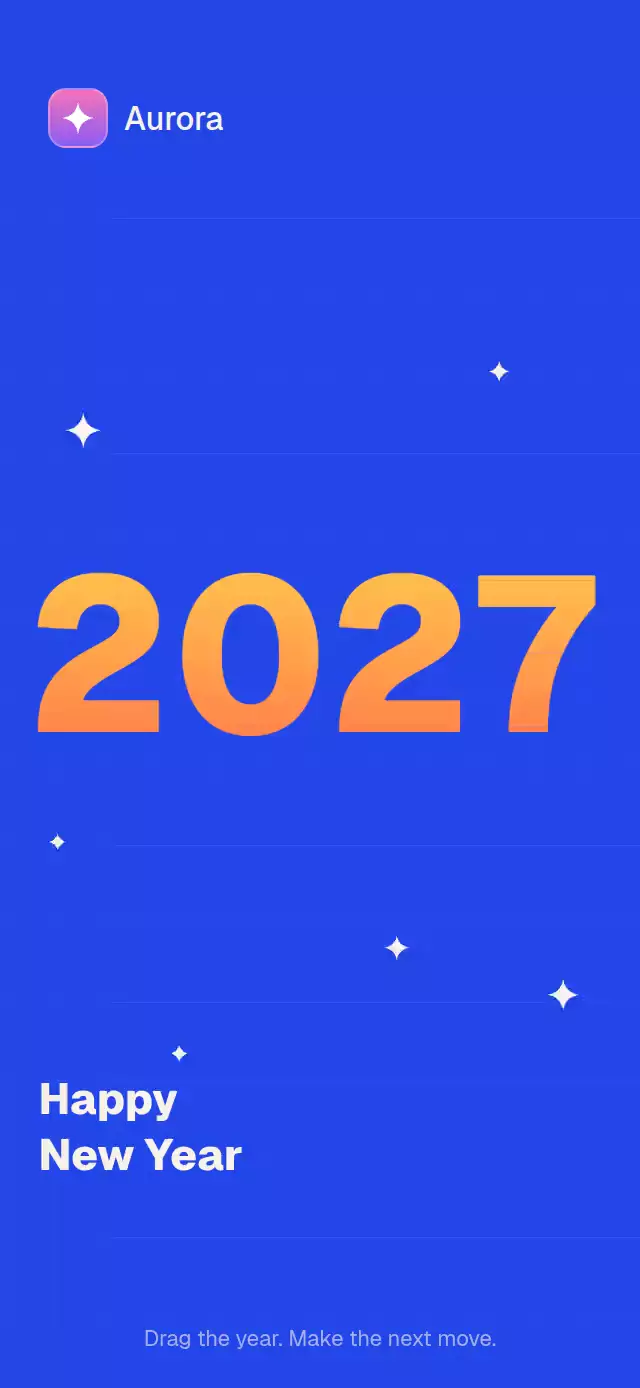
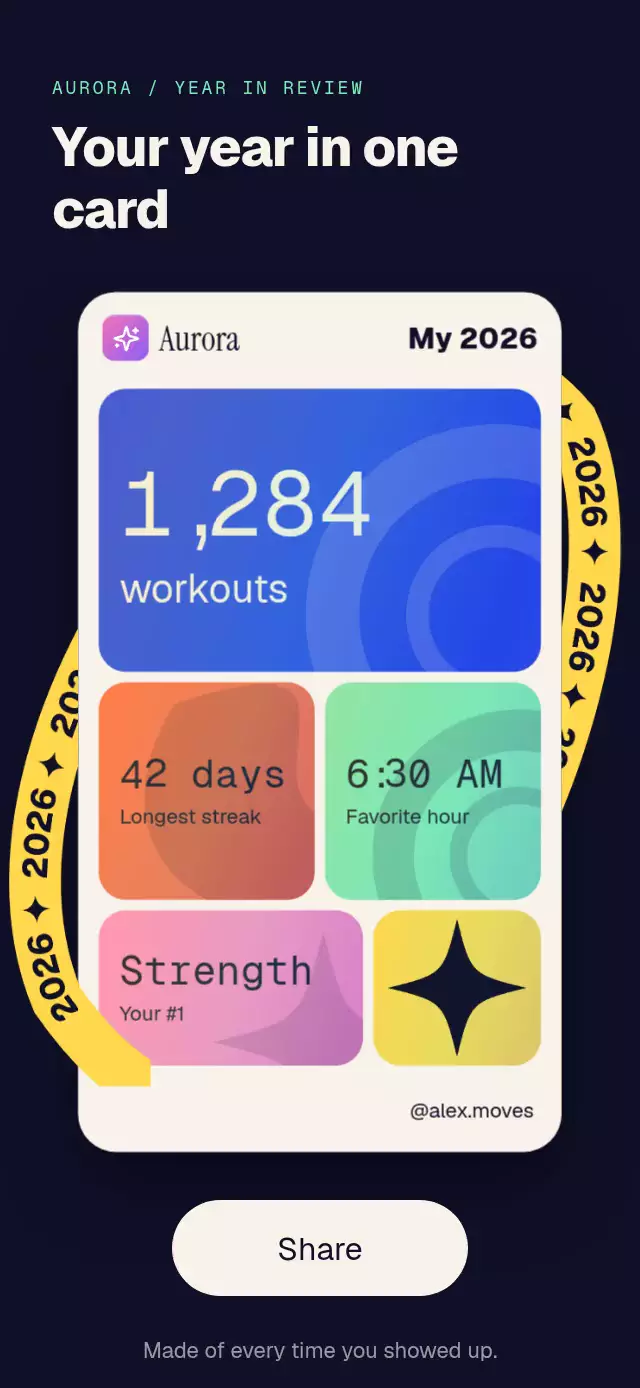
Each page has its own color and editorial rhythm. A thick S-shaped ink stroke introduces the next palette while the outgoing type lifts away and the incoming page unfolds vertically. Unlike a fixed annual recap mockup, the deck accepts typed application data and exposes navigation and playback controls.
How it works
- A UI-thread frame clock drives line reveals, spring sampling, background drift, and progress. Holding a story freezes this clock, preserving the exact animation position on release. No React state updates run per frame.
- Each line has an independent overflow mask. It reveals with an 8-point lift and cubic ease-out over 260 ms; starts are separated by 240 ms. Supporting text begins 200 ms after the final line finishes.
- Navigation preserves the outgoing page, lifts it 10 points and fades it over 320 ms. A Skia path with rounded ends and a stroke width of 55% of the container sweeps across the next color in 300 ms. New content unfolds over 400 ms. Backward navigation reverses the sweep.
- Four digit reels start at zero, one revolution before their destination. Each samples an independent exact spring solution (damping 14, stiffness 120, mass 1), staggered right to left by 90 ms. After settling at 1,300 ms, the reel clicks from scale 1.06 to 1 over 150 ms. The exact solution lets the clock freeze spring velocity as well as position.
- A downward pan follows the finger, shrinks the viewer, and either dismisses it or returns with an interruptible spring.
Gesture.Exclusive(LongPress, Tap)separates holding from navigation, with a pan competing inGesture.Race. - Completed outgoing pages are removed to release their canvases and digit views. Callbacks cross to the JavaScript thread with
scheduleOnRN.
Install
npx expo install @shopify/react-native-skia react-native-gesture-handler react-native-reanimated react-native-workletsTested dependency targets: Expo SDK 58, React Native 0.88.0, Skia 2.14.0, Reanimated 4.7.1, Gesture Handler 3.3.0, and Worklets 0.13.0. Wrap your app in GestureHandlerRootView. On web, initialize CanvasKit before loading this module using your app's Skia web loader. No assets or project-specific imports are required by the delivered component. Icons: Lucide (ISC); see LUCIDE-LICENSE.txt.
Usage
import { RecapStoryDeck, type RecapSlide } from './recap-story-deck';

const slides: RecapSlide[] = [
  { id: 'intro', type: 'intro', title: 'Your year, in motion' },
  { id: 'days', type: 'statement', lines: ['You showed up', '214 days', 'this year'] },
  { id: 'workouts', type: 'stat', value: 1284, label: 'workouts' },
  { id: 'favorite', type: 'highlight', lines: ['Your favorite', 'hour: 7:00 AM'] },
  { id: 'outro', type: 'outro', buttonLabel: 'Share your year' },
];

<RecapStoryDeck slides={slides} year={2026} onShare={handleShare} />;
The component invokes sharing callbacks; your app creates and shares the actual content. onShare(index) shares a particular story, while the outro calls onShare() for the entire year. Intro and outro default copy derives from year; supply title on those slides to localize it.
const deck = useRef<RecapStoryDeckRef>(null);

<RecapStoryDeck
  ref={deck}
  slides={slides}
  slideDuration={3200}
  loop
  paused={isAppInBackground}
  colors={{
    pages: [
      { background: '#101028', text: '#F7F3EA', accent: '#7CE8B8' },
      { background: '#FFD84D', text: '#101028', accent: '#2346E8' },
    ],
    counter: '#FF6B4A',
    counterText: '#101028',
    counterInset: '#F7F3EA',
    progressTrack: 'rgba(127,127,127,0.28)',
  }}
  timing={{ line: 260, stagger: 240, ribbon: 300 }}
  onClose={dismissRecap}
/>;

// Imperative navigation also works during an in-flight transition.
deck.current?.next();
deck.current?.pause();
deck.current?.play();
deck.current?.replay();
Import useRef from React and RecapStoryDeckRef from this folder for the second example. Supply loaded font families through the font props. The demo supplies Geist ExtraBold, Geist, and Geist Mono; the component otherwise uses platform fonts.
Slides
All pages accept id, eyebrow, subtitle, accessibilityLabel, and colors (a partial per-page palette override).
| Type | Additional fields |
|---|---|
intro | Optional title; displays year above it |
statement | lines: readonly string[], intended for 2–5 explicit lines |
stat | value: number, label: string, optional detail; rounds and clamps to 0000–9999 |
highlight | lines: readonly string[], optional shape: 'star' | 'blob' |
outro | Optional title and buttonLabel |
The palette cycles when there are more slides than page colors. Use unique slide IDs. Empty input produces an empty container. Use finite stat values and concise display copy. No strings contain embedded branding.
Props
| Prop | Type | Default | Purpose |
|---|---|---|---|
slides | readonly RecapSlide[] | Required | Story data |
year | number | 2026 | Intro year and default outro year |
slideDuration | number | 5000 | Dwell time in ms, excluding transitions; minimum 100 ms |
colors | Partial<RecapColors> | Collection palette | Page backgrounds, text, accents, counter, screws, progress track |
onShare | (slideIndex?: number) => void | — | Story or whole-year share request |
onClose | () => void | — | Enables pan and close control; called after dismissal |
onSlideChange | (index: number) => void | — | Announced page entry, including initial entry |
initialIndex | number | 0 | Initial page, clamped to available data |
paused | boolean | false | External pause; overrides imperative play |
autoplay | boolean | true | Automatic progression; ignored with reduced motion |
loop | boolean | false | Restart after the last page; otherwise remain there |
titleFontFamily | string | System | Poster type |
fontFamily | string | System | Labels and interface |
monoFontFamily | string | System | Tabular digit reels |
shareLabel | string | Share this story | Footer button copy |
labels | { previous?, next?, close? } | English labels | Visible close and accessible navigation copy |
titleScale | number | 1 | Relative display size |
timing | Partial<{ line, stagger, subtitleDelay, exit, ribbon, enter }> | 260, 240, 200, 320, 300, 400 ms | Reveal and transition timing |
style | StyleProp<ViewStyle> | — | Container style |
testID | string | recap-story-deck | Root and suffixed control identifiers |
Ref methods: next(), prev(), goTo(index), play(), pause(), and replay(). Navigation at the beginning/end is clamped unless looping forward. A new navigation command completes the logical destination of the current transition and transitions from that page. replay() returns to the beginning and clears imperative pause and dismissal.
Compatibility
The root fills its parent and measures its own layout. The parent applies safe-area insets; the component does not add them. Typography and highlight sizes use both width and available story height; content has a 650-point maximum width. Footer controls have a minimum 48×48-point touch area and remain outside the story gesture detector.
Target layouts: 320×568, 390×844, 430×932, 1024×1366, 844×390 landscape, and embedded 300×400. Small layouts reduce poster size. Longer copy, large accessibility font sizes, and custom fonts require review in the host app.
Compatible dependencies are bundled in Expo Go SDK 58. The accompanying Aurora demo has six pages, reports share requests, and loops with a 3.2-second dwell when its autoplay prop is enabled.
Accessibility
Pages announce their complete content upon entry. The story region exposes increment/decrement and escape actions, and the footer has separate “Previous story”, “Next story”, share, and close controls. Reduced motion disables automatic advancement, drift, digit rolling, vertical entry, rotation, shrink, and the ribbon, using 200 ms crossfades instead. Holding pauses typography, background motion, progress, and transitions; imperative/external pause works the same way. Your host should set paused when the screen or application loses focus.