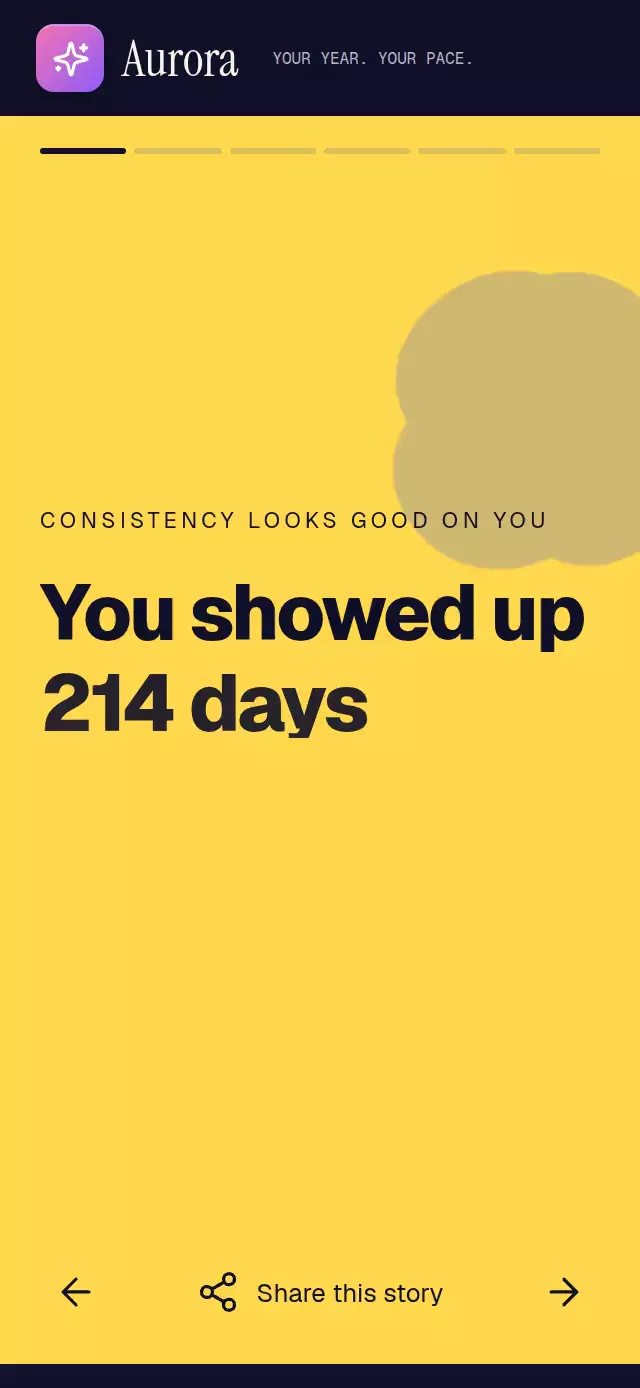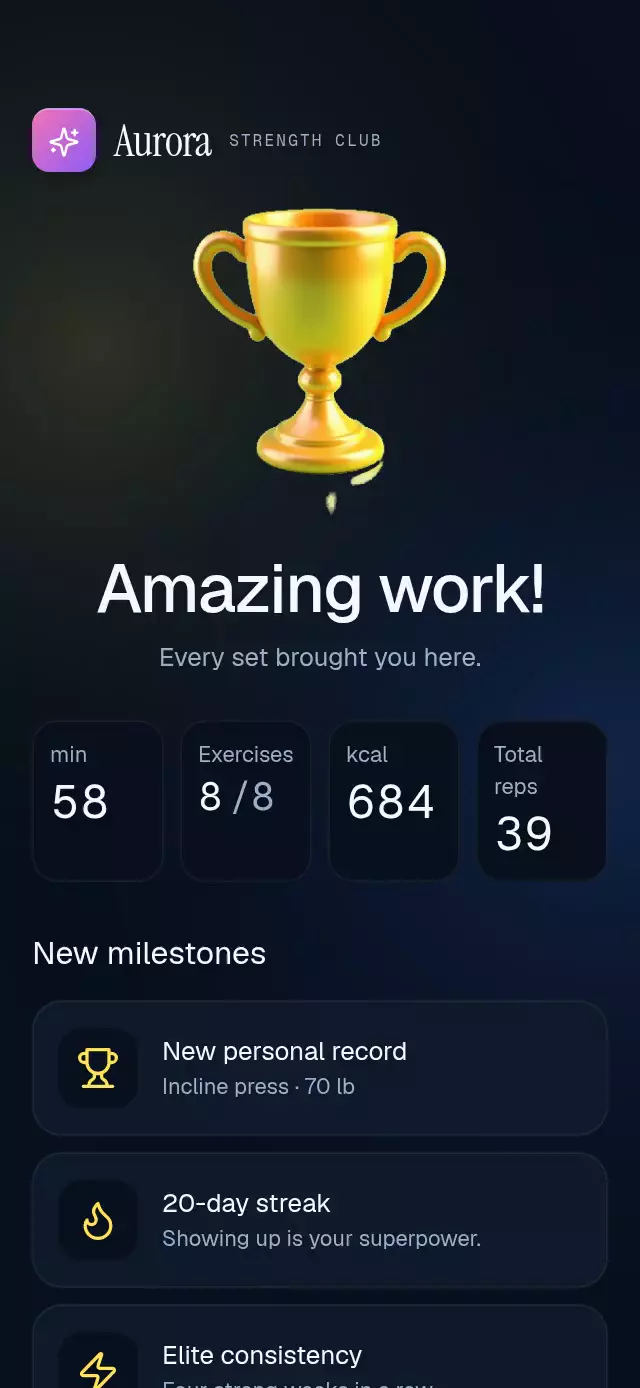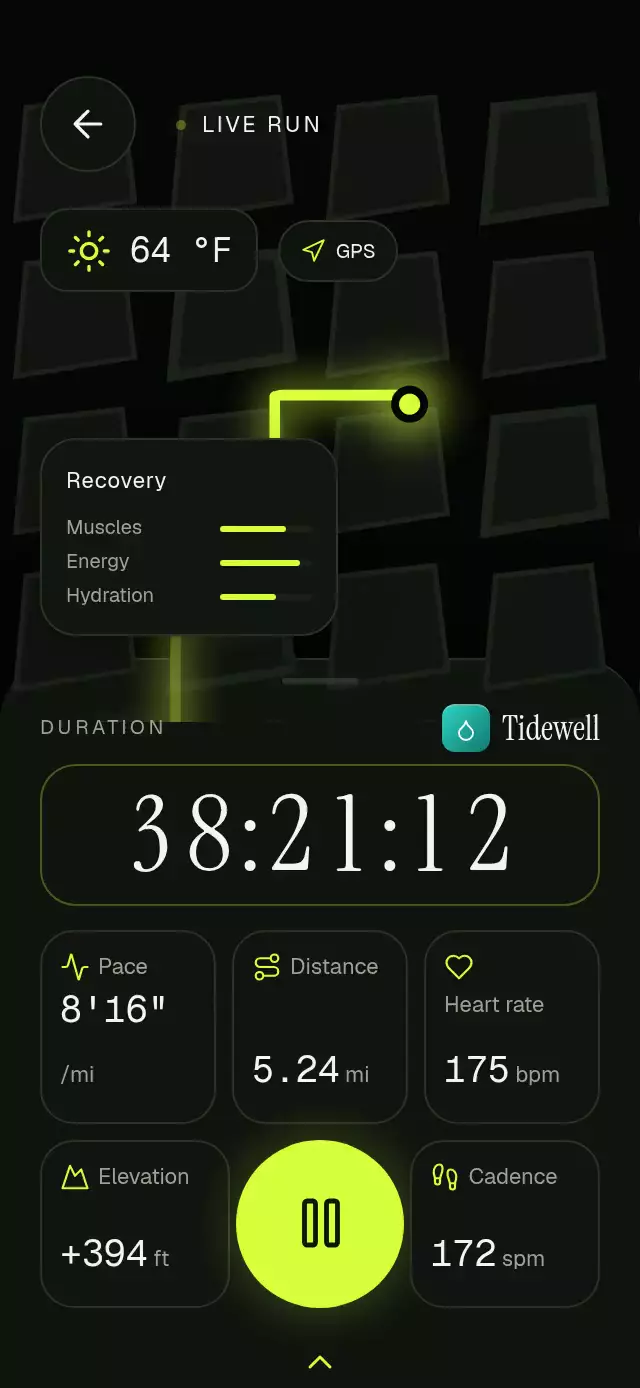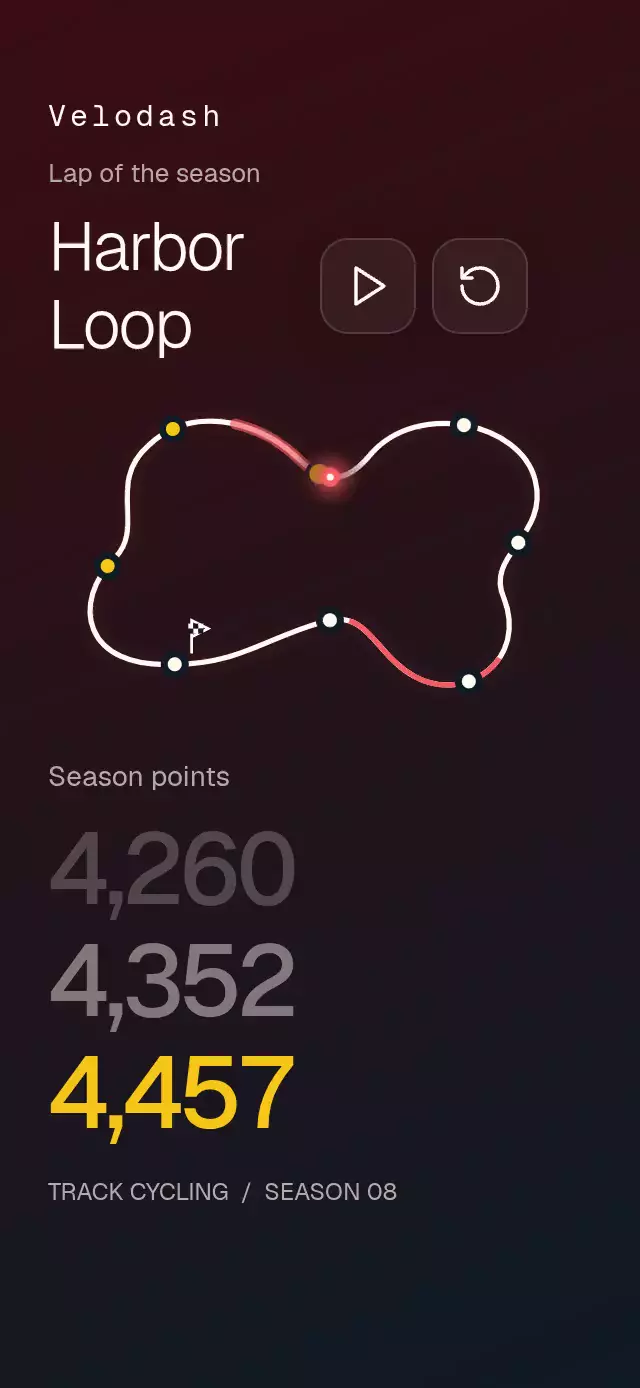
About this animation
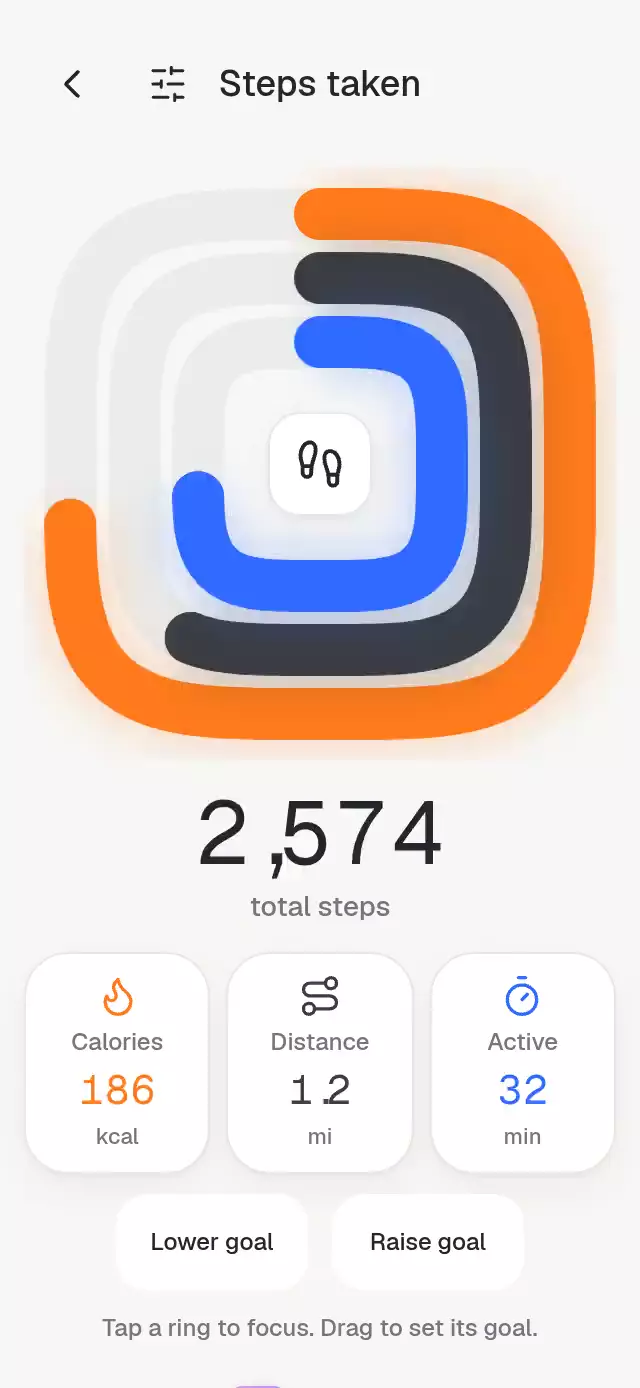
An activity dashboard with interactive concentric squircle rings, with configurable metrics, total, palette, and fonts.
Why this one
The exponent-four superellipse follows the shape of a phone rather than repeating a circular activity chart. Each rounded endpoint lands with a small droplet and a blurred accent shadow. Selecting one ring thickens it while the others recede, making each metric readable on its own.
How it works
onLayoutmeasures the host. The chart is capped at 360 pt, and a scroll container keeps all controls reachable in small or landscape containers.- The component samples each superellipse and resamples it by arc length. Skia draws one continuous fill path per ring, beginning at top center and moving clockwise. On web, local SVG images paint the exact track geometry underneath the transparent canvas immediately, independently of WebGL startup.
- One UI-thread clock drives all three fills and counters, with a 160 ms stagger and a 1,200 ms deceleration per ring.
- Fixed-width, tabular digit columns count in whole steps, snapping to exact line positions even during the fill. Each reel has an explicit ten-line height and a one-line clipping window. Punctuation has its own narrower width and hides with its preceding leading digit; the integer zero and fractional digits remain visible.
- Selection crossfades the summary, springs the stroke from 26 to 32 pt, and fades other rings to 35%. Tap the center or total to reset.
- A pan finds the closest arc-length sample and adjusts the selected goal. A small cap pulse marks each 10% boundary. Lower/Raise goal buttons and screen-reader actions provide alternatives to dragging.
Install
npx expo install @shopify/react-native-skia react-native-gesture-handler react-native-reanimated react-native-workletsCopy this folder without demo/. Place the app under GestureHandlerRootView. Use the standard Skia web CanvasKit setup when targeting web. Fonts are supplied by the host; the component uses system fonts if omitted. No images, external requests, or additional font loading are required.
Usage
import SquircleRingSteps from './squircle-ring-steps';

<SquircleRingSteps
  total={2574}
  rings={[
    { label: 'Calories', value: 186, goal: 260, color: '#FF7A1A', icon: 'flame', unit: 'kcal' },
    { label: 'Distance', value: 1.2, goal: 2, color: '#3A3D44', icon: 'route', unit: 'mi', decimals: 1 },
    { label: 'Active', value: 32, goal: 45, color: '#2F6BFF', icon: 'timer', unit: 'min' },
  ]}
/>
const activity = useRef<SquircleRingStepsRef>(null);
<SquircleRingSteps
ref={activity}
total={dailySteps}
rings={metrics}
duration={1000}
stagger={140}
fontFamily="YourInterfaceFont"
numberFontFamily="YourNumberFont"
palette={{ background: '#101114', surface: '#1D1F24', ink: '#F7F7F5', muted: '#A5A7AE', track: '#303238', border: '#35373D' }}
onSelect={index => saveSelection(index)}
onGoalChange={(index, goal) => saveGoal(index, goal)}
/>
activity.current?.select(0);
activity.current?.select(-1);
activity.current?.replay();Changing rings replays the fill and resets local goal adjustments. Keep the tuple identity stable between unrelated parent renders. Goal changes are local until the host commits them through its data. For readability, progress is limited to 1–97%; values should be finite and nonnegative, with goals greater than zero. Supply decimals from 0 to 2. The three ring widths are designed for three metrics.
Props
| Prop | Type | Default | Purpose |
|---|---|---|---|
rings | readonly three-item StepRing tuple | required | Label, value, goal, color, bundled icon, optional unit and decimal places. |
total | number | required | Total steps. |
title / totalLabel | string | Steps taken / total steps | Header and summary caption. |
hint | string | Tap a ring to focus. Drag to set its goal. | Visible guidance and chart accessibility label. |
backLabel / settingsLabel | string | Back / Settings | Navigation control labels. |
selectionLabel / resetLabel / goalLabel | string | Select metric / Reset selection / goal | Accessible selection, reset, and goal wording. |
decreaseLabel / increaseLabel | string | Lower goal / Raise goal | Touch alternatives to goal dragging. |
brand | ReactNode | none | Host-provided brand tile and wordmark. |
palette | Partial of StepsPalette | warm light palette | Background, surface, ink, muted, track, border, shadow. Supply the full palette for dark themes. |
fontFamily / numberFontFamily | string | system | Interface and number typefaces. |
duration / stagger | number | 1200 / 160 | Fill and cascade timings in milliseconds. |
onSelect | (index: number) => void | none | Selection changes; -1 means total. |
onGoalChange | (index: number, goal: number) => void | none | Goal update after dragging or a discrete adjustment. |
onInteraction | () => void | none | Host can stop autoplay after a touch. |
onBack / onSettings | () => void | none | Optional header controls; omitted controls are hidden. |
style / testID | StyleProp / string | none / squircle-ring-steps | Root layout and stable control IDs. |
Ref: replay() and select(index). Pass -1 to restore the total.
Compatibility
Expo SDK 58, React Native 0.88.0, Reanimated 4.7.1, Worklets 0.13.0, Skia 2.14.0. Dependencies are available in Expo Go. iOS, Android, and web are intended targets. The component applies no safe-area insets: the host screen owns them. Content scrolls when the available height cannot fit the dashboard, including a 300×400 embedding.
Accessibility
Metric tiles and summary are labeled buttons. The chart supports adjustable actions and activation to cycle metrics. Goal buttons provide a touch alternative to the circular pan. Selection and committed goal changes are announced. Reduced motion replaces fill sweeps with a 200 ms fade, stops counting and cap pulses, and crossfades selection without vertical travel. Font scaling remains enabled.
Icons: Lucide (ISC). The demo uses Aurora from the internal brand kit and the host's loaded Geist and Geist Mono fonts; Geist 600 is not loaded by the current app. No third-party brand assets or reference text are included.
Implementation review
The summary uses 44 pt type with 1.2× line height; smaller labels stay in normal flow. The header reserves 96 pt at the upper right for the catalog close control. At 390×844 the chart is capped at 360 pt; at 320×694 it is 296 pt, with vertical scrolling if the remaining content does not fit. Small and landscape hosts scroll instead of overlapping controls. The fill finishes at 1,520 ms, with the first focused state at 1,900 ms in autoplay. Accent light uses a blurred copy of the actual path, never an opaque overlay block.