About this component
Related guides
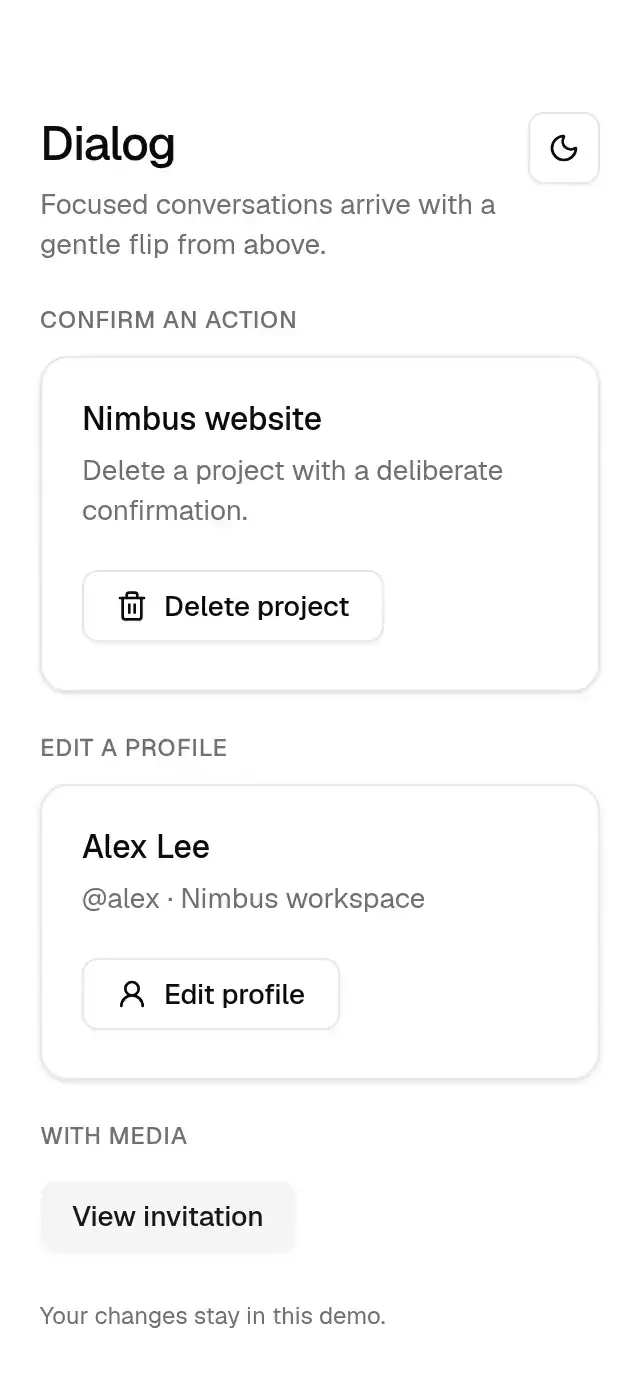
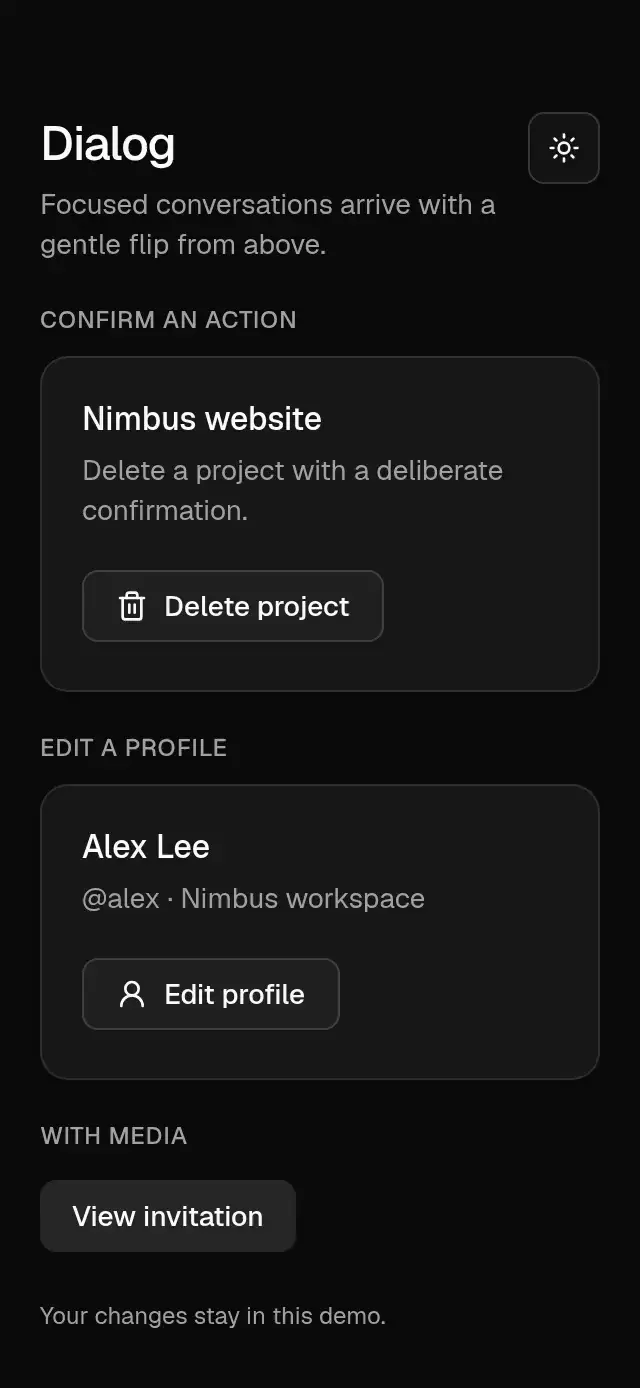
A centered dialog with a spring-driven flip and configurable copy, content, footer, and theme.
How it works
- A transparent React Native
Modalcontains its own Gesture Handler root and inherits the shared theme. Width is limited to the screen minus 32 pt, up to 512 pt. - The overlay and panel fade in over 400 ms with the theme soft curve. A 150/25 spring with mass 1 moves the panel from rotateX -20 degrees and scale 0.8 to its resting pose, with perspective 500 first in the transform list.
- Exit uses the same spring and a 200 ms fade. The modal stays mounted until the spring completes; a generation guard prevents a stale exit callback from unmounting a reopened dialog.
- The body scrolls without a visible indicator on short screens and accommodates the keyboard. Footer actions are stacked in reverse order so the primary action goes first.
Install
npx nativeanimation add base-dialogThe CLI also copies base-theme. Dependencies, if you copy by hand:
npx expo install react-native-gesture-handler react-native-reanimated react-native-worklets lucide-react-native react-native-svgLoad the Geist regular and medium fonts used by the theme once in your app, or supply your own font names in a custom theme. Interactive pieces need a GestureHandlerRootView at the app root. The usage examples with buttons or switches assume those Base pieces are installed separately.
Usage
import { BaseDialog } from './base-dialog';
import { BaseButton } from './base-button';

<BaseDialog visible={open} onVisibleChange={setOpen}
  role="alertdialog" title="Delete project?"
  description="This permanently deletes the project and its deployment history."
  footer={<>
    <BaseButton variant="outline" onPress={() => setOpen(false)}>Cancel</BaseButton>
    <BaseButton variant="destructive" onPress={deleteProject}>Delete project</BaseButton>
  </>} />
Wrap your app in BaseThemeProvider (from base-theme) to choose light/dark and an accent; without it, pieces use the light neutral theme. Every piece also takes a theme prop that wins over the provider.
Props
| Prop | Type | Default | Description |
|---|---|---|---|
visible | boolean | — | Controlled open state. |
defaultVisible | boolean | false | Initial uncontrolled open state. |
onVisibleChange | (visible: boolean) => void | — | Close request; update visible when controlled. |
title / description | string | — | Centered heading and supporting text. |
children | ReactNode | — | Dialog body, such as form fields. |
footer | ReactNode | — | Secondary actions first, primary last; rendered in a reversed column. Direct actions receive a full-width style, including inside fragments. Custom actions must forward style. |
dismissible | boolean | true | Enables the close button, outside tap, Back, Escape, and accessibility escape. |
showCloseButton | boolean | true | Shows the X when dismissible. |
closeLabel | string | 'Close' | Accessible name of the close button. |
role | 'dialog' | 'alertdialog' | 'dialog' | Alert dialogs ignore outside taps; explicit actions, X, and Back still work when dismissible. |
media | ReactNode | — | Caller-supplied content centered in a 64 pt muted box. |
theme | BaseTheme | provider | Theme override inherited by dialog content. |
testID | string | — | Identifier on the panel. |
Compatibility
Expo SDK 58 · React Native 0.88 · Reanimated 4.7 · react-native-worklets 0.13. Targets iOS, Android, and web, including Expo Go and development builds. Part of Native Animation Base, a free family sharing one theme; the CLI installs its family dependencies automatically.
Accessibility
The panel declares dialog or alertdialog semantics, an accessible heading and description, and modal isolation. The close button has a 44 × 44 pt target and a customizable accessible label. Outside taps do not dismiss alert dialogs. Back, Escape, and the accessibility escape gesture honor dismissible. Web focus containment and restoration are provided by React Native's Modal; verify the complete form with VoiceOver/TalkBack in the host app. Reduce Motion removes the flip and scale and changes opacity immediately.
Part of a shared foundation
Use it in a screen
Compose Base Dialog with other Base components and a single shared theme. Ask your agent to read each API, then connect real navigation, state, and callbacks.
Go further.
Base covers the everyday. Choose a more expressive interaction when your app calls for it.
Stacked Category Cards ↗
A category stack whose tabs unfold into detail cards, with configurable categories, title, colors, and fonts.
Another way to solve this task · $9Review Approval Card ↗
A moderation queue with swipe-to-approve or decline feedback, with configurable reviews, labels, colors, and fonts.
Source code
Loading public source…