About this component
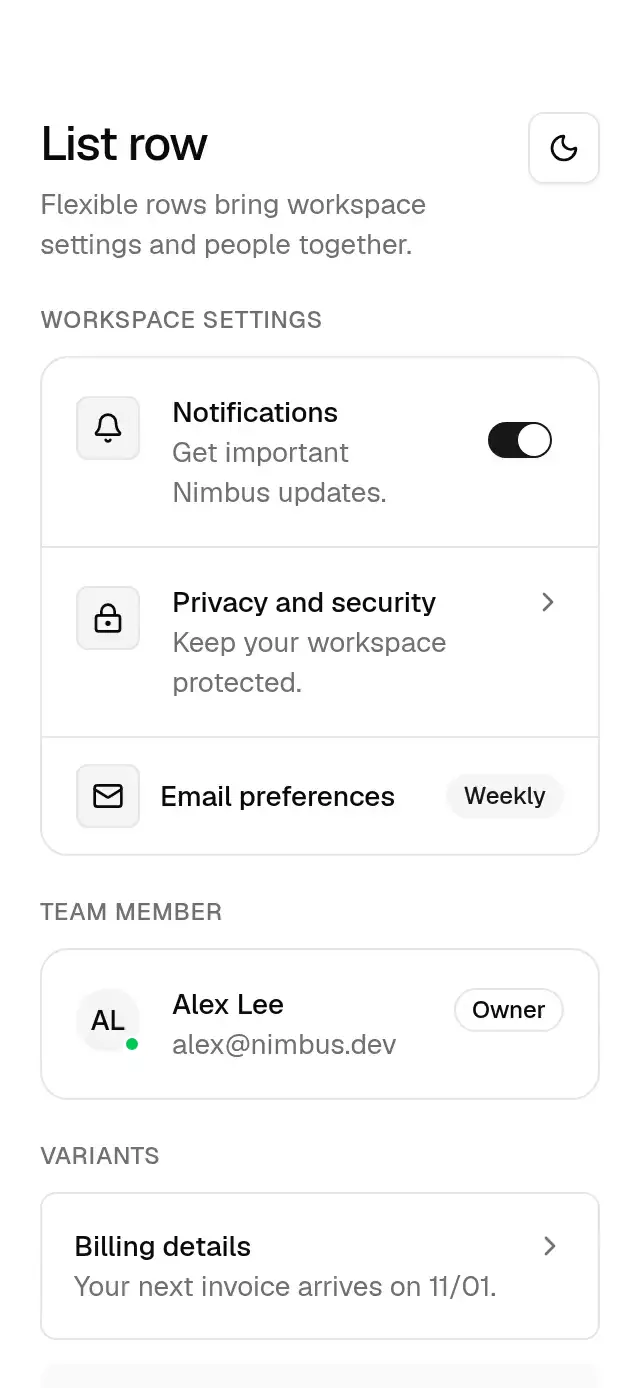
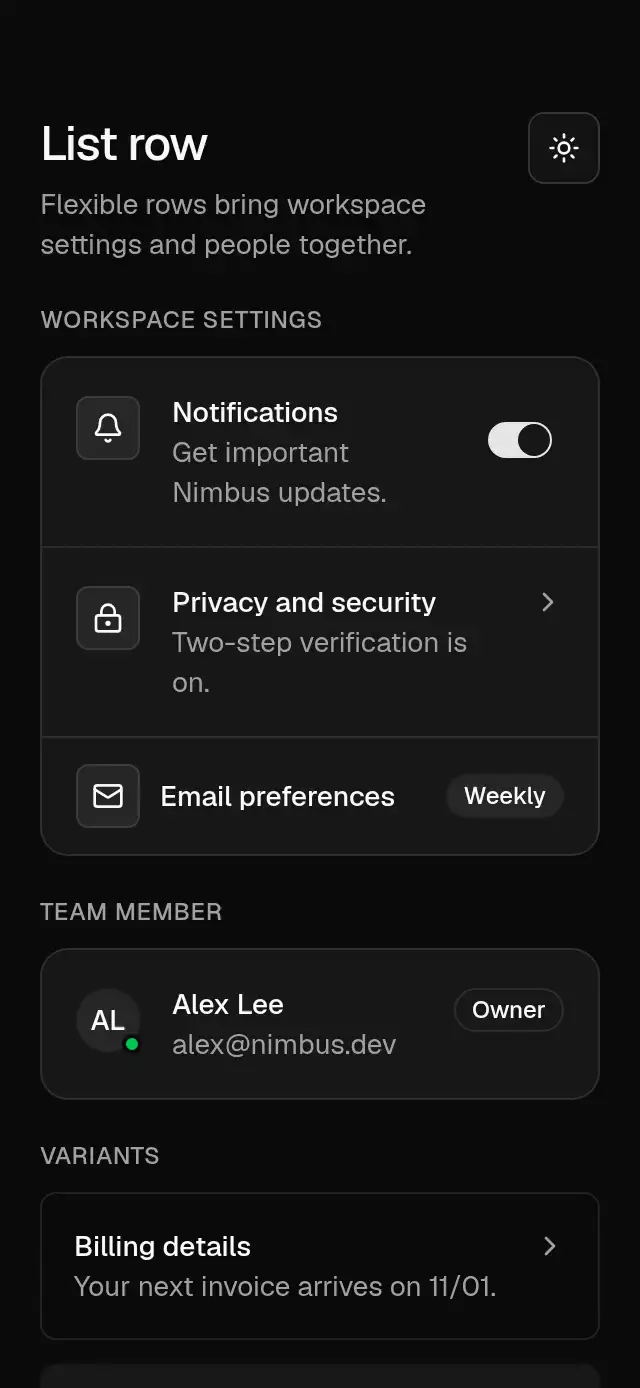
A composable list row with press feedback and configurable copy, leading content, trailing content, and theme.
How it works
- A row lays out optional leading and trailing content around a flexible text column. Descriptions stop at two lines; side content moves to the top with a 2 pt inset.
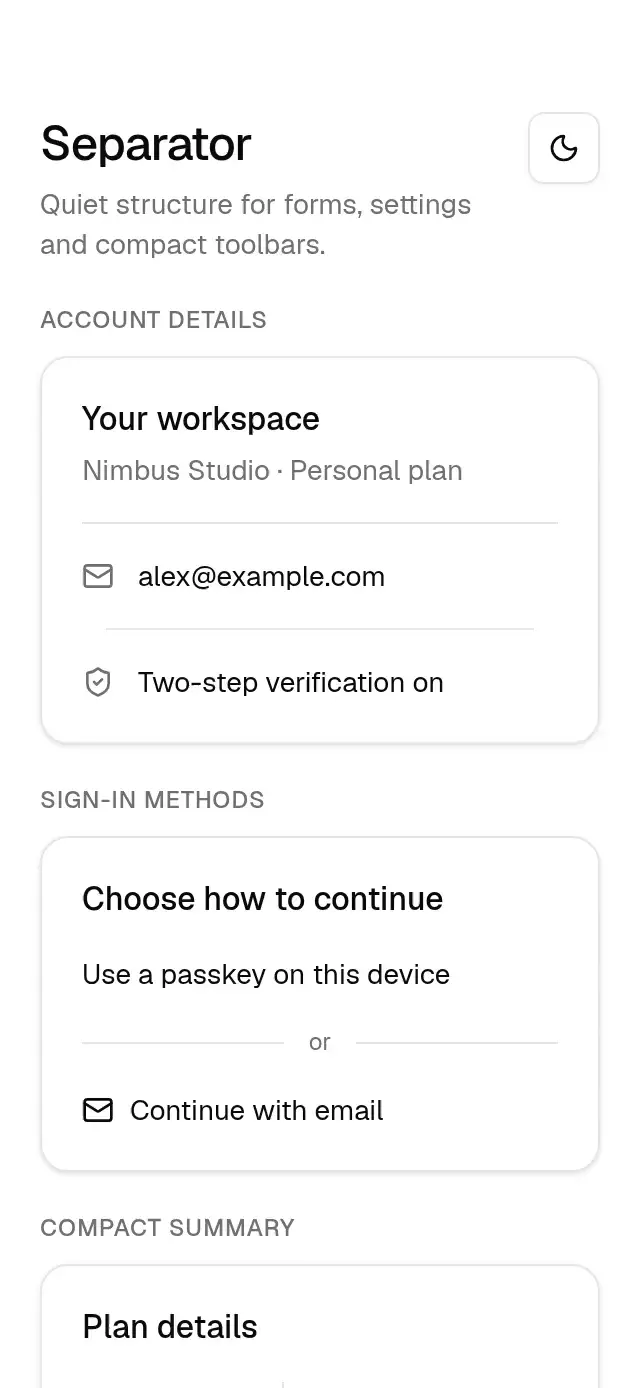
- Groups insert a 1 pt divider between direct children.
insetadds a card surface, border, and xl radius. - A pressable row fades to the accent color at 50% opacity over 100 ms while a separate scale springs to 0.985 using the theme press spring (550/30, mass 1).
- Release and cancellation restore both values. Gesture callbacks schedule the caller's action on the RN thread.
Install
npx nativeanimation add base-list-rowThe CLI also copies base-theme. Dependencies, if you copy by hand:
npx expo install react-native-gesture-handler react-native-reanimated react-native-workletsLoad the Geist regular and medium fonts used by the theme once in your app, or supply your own font names in a custom theme. Interactive pieces need a GestureHandlerRootView at the app root. The usage examples with buttons or switches assume those Base pieces are installed separately.
Usage
import { BaseListGroup, BaseListRow } from './base-list-row';
import { BaseSwitch } from './base-switch';

<BaseListGroup inset>
  <BaseListRow title="Privacy and security"
    description="Keep your Nimbus workspace protected."
    onPress={openSecurity} />
  <BaseListRow title="Notifications"
    trailing={<BaseSwitch value={enabled} onValueChange={setEnabled}
      accessibilityLabel="Nimbus notifications" />} />
</BaseListGroup>
Wrap your app in BaseThemeProvider (from base-theme) to choose light/dark and an accent; without it, pieces use the light neutral theme. Every piece also takes a theme prop that wins over the provider.
Props
| Prop | Type | Default | Description |
|---|---|---|---|
BaseListRow: title | string | required | Primary row label. |
description | string | — | Supporting copy, limited to two lines. |
leading / trailing | ReactNode | — | Icons, avatars, controls, or metadata. Use a nonpressable row for independently interactive children. |
onPress | () => void | — | Makes the whole row a button. |
variant | 'default' | 'outline' | 'muted' | 'default' | Transparent, bordered, or muted surface. |
size | 'default' | 'sm' | 'default' | 16 pt padding or 16 × 12 pt padding. |
theme | BaseTheme | provider | Override inherited by nested Base components. |
style | StyleProp<ViewStyle> | — | Root style; also available on Group and Icon. |
testID / accessibilityLabel | string | — | Native root identifier and optional accessible name. |
BaseListGroup: children | ReactNode | — | Rows separated by a 1 pt border-colored line; pass rows directly. |
inset | boolean | false | Adds a card surface with an xl radius and border. |
BaseListRowIcon: children | ReactNode | — | A caller-supplied 16 pt icon in a 32 pt box. |
Compatibility
Expo SDK 58 · React Native 0.88 · Reanimated 4.7 · react-native-worklets 0.13. Targets iOS, Android, and web, including Expo Go and development builds. Part of Native Animation Base, a free family sharing one theme; the CLI installs its family dependencies automatically.
Accessibility
Pressable rows are announced as buttons with their title and description and support accessibility activation and Enter/Space on web. Rows have a minimum 48 dp height on Android; a one-line sm row is 46 pt on iOS and 46 px on web. Put independently interactive controls in rows without onPress so their semantics stay separate. Reduce Motion keeps scale at 1 and makes the surface change immediate.
Touch targets
Android rows are at least 48 dp tall. A one-line sm row is 46 pt tall on iOS and 46 px on web. A default row is at least 54 on every platform. Content can make rows taller. Keep pressable rows at least 48 dp wide on Android or 44 pt wide on iOS and 44 px wide on web. Give separate trailing controls their own full targets.
Part of a shared foundation
Use it in a screen
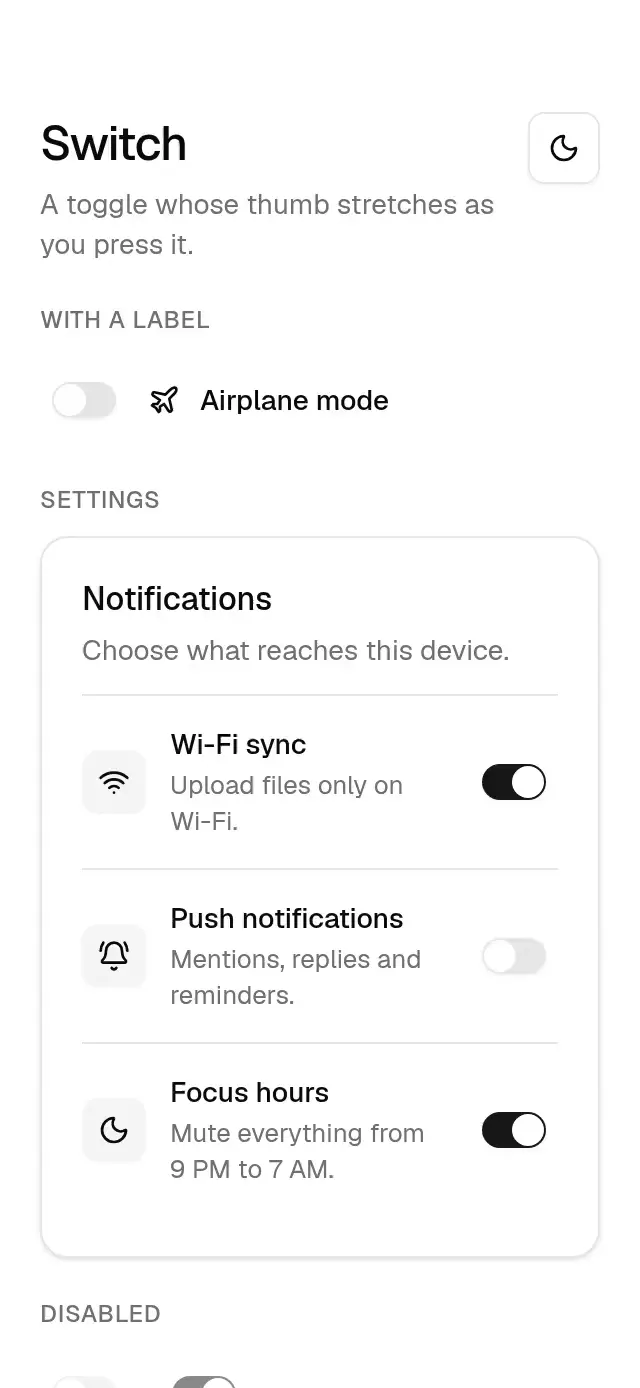
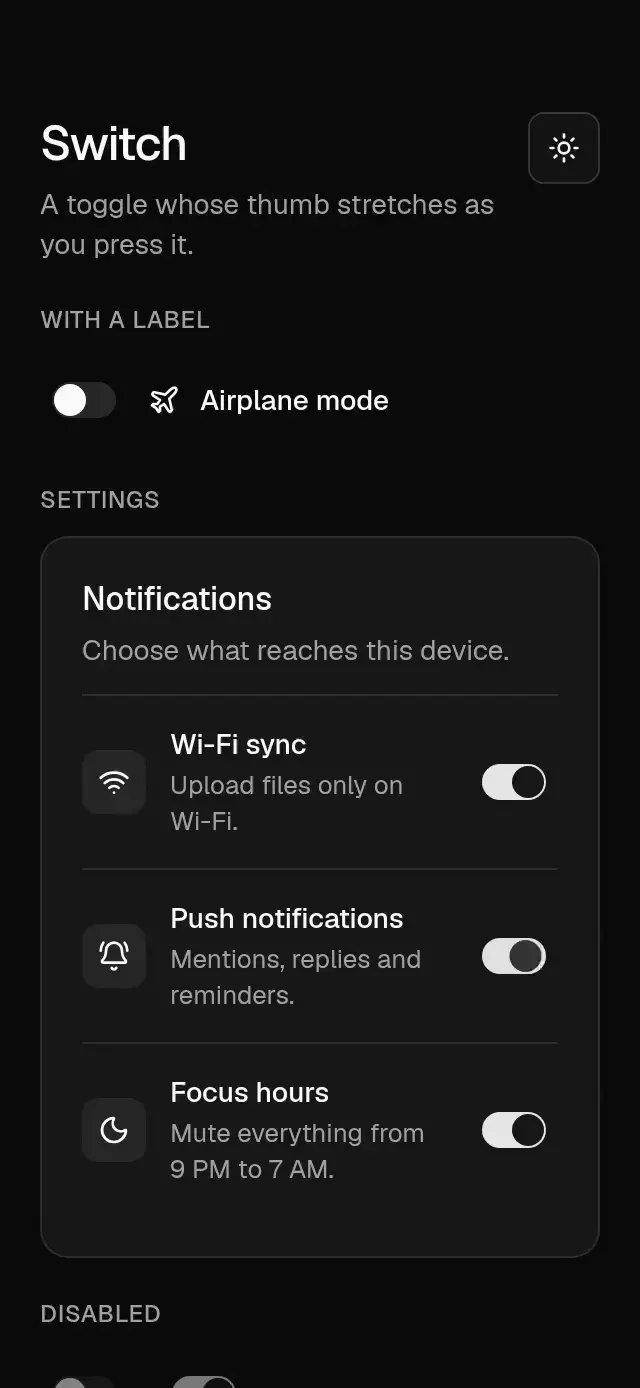
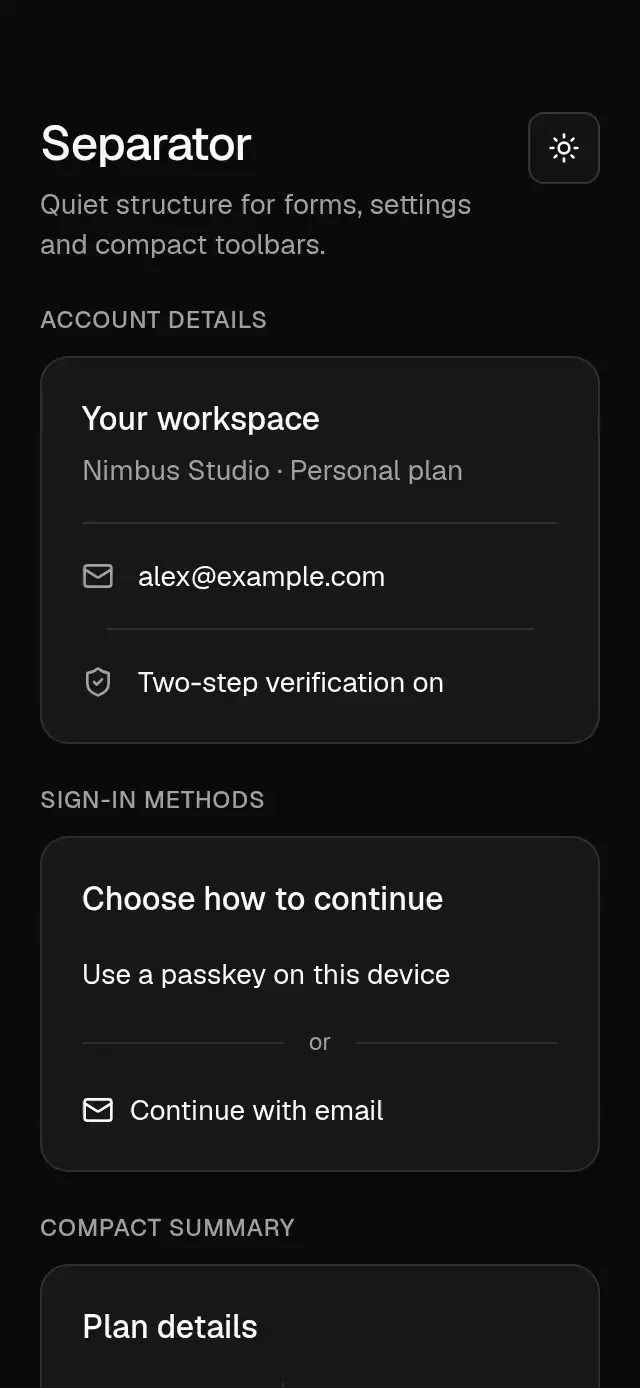
Compose Base List Row with other Base components and a single shared theme. Ask your agent to read each API, then connect real navigation, state, and callbacks.
Go further.
Base covers the everyday. Choose a more expressive interaction when your app calls for it.
Stacked Category Cards ↗
A category stack whose tabs unfold into detail cards, with configurable categories, title, colors, and fonts.
Another way to solve this task · $9Review Approval Card ↗
A moderation queue with swipe-to-approve or decline feedback, with configurable reviews, labels, colors, and fonts.
Source code
Loading public source…