About this component
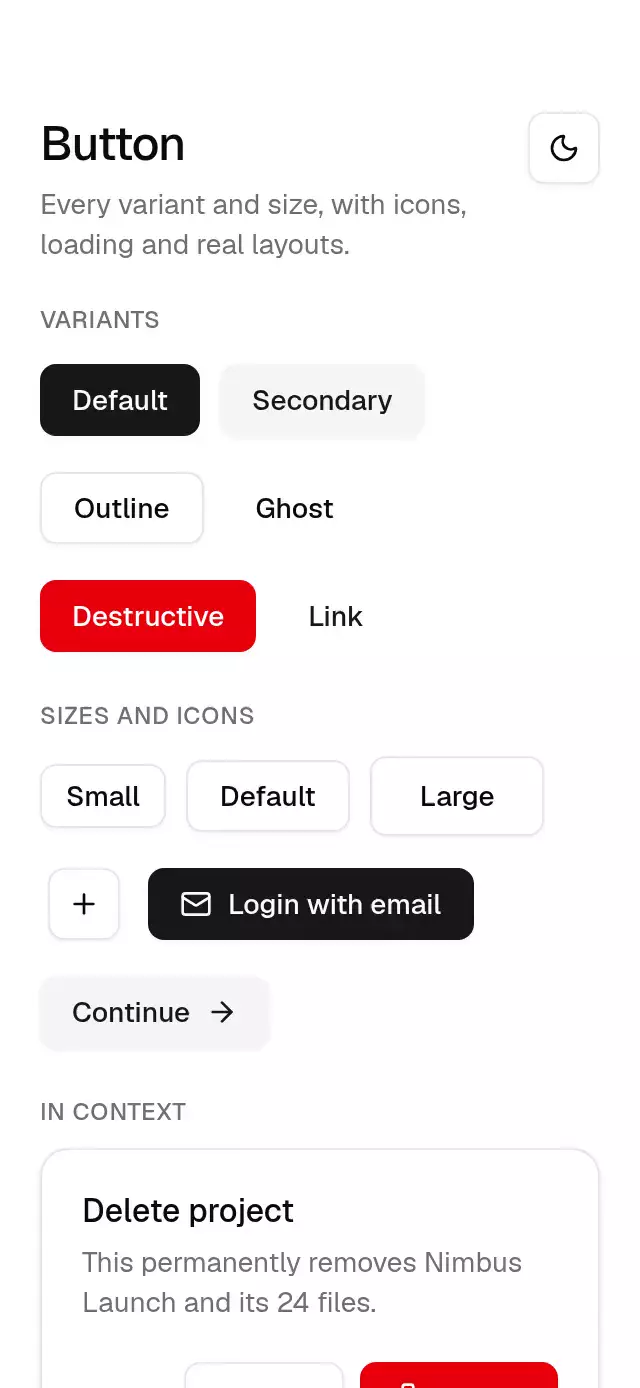
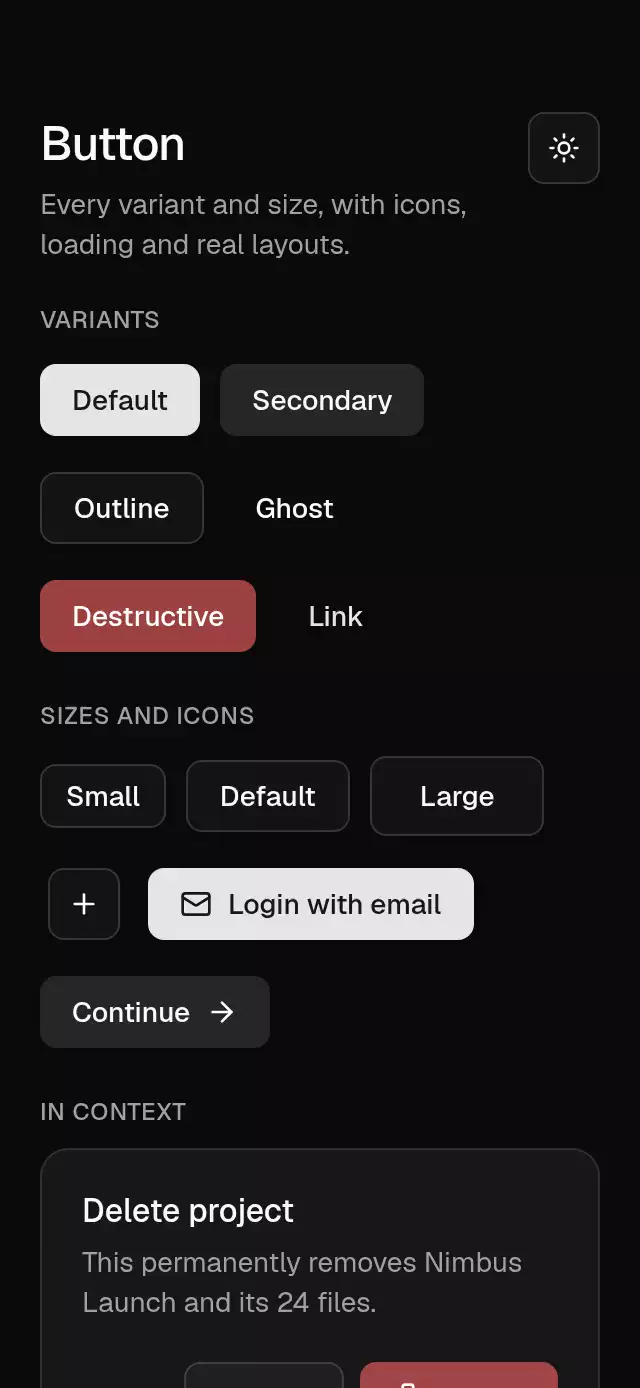
A button with spring-driven press feedback and configurable content, size, variant, and theme.
How it works
- Six variants (
default,secondary,outline,ghost,destructive,link) and five sizes read their colors, radius and shadow from the Base theme. - The press is a Gesture Handler tap: it springs to
0.97on touch-down and back on release (stiffness 550, damping 30, mass 1), on its own shared value so a fast double tap never gets stuck. - Visual heights are 24/32/36/40; a layout wrapper reserves a 48 dp Android or 44 pt iOS/web touch target while preserving the visual surface.
loadingswaps the leading slot for a spinner and blocks presses;disableddims to 50%.
Install
npx nativeanimation add base-buttonThe CLI also copies base-theme. Dependencies, if you copy by hand:
npx expo install react-native-gesture-handler react-native-reanimated react-native-workletsUsage
import { BaseButton } from './base-button';

<BaseButton onPress={save}>Save changes</BaseButton>
With icons, variants and states:
<BaseButton variant="outline" size="sm" leading={<Plus size={16} color={theme.colors.foreground} />}>
  New project
</BaseButton>
<BaseButton variant="destructive" loading={deleting} onPress={remove}>Delete</BaseButton>
<BaseButton size="icon" variant="ghost" accessibilityLabel="Next page"><ChevronRight size={16} /></BaseButton>
Wrap your app in BaseThemeProvider (from base-theme) to choose light/dark and an accent; without it, pieces use the light neutral theme. Every piece also takes a theme prop that wins over the provider.
Props
| Prop | Type | Default | Description |
|---|---|---|---|
children | ReactNode | — | Label text, or any element. |
variant | 'default' | 'secondary' | 'outline' | 'ghost' | 'destructive' | 'link' | 'default' | Visual style. |
size | 'xs' | 'sm' | 'default' | 'lg' | 'icon' | 'default' | Height and padding. |
onPress | () => void | — | Called on tap. |
loading | boolean | false | Shows a spinner and blocks presses. |
disabled | boolean | false | Dims and blocks presses. |
leading / trailing | ReactNode | — | Icon or element before / after the label. |
fullWidth | boolean | false | Stretches to the container width. |
style | StyleProp<ViewStyle> | — | Extra styles for the button. |
accessibilityLabel | string | — | Required for icon-only buttons. |
theme | BaseTheme | provider | Overrides the theme from BaseThemeProvider. |
testID | string | — | Test identifier on the root view. |
Compatibility
Expo SDK 58 · React Native 0.88 · Reanimated 4.7 · react-native-worklets 0.13. Runs on iOS, Android and web, in Expo Go
and in development builds. Part of Native Animation Base, a free family that shares one theme: install
base-theme once (the CLI does it for you) and every Base piece picks it up.
Accessibility
Announced as a button with synchronized disabled and busy states. Supports screen-reader activation and Enter/Space on web. With Reduce Motion on, the press scale is skipped; the press still works.
Part of a shared foundation
Use it in a screen
Compose Base Button with other Base components and a single shared theme. Ask your agent to read each API, then connect real navigation, state, and callbacks.
Go further.
Base covers the everyday. Choose a more expressive interaction when your app calls for it.
Voice Record Lock ↗
A hold-to-record interface with slide-to-lock and review states, with configurable labels, palette, fonts, and duration limit.
Another way to solve this task · $9State Icon Morph Button ↗
A transport button with reversible play, pause, and stop morphs, with configurable labels, button size, icon size, and palette.
Source code
Loading public source…