React Native Button Animations
Browse React Native button animations for confirmations, copy feedback, long presses, and morphing actions in Expo apps.
Loading animations…
Searching in Button Animations · Search all animations
Popular patterns
6 animations
 Free
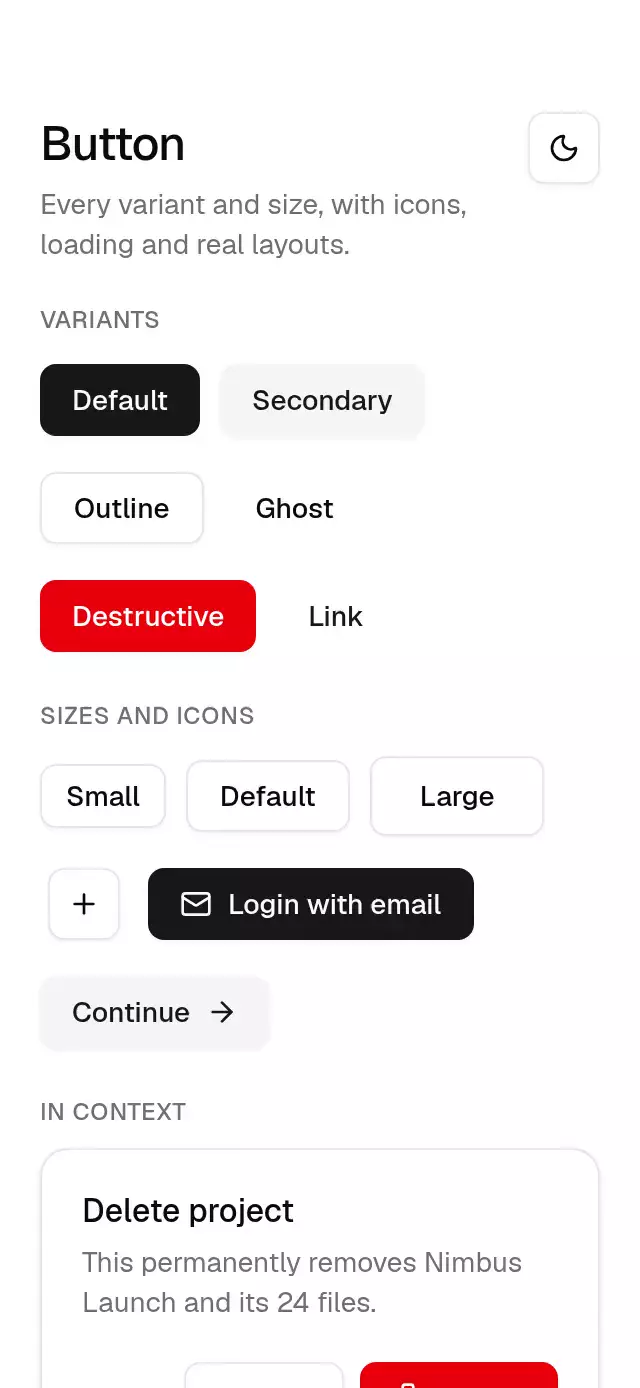
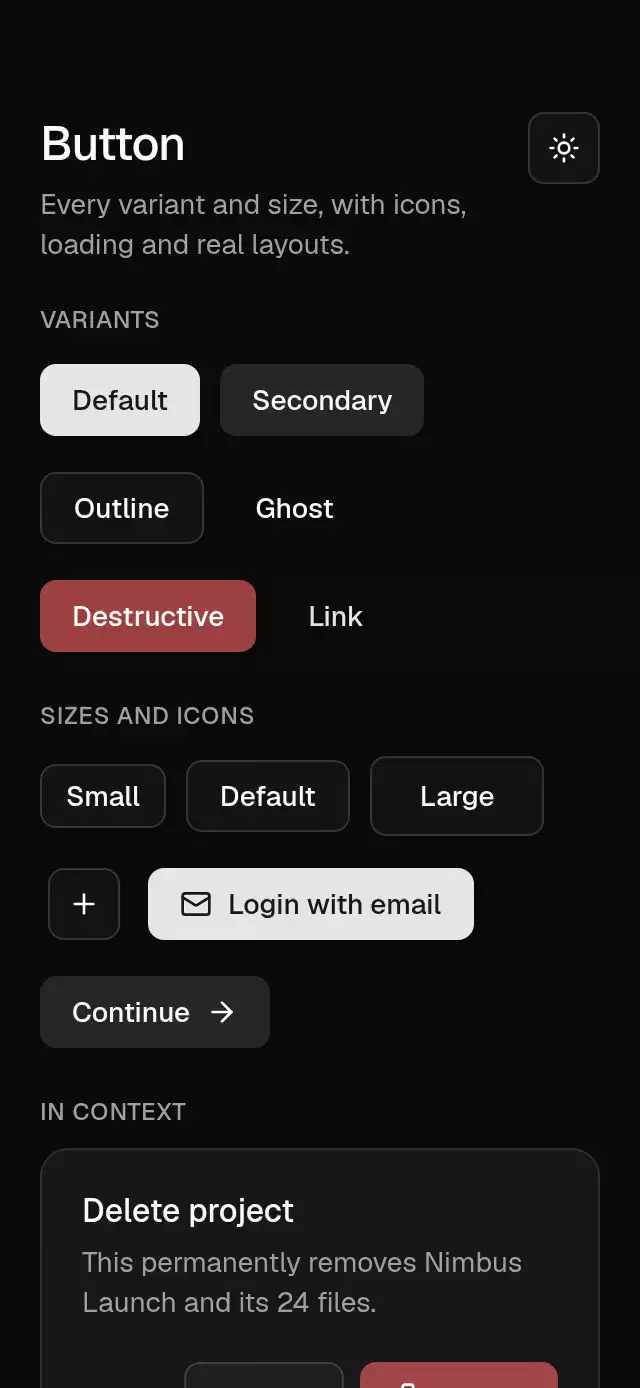
Base Button
A button with spring-driven press feedback and configurable content, size, variant, and theme.
 Free
Burst Like Button
A like button with a particle burst and hold-to-charge effect, with configurable heart color, particle colors, size, and font.
 $9 for this animation
Loading Morph Button
An async action button that morphs into progress, success, or retry feedback, with configurable label, width, fill color, and font.
 Free
Copy Confirm Button
A copy button that draws a check and lifts a confirmation pill, with configurable confirmation text, font, surface color, and success color.
 Free
Hold to Confirm Button
A hold-to-confirm control with animated progress and a success finish, with configurable labels, width, progress color, and font.
 $9 for this animation
Morphing Action Button
An action button that expands into a card as the screen recedes, with configurable card content, background content, button color, and card width.
About this collection
React Native button animations should clarify what happened, protect important actions, and stay responsive under repeated input. This collection covers focused interaction patterns rather than decorative motion alone: local copy confirmation, deliberate hold-to-confirm progress, and a floating action that becomes an editable card. The components use Reanimated shared values for frame-level state and honor the system Reduce Motion preference. Gesture-driven pieces use Gesture Handler so progress follows the finger and can be interrupted cleanly. Every button exposes application callbacks instead of hiding business logic; for example, the copy button leaves clipboard access to your code, while confirmation controls report completion through props. Add a piece with the Native Animation CLI, keep the source in your project, and customize labels, colors, timing, dimensions, and controlled state. The result is a polished interaction you can adapt without depending on a black-box component package.
Related guides
More collections
- React Native Skia Examples for Expo
- React Native Carousel Examples for Expo
- React Native Value Selectors
- React Native Onboarding Animations
- React Native Loading Animation Examples
- React Native Liquid Glass Animations
- React Native Chart Animations
- React Native Micro-interactions
- React Native Halloween Animations
- React Native Black Friday and Sale Animations
- React Native Year in Review Animations
- React Native Holiday Animations