React Native Value Selectors
React Native value selectors for sliders, circular dials, counters, and wheel pickers. Compare input patterns and choose an Expo component by task.
Loading animations…
Searching in Value Selectors · Search all animations
Popular patterns
20 animations
 $9 for this animation
E-bike Ride Dashboard
An e-bike welcome-to-dashboard transition with live ride controls and configurable bike image, stats, colors, and fonts.
 $9 for this animation
Constellation Morph Picker
A zodiac picker with morphing star charts and a draggable forecast sheet, with configurable forecasts, title, fonts, and accent color.
 Free
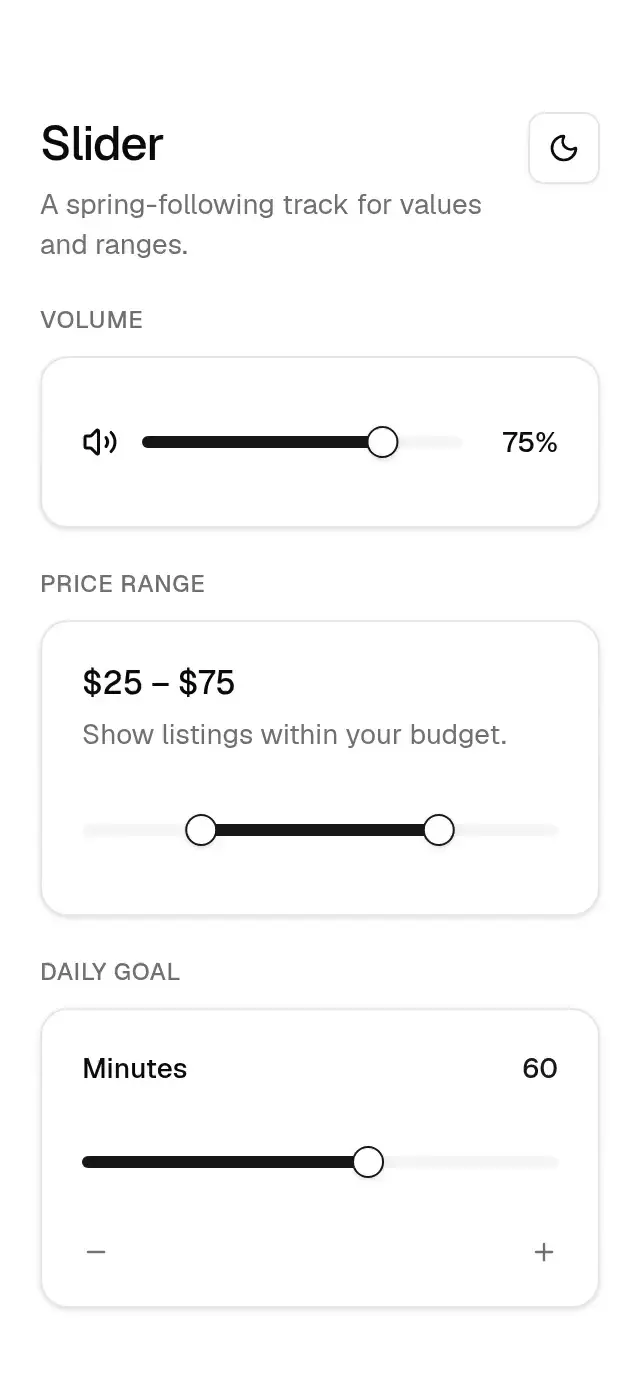
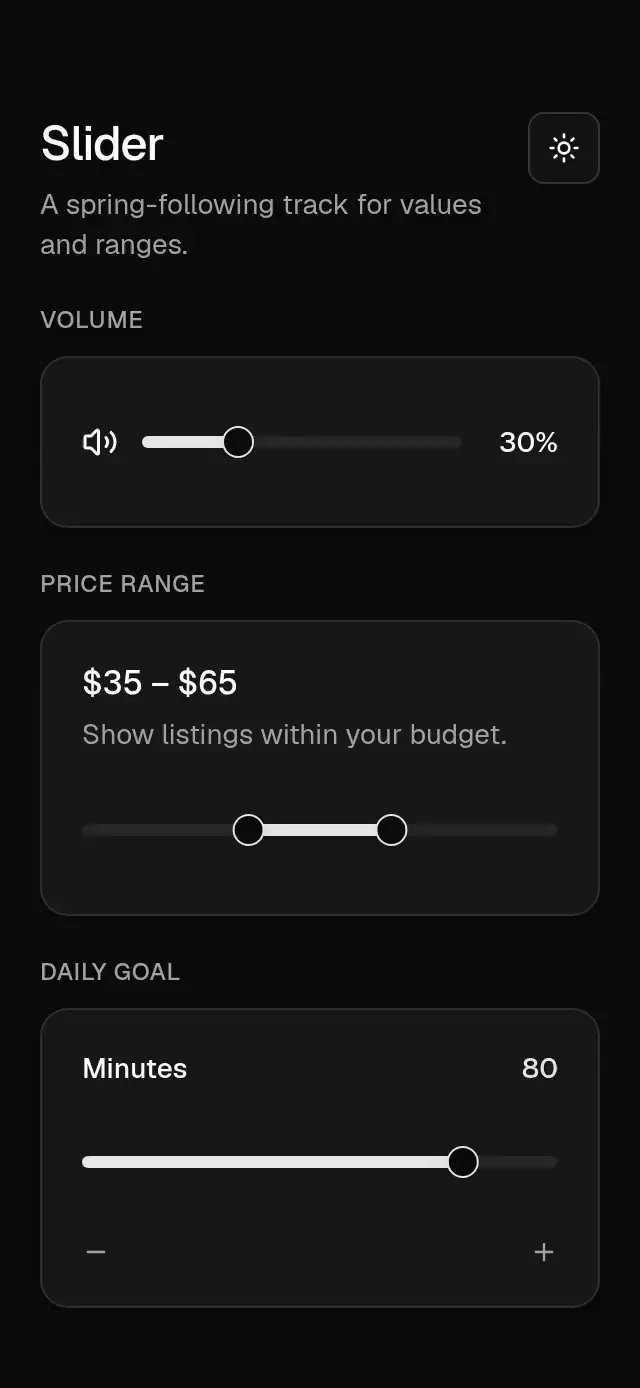
FreeBase Slider
A value or range slider with spring-following thumbs and configurable bounds, step, and theme.
 $9 for this animation
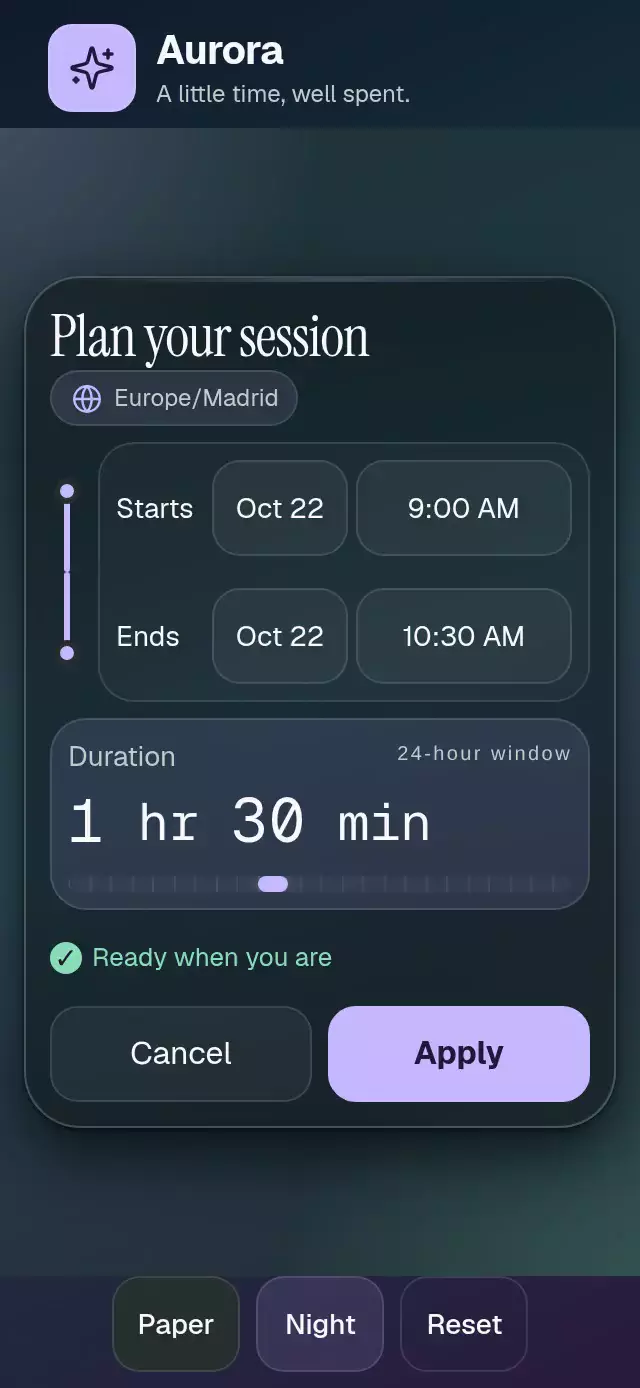
Date Time Interval Picker
A start-and-end interval picker with time wheels and validation, with configurable time zone, minute step, palette, and fonts.
 $9 for this animation
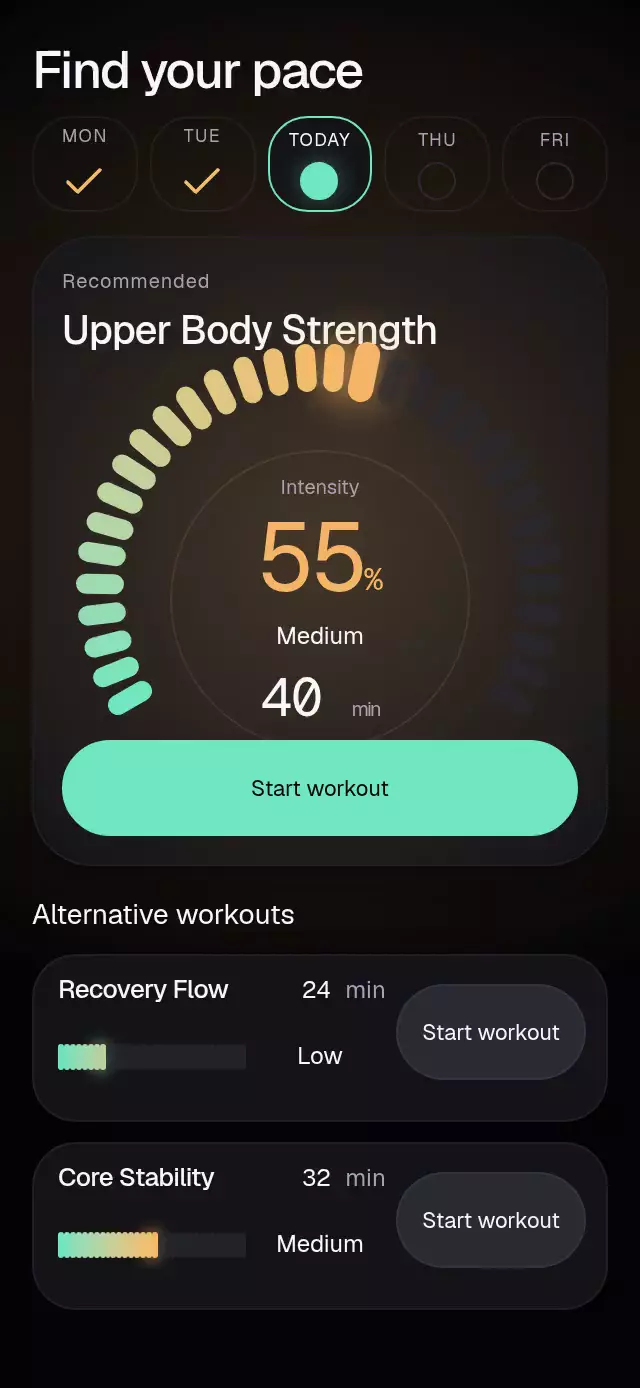
Intensity Tick Picker
A workout picker with a segmented intensity dial and configurable workouts, level labels, palette, and fonts.
 $9 for this animation
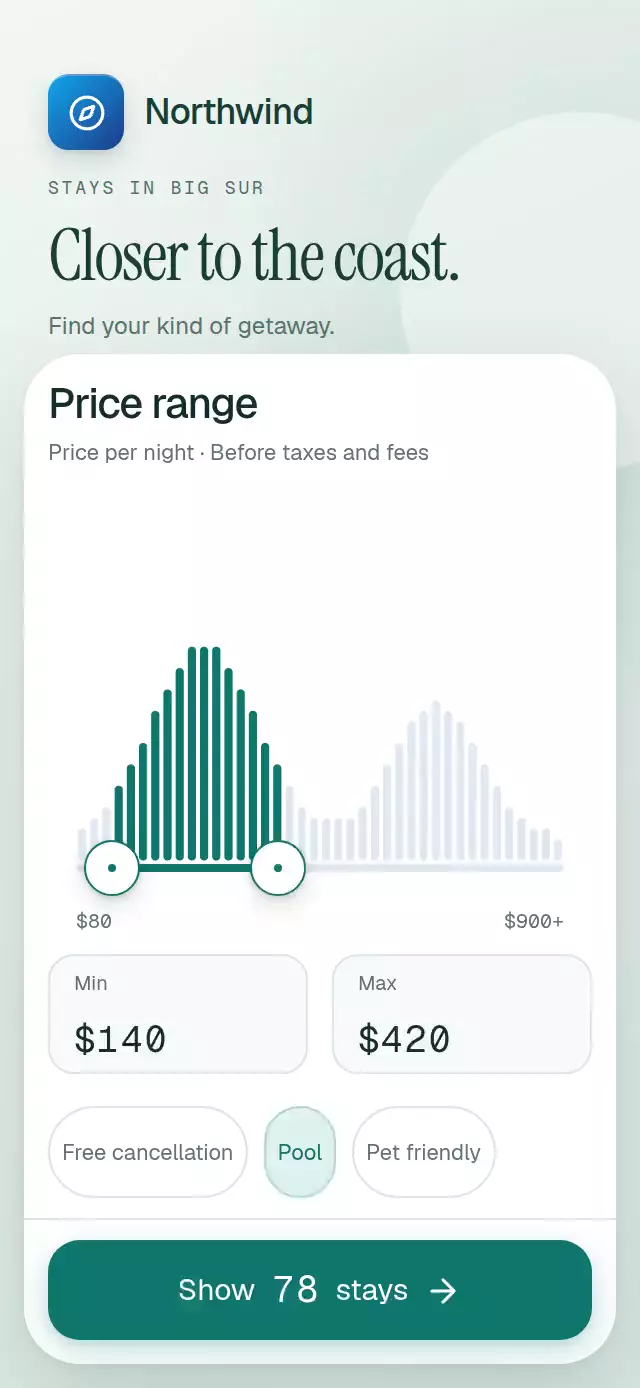
Price Range Histogram
A two-handle lodging price filter with animated histogram selection, with configurable bins, filters, accent color, and fonts.
 $9 for this animation
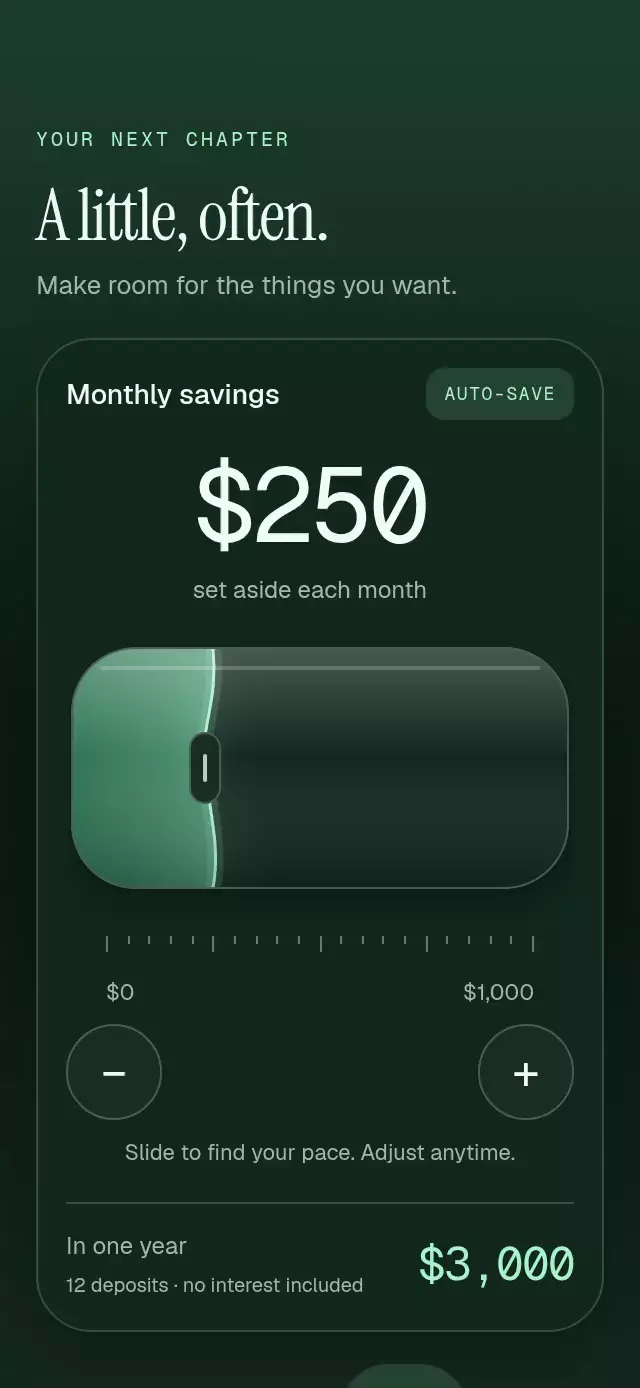
Liquid Value Slider
A value slider with a motion-responsive liquid surface and rolling readout, with configurable bounds, liquid colors, and fonts.
 $9 for this animation
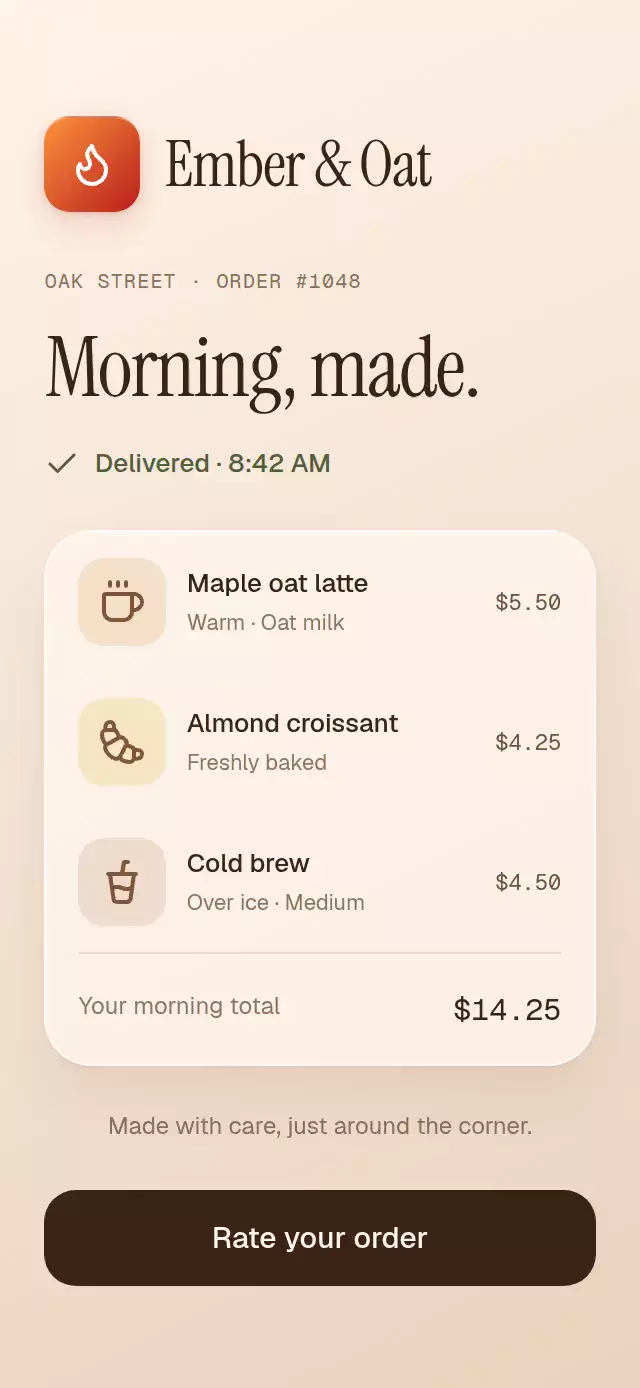
Rating sheet with a drawn face
A rating sheet with a continuously changing face and configurable rating labels, feedback reasons, surface color, and fonts.
 $9 for this animation
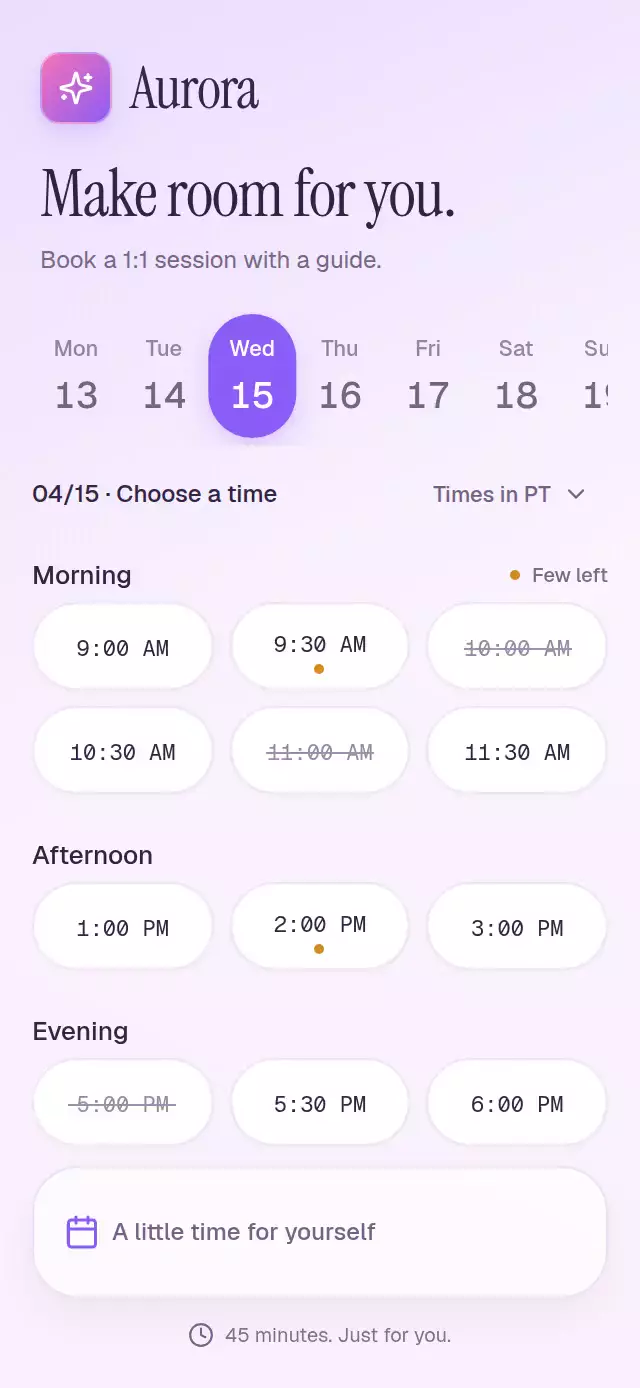
Time Slot Picker
An appointment picker that folds selected times into confirmation tickets, with configurable slots, dates, accent color, and fonts.
 $9 for this animation
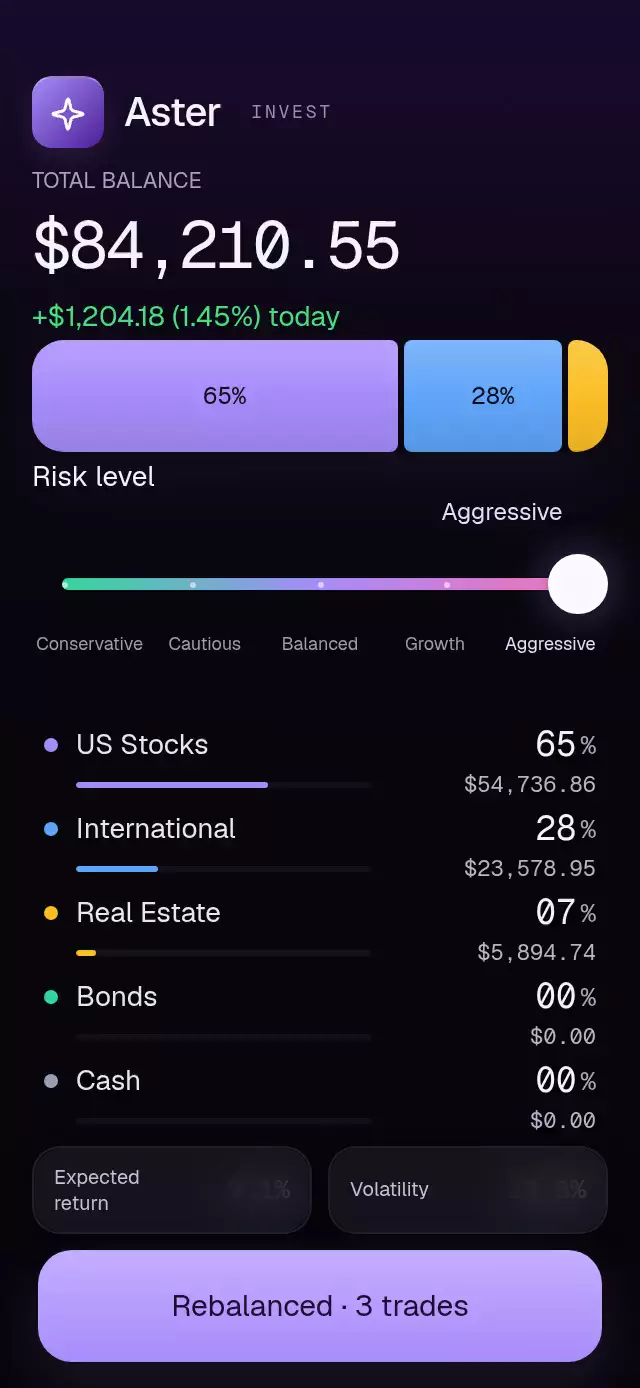
Portfolio Allocation
A risk slider that reshapes allocations and reorders asset rows, with configurable risk levels, assets, fonts, and background color.
 $9 for this animation
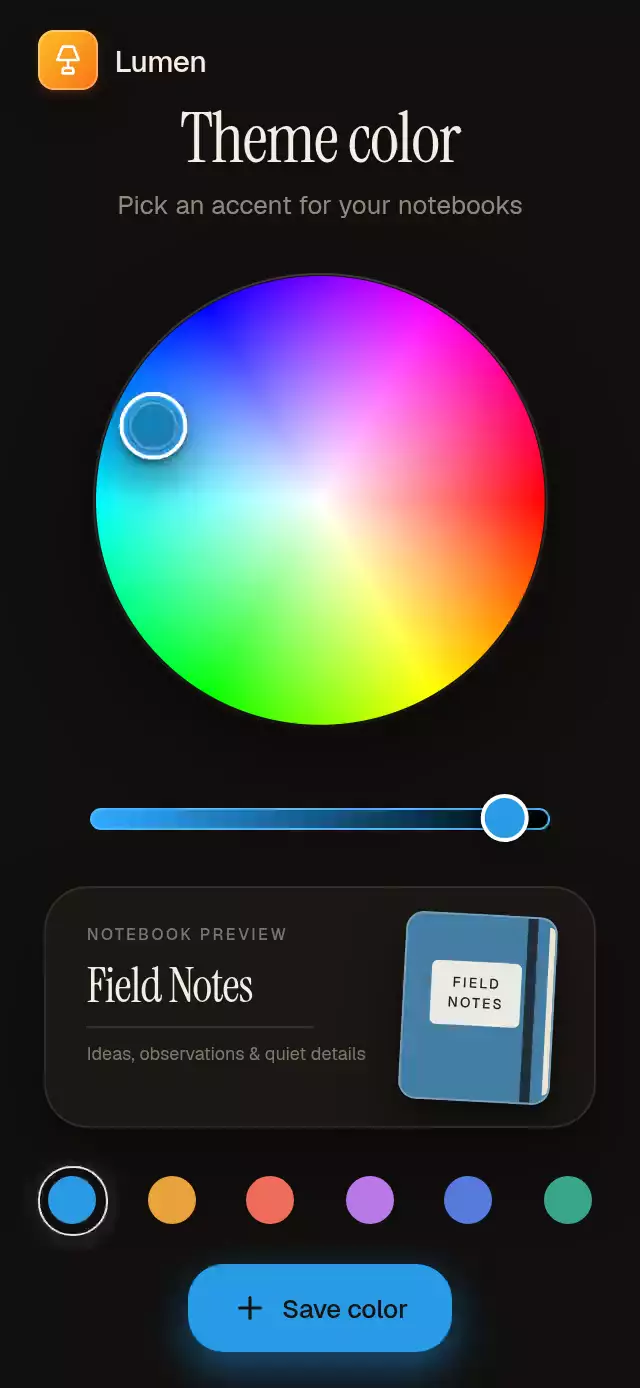
Color Wheel Picker
An HSV color picker with a live preview and save flight, with configurable initial color, saved swatches, copy, and fonts.
 $9 for this animation
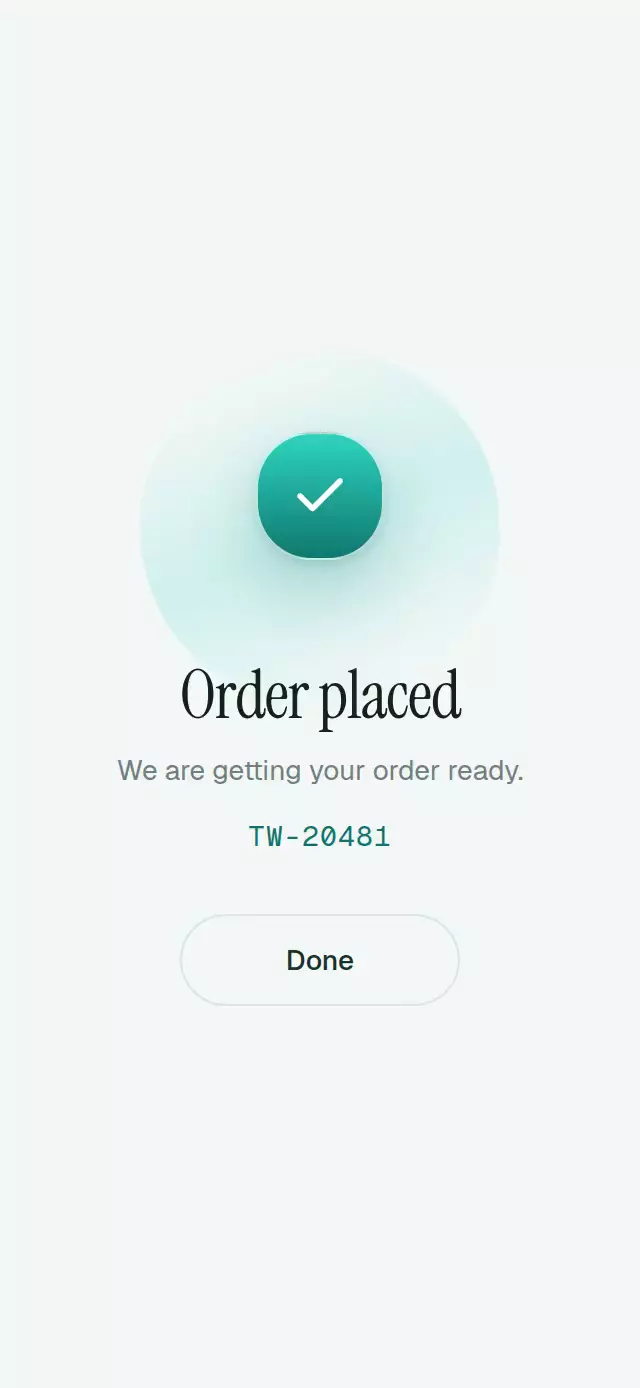
Checkout Stepper
A four-step checkout with animated progress and configurable cart items, shipping options, gradient colors, and fonts.
 $9 for this animation
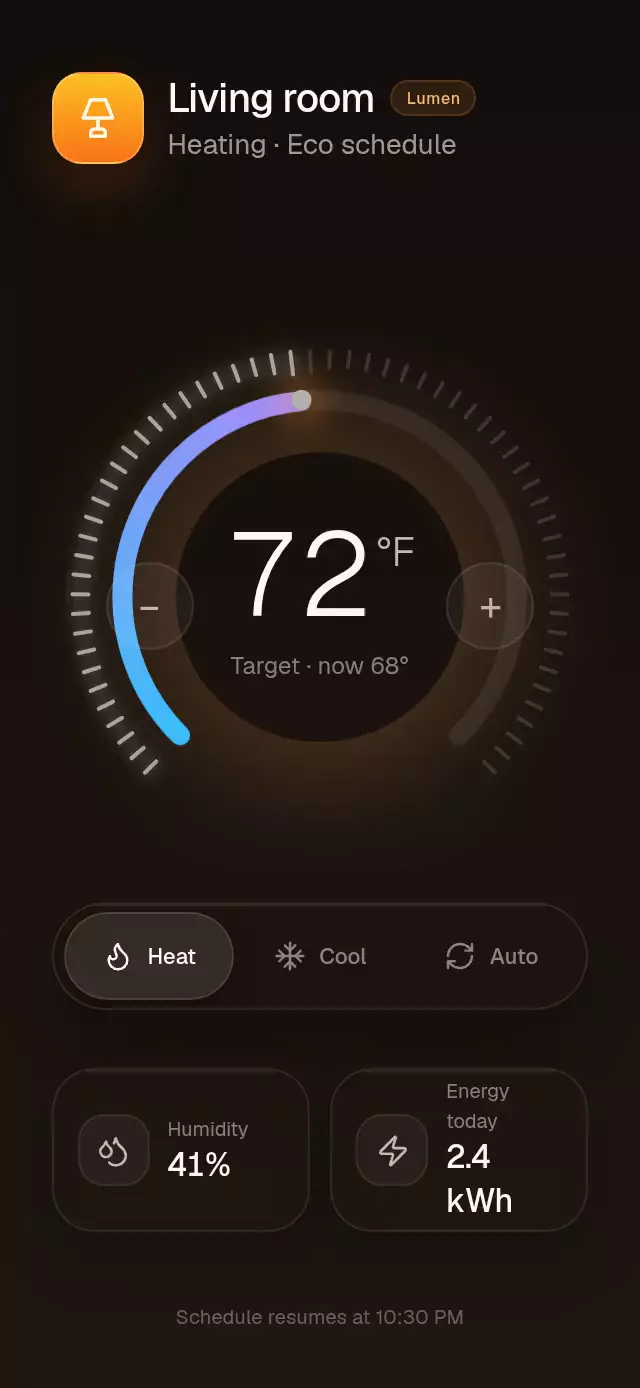
Thermostat Dial
A thermostat wheel with reactive ticks and a rolling temperature, with configurable initial temperature, gradient colors, and fonts.
 $9 for this animation
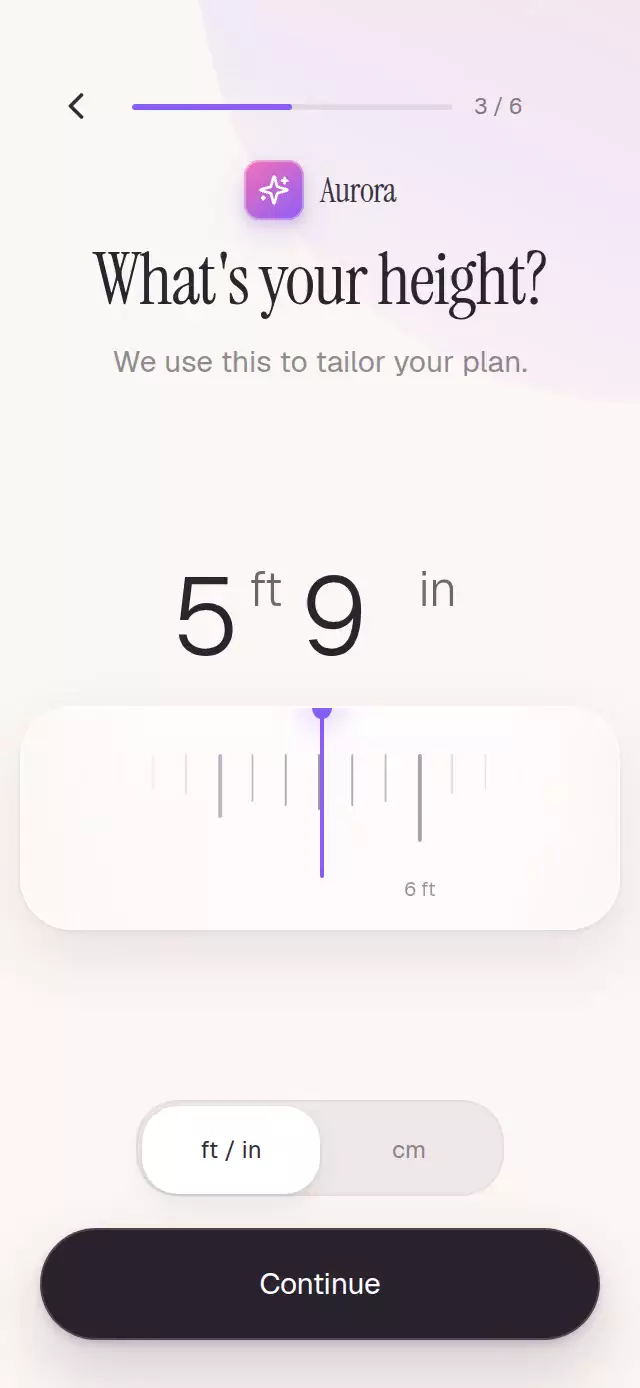
Measure Ruler Picker
A height picker with an inertial ruler and rolling unit-aware value, with configurable bounds, accent color, and fonts.
 $9 for this animation
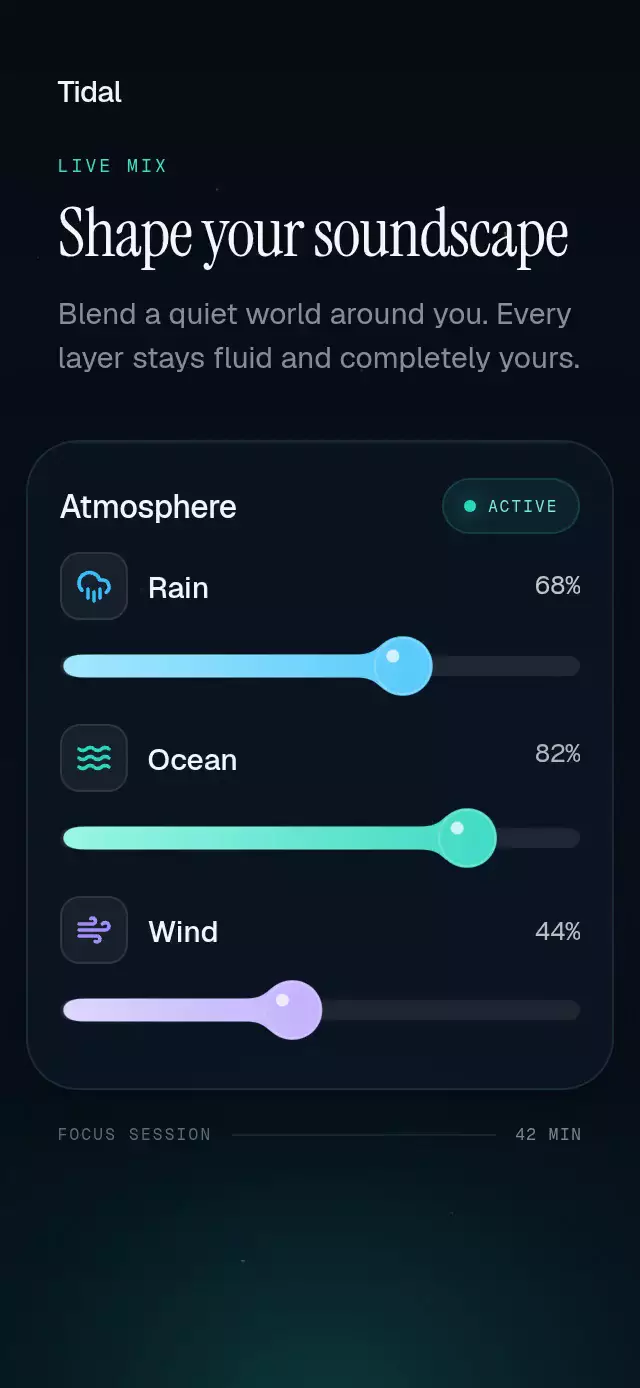
Gooey Merge Slider
A sound mixer with liquid slider droplets and configurable channels, fonts, track color, and row spacing.
 Free
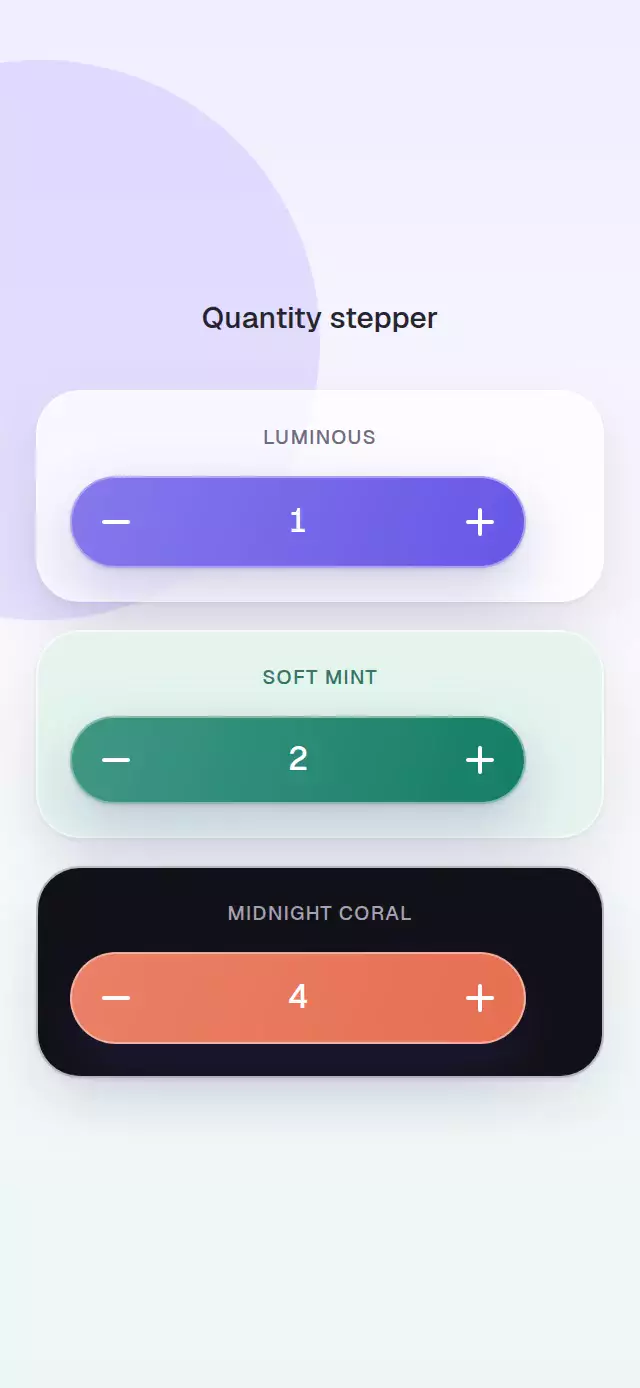
FreeQuantity Stepper
An add button that expands into a rolling quantity stepper, with configurable label, width, accent color, and font.
 $9 for this animation
Drag Star Rating
A drag-to-rate star control with a completion celebration and configurable star size, spacing, fill color, and glow color.
 $9 for this animation
Wheel Picker
A horizontal wheel picker with momentum and a curved label track, with configurable options, active color, curve, and font.
 $9 for this animation
Record Stack Picker
A record picker with a perspective sleeve stack and vinyl-to-player transition, with configurable records, copy, accent color, and fonts.
 $9 for this animation
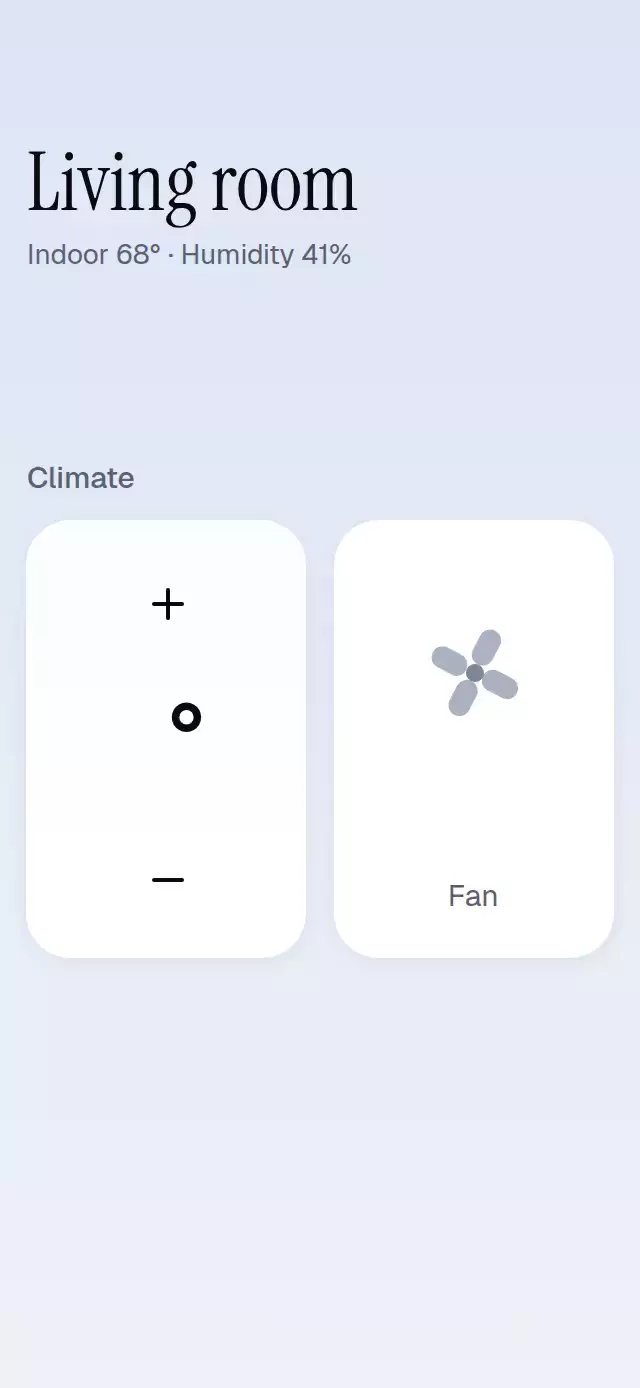
Rolling Temperature Stepper
A thermostat stepper with rolling digits and temperature-linked color washes, with configurable bounds, warm color, and font.
About this collection
Value selectors share a visual idea but solve different input problems. A wheel picker selects a named option, a ruler selects a physical measurement, a thermostat dial sets a temperature, and a stepper makes precise bounded adjustments. Begin with the data model: discrete labels, units, range, and step size. Then decide whether people need to see adjacent choices, drag across a range, or change one step at a time. Keep the committed value in application state and use animation to explain the change. Read each piece’s API and compatibility section before integrating it; a web preview does not verify native gestures or assistive technology on a device.
Choose a value selector by task
A category, a measurement, and a numeric adjustment need different controls. Choose the value model before the visual material.
- Choose from named options · Wheel Picker
- Measured label centers handle uneven text widths; momentum settles on one discrete option.
- Enter a physical measurement · Measure Ruler Picker
- A ruler with snapping and unit switching makes neighboring measurements visible around the selected value.
- Adjust a temperature target · Thermostat Dial
- A circular dial connects degree selection to an arc and rolling temperature in a climate-control layout.
- Adjust continuous levels · Gooey Merge Slider
- A liquid thumb and track visualize channel levels; choose it for a bounded slider rather than named options or physical measurements.
- Make precise one-step adjustments · Rolling Temperature Stepper
- Increase and decrease controls change a bounded value, with rolling digits instead of a drag surface.
- Set a cart quantity · Quantity Stepper
- An Add action expands into a compact quantity control and returns to its initial state at zero.
- Choose a rating · Drag Star Rating
- A bounded star scale communicates a qualitative score rather than a physical unit or arbitrary number.
Related guides
- React Native Number Input: Decimals, Limits, and Steppers
- React Native Ruler Picker: Steps and Snapping
- React Native Circular Slider: Angles and Steps
- React Native Radio Buttons Group: Controlled Input
- React Native Segmented Control with Reanimated
- React Native Dropdown List: Search and Multi-Select
- React Native Slider with Reanimated: A Stepped Input
- React Native Wheel Picker with Momentum and Snapping
- React Native Progress Bar with Reanimated and Skia
- React Native Animated Counter with Rolling Digits
More collections
- React Native Skia Examples for Expo
- React Native Carousel Examples for Expo
- React Native Button Animations
- React Native Onboarding Animations
- React Native Loading Animation Examples
- React Native Liquid Glass Animations
- React Native Chart Animations
- React Native Micro-interactions
- React Native Halloween Animations
- React Native Black Friday and Sale Animations
- React Native Year in Review Animations
- React Native Holiday Animations