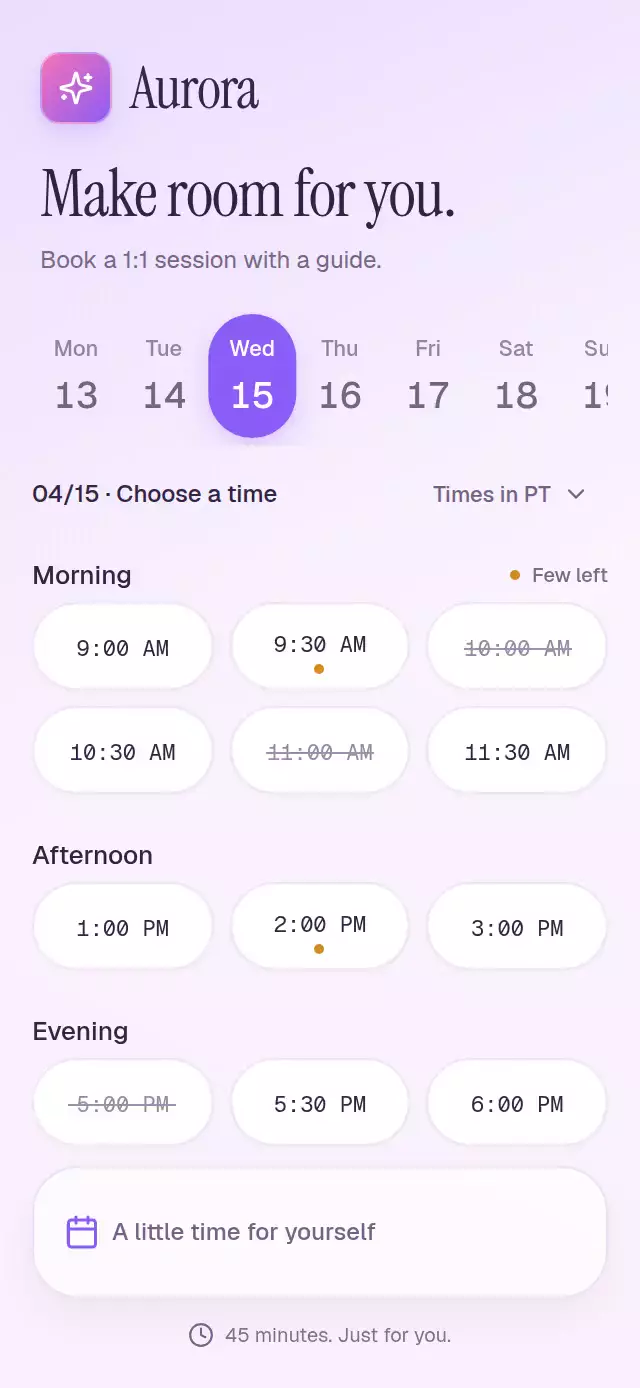
About this animation
An appointment picker that folds selected times into confirmation tickets, with configurable slots, dates, accent color, and fonts.
Why this one
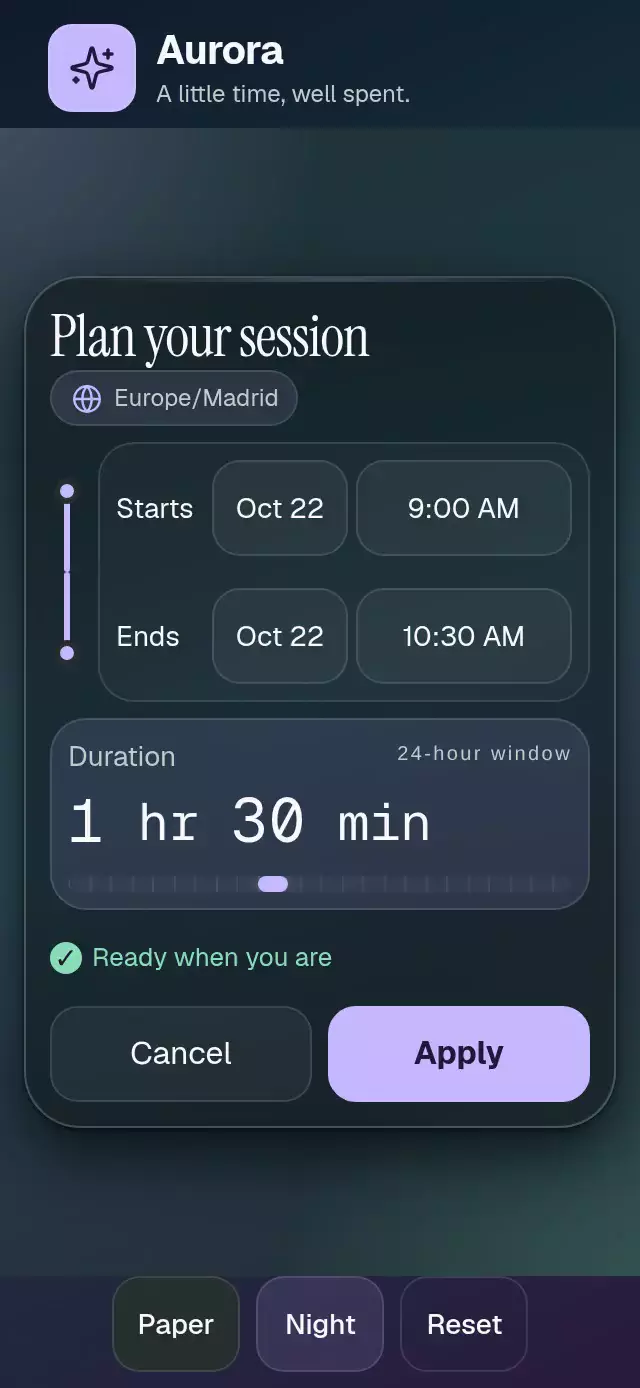
The selected pill becomes the details card in its own row, keeping the user's place. Neighboring pills move aside, unavailable times draw their strike, and a time-zone change rolls the displayed times together with a column stagger. Booking takes two taps without navigating to another screen.
How it works
onLayoutmeasures the available container. Seven 44-point day targets scroll horizontally on narrow screens.- A shared day position drives the sliding indicator; swipes and taps select the same state. A short outgoing transition precedes incoming columns.
- One shared booking phase drives the selected pill's width, position, row height, details opacity, folding, and ticket transfer: 0 is browsing, 1 is expanded, and 2 is confirmed.
- Time-zone labels use fixed minute offsets supplied by the host. Each time has a clipped, correctly measured rolling window that settles on one label.
- Confirmation calls
onConfirmand announces the result. The host owns persistence, booking availability, and calendar integration. - The demo controls the public ref, shows the expansion at 1.05 seconds, and stops autoplay on direct interaction.
Install
npx expo install expo-image react-native-gesture-handler react-native-reanimated react-native-workletsWrap your app in GestureHandlerRootView and configure Reanimated/worklets as required by your Expo project. No Skia setup or remote image assets are needed. Icons: Lucide (ISC), copied from the project kit and rendered as SVG sources by expo-image.
Usage
import TimeSlotPicker from './time-slot-picker';

export default function BookingScreen() {
  return <TimeSlotPicker />;
}
import { useRef } from 'react';
import { TimeSlotPicker, type TimeSlotPickerRef } from './time-slot-picker';
export default function CustomBookingScreen() {
const picker = useRef<TimeSlotPickerRef>(null);
return (
<TimeSlotPicker
ref={picker}
accentColor="#7C4DDF"
colorScheme="light"
duration={45}
springDamping={30}
guide={{ name: 'Jamie Ellis', initials: 'JE', description: 'Mindfulness guide' }}
timeZones={[
{ label: 'PT', offsetMinutes: 0 },
{ label: 'ET', offsetMinutes: 180 },
]}
/>
);
}Props
| Prop | Type | Default | Description |
|---|---|---|---|
| slots | readonly TimeSlot[] | DEFAULT_SLOTS | Stable IDs, minutes after midnight, period, unavailable, fewLeft. Replace from your availability service. |
| dates | readonly string[] | 04/13–04/19 | Seven MM/DD labels beginning Monday. |
| timeZones | readonly { label, offsetMinutes }[] | PT, MT, CT, ET | Fixed display offsets relative to the first zone; supply date-aware offsets for production. |
| duration | number | 45 | Session length in minutes. |
| guide | { name, initials, description } | Generic guide | Details and initials avatar. |
| accentColor | string | #8B5CF6 | Active surfaces and controls. |
| colorScheme | light / dark / auto | auto | Device theme or explicit appearance. |
| fontFamily | string | System | Interface typeface. |
| monoFontFamily | string | System | Time typeface. |
| springDamping | number | 28 | Clamped to at least 26. |
| confirmLabel | string | Confirm | Confirmation button label. |
| successLabel | string | Added to your calendar | Receipt and announcement; connect calendar behavior in onConfirm. |
| onDayChange | (day: number) => void | — | Zero-based day selection. |
| onSlotChange | (booking: Booking) => void | — | Selected slot, day index, and time-zone label. |
| onConfirm | (booking: Booking) => void | — | Confirmation integration point. |
| onInteraction | () => void | — | Direct interaction; stops demo autoplay. |
| style | StyleProp<ViewStyle> | — | Root styles; use a bounded container. |
| testID | string | — | Root test ID. |
TimeSlotPickerRef: selectDay(index), selectSlot(id), confirm(), reset(), setTimeZone(index). Imperative actions do not call onInteraction. Slot minutes always remain in the first zone; offsets affect presentation only. This component does not reserve a booking or write a calendar event itself.
Compatibility
Expo SDK 58, React Native 0.88.0, Reanimated 4.7.1, Worklets 0.13.0, Gesture Handler 3.3.0, and expo-image 58.0.17. Uses modules bundled with this project's Expo Go environment. iOS, Android, and web are intended targets. No dependency or app configuration changes are included.
Accessibility
Buttons and day gestures expose roles, selection/disabled states, labels, and activation actions. Swiping days has an equivalent tap action. All interactive targets are at least 44 points. Day changes, slot selection, time-zone changes, and confirmation announce their result; the receipt also uses a polite live region. Reduced motion uses 200 ms fades, immediate layout changes, static numbers, and no flights or press scaling. In compact containers the slots scroll, keeping the footer and time-zone control available.
Demo timeline
0 ms reset; 450 ms Wednesday; 1,050 ms expand 9:30 AM; 2,450 ms confirm; 3,350 ms roll to ET; 5,200 ms repeat. A finger touch or explicit control activation cancels the loop. The demo's Aurora tile uses the kit's pink-to-violet gradient and sparkles glyph. Common typography is supplied only by the demo; the distributable component has no repository imports.