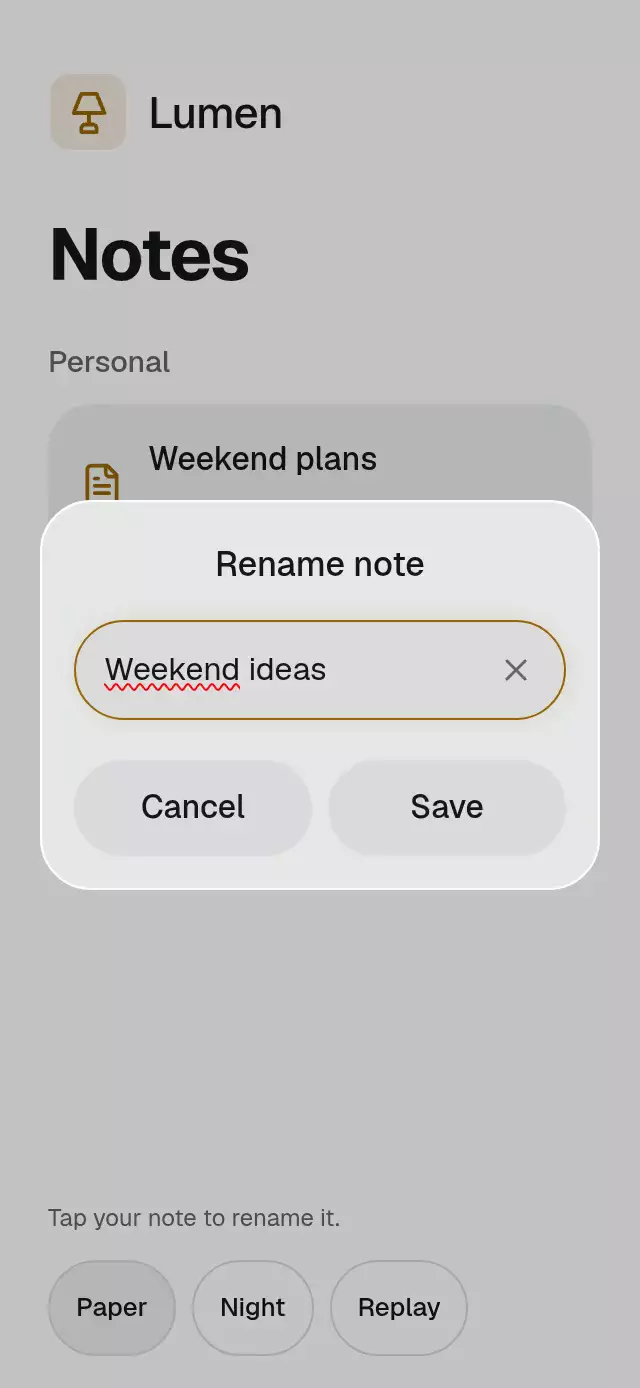
About this animation
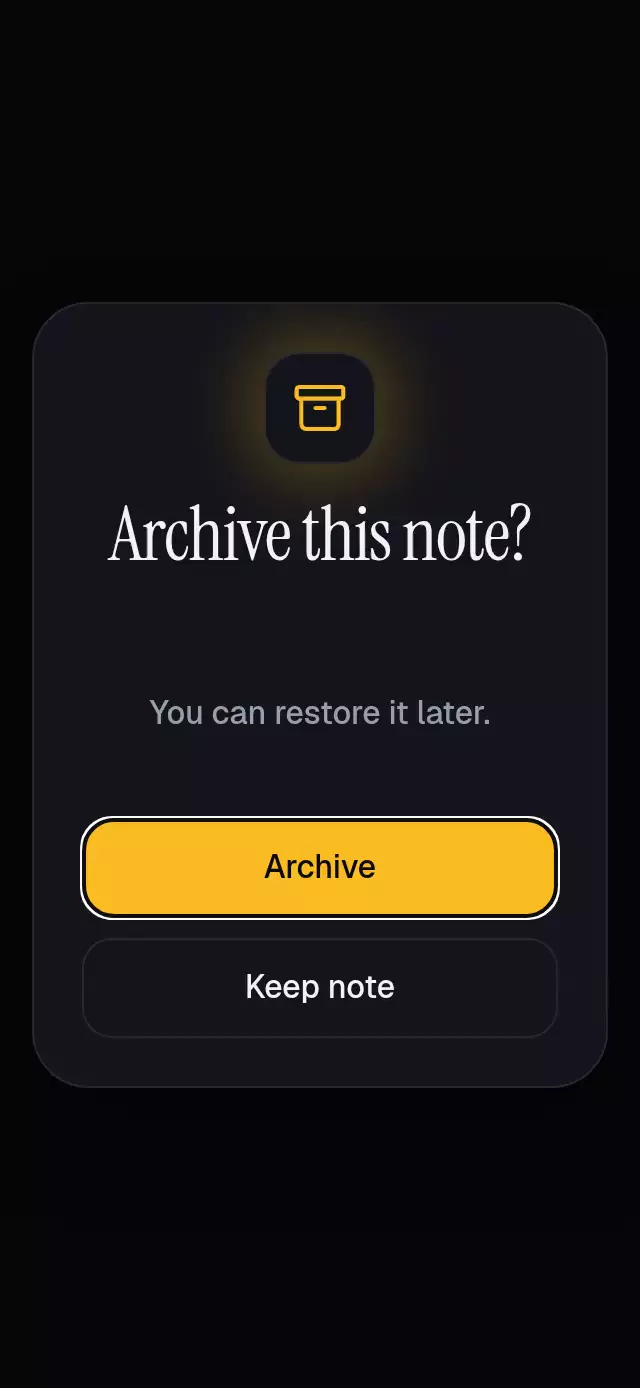
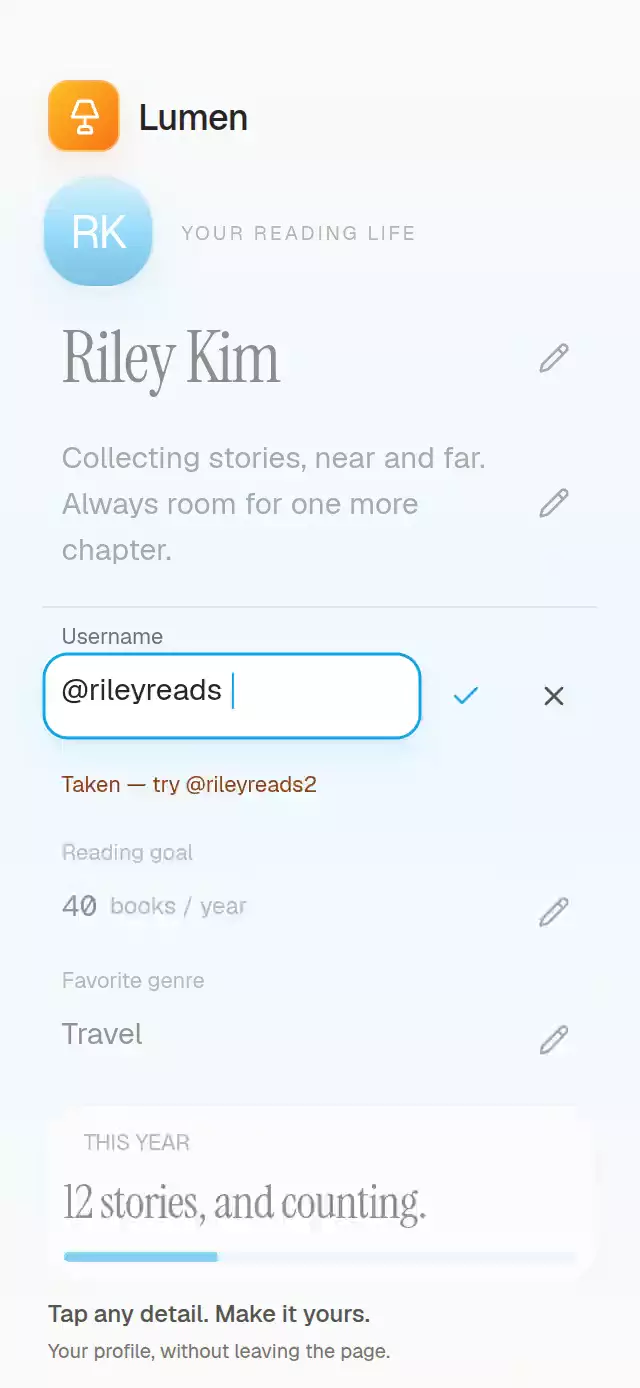
A text-entry dialog with inline validation and a success check, with configurable labels, validation rules, palette, and fonts.
How it works
- The host is measured with
onLayout. A dialog, capped at 420 pt, sits above its content and scrim. Keyboard frame events measure the remaining host area; short layouts scroll instead of scaling the controls. - One
presentationProgresscontrols card scale, opacity, and blur intensity. Press feedback has its own spring, so releasing a button cannot interrupt presentation. - The same
TextInputstays mounted through editing, invalid, submitting, error, and success. It becomes read-only during submission and success. Responses never overwrite its text or selection. - A synchronous submission guard prevents duplicate saves. Each save gets an
AbortSignaland a version; close, reset, background, and unmount invalidate late results. Retry reads the current field value. - Status copy fades out before replacement and back in. Once an error needs helper space, that space stays reserved until the next opening, keeping the retry-to-success action row still. On success, the Lucide check draws within the existing button in 280 ms. The consumer chooses when to close.
Install
Copy this folder without demo/ into your project, preserving the platform-specific focus helper.
npx expo install @shopify/react-native-skia expo-blur react-native-reanimated react-native-workletsUse an Expo SDK 58 project with Reanimated/Worklets configured. For web, initialize CanvasKit before importing this component, following the Skia web setup. The included paths need no icon font or remote assets. The host owns safe areas exactly once; this component adds none. The catalog supplies the demo’s top inset, and its bottom-only SafeAreaView supplies the bottom inset.
Usage
import { useRef } from 'react';
import { Button, View } from 'react-native';
import { DialogInputConfirm, type DialogInputConfirmHandle } from './dialog-input-confirm';

export function RenameExample() {
  const dialog = useRef<DialogInputConfirmHandle>(null);
  return (
    <DialogInputConfirm
      ref={dialog}
      defaultValue="Untitled"
      onSubmit={async (name, { signal }) => {
        const response = await fetch('/notes/current', {
          method: 'PATCH',
          signal,
          headers: { 'Content-Type': 'application/json' },
          body: JSON.stringify({ name }),
        });
        return response.ok
          ? { ok: true }
          : { ok: false, message: 'Please try again.' };
      }}
    >
      <View><Button title="Rename" onPress={() => dialog.current?.open()} /></View>
    </DialogInputConfirm>
  );
}
Controlled text, custom copy, and motion knobs:
<DialogInputConfirm
  open={open}
  onOpenChange={setOpen}
  value={name}
  onValueChange={setName}
  onSubmit={saveName}
  colorScheme="dark"
  palette={{ focus: '#E3BA62', accent: '#E3BA62' }}
  labels={{ title: 'Rename note', field: 'Name', retry: 'Try again' }}
  trim
  maxLength={80}
  motion={{ durationScale: 0.85, glowOpacity: 0.12 }}
  onSuccess={updateHost}
/>
saveName returns Promise<{ ok: true } | { ok: false; message: string }> and receives { signal: AbortSignal }. Connect the signal to your transport when possible. Even if a transport ignores cancellation, stale results cannot change this dialog or fire onSuccess.
Props
| Prop | Type | Default | Purpose |
|---|---|---|---|
children | ReactNode | — | Host content behind the dialog and Android blur target. |
open, defaultOpen | boolean | uncontrolled, false | Controlled visibility takes precedence. |
onOpenChange | (open: boolean) => void | — | Requests visibility changes; controlled props remain authoritative. |
value, defaultValue | string | uncontrolled, '' | Controlled text takes precedence. Defaults initialize internal state. |
onValueChange | (value: string) => void | — | Edits and reset requests. |
onSubmit | (value, { signal }) => Promise<SubmitResult> | required | Real async save, with immediate pending feedback. |
validate | (value: string) => string | null | — | Inline validation after the required check. A thrown validator uses labels.failure. |
required | boolean | true | Blocks empty and whitespace-only names. |
trim | boolean | false | Trims validation and submission payload; never changes visible text. |
maxLength | number | unlimited | Limits user edits by Unicode code points, without splitting surrogate pairs. Does not truncate controlled/default values or split text during render. |
autoFocus | boolean | true | Focus field on open, respecting another active web dialog. |
labels | Partial<DialogInputConfirmLabels> | neutral English | title, field, placeholder, cancel, submit, retry, pending, success, clear, required, failure. |
onSuccess | (submittedValue: string) => void | — | Once per accepted successful save. |
onCancel | () => void | — | Explicit close, Cancel, Back, or Escape; not reset or externally controlled closure. |
closeOnSuccess | boolean | false | Requests close after success; no internal dwell timer. |
keyboardType, returnKeyType | TextInputProps types | 'default', 'done' | Native keyboard configuration. Return submits without dismissing the keyboard. |
disabled | boolean | false | Blocks all controls and handle methods except reset. |
returnFocusRef | RefObject<View | null> | — | Native trigger accessibility focus restoration. Web remembers its previous focused element. |
colorScheme | 'light' | 'dark' | 'auto' | 'auto' | Complete Paper/Night palettes. |
palette | Partial<Palette> | Paper/Night | Override any semantic color. |
fontFamily, titleFontFamily, monoFontFamily | string | system | Body, title/buttons, and success text. No font assets required. |
motion | { durationScale?, glowOpacity? } | { 1, 0.12 } | Duration scale 0.5–2 and subtle success glow 0–0.3. |
style | StyleProp<ViewStyle> | — | Root override applied last; root defaults to flex: 1. |
testID | string | 'dialog-input-confirm' | Root plus -dialog, -field, -clear, -cancel, -submit. |
accessibilityLabel | string | labels.title | Dialog accessible name. |
Palette tokens: background, surface, elevated, text, muted, border, accent, onAccent, accentSoft, glow, success, error, scrim, track, focus. Custom colors should preserve text/focus contrast.
Handle
open(), close(), focus(), submit(), retry(), reset(). Retry works only from error. Reset aborts the current request, requests close, restores defaultValue, and clears feedback. Controlled props only change through their callbacks. The scrim consumes touches without dismissing or canceling. A successful dialog remains open by default; call close() when the host is ready.
Non-finite motion values fall back to defaults; finite ones clamp to their documented ranges. Negative/non-finite maxLength means unlimited; fractional values round down. Unicode limits count code points, not grapheme clusters. Empty server messages use labels.failure. Existing controlled/default text is preserved even when longer than the editing limit. No lists or data IDs are involved.
Compatibility
Expo SDK 58, React 19, React Native 0.88.0, Reanimated 4.7.1, Worklets 0.13.0, Skia 2.14.0, and expo-blur ~58.0.5. Supports iOS, Android, and web; these native packages are included in Expo Go. Reanimated 4 requires the New Architecture.
Android uses a single BlurTargetView and dimezisBlurViewSdk31Plus. Older Android versions retain the opaque surface fallback. Each material wrapper has its own clipped corner radius. Build checks establish module compatibility; they do not measure native frame rate, physical touch responsiveness, or system keyboard behavior. The component does not use a native full-screen modal: its overlay and scroll belong to its measured host. Place the host above any surrounding app content that must be occluded.
Opening, saving, and returning to the host follow the static reference pattern. Error/retry, timing, and the Night palette are original extensions; the source supplies no dark-state or motion measurements. The demo simulates a first failure and a successful retry with fixed latency. Raster assets: N/A. Icons: Lucide (ISC), copied from the local licensed kit. Demo fonts: Geist (OFL), supplied by the catalog host.
Accessibility
The native field keeps system selection, caret, keyboard, and text scaling. The dialog has modal semantics, named controls, keyboard Return submission, web Tab containment, and Escape/system Back cancellation. Native errors and success announce once; web uses live status text. Focus stays within this field through validation and save feedback. Browser focus restoration only runs while this dialog still owns focus, protecting subsequently opened dialogs.
All actions are at least 48 pt/dp. Buttons stack at large system font sizes or narrow widths, and the dialog scrolls within the measured keyboard-free region. Start/end padding follows RTL. Supply translated labels and native keyboard settings as needed. Reduced motion replaces presentation springs with a 200 ms fade and removes press scaling. There are no decorative loops.
Why this one
Use this when editing and keeping the user's text is the confirmation contract. The field and action row remain stable while validation and network feedback change around them. No success object flies back into the host, and Cancel can invalidate an in-flight save without losing the current name.