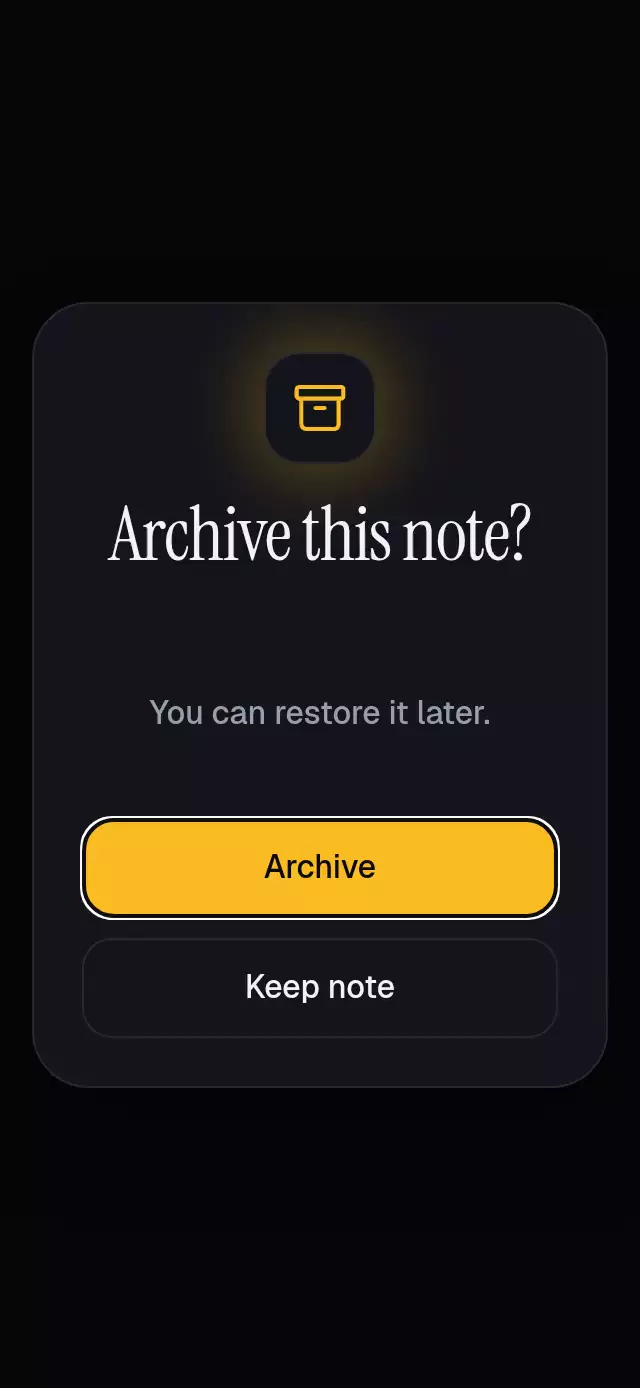
About this animation
This React Native alert dialog confirms an asynchronous action and keeps recovery in the same card. Nothing runs until confirmation. Pending, failure, retry, and success preserve the measured card bounds while status copy changes at animation boundaries. On success, a check returns toward a host-supplied local rectangle; Reduced Motion uses fades without the spatial return. Closing or resetting invalidates late responses, while the host retains ownership of the actual operation and data. Supply clear action and recovery copy, connect onConfirm, and restore native focus to the trigger when closing. The centered card needs enough host space for its content because it does not add internal scrolling.
When to use it
- Confirm a host-owned asynchronous operation.
- Keep retry feedback beside the original explanation.
- Return a visual success receipt to its source.
An async confirmation dialog with recovery and a returning success check, with configurable copy, action labels, palette, and fonts.
Why this one
A failed request keeps the explanation and retry action in place. Closing or resetting invalidates late responses. The host owns the data: this component reports success and requests closing, while the demo only changes local presentation. The buttons stack vertically. The dialog uses measured content without an internal scroll view, with tighter padding and typography in short hosts.
How it works
onLayoutmeasures the embedding area. The surface is centered and capped at 480 points wide.- A single UI-thread progress value drives opening, closing, status fades, and the return:
0is closed,1is visible,2hides status copy for a React commit, and3is the returned receipt. Status changes fade out before the replacement fades in. React state changes only at transition boundaries. - Headings are measured up front, and hidden descriptions/actions retain their layout space. Pending, failure, retry, and success keep the same card bounds. Hidden controls are disabled and excluded from accessibility.
- Opening and closing use interruptible
{ damping: 26, stiffness: 300, mass: 1 }springs. The host copy disappears before the dialog appears, and returns after the dialog disappears, so the two layers never show readable text together. - Success reveals the Lucide check, then returns the surface with translation and scaling. Width, height, position, shadows, and blur intensity are never animated. Counter-scaling preserves the icon's proportions. A request token invalidates late responses; a transition token rejects stale status commits after closing.
- Reduced motion uses fades with no spatial return. There is no autoplay logic in the component.
Install
npx expo install react-native-reanimated react-native-worklets @shopify/react-native-skiaConfigure Reanimated/worklets as required by your Expo SDK. For web, initialize Skia/CanvasKit before importing the component; this project’s host uses a lazy Skia loader. The demo also uses expo-linear-gradient and the project’s already-loaded fonts. The component imports no theme or catalog code. Icons: Lucide (ISC), copied from the project kit.
Usage
import { useRef } from 'react';
import { ReversibleAlertDialog, type ReversibleAlertDialogRef } from './reversible-alert-dialog';

function NoteScreen() {
  const dialog = useRef<ReversibleAlertDialogRef>(null);
  return (
    <ReversibleAlertDialog
      ref={dialog}
      title="Archive this note?"
      description="You can restore it later."
      confirmLabel="Archive"
      cancelLabel="Keep note"
      pendingLabel="Archiving note…"
      errorLabel="Could not archive"
      retryLabel="Try again"
      successLabel="Note archived"
      accessibilityLabel="Archive note confirmation"
      onConfirm={() => archiveNote()}
      onSuccess={() => removeNoteFromVisibleList()}
    >
      <Note onArchive={() => dialog.current?.open()} />
    </ReversibleAlertDialog>
  );
}Note, archiveNote, and removeNoteFromVisibleList are host application code. For controlled usage, pass open={isOpen} and onOpenChange={setIsOpen}. Refs request changes; they do not override open. To customize the return, pass returnTarget={{ x: 20, y: 80, width: 260, height: 180 }} in coordinates relative to the root. The host applies safe-area padding once, outside the component.
Props
| Prop | Type | Default | Purpose |
|---|---|---|---|
open / defaultOpen | boolean | uncontrolled / false | Controlled visibility or initial visibility. |
title, description | string | required | Decision and recovery explanation. |
confirmLabel, cancelLabel | string | required | Main and cancellation buttons. |
pendingLabel, errorLabel, retryLabel, successLabel | string | required | Status copy and announcements. |
onConfirm | () => Promise<void> | required | Async action; synchronous throws also recover. |
onOpenChange | (open: boolean) => void | undefined | One notification per requested visibility change. |
onSuccess | () => void | undefined | Notifies the host after successful visual feedback. |
dismissOnBackdrop | boolean | false | Backdrop cancels idle/error; Escape and Android back close all states. |
labels | { backdrop: string; dialog: string } | cancellation / accessibility label | Every auxiliary accessible label. |
accessibilityLabel | string | required | Accessible dialog name. |
colorScheme | light / dark / auto | auto | Full appearance selection. |
palette | DialogPalette | scheme palette | All eight background, surface, text, muted, border, accent, success, error colors. |
fontFamily, titleFontFamily, monoFontFamily | string | system | Control/body, heading, pending fonts. |
returnTarget | { x; y; width; height } | centered receipt | Local return bounds, clamped to the host. |
children | ReactNode | undefined | Optional host content beneath the dialog. |
style | StyleProp<ViewStyle> | undefined | Flexible embedding root; no safe-area dependency. |
testID | string | reversible-alert-dialog | Root and stable -dialog, -confirm, -cancel, -backdrop suffixes. |
The ref exposes open(), close(), and reset(). Closing cancels observation of a request, not the application’s underlying Promise; use an AbortController in the host if cancellation must also stop network work. Reset clears the local result. Refs are used only in event handlers and effects.
A missing, empty, negative, or non-finite return rectangle uses the centered fallback; out-of-range coordinates clamp to the embedding area. There are no item IDs or datasets to validate. Text props are required; empty or whitespace-only strings fall back to neutral English confirmation, cancellation, pending, failure, retry, and completion copy. Callers should supply meaningful localized labels, including labels when localizing. No failure exception text is displayed: errorLabel and description provide controlled, accessible recovery copy.
Accessibility
Controls have button roles, labels, disabled states, and a minimum 48-point height. System text scaling stays enabled. No fixed screen dimensions or double safe area are applied. Allow enough host space for localized copy and larger system text sizes; the dialog does not create internal scrolling. Host children are hidden from assistive technology while the dialog is visible.
Pending, error, and success are explicitly announced once when reached. The dialog receives native accessibility focus; the demo’s onOpenChange(false) restores native focus to the trigger. In customer apps, restore native trigger focus from that same callback. Web captures/restores the active element and traps Tab/Shift-Tab, including pending states without buttons. Escape, Android back, and the native accessibility escape action close and invalidate the active request.
Demo and timeline
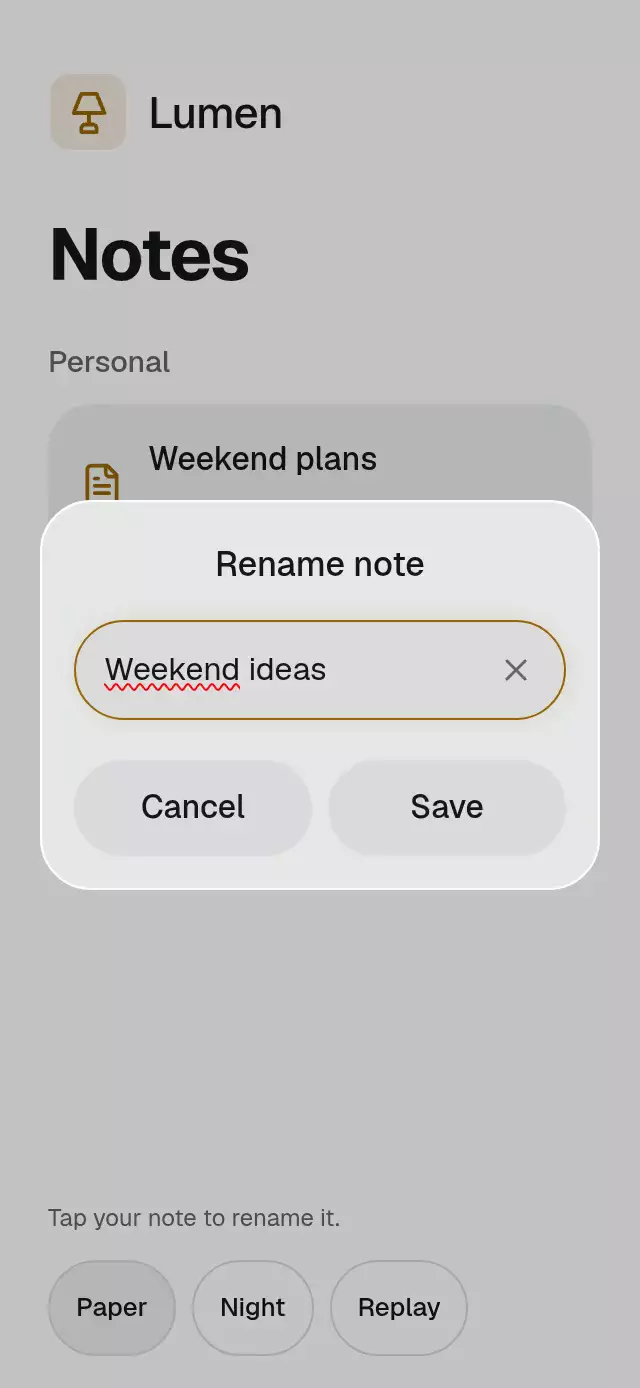
Lumen is a fictional kit brand, with a surface-colored tile and amber lamp. The note is “Weekend reading.” Night/Paper and a first-attempt failure toggle live below the note. The demo never archives real data, and “Restore note” fades its local presentation back to the original note. The note body stays in place so archive/restore does not move the controls. Real touches cancel autoplay timers.
Current three-method autoplay opens at 600 ms, closes at 3,800 ms, resets at 4,700 ms, and repeats at 5,000 ms. Automatic confirmation requires an additional imperative entry point; the supplied three-method contract cannot drive pending/success. This API clarification is pending. Manual confirmation demonstrates the complete check/return sequence.
Compatibility
Target stack: Expo SDK 58, React Native 0.88.0, Reanimated 4.7.1, worklets 0.13.0, Skia 2.14.0. Bundled modules support Expo Go. See piece.json for generated dependency versions.
Implementation notes
The dialog keeps its existing compact layout and 48-point actions. Hidden measurement text is excluded from accessibility. Host and dialog copy cannot overlap in the animation's opacity windows, including interrupted opening/closing. The viewer's upper-right corner remains clear. The demo retains its non-scrolling composition at 320×694 and 390×844, with one outer scroll below 620 points. The opening focus transition starts at 600 ms in autoplay; success/restore/error still require manual interaction under the existing three-method ref API.
FAQ
- Does closing cancel the network request?
- Closing invalidates the dialog’s observation of the result. It does not cancel the underlying Promise. Use host-owned cancellation, such as an AbortController, if the operation must stop too.
- Can a failed confirmation be retried?
- Yes. Rejected Promises and synchronous throws reveal the supplied recovery copy and retry action. The component does not display raw exception text.
- How does dismissal and focus work?
- Escape, Android back, and native accessibility escape close the dialog. Optional backdrop dismissal applies to idle and error states. Web traps and restores focus; the host restores native trigger focus through onOpenChange(false).