About this animation
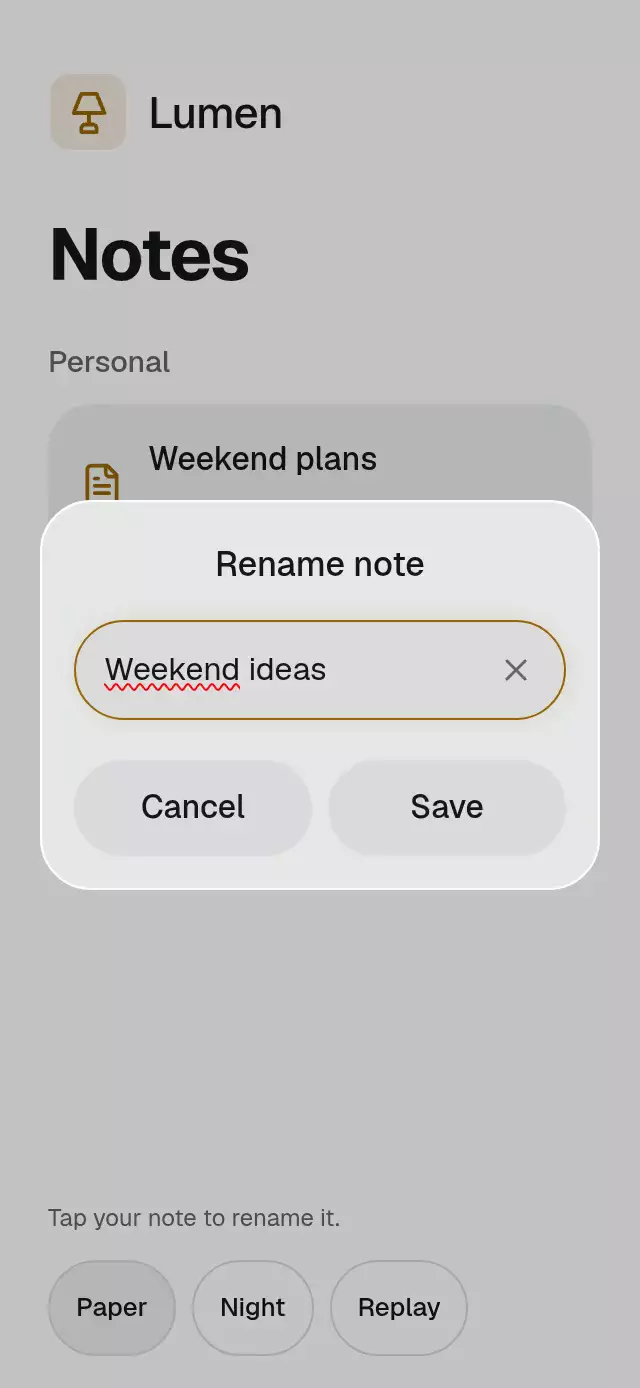
An inline profile editor with animated focus and cancel rewind, with configurable initial values, username suggestions, accent color, and fonts.
Why this one
Keep the profile in view while changing it. The pencil yields to save and cancel controls, unavailable usernames offer a tappable replacement, and cancel rolls the letters backward. Saving draws a check and sends light through the text itself. A reading-goal change also rolls the figure and adjusts its progress bar.
How it works
- Each field keeps committed content separate from its editable draft. React updates only for input, layout, and semantic state changes.
- A shared active-field index dims the surrounding content. Each field's continuous focus progress drives the expanding white surface, drawn Skia outline, and action reveal.
- Native text inputs support selection, keyboard editing, and platform cursors. Scripted edits use an inline blinking caret without summoning a keyboard.
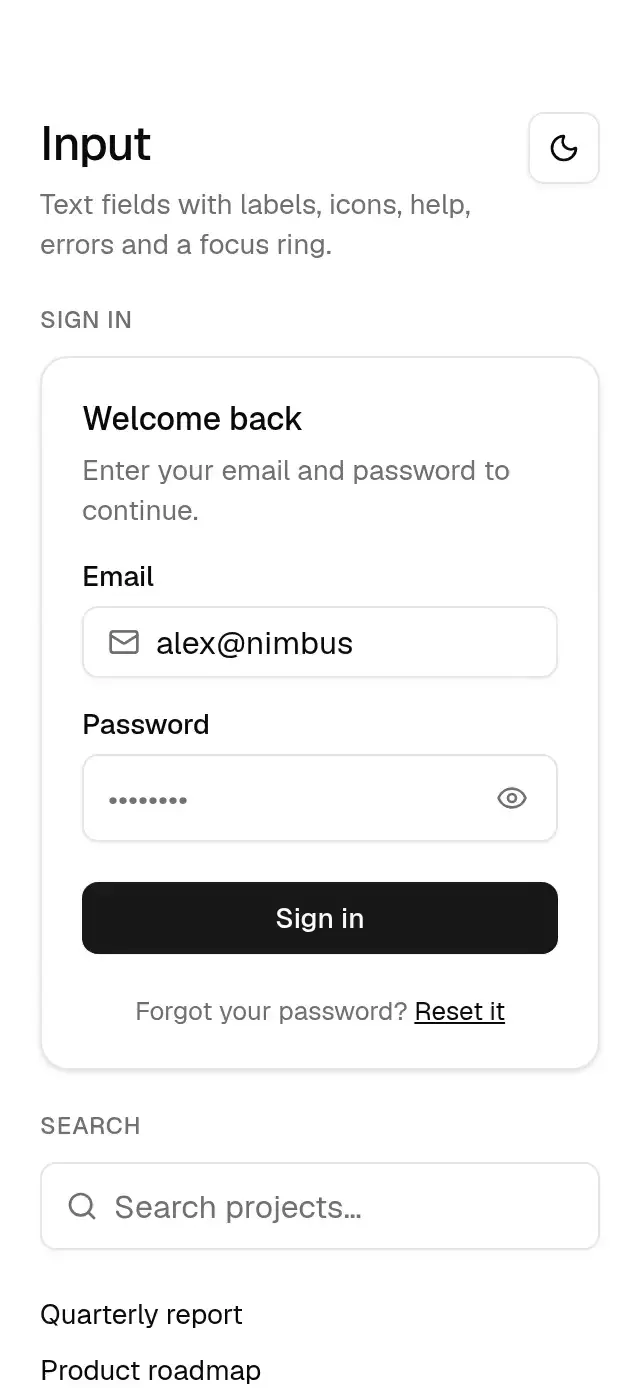
- Validation can return an available username. Tapping the suggestion commits it; an invalid submission shakes the field and announces the conflict.
- New content and letter progress start together in a layout effect. Forward or backward character rolls, a word-level color sweep, and a drawn Lucide check finish the change. The reading ratio animates on the UI thread.
- The demo owns its timer sequence and stops on the first touch. No autoplay logic lives in the reusable component.
Install
npx expo install @shopify/react-native-skia expo-linear-gradient react-native-reanimated react-native-workletsUse the SDK-compatible Reanimated/Worklets setup in your Expo project. On web, load CanvasKit before mounting this component (for example, with Skia's WithSkiaWeb). The host catalog must register the demo through its lazy Skia loader.
Usage
import InlineEditProfile from './inline-edit-profile';

export function ProfileScreen() {
  return <InlineEditProfile onChange={(values) => persistProfile(values)} />;
}
import { useRef } from 'react';
import { InlineEditProfile, type InlineEditProfileRef } from './inline-edit-profile';
export function ReaderProfile() {
const profile = useRef<InlineEditProfileRef>(null);
return (
<InlineEditProfile
ref={profile}
initials="AB"
initialValues={{ name: 'Alex Brook', username: '@alex', goal: '50' }}
booksRead={18}
accentColor="#0EA5E9"
springDamping={50}
fontFamily="YourSans"
titleFontFamily="YourSerif"
monoFontFamily="YourMono"
suggestUsername={(name) => name === '@reader' ? '@reader2' : undefined}
onChange={(values, field) => persistProfile(values, field)}
/>
);
}The forwarded ref exposes edit(field, draft?), save(), cancel(), and acceptSuggestion(). Supplying a draft performs a scripted edit without opening the keyboard. Initial values are read on mount; remount with a new key to replace the entire profile. Username validation is synchronous; the host supplies availability data. Goals accept integers from 1 to 999. Blank fields cannot be saved.
Props
| Prop | Type | Default | Purpose |
|---|---|---|---|
| initialValues | Partial<ProfileValues> | Generic reader profile | Initial name, bio, username, goal, genre |
| initials | string | YOU | Gradient avatar initials |
| booksRead | number | 12 | Annual reading progress |
| accentColor | string | #0EA5E9 | Focus, check, and progress color |
| backgroundColor | string | #FAFAF9 | Canvas color |
| fontFamily | string | System | Body font |
| titleFontFamily | string | System | Display font |
| monoFontFamily | string | System | Goal font |
| springDamping | number | 50 | Focus spring damping, bounded to ζ ≥ 0.8 with effective mass 4 |
| suggestUsername | (name: string) => string or undefined | undefined | Replacement for an unavailable username |
| onChange | (values, field) => void | undefined | Committed change notification |
| onInteraction | () => void | undefined | Direct input notification |
| style | StyleProp<ViewStyle> | undefined | Root style override |
| testID | string | undefined | Root test identifier |
Compatibility
Expo SDK 58; React Native 0.88.0; Reanimated 4.7.1; Skia 2.14.0. Expo Go includes the native dependencies. Supports iOS, Android, and web. The component measures its container and scrolls for smaller viewports and the keyboard. It has no imports from the catalog or theme.
Accessibility
All controls expose button roles and labels, with 44-point targets and press feedback. Native text inputs are labeled. Validation is a polite live region; save, cancellation, and username conflicts announce their outcomes. The reading bar has a progress role and numeric value. Reduced motion removes letter travel, shaking, blinking, and text sweeps; changes use 200 ms fades and the reading figure updates without rolling. Every operation is available by tapping; no gesture is required. The top right corner of the demo stays empty for the catalog close control.
Icons: Lucide (ISC), copied from the repository kit. The Lumen demo mark uses its kit gradient and lamp glyph.