About this animation
Related guides
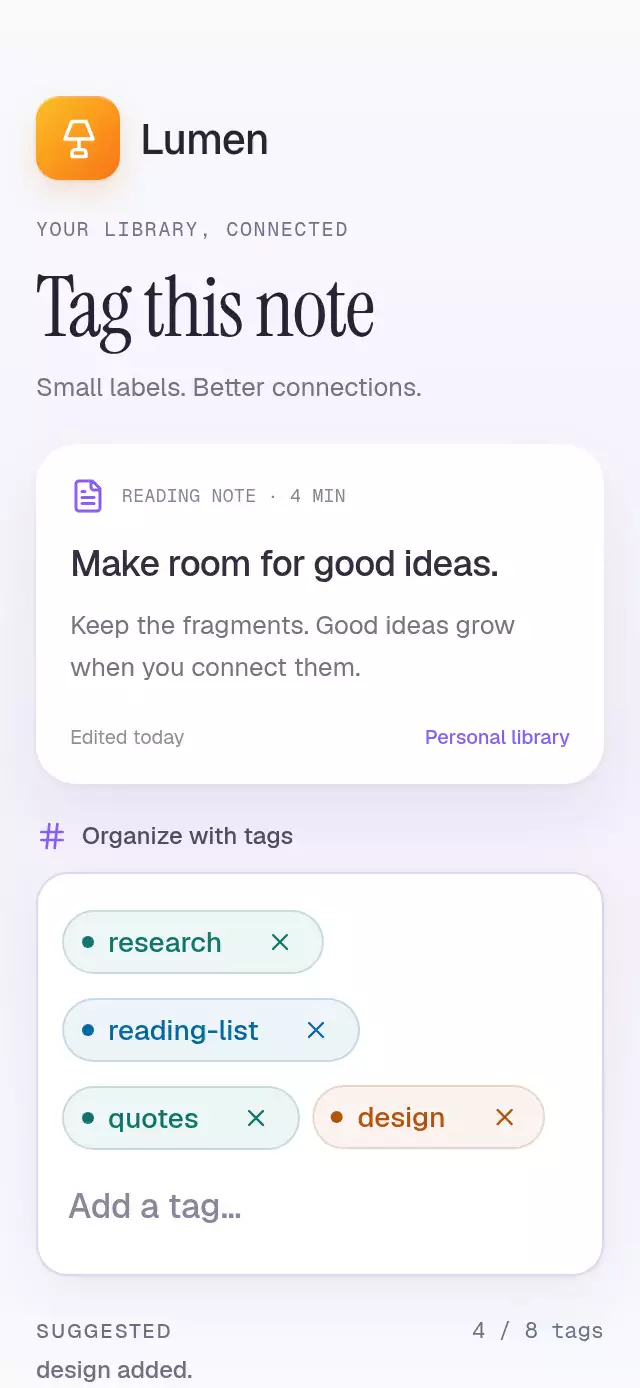
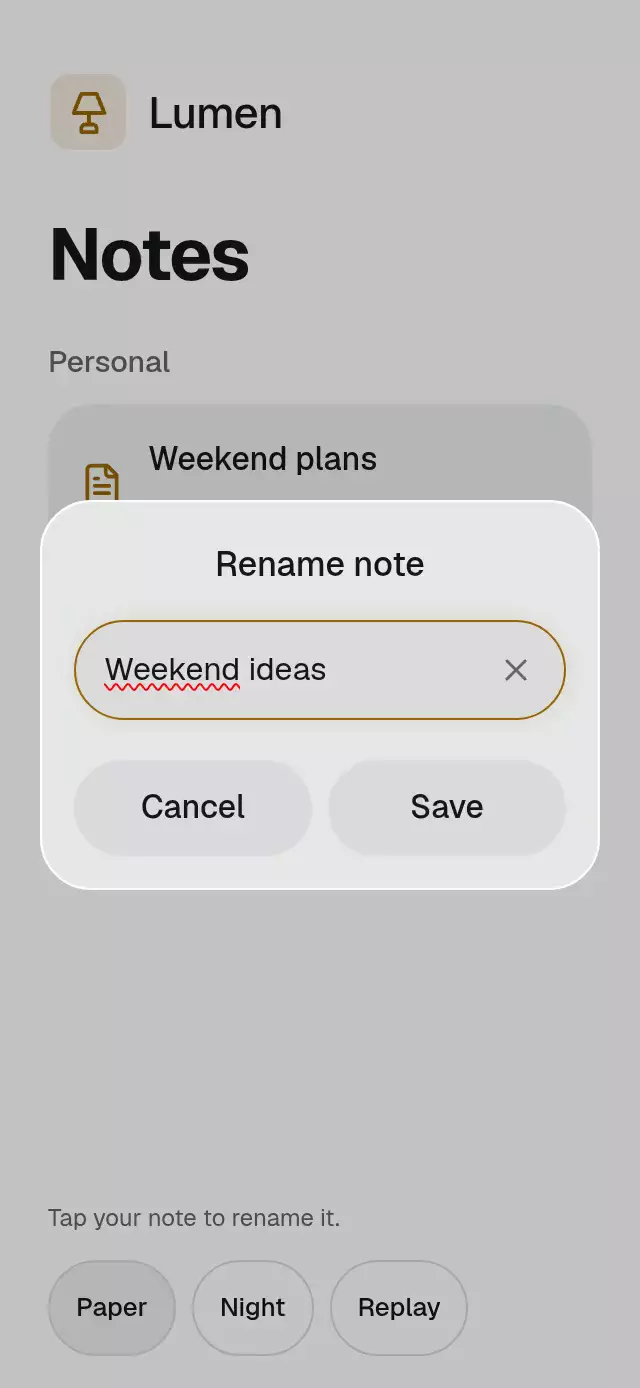
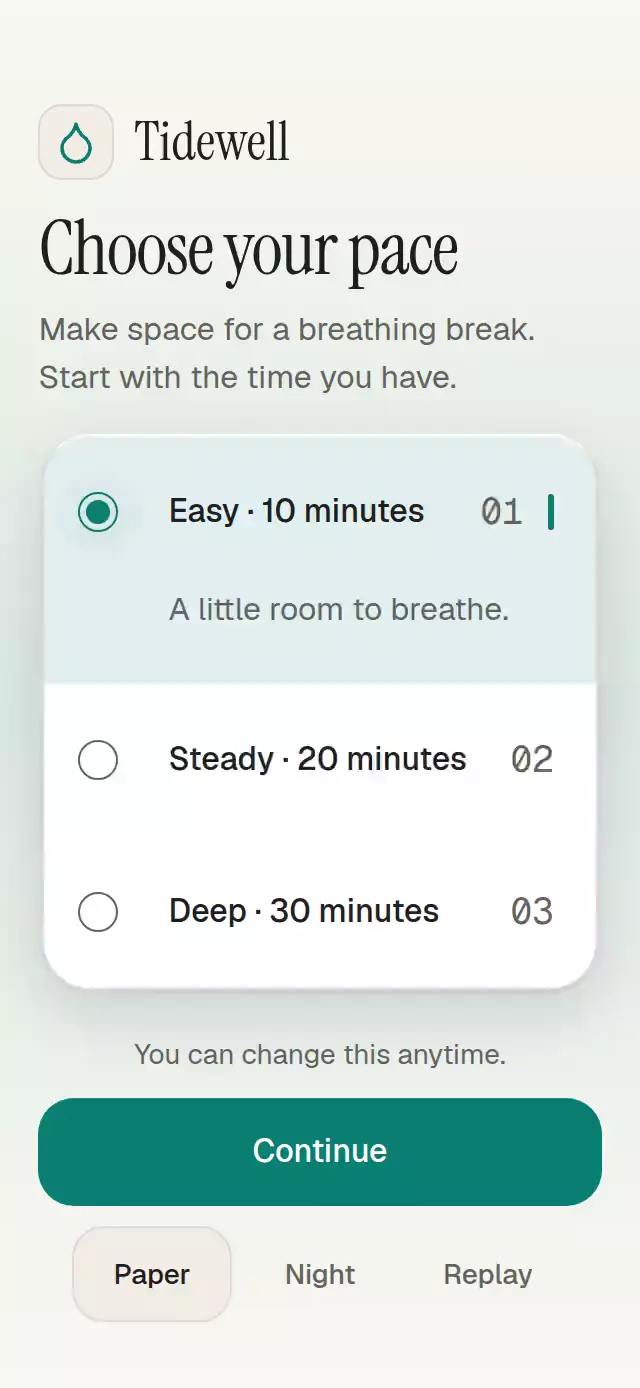
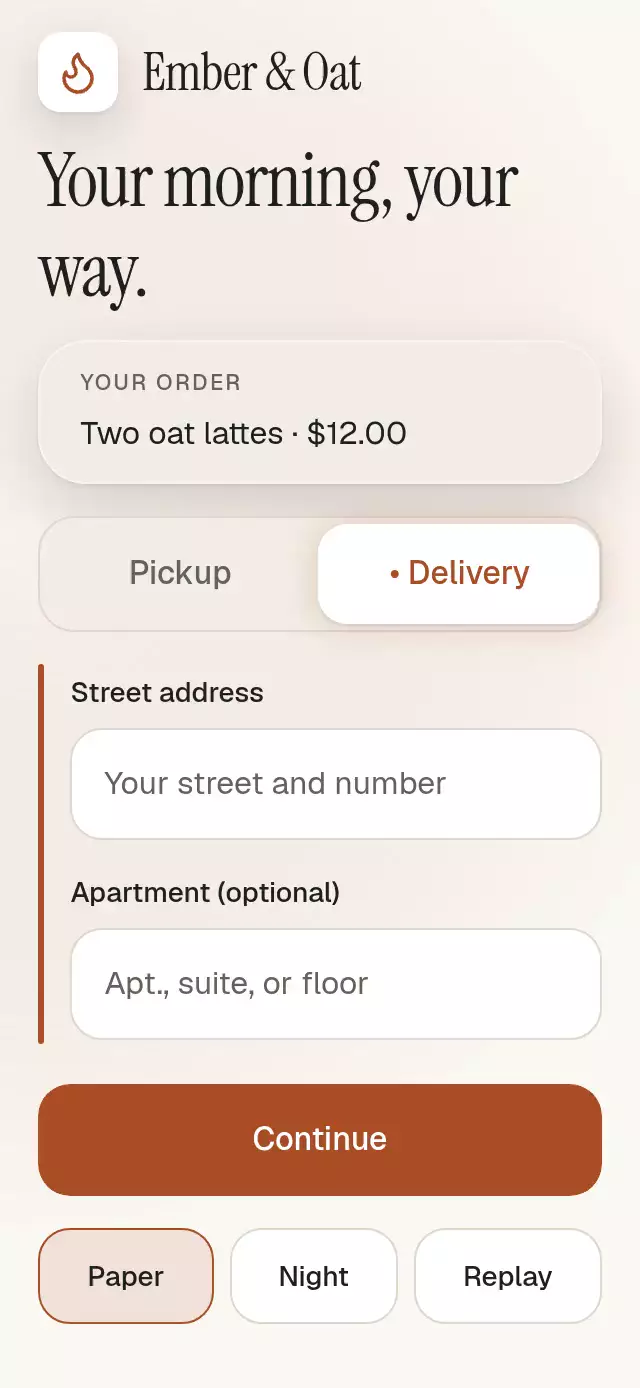
A form that animates conditional fields while preserving entered values, with configurable options, fields, palette, and fonts.
How it works
- Each option references stable field ids. Values live in one record, independently of field visibility.
- All groups measure their natural content with
onLayout, including wrapping labels and visible host errors. Only the active group accepts input or enters the accessibility tree. - One
visibilityProgressclock drives the measured group height, content fades, and the selection underline becoming a leading rail. The CTA follows in normal flow with a 20 pt margin. - Before retargeting, a UI worklet snapshots the current height and opacity. Changes at 100 ms continue from that geometry. Content exits in 90 ms and enters at 130–260 ms; height settles at 280 ms. The selector has a separate critically damped spring with explicit mass.
- Changing options blurs an active input and moves focus to the selector. Appearing inputs never focus themselves. Submission creates a new record containing only visible fields.
Install
Copy ConditionalFieldMorph.tsx and index.ts into your app. No theme, catalog, gesture provider, artwork, or network dependency is required by the component.
npx expo install react-native-reanimated react-native-workletsUse the SDK-compatible versions resolved by Expo (this implementation targets Reanimated 4.7.1 and Worklets 0.13.0). The separate demo uses Skia 2.14.0 and the host's safe area/font setup; these are not component dependencies.
Usage
import { ConditionalFieldMorph } from './conditional-field-morph';

<ConditionalFieldMorph
  defaultOptionId="collect"
  options={[
    { id: 'collect', label: 'Collect', fieldIds: ['time'] },
    { id: 'ship', label: 'Ship', fieldIds: ['address'] },
  ]}
  fields={[
    { id: 'time', label: 'Time', placeholder: '9:00 AM', kind: 'time' },
    { id: 'address', label: 'Address', placeholder: 'Street address', kind: 'text' },
  ]}
  onSubmit={({ optionId, values }) => saveDetails(optionId, values)}
/>
Controlled values, public actions, and knobs:
const form = useRef<ConditionalFieldMorphHandle>(null);
const [option, setOption] = useState('collect');
const [values, setValues] = useState<Record<string, string>>({});

<ConditionalFieldMorph
  ref={form}
  options={options}
  fields={fields}
  optionId={option}
  onOptionChange={setOption}
  values={values}
  onValueChange={(id, text) => setValues(old => ({ ...old, [id]: text }))}
  labels={{ submit: 'Continue', submitting: 'Saving…', success: 'Saved', empty: 'Unavailable', invalid: 'Check your details' }}
  colorScheme="dark"
  palette={{ accent: '#FFB086', onAccent: '#151720' }}
  motion={{ durationScale: 1.2, glowOpacity: 0.2 }}
  onSubmit={saveDetails}
/>

// These request controlled changes; the parent remains authoritative.
form.current?.selectOption('ship');
form.current?.focusField('address');
form.current?.reset();
Import ConditionalFieldMorphHandle with import type. Provide your own saveDetails, data, and React hooks. When an outer screen owns scrolling, pass scrollEnabled={false} and style={{ flexGrow: 0, flexShrink: 0, flexBasis: 'auto' }}; put its keyboard avoidance and safe area around that single outer scroll view. Otherwise the component owns its scroll and keyboard avoidance, with no insets. For a 300×400 embed, use the default internal scrolling. Width is capped at 520 pt; labels/errors remain in flow and all input/action targets are at least 56 pt high.
Props
| Prop | Default | Purpose |
|---|---|---|
options: readonly Option[] | Required | Stable id, label, and fieldIds. |
fields: readonly Field[] | Required | Stable id, label, placeholder, kind: 'text' | 'email' | 'time', optional required. |
optionId / defaultOptionId | First option | Controlled selection / initial selection. |
values / defaultValues | {} | Controlled full record / initial values. Hidden values stay in the record. |
errors | {} | Host errors, only visible ones render or prevent submit. |
onOptionChange(id) | — | Selection requests; does not report text edits. |
onValueChange(id, text) | — | Text edits and per-field reset requests; does not report selection. |
onSubmit({ optionId, values }) | — | Visible field snapshot, including empty values. |
submitting / disabled | false | Block touch, typing, selection and focus methods. Reset remains available. |
status | 'idle' | Host 'idle', 'error', or 'success' feedback. |
labels: Labels | Neutral English | submit, submitting, success, empty, invalid. |
formatSelectionAnnouncement(option) | Option label | One announcement per confirmed change. |
colorScheme | 'auto' | 'light', 'dark', or system. |
palette: Partial<Palette> | Paper / Night | Overrides all semantic colors. Includes background, surface, elevated, text, muted, border, accent, onAccent, accentSoft, glow, success, error, scrim, track, focus, highlight, shadow, shadowNear. |
fontFamily | System | Body/input face. |
controlFontFamily | fontFamily | Labels and action face. |
titleFontFamily | System | Empty/status text. |
monoFontFamily | fontFamily | Time input face. |
motion | { durationScale: 1, glowOpacity: 0.25 } | Clamp duration to 0.5–2 and halo to 0–0.3; nonfinite numbers use defaults. |
scrollEnabled | true | Component owns scrolling/keyboard avoidance. False for an outer scrolling host. |
style | — | Root style applied last, after flex: 1. |
testID | 'conditional-field-morph' | Suffixes -option-{optionId}, -field-{optionId}-{fieldId}, -submit. |
accessibilityLabel | — | Root form description. |
ref | — | ConditionalFieldMorphHandle: selectOption(id), focusField(id), reset(). |
required is metadata for host validation; the component does not enforce business rules or parse times. A time field is a text input so the host can choose its own localized time strings. It does not open a native time picker. No amounts, units, or dates are generated inside the component.
The first nonempty duplicate id wins. Unknown field references and unknown imperative ids are ignored. Invalid selection props fall back to the first option. Empty options show labels.empty; an option with no fields can still submit an empty record. Non-string values render as empty strings. Use valid palette colors. Reset restores uncontrolled defaults; for controlled props it requests the initial option once and each changed initial field value once, without forcing the parent's props. Hidden values are never pruned by selection or submission.
Compatibility
Targets Expo SDK 58, React 19.2, React Native 0.88.0 (New Architecture), Reanimated 4.7.1, and Worklets 0.13.0. Compatible with the modules bundled in Expo Go; no extra native library is added.
The demo controls fit in 320×694 and 390×844; shorter hosts use the single outer scroll view.
Accessibility
Options expose radio semantics and checked states; actions expose disabled/busy states. Selection includes a visible marker in addition to color. Inputs have labels and visible host error hints. Hidden groups are excluded from interaction, tab order, and accessibility; hidden errors do not block submit. Focus returns to a selector before a field is hidden. No auto-focus occurs on reveal.
Web supports Tab, Enter/Space, Left/Right arrows on options (mirrored for RTL), and Escape to dismiss the keyboard. All text scales naturally. useReducedMotion() plus a live accessibility subscription replaces spatial transitions with immediate valid states and removes the morph rail. There are no decorative loops in the component. Demo autoplay never opens the keyboard and cancels on touch, typing, scrolling, background, or unmount.
Why this one
Use it when the user stays within the same step but different choices need different details. It preserves editing context, submission scope, and CTA flow while making the change legible. A stepper is more appropriate when the task itself advances to a new stage.
Raster assets: N/A. Icons: Lucide (ISC), exact flame path from the local kit, demo only. Demo typography: Geist, Geist Mono, and Instrument Serif (OFL), supplied by the host. The Ember & Oat kit identity appears only in the demo. The component contains no reference artwork or third-party branding.