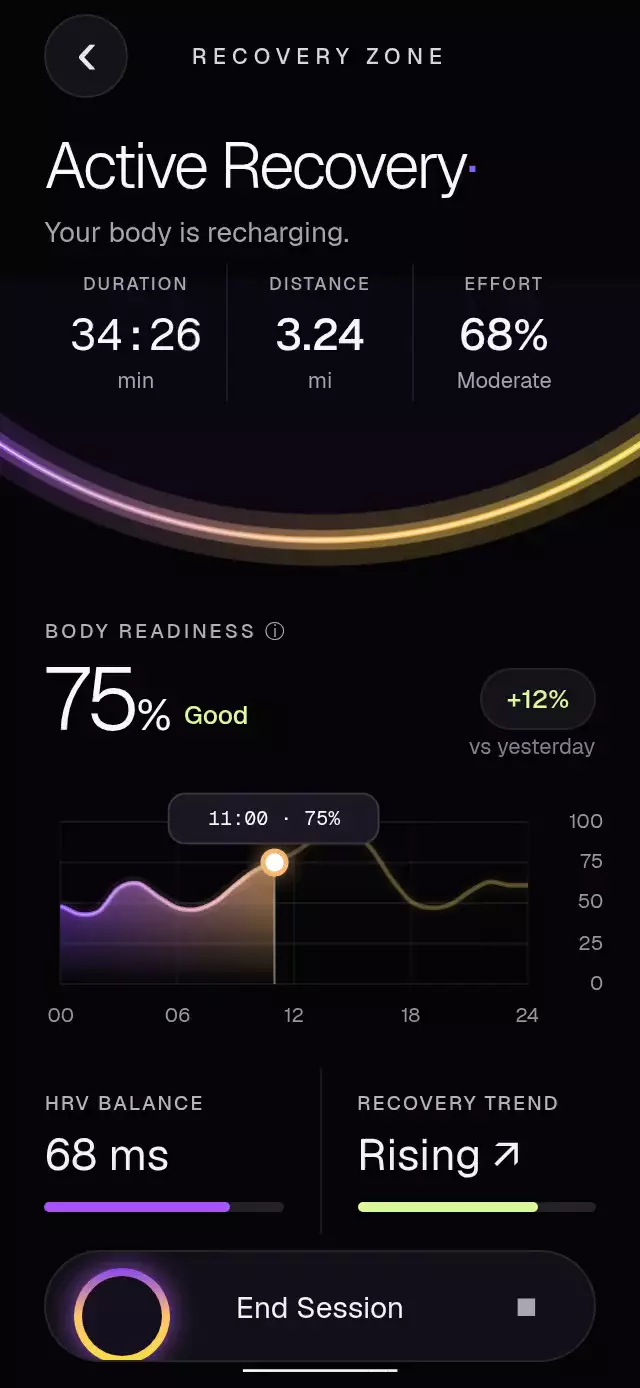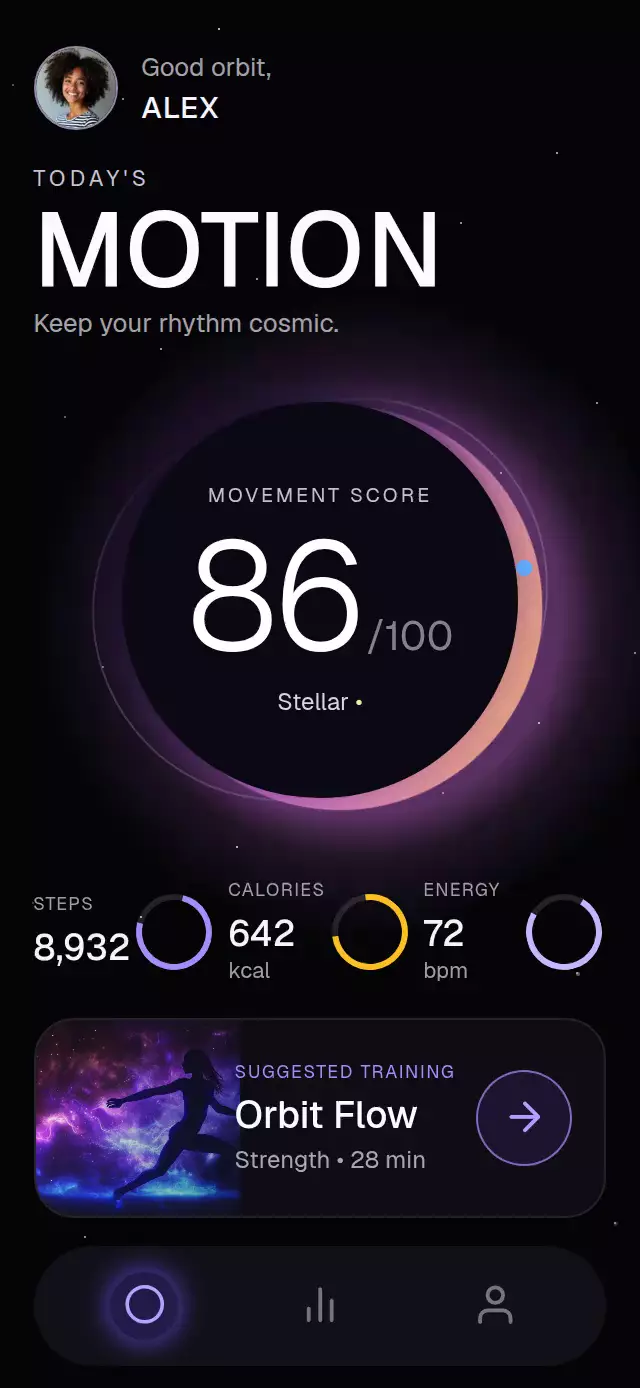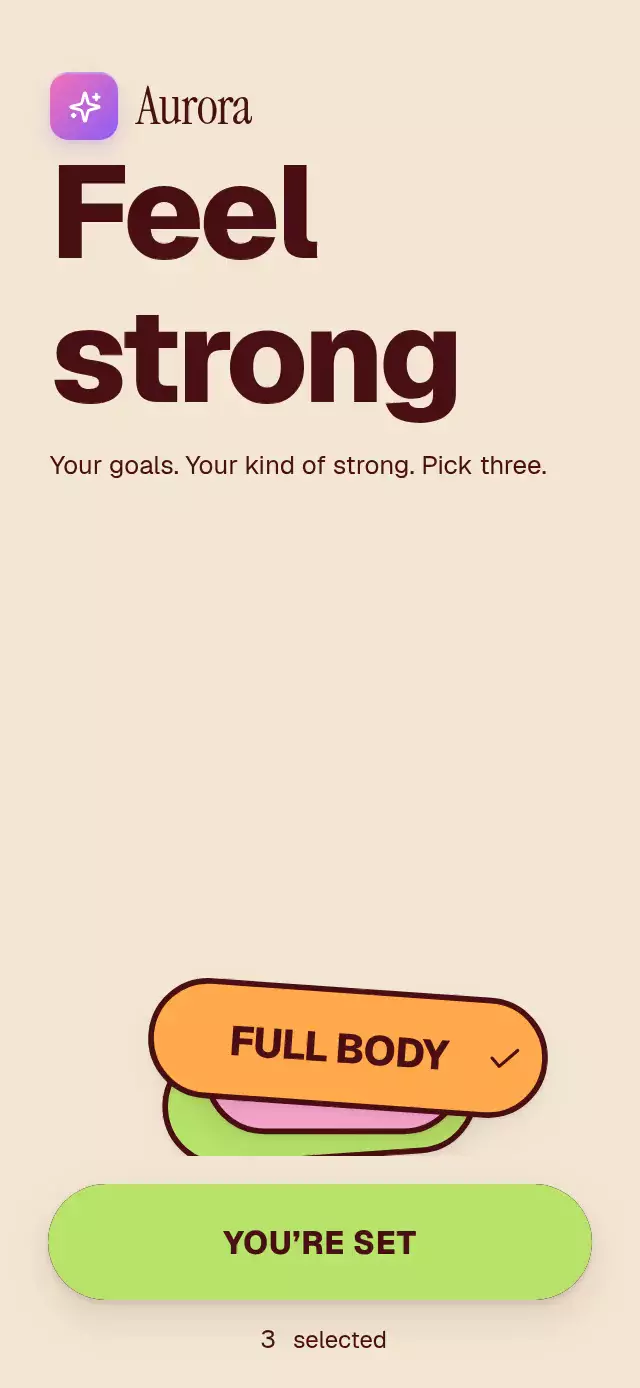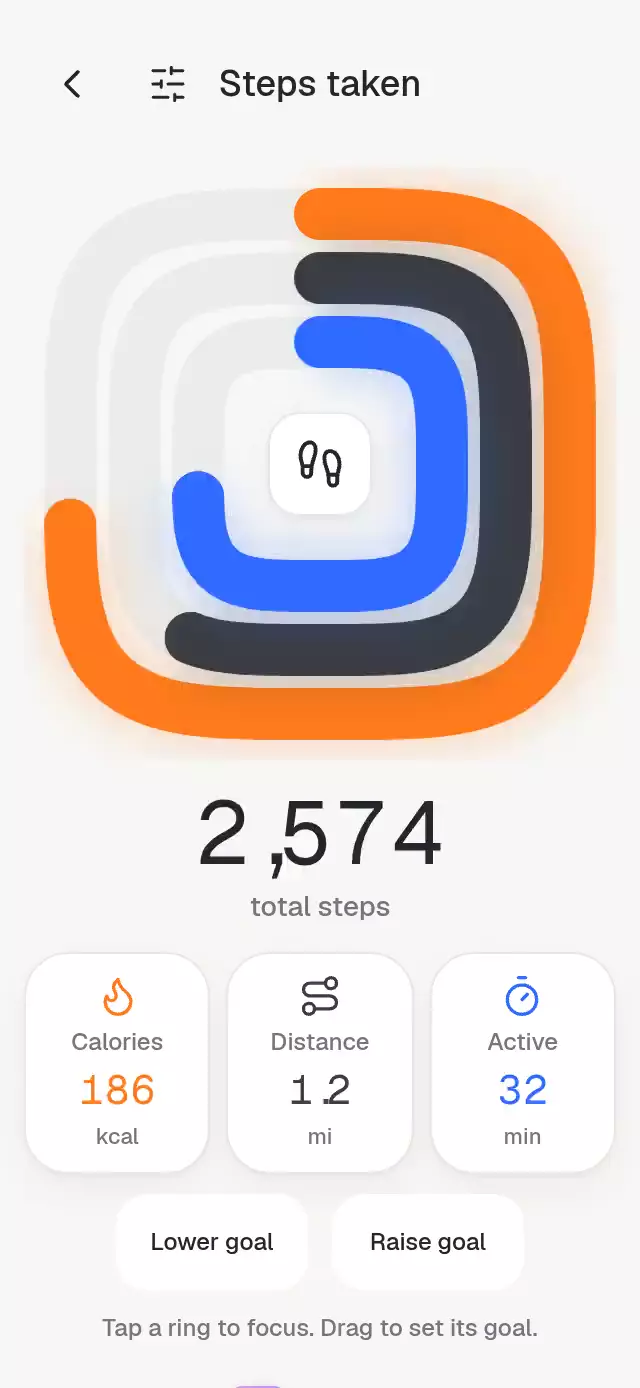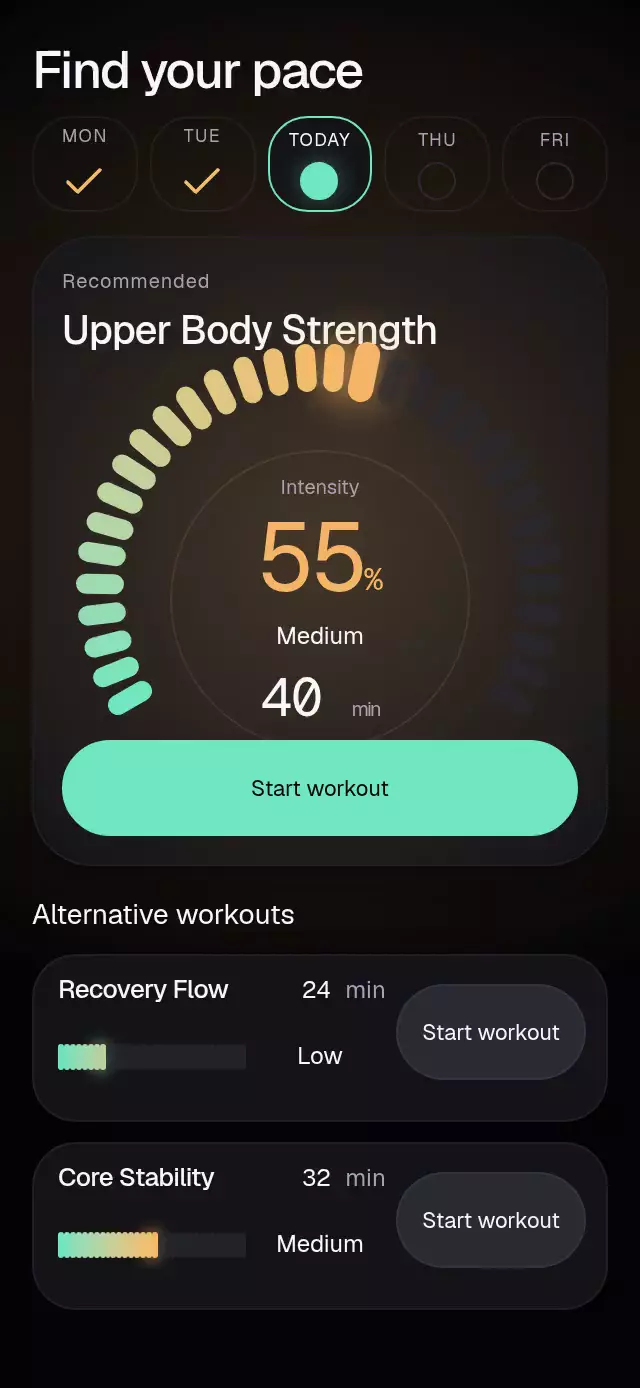
About this animation
A workout picker with a segmented intensity dial and configurable workouts, level labels, palette, and fonts.
Why this one
The featured workout owns a 32-segment arc with 10-point-wide, 24-point-long segments. Its fixed mint-to-amber-to-coral spectrum reveals more warmth as intensity rises. The fingertip segment grows up to 1.3× while dragging; crossing Low, Medium, or High triggers one short light pulse. A soft radial atmosphere follows the featured intensity both inside the card and across the screen. Alternative workouts retain independently adjustable mini meters and start actions.
How it works
- Each workout owns one continuous UI-thread intensity value. Segment fill, fingertip focus, category, atmosphere, and estimated duration derive from it.
- The featured control maps touch angle onto a 240-degree arc. Compact controls map horizontal position onto a linear meter. Exclusive Pan and Tap handlers provide both input methods on native and web.
- Release snaps to the closest segment with an interruptible spring and explicit mass. Pressure and category feedback use separate values so release cannot cancel the intensity change.
- A clipped vertical category transition hides the outgoing label before revealing the next. Numeric readouts update only at discrete segment boundaries, keeping the percentage and duration synchronized without per-frame React state.
- The recommended workout is featured when supplied; otherwise the first alternative gets the large dial. Day selection remounts the list, replays the ignition, and applies any per-day workout data.
Install
npx expo install react-native-reanimated react-native-worklets react-native-gesture-handler expo-linear-gradient @shopify/react-native-skiaMount inside your app's GestureHandlerRootView. Configure Reanimated and Skia for your Expo environment. On web, load CanvasKit before mounting this component, using Skia's web loader. Fonts are supplied by the host; the component imports no catalog code or assets.
Usage
import { IntensityTickPicker } from './intensity-tick-picker';

<IntensityTickPicker
  workouts={[
    { id: 'flow', title: 'Recovery Flow', duration: 24, intensity: 0.25 },
  ]}
  onIntensityChange={(id, value) => saveIntensity(id, value)}
/>
const picker = useRef<IntensityTickPickerRef>(null);
<IntensityTickPicker
ref={picker}
workouts={workouts}
segments={32}
palette={{ active: '#9B80FF', hot: '#FF806F' }}
fontFamily="YourInterfaceFont"
monoFontFamily="YourNumberFont"
onStartWorkout={startSession}
/>
// In an event handler:
picker.current?.setIntensity('flow', 0.65);Props
| Prop | Default | Purpose |
|---|---|---|
workouts: IntensityWorkout[] | Required | Stable IDs, titles, initial minutes and intensity 0–1 |
segments: number | 32 | Quantization, clamped to 2–64 |
onIntensityChange(id, value) | — | Notification once per changed segment, including ref updates |
days: IntensityDay[] | [] | Labels, accessible names, completion, today and optional workout overrides |
initialDay: number | 0 | Initially selected day index |
onDayChange(index) | — | Selected day callback |
recommended: IntensityWorkout | — | Featured workout |
onStartWorkout(id) | — | Product action supplied by the host |
title: string | Workout | Heading |
recommendedLabel: string | Recommended | Featured label |
alternativesLabel: string | Alternative workouts | List heading |
intensityLabel: string | Intensity | Meter and accessible label |
levels: readonly [string, string, string] | Low, Medium, High | Categories at 35% and 70% |
startLabel: string | Start workout | Action copy |
minuteLabel: string | min | Duration suffix |
brandName: string | — | Optional wordmark; optional; omitted by the demo |
brandColors: readonly [string, string] | Pink/violet kit gradient | Tile colors |
palette: Partial<IntensityPalette> | Dark graphite, mint/amber/coral | Background, surface, border, text, muted, active, inactive, hot, secondary and glow |
fontFamily, headingFontFamily, monoFontFamily: string | System | Host-owned fonts |
style: StyleProp<ViewStyle> | — | Root style |
testID: string | intensity-tick-picker | Root and stable control suffixes |
Ref: setIntensity(id, value) snaps and animates the specified row; selectDay(index) selects a day. Unknown IDs and out-of-range days are ignored. Initial row values reset when switching days, including the featured recommendation. Replace a row's key/ID to reset its initial data externally. Durations use a demonstration estimate, bounded to 1–999 minutes, relative to the supplied initial minutes; they are not exercise recommendations.
Compatibility
Built for Expo SDK 58, React Native 0.88.0, Reanimated 4.7.1, Worklets 0.13.0 and Skia 2.14.0. Uses Expo Go bundled modules. Supports iOS, Android, and web.
The root fills its host and measures with onLayout. Content is capped at 480 points. A single outer scroll container is enabled only when measured content exceeds the available height; the standard demo uses two alternatives to fit the mobile composition without an inner scrollbar. Small containers, landscape, long supplied copy, additional workouts, and enlarged text can scroll with the indicator hidden. The host supplies safe areas. The heading stays on the left to reserve the top-right viewer close area.
Accessibility
Meters expose the adjustable role, current tick, category and increment/decrement actions. Tap is an alternative to drag. Important committed changes announce workout, intensity category and duration. Buttons and day cells provide labels, selected states and at least 48-point height. Reduced motion removes fingertip growth, category pulses, tick jumps, label displacement, and horizontal entrances; values use short timing transitions. No frame-by-frame React state is used: JS receives only discrete selected ticks.
Icons: Lucide (ISC), copied from the local kit. The optional brand tile uses the local kit sparkles icon. No generated art or image assets are required. The demo sweeps the featured intensity at 650 ms and 1,800 ms, then switches day at 3,400 ms; it loops every 5,400 ms and stops autoplay after user interaction.