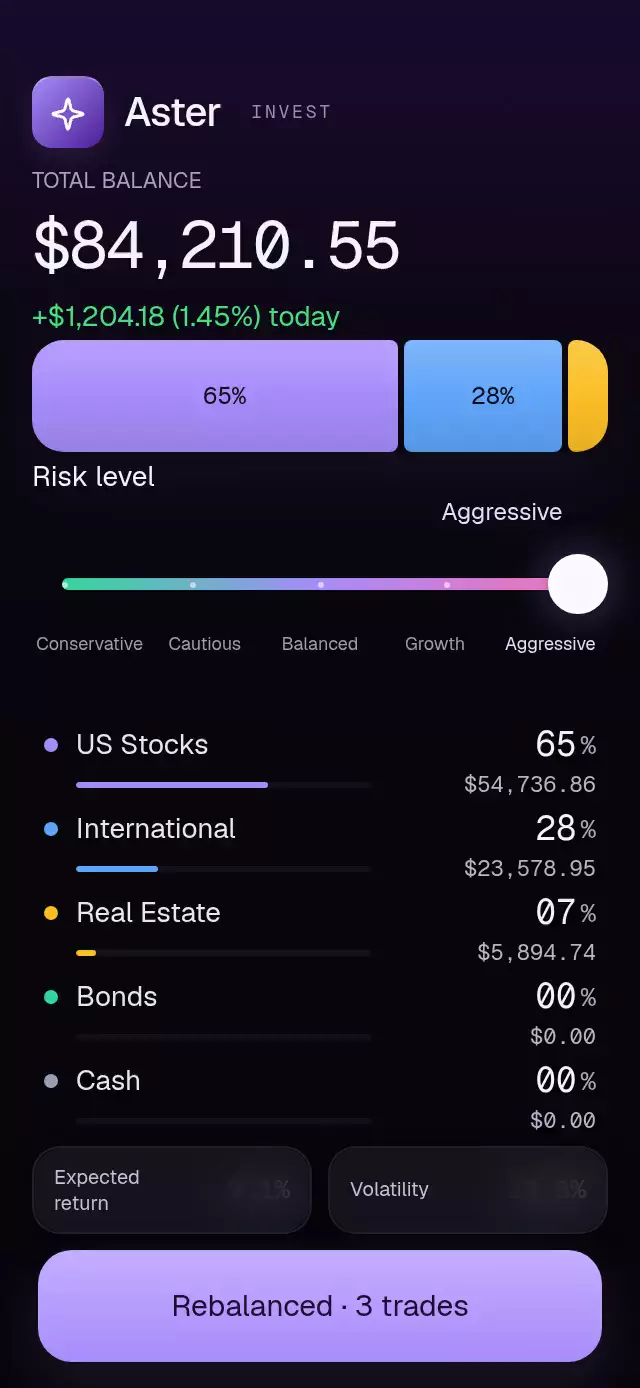
About this animation
A risk slider that reshapes allocations and reorders asset rows, with configurable risk levels, assets, fonts, and background color.
Why this one
Most allocation charts replace a donut at each preset. Here, one continuous risk value controls every weight, amount, return estimate, and volatility estimate. Bonds collapse completely as stocks pass them; disappearing segments also close their gaps. Rows cross with spring motion and the overtaking row rises above its neighbors.
How it works
- Measure the container with
onLayout; the composition adapts to its width and height. - Interpolate the five allocations between neighboring risk levels on the UI thread.
- Derive segment widths, shrinking gaps, amounts, and projected metrics from that same value.
- Rank weights on the UI thread, breaking ties by original asset order. Animate each row toward its rank with an interruptible spring.
- Roll individual digit columns only during their carry, fading glyphs by distance so resting figures stay crisp.
- Snap a released drag to the nearest preset. Rebalance sweeps one translucent highlight through the clipped segment surfaces.
Install
npx expo install expo-blur expo-linear-gradient react-native-gesture-handler react-native-reanimated react-native-workletsCopy this folder into your project. Wrap your application in GestureHandlerRootView. The component uses system fonts unless you provide loaded font families. The Aster demo also uses Skia for its kit glyph; load that demo through your app's Skia web loader. The reusable component itself does not require Skia.
Usage
import PortfolioAllocation from './portfolio-allocation';

export function AllocationScreen() {
  return <PortfolioAllocation />;
}
import { useRef } from 'react';
import PortfolioAllocation, {
type PortfolioAllocationRef,
} from './portfolio-allocation';
export function CustomAllocation() {
const allocation = useRef<PortfolioAllocationRef>(null);
return (
<PortfolioAllocation
ref={allocation}
initialRisk={1}
balance={50000}
changeLabel="+$320.00 (0.64%) today"
fontFamily="YourSans"
monoFontFamily="YourMono"
springDamping={30}
onRebalance={weights => saveAllocation(weights)}
/>
);
}saveAllocation is your application's persistence callback. Rebalance confirms a UI action; it does not place real trades.
Props
| Prop | Type | Default | Description |
|---|---|---|---|
levels | readonly RiskLevel[] | Five risk presets | Exactly five presets with five nonnegative weights summing to 100, plus return and volatility estimates. |
assets | readonly AssetClass[] | Stocks, international, bonds, real estate, cash | Exactly five asset names and colors in allocation-column order. |
initialRisk | number | 2 | Starting position, clamped to 0–4. |
balance | number | 84210.55 | Value used to calculate US dollar amounts. |
header | ReactNode | “Your portfolio” | Host-supplied header or brand. |
balanceLabel | string | “Portfolio value” | Balance caption. |
changeLabel | string | “+$1,204.18 (1.45%) today” | Daily performance copy. |
rebalanceLabel | string | “Rebalance” | Primary action text. |
confirmationLabel | string | “Rebalanced · 3 trades” | Confirmation copy; provide your actual trade count. |
fontFamily | string | System | Label typeface. |
monoFontFamily | string | System | Tabular number typeface. |
backgroundColor | string | #07060B | Screen background. |
springDamping | number | 56 | Slider spring damping. Values below the damping needed for ζ ≥ 0.8 are raised to that minimum. |
onRiskChange | (level: number) => void | — | JS callback when the rounded risk level changes. |
onRebalance | (weights: number[]) => void | — | Current continuous allocation on activation. |
accessibilityLabel | string | “Risk level” | Adjustable control label, followed by the current preset. |
style | StyleProp<ViewStyle> | — | Container override. |
testID | string | — | Root identifier. |
Ref methods: setRisk(level, duration?), rebalance(), and reset(). The optional duration enables a continuous scripted sweep; ordinary interaction uses springs. Autoplay belongs to the demo and cleans up its timers on unmount.
Compatibility
Targets Expo SDK 58, React Native 0.88.0, Reanimated 4.7.1, Worklets 0.13.0, and Gesture Handler 3.3.0. Expo Blur and LinearGradient use SDK-compatible versions. All modules are included in Expo Go. The demo uses Skia 2.14.0.
Supports iOS, Android, and web. Designed for 320×694 and 390×844 portrait containers. Allow a full-height screen; the host should manage safe-area insets.
Accessibility
The slider exposes the adjustable role, current preset, and increment/decrement actions. All five presets also have 44-point tap targets, and the primary action is 56 points tall. Track taps and drags use Gesture Handler exclusively. Rebalance confirmation has a polite live announcement.
Reduced motion replaces level changes with a short fade, applies allocation changes by whole levels, reorders rows immediately, and removes digit travel, press bounce, settling, and the rebalance sweep. Return and volatility figures are illustrative customizable estimates.
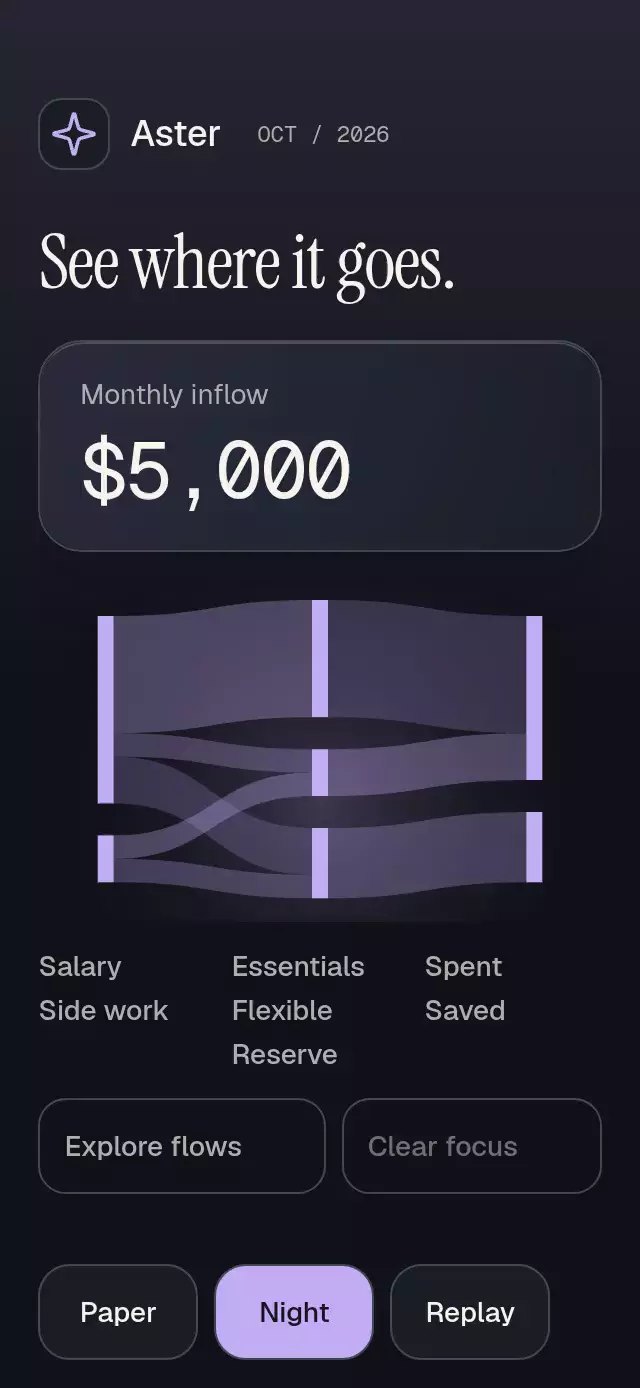
Icons: Lucide (ISC), copied from the project kit. Aster is the supplied demo brand.
Spring damping floors use Reanimated 4.7.1’s default mass of 4 when the configuration does not set a mass. Stiffness and mass remain unchanged.