About this component
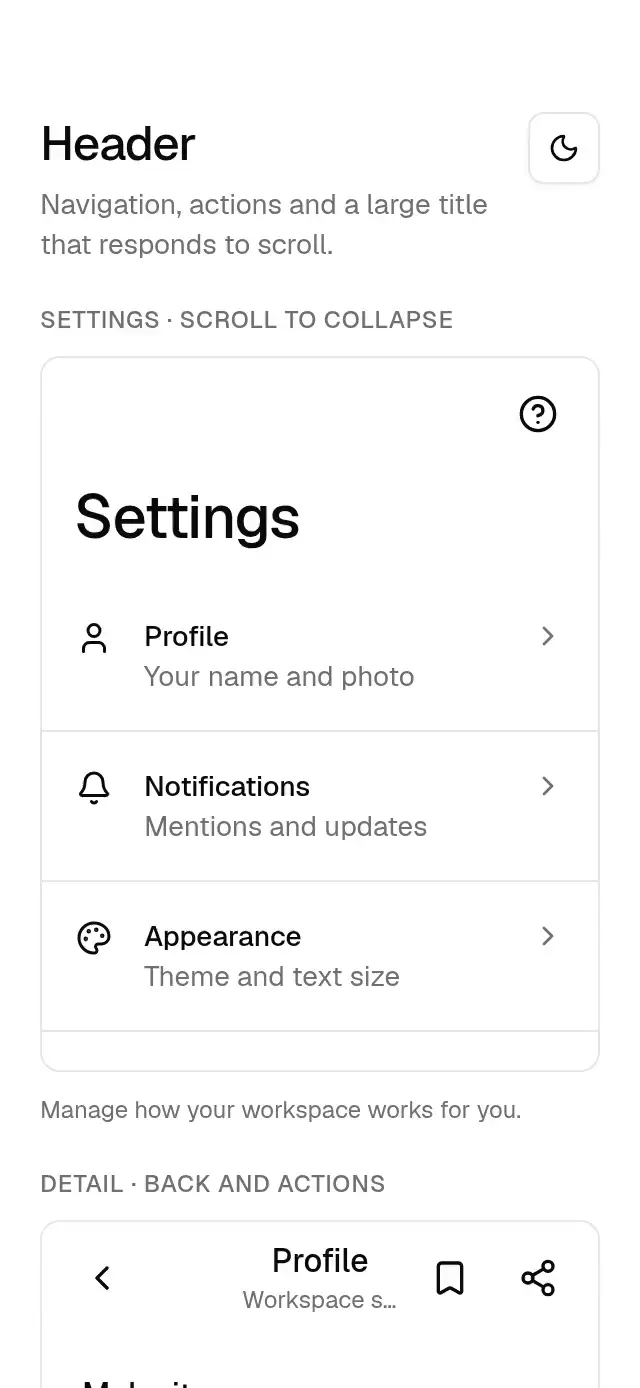
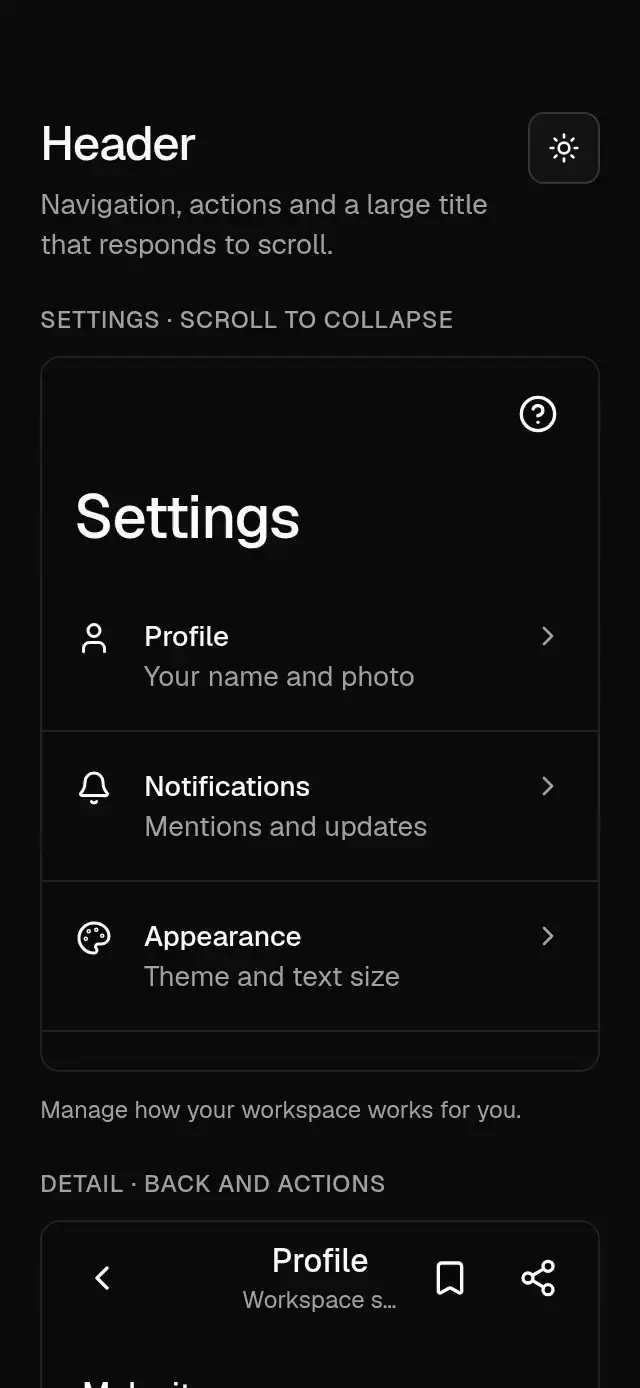
A navigation header with configurable titles, back action, action slots, alignment, safe-area inset, theme, and scroll-driven title handoff.
How it works
- The bar is 56 pt tall plus the host-supplied top inset. Back and action controls have 48 dp targets on Android and 44 pt targets on iOS and web.
- Center alignment reserves equal space on both sides using the measured action width.
- A shared scroll value fades the bottom border in from 0–8 pt. No React state changes per scroll frame.
- With a large title, scrolling 0–40 pt fades it out and shifts it up 8 pt; the small title fades in from 24–48 pt. The large title keeps its layout space. Without a scroll value it stays visible.
Install
npx nativeanimation add base-headerThe CLI also copies the family modules listed in registryDependencies. Dependencies, if you copy by hand:
npx expo install lucide-react-native react-native-svg react-native-gesture-handler react-native-reanimated react-native-workletsUsage
import { Share2 } from 'lucide-react-native';
import Animated, { useAnimatedScrollHandler, useSharedValue } from 'react-native-reanimated';
import { BaseHeader, BaseHeaderAction } from './base-header';

// Inside a component:
const scrollY = useSharedValue(0);
const onScroll = useAnimatedScrollHandler((event) => {
  scrollY.set(event.contentOffset.y);
});

return (
  <>
    <BaseHeader
      title="Settings"
      topInset={insets.top}
      largeTitle
      align="left"
      scrollY={scrollY}
      onBack={goBack}
      actions={[
        <BaseHeaderAction key="share" accessibilityLabel="Share settings" onPress={share}>
          <Share2 size={20} color={theme.colors.foreground} />
        </BaseHeaderAction>,
      ]}
    />
    <Animated.ScrollView onScroll={onScroll} scrollEventThrottle={16}>
      {children}
    </Animated.ScrollView>
  </>
);
Wrap your app in BaseThemeProvider (from base-theme) to choose light/dark and an accent; without it, pieces use the light neutral theme. Every piece also takes a theme prop that wins over the provider.
Props
| Prop | Type | Default | Description |
|---|---|---|---|
title | string | — | Required one-line navigation title. |
subtitle | string | — | Optional supporting label. |
onBack | () => void | — | Shows a back button when supplied. |
backLabel | string | Back | Accessible back button label. |
actions | ReactNode | — | Right-side controls. Use BaseHeaderAction or supply 48 dp targets on Android and 44 pt targets on iOS and web. |
align | 'center' | 'left' | center | Title alignment. |
scrollY | SharedValue<number> | — | Host scroll position in points. |
largeTitle | boolean | false | Shows a 30 pt title beneath the bar. |
topInset | number | 0 | Safe-area top inset supplied by the host. |
BaseHeaderAction.children | ReactNode | — | Action icon or content. |
BaseHeaderAction.accessibilityLabel | string | — | Required action name. |
BaseHeaderAction.onPress | () => void | — | Required action callback. |
BaseHeaderAction.disabled | boolean | false | Disables action activation. |
BaseHeaderAction.theme / testID | BaseTheme / string | — | Optional action theme override and identifier. |
theme | BaseTheme | provider | Overrides the theme from BaseThemeProvider. |
style | StyleProp<ViewStyle> | — | Container style. |
testID | string | — | Stable identifier on the root view. |
Compatibility
Expo SDK 58 · React Native 0.88 · Reanimated 4.7 · react-native-worklets 0.13. Runs on iOS, Android and web, in Expo Go
and in development builds. Part of Native Animation Base, a free family that shares one theme: install
base-theme once (the CLI does it for you) and every Base piece picks it up. Free forever. MIT.
Accessibility
The navigation title is exposed once as a heading; the visual large duplicate is hidden from screen readers. Back and action controls support screen reader activation and Enter/Space on web. Android controls reserve 48 dp without enlarging the icons. With Reduce Motion on, scroll-driven opacity remains, while title translation and press scaling are disabled. Supply meaningful labels for custom actions.
Touch targets
Back and BaseHeaderAction reserve 48×48 dp on Android and 44×44 pt on iOS and 44 px on web. Adjacent action centers are at least 48 dp apart on Android and 44 pt apart on iOS and 44 px apart on web. Icons stay the same size. Give custom actions the same space, and keep the header wide enough for both sides.
Part of a shared foundation
Use it in a screen
Compose Base Header with other Base components and a single shared theme. Ask your agent to read each API, then connect real navigation, state, and callbacks.
Go further.
Base covers the everyday. Choose a more expressive interaction when your app calls for it.
Stacked Category Cards ↗
A category stack whose tabs unfold into detail cards, with configurable categories, title, colors, and fonts.
Another way to solve this task · $9Review Approval Card ↗
A moderation queue with swipe-to-approve or decline feedback, with configurable reviews, labels, colors, and fonts.
Source code
Loading public source…