About this component
Related guides
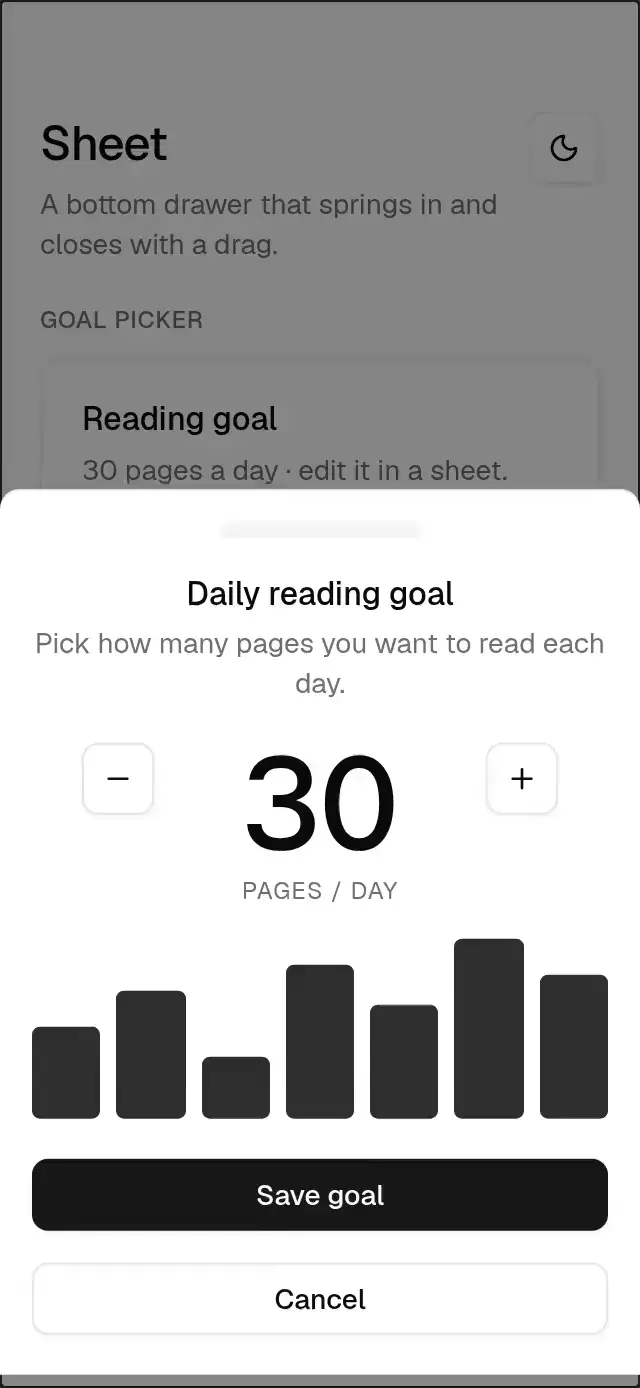
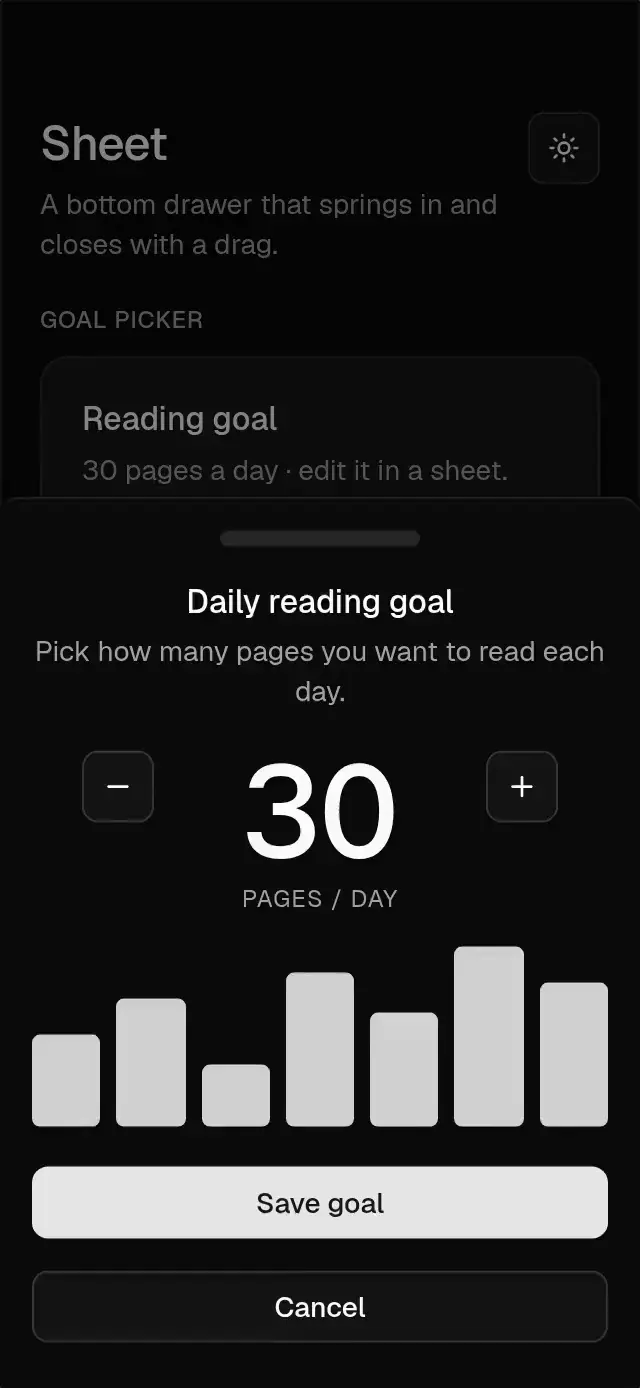
A bottom sheet with a 400 ms timing entry and drag dismissal, with configurable copy, content, footer, and theme.
How it works
- It renders in a
Modal: a 50% black overlay fades in over 400 ms while the panel rises over 400 ms usingwithTimingand the drawer curve (0.34, 1.2, 0.64, 1), with a little overshoot. - The panel has a drawer anatomy: top border, 100 × 8 handle, centered title and description, content, and stacked footer actions.
- Dragging down follows the finger (dragging up resists); release past 25% of its height or fast enough to dismiss in 200 ms, otherwise it settles back.
- Closing slides it out in 160 ms and unmounts it only when the exit finishes. Tapping the overlay closes it. Dragging during entry and reopening during exit continue from the current position.
Install
npx nativeanimation add base-sheetThe CLI also copies base-theme. Dependencies, if you copy by hand:
npx expo install react-native-gesture-handler react-native-reanimated react-native-workletsUsage
import { BaseSheet } from './base-sheet';

<BaseSheet
  visible={open}
  onVisibleChange={setOpen}
  title="New project"
  description="Give it a name your team will recognize."
  bottomInset={insets.bottom}
  footer={<BaseButton fullWidth onPress={create}>Create project</BaseButton>}
>
  <BaseInput label="Project name" value={name} onChangeText={setName} />
</BaseSheet>
Wrap your app in BaseThemeProvider (from base-theme) to choose light/dark and an accent; without it, pieces use the light neutral theme. Every piece also takes a theme prop that wins over the provider.
Props
| Prop | Type | Default | Description |
|---|---|---|---|
visible | boolean | — | Open state (controlled). |
defaultVisible | boolean | false | Initial state (uncontrolled). |
onVisibleChange | (visible: boolean) => void | — | Called when it closes by drag, overlay tap or back button. |
title / description | string | — | Header text. |
children | ReactNode | — | Body content. |
footer | ReactNode | — | Actions, stacked full width. |
bottomInset | number | 0 | Safe-area bottom inset from the host (useSafeAreaInsets().bottom). |
closeLabel | string | 'Close' | Screen reader name of the overlay. |
theme | BaseTheme | provider | Overrides the theme from BaseThemeProvider. |
testID | string | — | Test identifier on the root view. |
Compatibility
Expo SDK 58 · React Native 0.88 · Reanimated 4.7 · react-native-worklets 0.13. Runs on iOS, Android and web, in Expo Go
and in development builds. Part of Native Animation Base, a free family that shares one theme: install
base-theme once (the CLI does it for you) and every Base piece picks it up.
Accessibility
The panel is marked as modal for screen readers, the overlay is a labeled close button and the Android back button closes it. With Reduce Motion on, it appears and closes without sliding.
Part of a shared foundation
Use it in a screen
Compose Base Sheet with other Base components and a single shared theme. Ask your agent to read each API, then connect real navigation, state, and callbacks.
Go further.
Base covers the everyday. Choose a more expressive interaction when your app calls for it.
Stacked Category Cards ↗
A category stack whose tabs unfold into detail cards, with configurable categories, title, colors, and fonts.
Another way to solve this task · $9Review Approval Card ↗
A moderation queue with swipe-to-approve or decline feedback, with configurable reviews, labels, colors, and fonts.
Source code
Loading public source…