About this component
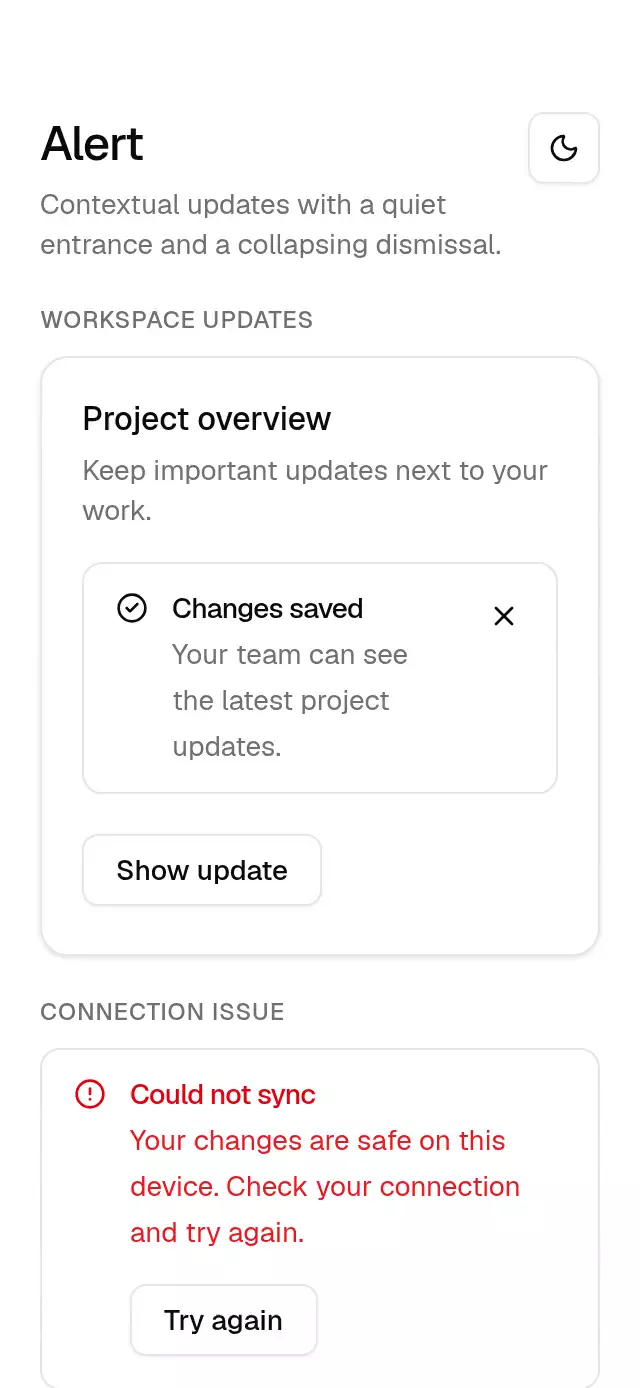
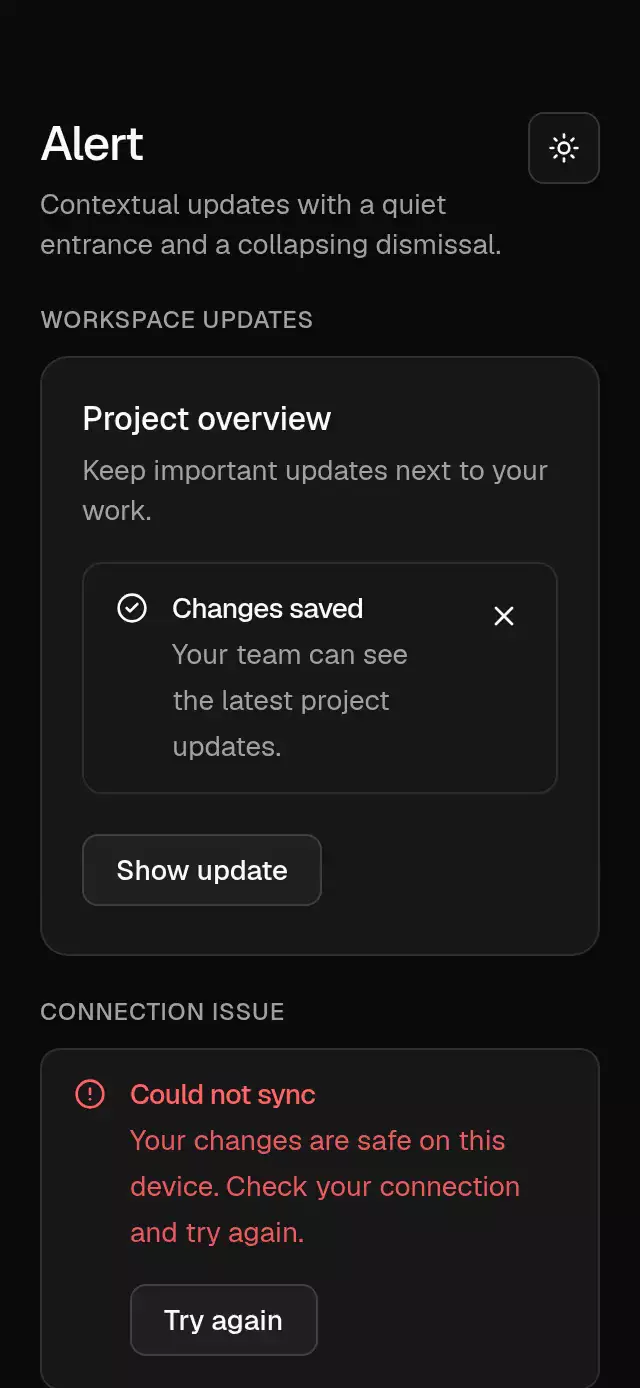
An inline alert with an animated entrance and collapsing dismissal, configurable tone, icon, title, description, action, and theme.
How it works
- A card-colored surface uses a 1 px border, large radius, 16 pt horizontal and 12 pt vertical padding.
- Content enters from −6 pt with a 300 ms fade. Destructive descriptions use 90% of the destructive text color.
- Dismissal fades for 200 ms, then collapses the measured height over 280 ms before calling
onDismiss. - Set
visibleto hide or show the alert. After an internal dismissal, toggle it off and on or remount to show it again. Keep it mounted until the callback finishes.
Install
npx nativeanimation add base-alertThe CLI also copies the family modules listed in registryDependencies. Dependencies, if you copy by hand:
npx expo install lucide-react-native react-native-svg react-native-gesture-handler react-native-reanimated react-native-workletsUsage
import { AlertCircle } from 'lucide-react-native';
import { BaseAlert } from './base-alert';
import { BaseButton } from './base-button';

<BaseAlert
  visible={visible}
  variant="destructive"
  icon={<AlertCircle size={16} color={theme.colors.destructive} />}
  title="Could not sync"
  description="Your changes are safe on this device."
  action={<BaseButton onPress={retry}>Try again</BaseButton>}
  onDismiss={() => setVisible(false)}
/>
Wrap your app in BaseThemeProvider (from base-theme) to choose light/dark and an accent; without it, pieces use the light neutral theme. Every piece also takes a theme prop that wins over the provider.
Props
| Prop | Type | Default | Description |
|---|---|---|---|
variant | 'default' | 'destructive' | default | Text tone; supply an icon in the matching theme color. |
icon | ReactNode | — | Leading 16 pt icon; offset 2 pt downward. |
title | string | — | Required single-line title. |
description | string | — | Supporting message. |
action | ReactNode | — | Optional action below the message. |
onDismiss | () => void | — | Enables the close button; called after a completed exit, including visible=false. |
visible | boolean | true | Controls visibility with an animated exit. |
dismissLabel | string | Dismiss alert | Accessible close button label. |
theme | BaseTheme | provider | Overrides the theme from BaseThemeProvider. |
style | StyleProp<ViewStyle> | — | Container style. |
testID | string | — | Stable identifier on the root view. |
Compatibility
Expo SDK 58 · React Native 0.88 · Reanimated 4.7 · react-native-worklets 0.13. Runs on iOS, Android and web, in Expo Go
and in development builds. Part of Native Animation Base, a free family that shares one theme: install
base-theme once (the CLI does it for you) and every Base piece picks it up. Free forever. MIT.
Accessibility
Destructive alerts use the alert role; updates use a polite live region. The close button supports touch, screen reader activation, and Enter/Space. Its 44 pt target has Android hit slop to reach 48 dp. With Reduce Motion on, all entrance and dismissal changes are immediate. Caller-supplied icons should use 16 pt and the matching foreground or destructive theme color.
Part of a shared foundation
Use it in a screen
Compose Base Alert with other Base components and a single shared theme. Ask your agent to read each API, then connect real navigation, state, and callbacks.
Go further.
Base covers the everyday. Choose a more expressive interaction when your app calls for it.
Stacked Category Cards ↗
A category stack whose tabs unfold into detail cards, with configurable categories, title, colors, and fonts.
Another way to solve this task · $9Review Approval Card ↗
A moderation queue with swipe-to-approve or decline feedback, with configurable reviews, labels, colors, and fonts.
Source code
Loading public source…