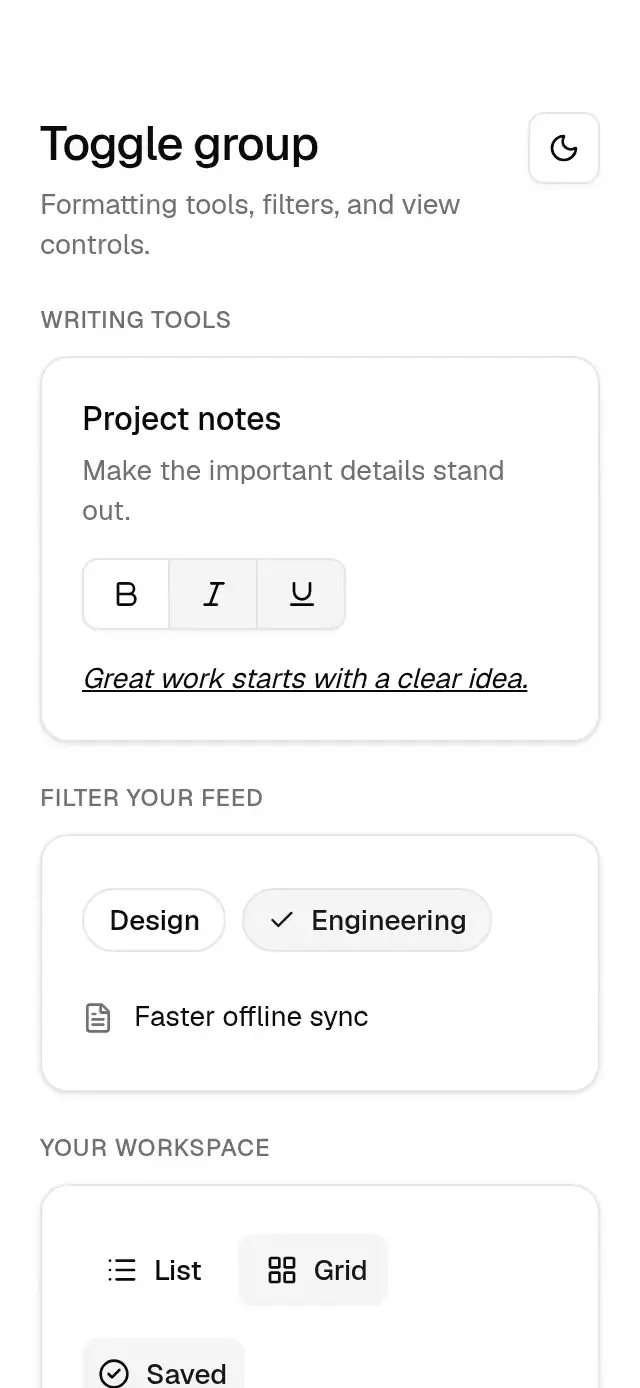
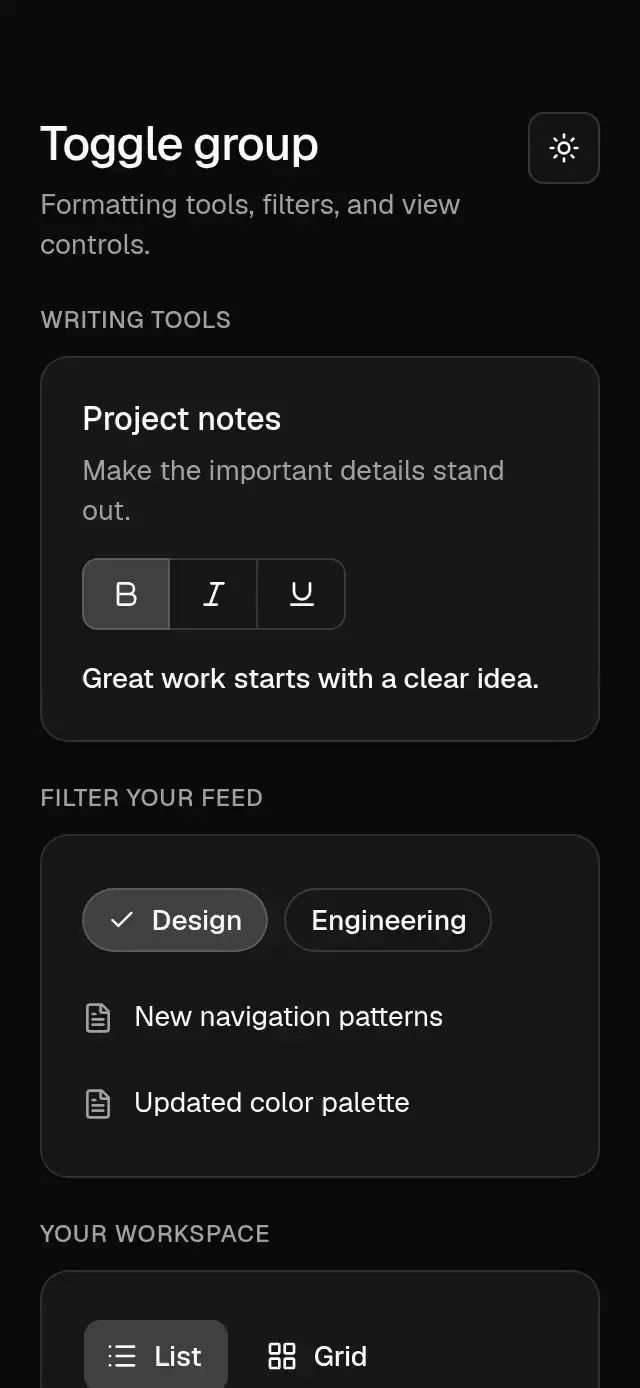
import {
  baseActivationProps,
  useBaseReducedMotion,
  spring,
  timing,
  useBaseTheme,
  type BaseTheme,
} from '../base-theme';
import React, { useEffect, useRef, useState } from 'react';
import {
  Platform,
  View,
  type LayoutRectangle,
  type StyleProp,
  type ViewStyle,
} from 'react-native';
import Check from 'lucide-react-native/icons/check';
import { Gesture, GestureDetector } from 'react-native-gesture-handler';
import Animated, {
  interpolateColor,
  useAnimatedStyle,
  useSharedValue,
  withSpring,
  withTiming,
} from 'react-native-reanimated';
import { scheduleOnRN } from 'react-native-worklets';

export type ToggleVariant = 'default' | 'outline' | 'chip';
export type ToggleSize = 'sm' | 'default' | 'lg';
export type BaseToggleItem = {
  value: string;
  label?: string;
  icon?: React.ReactNode;
  disabled?: boolean;
};
type Appearance = {
  variant?: ToggleVariant;
  size?: ToggleSize;
  theme?: BaseTheme;
  style?: StyleProp<ViewStyle>;
  testID?: string;
  accessibilityLabel?: string;
};
export type BaseToggleProps = Appearance & {
  value?: boolean;
  defaultValue?: boolean;
  onValueChange?: (value: boolean) => void;
  label?: string;
  icon?: React.ReactNode;
  disabled?: boolean;
};
export type BaseToggleGroupProps = Appearance & {
  items: BaseToggleItem[];
  attached?: boolean;
} & (
    | {
        type?: 'single';
        value?: string;
        onValueChange?: (value: string) => void;
      }
    | {
        type: 'multiple';
        value?: string[];
        onValueChange?: (value: string[]) => void;
      }
  );
const NO_WEB_OUTLINE =
  Platform.OS === 'web' ? ({ outlineStyle: 'none' } as object) : null;
const SIZES = {
  sm: { height: 32, padding: 6 },
  default: { height: 36, padding: 8 },
  lg: { height: 40, padding: 10 },
};
const TARGET = Platform.OS === 'android' ? 48 : 44;

function ToggleControl({
  active,
  onPress,
  label,
  icon,
  disabled = false,
  variant = 'default',
  size = 'default',
  theme,
  testID,
  accessibilityLabel,
  style,
  group = false,
  position,
  indicator = false,
  radio = false,
}: Appearance & {
  active: boolean;
  onPress: () => void;
  label?: string;
  icon?: React.ReactNode;
  disabled?: boolean;
  theme: BaseTheme;
  group?: boolean;
  position?: 'first' | 'middle' | 'last' | 'only';
  indicator?: boolean;
  radio?: boolean;
}) {
  const reduced = useBaseReducedMotion();
  const press = useSharedValue(1);
  const color = useSharedValue(active ? 1 : 0);
  const check = useSharedValue(active ? 1 : 0);
  const space = useSharedValue(active ? 1 : 0);
  const [focused, setFocused] = useState(false);
  useEffect(() => {
    color.set(withTiming(active ? 1 : 0, timing(theme, 'color', reduced)));
    check.set(
      reduced
        ? active
          ? 1
          : 0
        : active
          ? withSpring(1, spring(theme, 'pop'))
          : withTiming(0, timing(theme, 'popOut')),
    );
    space.set(
      reduced
        ? active
          ? 1
          : 0
        : withSpring(active ? 1 : 0, spring(theme, 'reflow')),
    );
  }, [active, theme, reduced, color, check, space]);
  const activate = () => {
    if (!disabled) onPress();
  };
  const tap = Gesture.Tap()
    .enabled(!disabled)
    .onBegin(() => {
      press.set(
        reduced
          ? 1
          : withSpring(theme.motion.scales.press, spring(theme, 'press')),
      );
    })
    .onFinalize(() => {
      press.set(reduced ? 1 : withSpring(1, spring(theme, 'press')));
    })
    .onEnd((_event, success) => {
      if (success) scheduleOnRN(activate);
    });
  const surface = useAnimatedStyle(() => ({
    backgroundColor: indicator
      ? 'transparent'
      : interpolateColor(
          color.get(),
          [0, 1],
          ['transparent', theme.colors.accent],
        ),
    transform: [{ scale: press.get() }],
  }));
  const textStyle = useAnimatedStyle(() => ({
    color: interpolateColor(
      color.get(),
      [0, 1],
      [theme.colors.foreground, theme.colors.accentForeground],
    ),
  }));
  const checkSpace = useAnimatedStyle(() => ({
    width: 22 * Math.max(0, space.get()),
  }));
  const checkStyle = useAnimatedStyle(() => ({
    opacity: Math.max(0, Math.min(1, check.get())),
    transform: [
      {
        scale: reduced
          ? 1
          : theme.motion.scales.icon +
            (1 - theme.motion.scales.icon) * check.get(),
      },
    ],
  }));
  const height = variant === 'chip' ? 32 : SIZES[size].height;
  const border = variant !== 'default';
  const radius = variant === 'chip' ? theme.radius.full : theme.radius.md;
  return (
    <GestureDetector gesture={tap}>
      <View
        testID={testID}
        accessible
        accessibilityRole={radio ? 'radio' : 'button'}
        accessibilityLabel={accessibilityLabel ?? label}
        accessibilityState={{ disabled, selected: active, checked: active }}
        aria-disabled={disabled}
        aria-selected={active}
        aria-checked={active}

        hitSlop={0}
        {
          /* RN Web forwards DOM events rather than native event objects. */
          ...((Platform.OS === 'web'
            ? {
                tabIndex: disabled ? -1 : 0,
                'aria-pressed': radio ? undefined : active,
                'aria-checked': radio ? active : undefined,
                'aria-disabled': disabled,
                onFocus: () => setFocused(true),
                onBlur: () => setFocused(false),
                onKeyDown: (event: React.KeyboardEvent) => {
                  if (event.key === 'Enter' || event.key === ' ') {
                    event.preventDefault();
                    activate();
                  }
                },
              }
            : {}) as object)
        }
        {
          /* RN Web forwards DOM events rather than native event objects. */
          ...(baseActivationProps(activate, disabled) as object)
        }
        style={[
          {
            minWidth: TARGET,
            minHeight: TARGET,
            justifyContent: 'center',
            opacity: disabled ? 0.5 : 1,
          },
          NO_WEB_OUTLINE,
          style,
        ]}
      >
        <Animated.View
          style={[
            {
              height,
              minWidth: height,
              paddingHorizontal:
                variant === 'chip' || group ? 12 : SIZES[size].padding,
              borderRadius: radius,
              borderTopLeftRadius:
                position === 'middle' || position === 'last' ? 0 : radius,
              borderBottomLeftRadius:
                position === 'middle' || position === 'last' ? 0 : radius,
              borderTopRightRadius:
                position === 'middle' || position === 'first' ? 0 : radius,
              borderBottomRightRadius:
                position === 'middle' || position === 'first' ? 0 : radius,
              borderWidth: border ? 1 : 0,
              borderLeftWidth:
                border && (position === 'middle' || position === 'last')
                  ? 0
                  : border
                    ? 1
                    : 0,
              borderColor: theme.colors.input,
              boxShadow: focused
                ? `0px 0px 0px 3px ${theme.colors.ringSoft}`
                : variant === 'outline'
                  ? theme.shadow.xs
                  : undefined,
              flexDirection: 'row',
              alignItems: 'center',
              justifyContent: 'center',
            },
            surface,
          ]}
        >
          {variant === 'chip' ? (
            <Animated.View
              pointerEvents="none"
              style={[
                { overflow: 'hidden', height: 20, justifyContent: 'center' },
                checkSpace,
              ]}
            >
              <Animated.View style={checkStyle}>
                <Check size={14} color={theme.colors.accentForeground} />
              </Animated.View>
            </Animated.View>
          ) : null}
          <View style={{ flexDirection: 'row', alignItems: 'center', gap: 8 }}>
            {icon}
            {label ? (
              <Animated.Text
                style={[
                  {
                    fontFamily: theme.fonts.medium,
                    fontSize: 14,
                    lineHeight: 20,
                  },
                  textStyle,
                ]}
              >
                {label}
              </Animated.Text>
            ) : null}
          </View>
        </Animated.View>
      </View>
    </GestureDetector>
  );
}

export function BaseToggle({
  value,
  defaultValue = false,
  onValueChange,
  theme: override,
  ...props
}: BaseToggleProps) {
  const theme = useBaseTheme(override);
  const [internal, setInternal] = useState(defaultValue);
  const active = value ?? internal;
  return (
    <ToggleControl
      {...props}
      theme={theme}
      active={active}
      onPress={() => {
        if (value === undefined) setInternal(!active);
        onValueChange?.(!active);
      }}
    />
  );
}

export function BaseToggleGroup(props: BaseToggleGroupProps) {
  const {
    items,
    attached = false,
    variant = 'default',
    size = 'default',
    theme: override,
    testID,
    accessibilityLabel,
    style,
  } = props;
  const theme = useBaseTheme(override);
  const reduced = useBaseReducedMotion();
  const [internal, setInternal] = useState<string | string[]>(
    props.type === 'multiple' ? [] : '',
  );
  const current = props.value ?? internal;
  const [layouts, setLayouts] = useState<Record<string, LayoutRectangle>>({});
  const x = useSharedValue(0);
  const width = useSharedValue(0);
  const placed = useRef(false);
  const indicator = props.type !== 'multiple' && variant === 'default';
  const selected = typeof current === 'string' ? layouts[current] : undefined;
  const selectedX = selected?.x;
  const selectedWidth = selected?.width;
  useEffect(() => {
    if (selectedX === undefined || selectedWidth === undefined) return;
    x.set(
      reduced || !placed.current
        ? selectedX
        : withSpring(selectedX, spring(theme, 'highlight')),
    );
    width.set(
      reduced || !placed.current
        ? selectedWidth
        : withSpring(selectedWidth, spring(theme, 'highlight')),
    );
    placed.current = true;
  }, [selectedX, selectedWidth, reduced, theme, x, width]);
  const highlight = useAnimatedStyle(() => ({
    width: width.get(),
    transform: [{ translateX: x.get() }],
  }));
  const toggle = (item: BaseToggleItem) => {
    if (item.disabled) return;
    if (props.type === 'multiple') {
      const values = Array.isArray(current) ? current : [];
      const next = values.includes(item.value)
        ? values.filter((v) => v !== item.value)
        : [...values, item.value];
      if (props.value === undefined) setInternal(next);
      props.onValueChange?.(next);
    } else {
      const next = current === item.value ? '' : item.value;
      if (props.value === undefined) setInternal(next);
      props.onValueChange?.(next);
    }
  };
  return (
    <View
      testID={testID}
      accessibilityRole={props.type === 'multiple' ? undefined : 'radiogroup'}
      accessibilityLabel={accessibilityLabel}
      style={[
        {
          flexDirection: 'row',
          alignSelf: 'flex-start',
          maxWidth: '100%',
          gap: attached ? 0 : 8,
          flexWrap: indicator || attached ? 'nowrap' : 'wrap',
        },
        style,
      ]}
    >
      {indicator && selected ? (
        <Animated.View
          pointerEvents="none"
          style={[
            {
              position: 'absolute',
              left: 0,
              top: (TARGET - SIZES[size].height) / 2,
              height: SIZES[size].height,
              borderRadius: theme.radius.md,
              borderTopLeftRadius:
                attached && items[0]?.value !== current ? 0 : theme.radius.md,
              borderBottomLeftRadius:
                attached && items[0]?.value !== current ? 0 : theme.radius.md,
              borderTopRightRadius:
                attached && items[items.length - 1]?.value !== current
                  ? 0
                  : theme.radius.md,
              borderBottomRightRadius:
                attached && items[items.length - 1]?.value !== current
                  ? 0
                  : theme.radius.md,
              backgroundColor: theme.colors.accent,
              opacity: items.find((item) => item.value === current)?.disabled
                ? 0.5
                : 1,
            },
            highlight,
          ]}
        />
      ) : null}
      {items.map((item, index) => (
        <View
          key={item.value}
          onLayout={
            indicator
              ? (event) => {
                  const layout = event.nativeEvent.layout;
                  setLayouts((old) => {
                    const previous = old[item.value];
                    return previous?.x === layout.x &&
                      previous?.width === layout.width
                      ? old
                      : { ...old, [item.value]: layout };
                  });
                }
              : undefined
          }
        >
          <ToggleControl
            {...item}
            group
            theme={theme}
            variant={variant}
            size={size}
            indicator={indicator}
            radio={props.type !== 'multiple'}
            active={
              Array.isArray(current)
                ? current.includes(item.value)
                : current === item.value
            }
            accessibilityLabel={item.label ?? item.value}
            onPress={() => toggle(item)}
            testID={testID ? `${testID}-${item.value}` : undefined}
            position={
              attached
                ? items.length === 1
                  ? 'only'
                  : index === 0
                    ? 'first'
                    : index === items.length - 1
                      ? 'last'
                      : 'middle'
                : undefined
            }
          />
        </View>
      ))}
    </View>
  );
}