About this animation
An email-to-code recovery flow with animated state changes and configurable labels, palette, and fonts. Your app supplies identity verification, expiry, resend timing, and error states.
Why this one
An OTP field handles digits. This flow keeps the address across steps, invalidates requests when the host changes direction, checks absolute deadlines even during verification, and waits for the host before showing success. Correcting an address and returning to sign-in do not mean starting over with lost data.
How it works
- The host owns the email, code, stage, challenge/request IDs, and absolute timestamps.
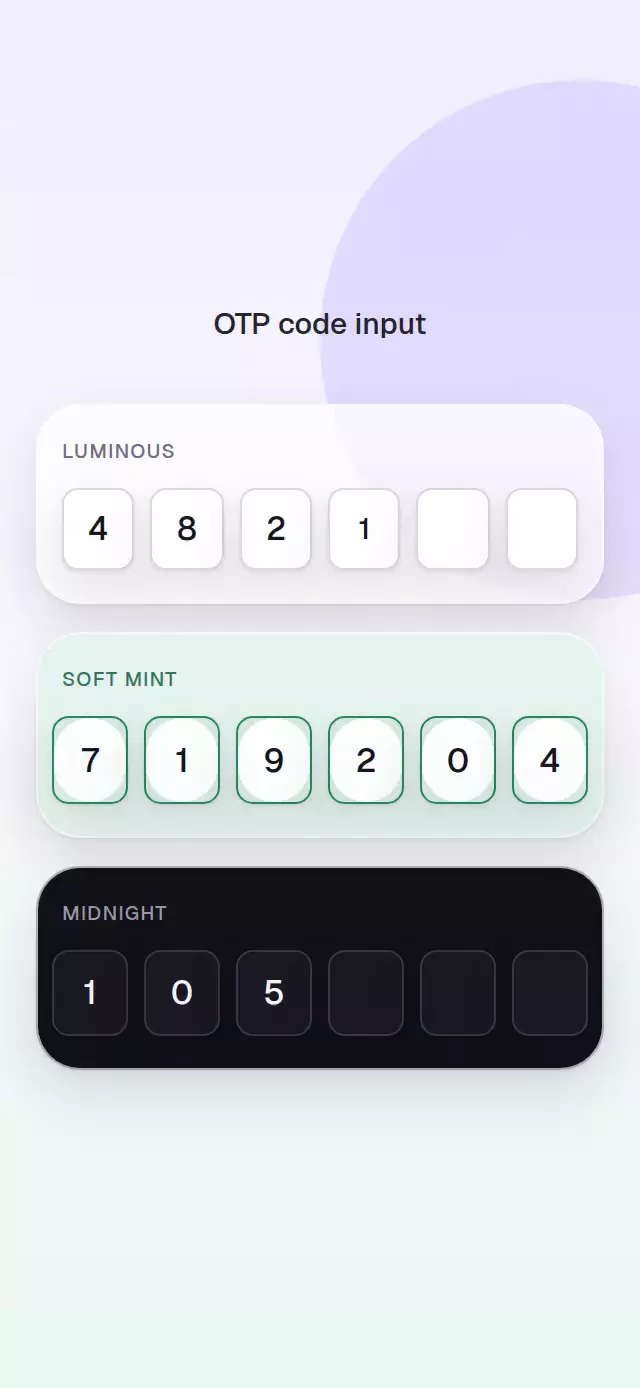
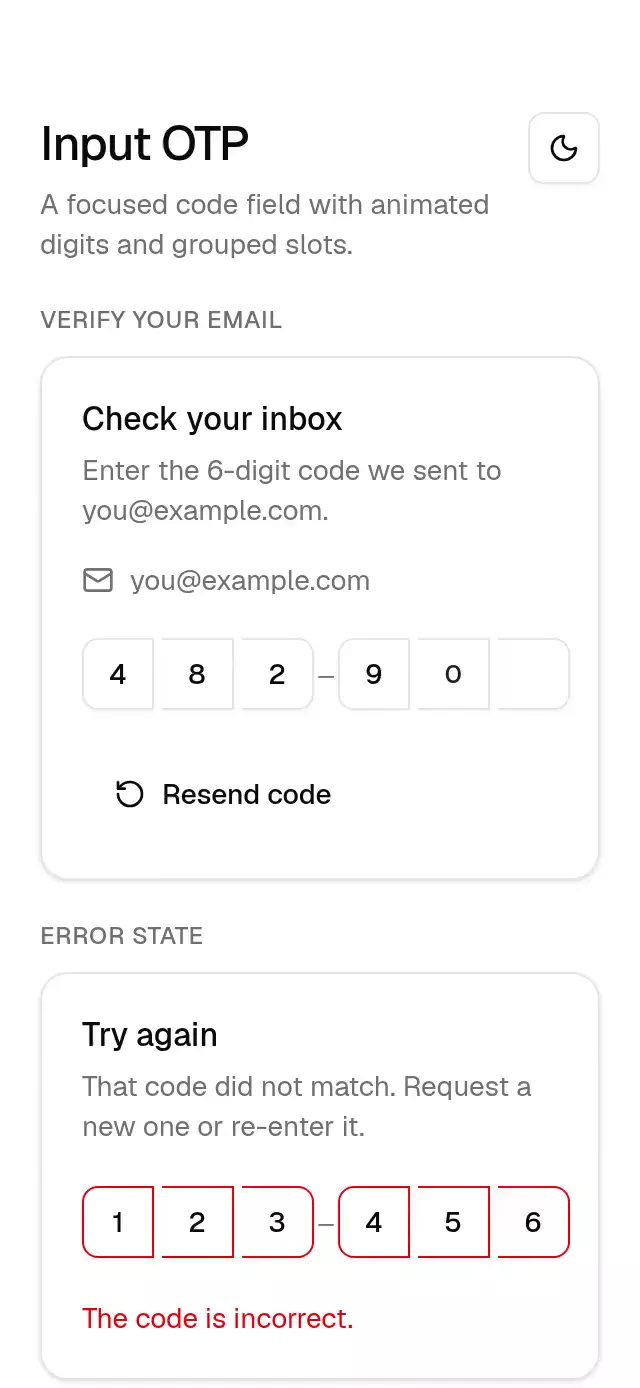
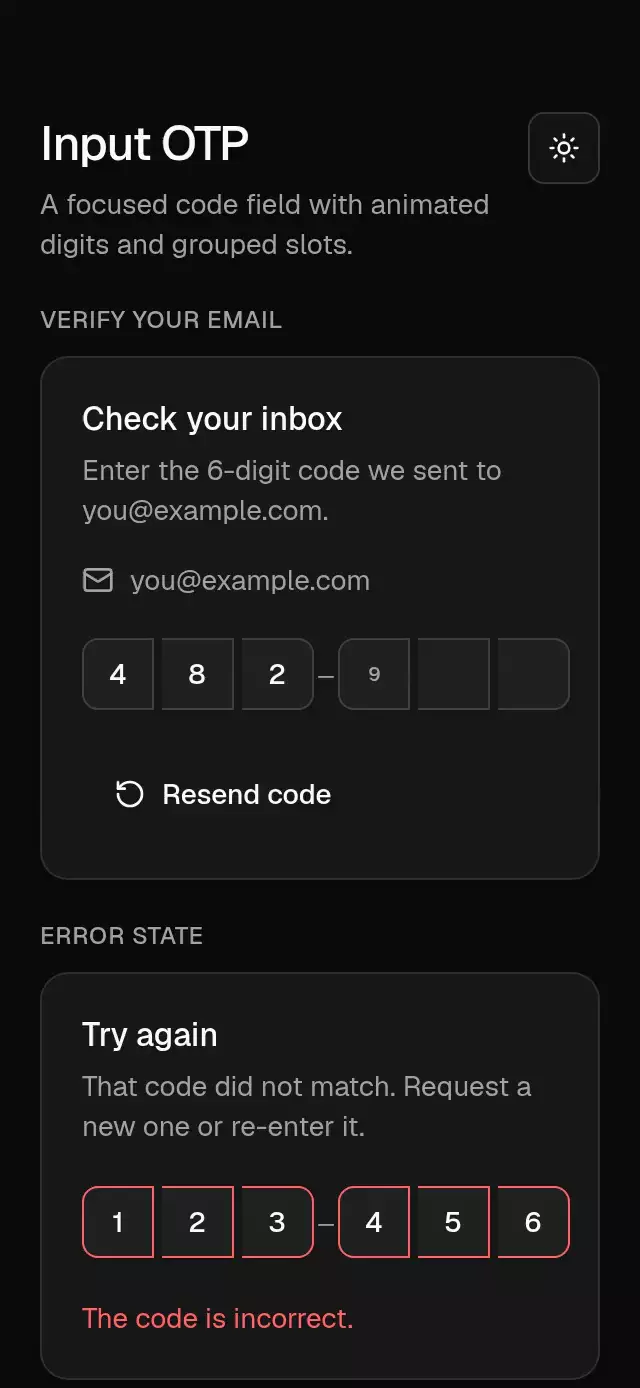
- A single numeric TextInput handles typing, paste, backspace, and OS one-time-code autofill. Six visual cells are excluded from the accessibility tree.
- Actions validate before calling the host. An immediate request latch prevents double submission until host state or request identity changes.
- Deadline calculations use
nowMs, not decremented counters. Expiry disables verification immediately, including while the prior visual panel exits. - One shared transition value fades the outgoing panel for 90 ms, pauses for 20 ms, and introduces the new panel over 150 ms with 8 pt displacement. There are never two panel text layers. Mail drawing and a 40-to-72 pt fading halo acknowledge a host-confirmed send.
- Only
state="verified"displays confirmation and enablesonContinue. No animation callback changes business state.
Install
Use the SDK-compatible installer in your Expo project:
npx expo install @shopify/react-native-skia expo-linear-gradient react-native-reanimated react-native-workletsCopy every file listed in piece.json. The demo additionally uses expo-blur. For web, initialize CanvasKit before mounting Skia components; use your host's normal lazy Skia boundary. Fonts and safe areas belong to the host.
Icons: Lucide (ISC), copied verbatim from the project's kit. No image assets are required. The Aurora name and sparkle tile exist only in the demo.
Usage
import { useRef } from 'react';
import { AccountRecoveryFlow, type AccountRecoveryFlowRef } from './account-recovery-flow';

// `recovery` is your host state; `copy` contains all required labels below.
const flow = useRef<AccountRecoveryFlowRef>(null);

<AccountRecoveryFlow
  ref={flow}
  {...recovery}
  nowMs={clockMs}
  labels={copy}
  accessibilityLabel="Account recovery"
  onEmailChange={updateEmailAndInvalidateChallenge}
  onCodeChange={updateCode}
  onRequestCode={requestCodeFromProvider}
  onVerify={verifyCurrentChallenge}
  onEditEmail={returnToEmail}
  onBackToSignIn={returnToSignIn}
  onContinue={returnToSignIn}
/>;
Appearance knobs can be added independently:
<AccountRecoveryFlow
  {...recoveryProps}
  colorScheme="dark"
  fontFamily="YourBodyFont"
  titleFontFamily="YourHeadingFont"
  monoFontFamily="YourNumberFont"
  motionScale={0.7}
  style={{ maxWidth: 420 }}
  testID="recovery"
/>
Props
All data is controlled for the lifetime of the instance. There is no uncontrolled mode.
| Prop | Type | Default / contract |
|---|---|---|
email, code | string | Required; host owns both. Code is six ASCII digits. |
state | RecoveryState | Required; see transitions below. |
errorStage | 'send' | 'verify' | Optional; use send for an editable email after a failed send. |
errorDescription | string | Optional host detail; empty falls back to labels.error. |
challengeId, requestId | string | Optional until issued; verification requires a nonempty challenge ID. |
expiresAtMs | number | Optional absolute deadline; nonfinite means absent. |
resendAvailableAtMs | number | Optional absolute resend deadline; nonfinite means available. |
nowMs | number | Required; publish a fresh clock on foreground and at least once per second. |
onEmailChange | (email: string) => void | Required; preserve email, invalidate challenge, clear code. |
onCodeChange | (code: string) => void | Required; receives only digits, at most six. |
onRequestCode | ({email, previousChallengeId?}) => void | Required; request only, with trimmed email. |
onVerify | ({challengeId, code}) => void | Required; request only, guarded by expiry/busy state. |
onEditEmail | () => void | Required; invalidate pending responses, clear challenge/code, preserve email. |
onBackToSignIn | () => void | Required; host navigates and decides whether to retain challenge. |
onContinue | () => void | Required; host navigates after confirmed verification. |
formatCountdown | (remainingMs: number) => string | MM:SS, rounded up, bounded to 99:59. |
labels | RecoveryLabels | Required; every key is documented below. Empty optional content occupies no space. |
colorScheme | 'light' | 'dark' | 'auto' | auto; complete Paper/Night palettes. |
palette | RecoveryPalette | Optional full override: background, surface, text, muted, border, accent, onAccent, success, error. |
fontFamily | string | System; body and controls. |
titleFontFamily | string | System; headings. |
monoFontFamily | string | System; code and countdown. |
style | StyleProp<ViewStyle> | Root is flex: 1, centered, at most 480 pt wide. |
testID | string | account-recovery-flow. Suffixes: email, code, primary, resend, edit-email, back. |
accessibilityLabel | string | Required; flow name. |
motionScale | number | 1, clamped to 0–1.5; nonfinite falls back to 1. Zero removes displacement and halo. |
Labels and demo values
| Key | Demo value / purpose |
|---|---|
emailTitle | Email address — heading and input label |
emailPlaceholder | sam@example.com |
codeTitle | Check your inbox — heading and OTP input label |
sent | If this address is registered, a code is on its way. |
expired | This code has expired |
verified | You’re ready to sign in |
send | Send code |
verify | Verify code |
resend | Send a new code |
resendIn | Resend in — followed by the formatted absolute cooldown |
changeEmail | Change email |
back | Back to sign in |
continue | Continue to sign in |
sending | Sending code… |
verifying | Verifying code… |
invalidEmail | Enter a valid email address. |
error | That code didn’t work. Try the latest one. |
Ref
requestCode() and verify() obey the same validation, expiry, busy, and cooldown checks as touch. editEmail() asks the host to invalidate the challenge. back() calls the host return callback. reset() clears only local invalid-email feedback and visual animation; it neither changes controlled props nor invokes a business callback. Props always win.
State and transition contract
| Host state | UI / permitted next operation |
|---|---|
email | Editable address; validated send request. |
sending | Busy send label; no promise that an account exists or a message arrived. |
code | Recipient band, six cells, verify, resend after cooldown, correction/back. |
verifying | Busy verify label; absolute expiry still overrides the panel and blocks verification. |
expired | Expiry heading, recipient, guarded resend, correction/back. |
verified | Host-confirmed success; continue/back returns to the host. |
error + send | Editable preserved email, host feedback, retry send. |
error + verify | Preserved code, host feedback, retry latest challenge or correct address. |
Set sending/verifying and a new request ID in the callback. Accept a response only if its request ID still matches the host's latest request; verify responses must also match the challenge ID. Recheck the absolute deadline before accepting verification. Editing an email or leaving must invalidate the host request generation. A resend keeps the recipient band visible and does not reset cooldown or clear code until the host confirms the new challenge. Clear code when replacing that challenge. Errors otherwise retain the entered code.
The component receives timestamps, never sends emails, never validates a hardcoded code, and never discards stale server responses on behalf of your host. The demo shows the ID checks at that boundary. An invalid or missing host clock is tolerated without NaN styles, but meaningful expiry requires a valid host clock.
Demo and simulated content
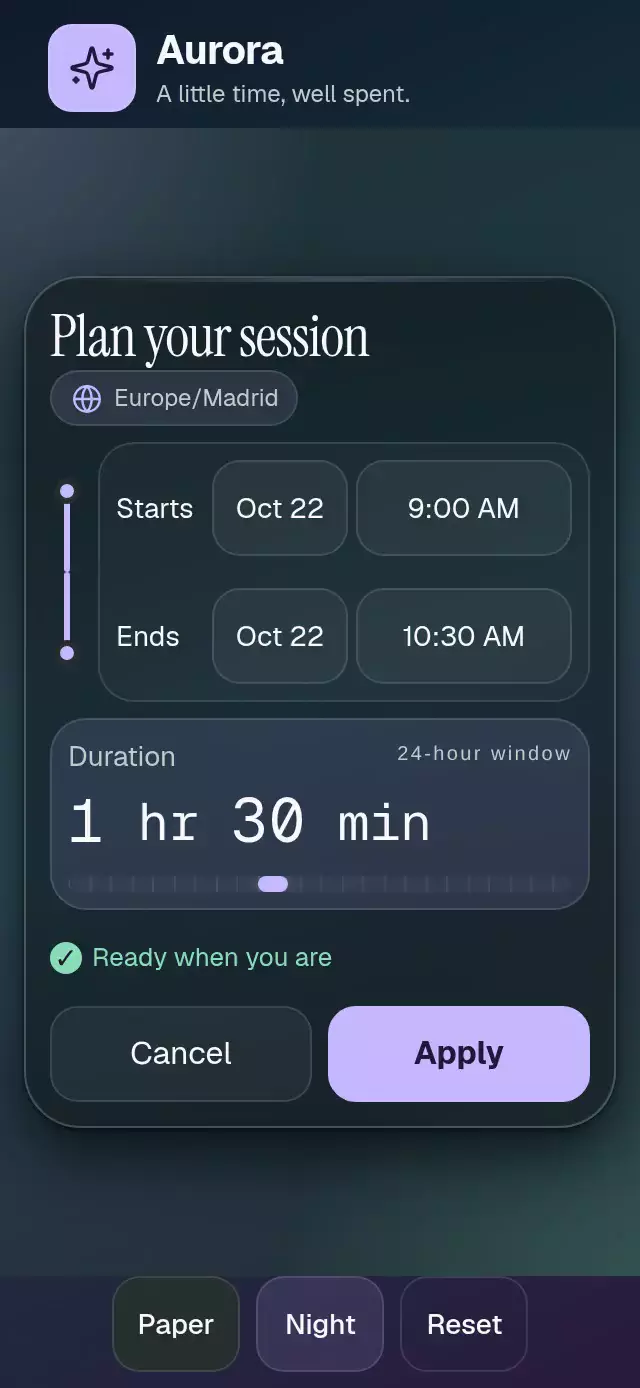
Aurora is a fictional product. Manual fixture requests take 650 ms, expire in two minutes, and have a real 30-second resend cooldown. Fixture code 482197 succeeds; other codes show the supplied error. This fixture is not authentication.
Autoplay is a five-second presentation: request at 500 ms, host sent at 1000, halo through 1420, expiry at 2100, resend at 2850, new challenge at 3200, code filled at 3500, verification requested at 3650, host verified at 4050, reset at 4700. Only autoplay shortens challenge lifetime to 1100 ms and removes the cooldown; it does not pretend a 30-second cooldown elapsed. Pointer/touch interaction cancels choreography. Replay starts a new cycle. Background stops choreography without silently canceling or repeating a business request. All demo response timers are cleared on unmount.
Compatibility
Versions: Expo SDK 58, React Native 0.88.0, Reanimated 4.7.1, Skia 2.14.0. Uses modules bundled with Expo Go.
Accessibility
The host provides safe areas once. The component measures its slot with onLayout, uses a flexible root, and reduces decoration below 560 pt available height. Below 420 pt of available height, the card reduces its decorative symbol, title size, padding, and gaps. In wide short slots, the recipient and code field share a row. Compact actions share a row; larger type switches controls into a vertical flow. The demo has no ScrollView and omits its decorative outer headline in short or large-type layouts. Full addresses remain selectable and editable through Change email. At 200% text or unusually long localized content, the host must offer an expanded region/dialog to expose complete data and actions; fixed small slots cannot contain arbitrarily enlarged text. No font scaling is disabled.
Native uses KeyboardAvoidingView (padding on iOS, height on Android). Web relies on the browser's actual viewport and has no simulated keyboard. Logical reading order is heading, recipient/input, feedback, primary action, resend, correction, return. Native announces the heading and error once after each discrete content change; web uses polite live regions. Input focus stays with ordinary touch/keyboard navigation rather than forcing the software keyboard during autoplay. Invisible visual cells and countdown duplicates are excluded from screen readers. Controls are at least 48 pt high.
Reduced motion uses 90 ms exit, 20 ms pause, and 90 ms entry, without displacement, moving halo, or drawing. Busy feedback is a static text label. Press springs use explicit mass 1 and damping 30 / stiffness 300. The only blur is the demo control band, intensity 45, with its own radius/overflow clipping and an opaque surface fallback on Android where no blur target is provided.
Implementation notes
- All piece strings are supplied by props; optional feedback is in flow. No crossfade of competing headings, labels, or errors.
- No demo control occupies the upper-right viewer-close region; Replay and themes sit below the flow.
- The 320×694/390×844 designs use a flexible main region without scrolling.
- The host-confirmed mail reveal begins at one second, before the three-second wow target. The glow is an expanding stroked halo with blurred light, not a filled translucent disk.
- Every BlurView and its intermediate control wrapper has matching rounding and clipping.
- Countdown digits have separate measured windows, tabular glyphs, and independent separators. Code cells show ordinary editable digits rather than decorative rolling numbers.
- Business actions originate only in touch/ref methods; no animation completion invokes a request or declares success.