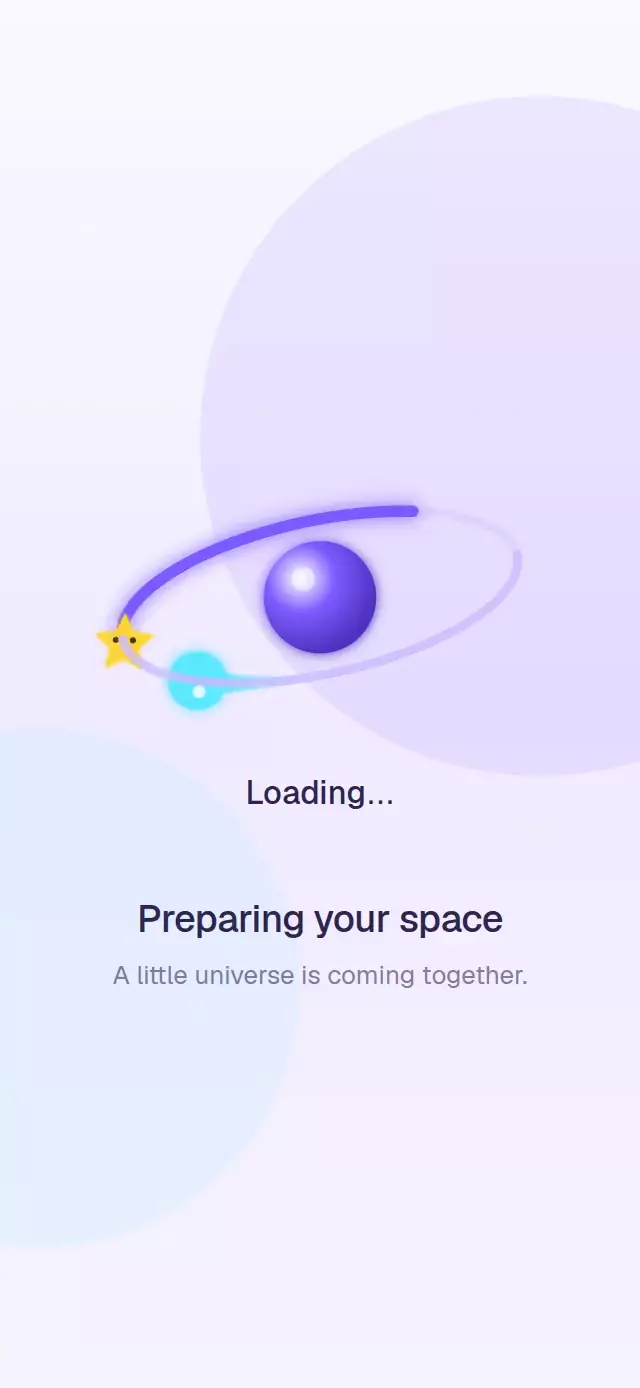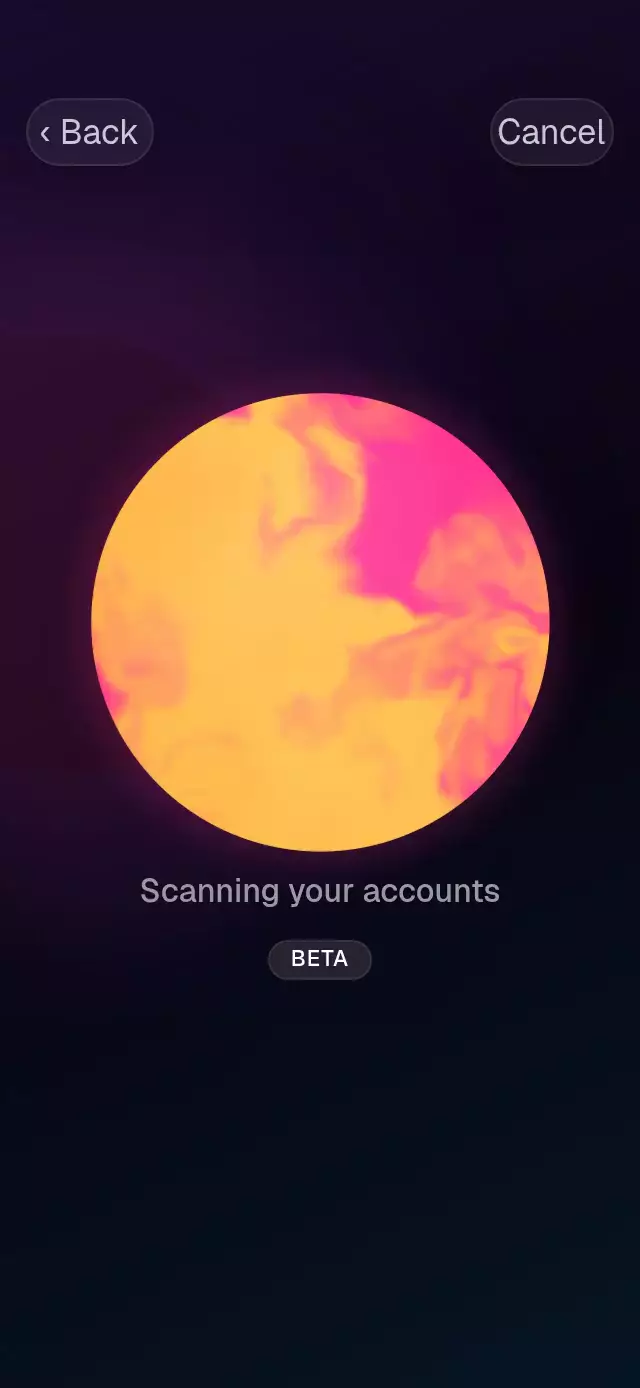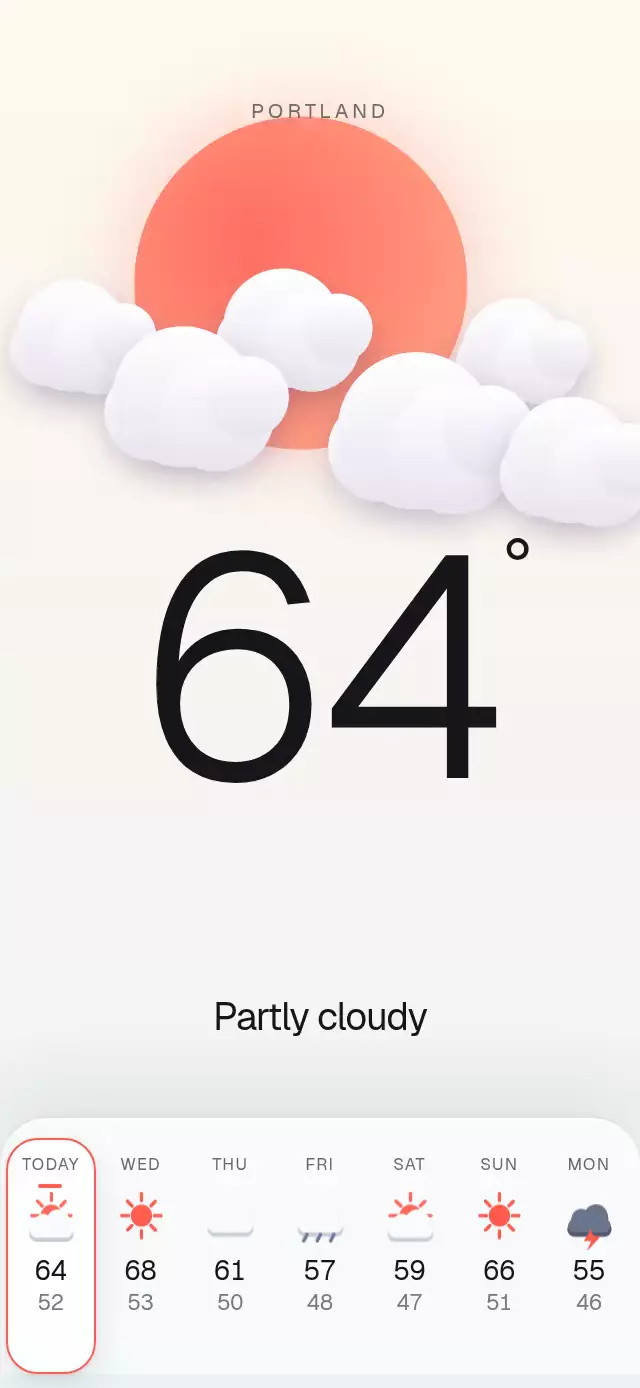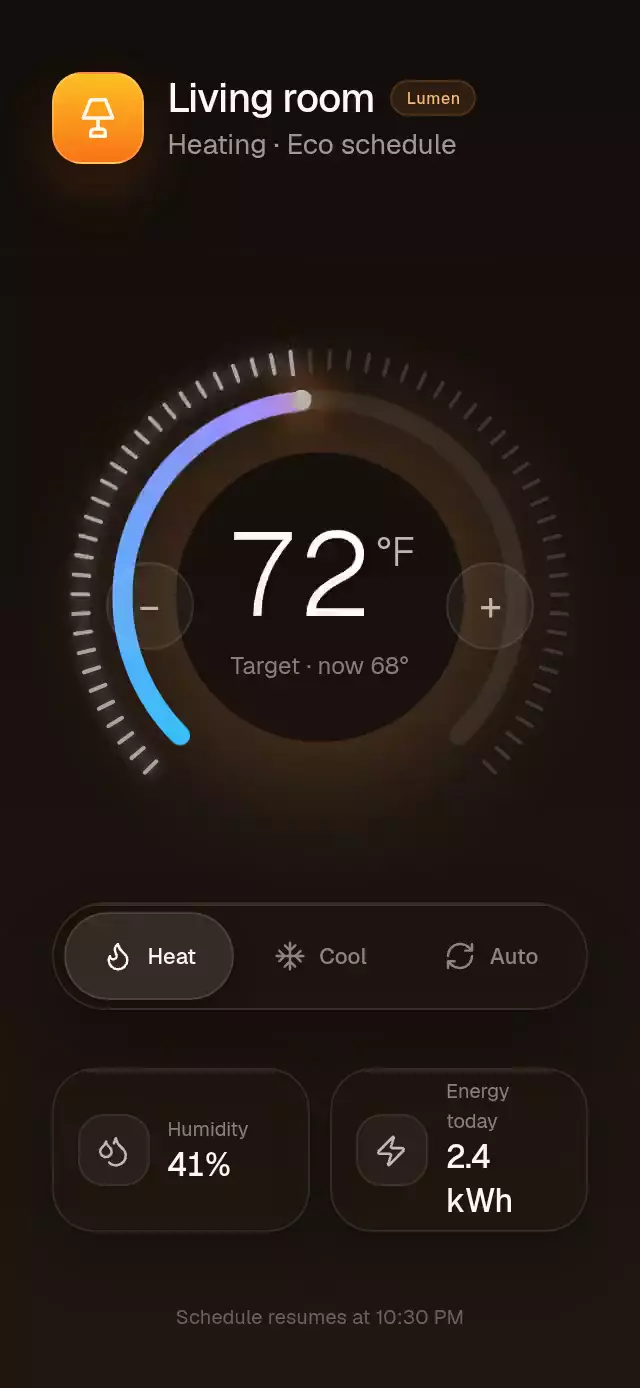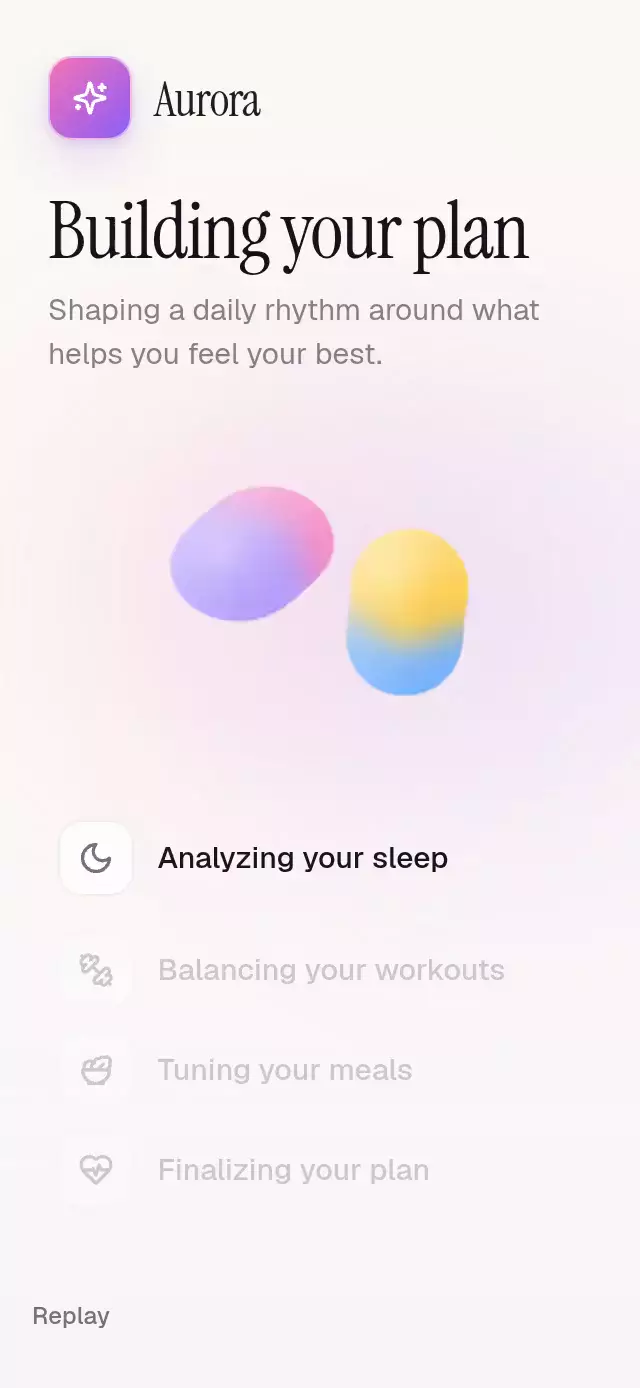
About this animation
A warm, glossy planning loader where four real metaballs orbit, merge, complete a status list, and become the next action.
Why this one
Typical dot loaders only translate flat circles. This one treats the dots as a material: a blurred alpha threshold creates visible liquid necks, each mass keeps its own gradient and specular highlight, status icons draw into checks, and the final merge grows into the primary action. Reduced Motion replaces the orbit with a restrained progress line without losing the sequence's meaning.
How it works
- The component measures its container and sizes the liquid scene from the available width.
- A frame clock drives a perfectly periodic 3.2-second orbit and never resets, so every drop has the same position and shape at
tandt + period. - A separate normalized Reanimated
progressvalue drives the nine-second product timeline: step changes, final convergence, and action reveal. - Skia draws all four colored circles into one offscreen layer, then applies blur and an alpha-threshold
ColorMatrixto create genuine metaball bridges. - Separate highlights preserve the glossy volume after the liquid layer is composited.
- Replay reverses the final morph with a spring, fades the completed checklist into its opening state, and leaves the orbit clock untouched.
- Each Lucide status icon crossfades into a progressively drawn check as its step completes.
Icons: Lucide (ISC).
Install
npx expo install @shopify/react-native-skia react-native-reanimated react-native-workletsOn web, configure CanvasKit using Expo's React Native Skia guide before rendering the component.
Usage
import GooeyDotsLoader from './GooeyDotsLoader';

export function PlanScreen() {
  return <GooeyDotsLoader onActionPress={() => openPlan()} />;
}
Customize the liquid palette, copy, and timing:
import { useRef } from 'react';
import GooeyDotsLoader, { type GooeyDotsLoaderRef } from './GooeyDotsLoader';

export function CustomPlanLoader() {
  const loaderRef = useRef<GooeyDotsLoaderRef>(null);

  return (
    <GooeyDotsLoader
      ref={loaderRef}
      colors={['#FF7A9E', '#9B8AFB', '#4EB5FF', '#FFC857']}
      duration={8000}
      steps={[
        'Reading your preferences',
        'Balancing your schedule',
        'Choosing daily goals',
        'Preparing your plan',
      ]}
      actionLabel="Open my plan"
    />
  );
}
The forwarded ref exposes start() and reset(). Calling start() during or after a run performs the seamless return transition before beginning again.
Props
| Prop | Type | Default | Description |
|---|---|---|---|
steps | Four-string tuple | Plan-building steps | Status labels shown below the liquid scene. |
colors | Four-color tuple | Pink, violet, blue, amber | Main color of each drop. |
duration | number | 9000 | Full sequence duration in milliseconds. |
actionLabel | string | 'See my plan' | Label shown after the final merge. |
autoStart | boolean | true | Starts playback after mount. |
fontFamily | string | System | Font used for steps and the action. |
onComplete | () => void | — | Runs after the final transformation settles. |
onActionPress | () => void | — | Runs before tapping the action restarts playback. |
accessibilityLabel | string | 'Building your plan' | Screen-reader label for the sequence. |
style | StyleProp<ViewStyle> | — | Outer-container styling. |
testID | string | — | Test identifier for the outer container. |
Compatibility
- Expo SDK 57
- React Native 0.86
- Reanimated 4.5 and Worklets 0.10
- React Native Skia 2.6
- iOS: supported, not yet verified on a device
- Android: supported, not yet verified on a device
- Web: supported, pending visual verification
- Expo Go: supported because all native dependencies are included in the SDK runtime
Accessibility
The sequence exposes a labeled progressbar and the final action is a 56-point labeled button. With Reduce Motion enabled, the orbit and spatial status transitions are removed; a thin progress bar communicates timing while steps update without translation. Tapping the final action or calling start() provides a replay path.