About this animation
Related guides
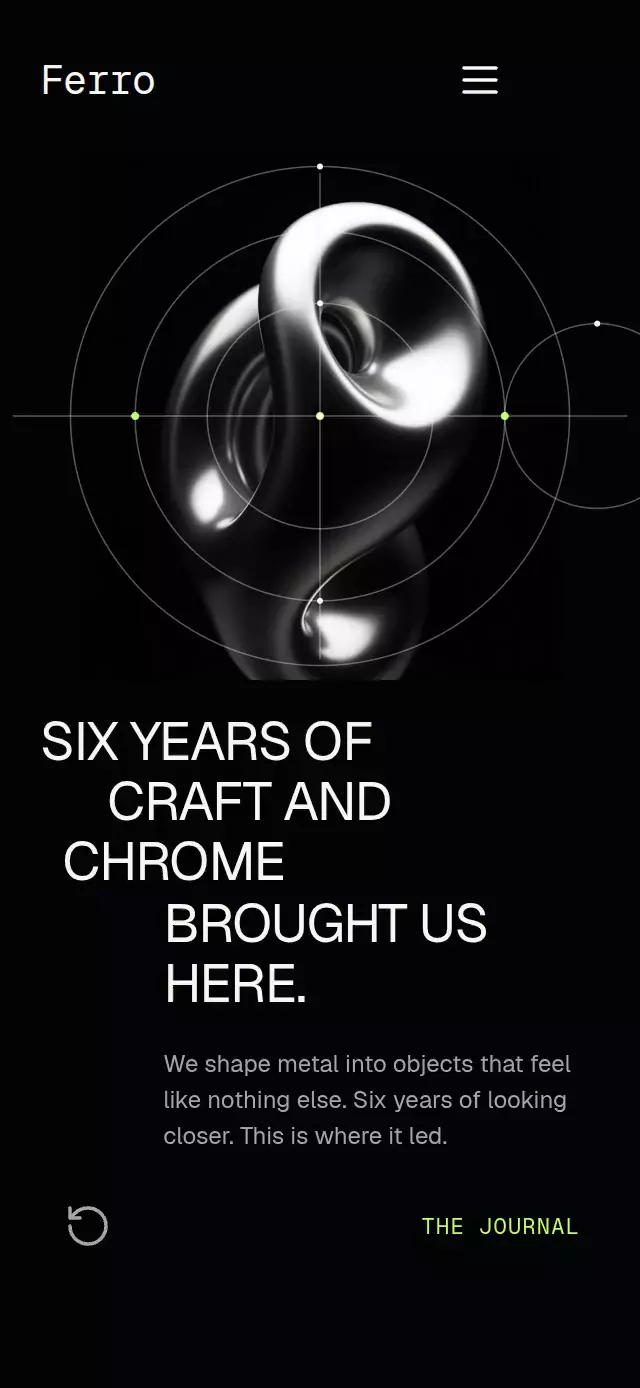
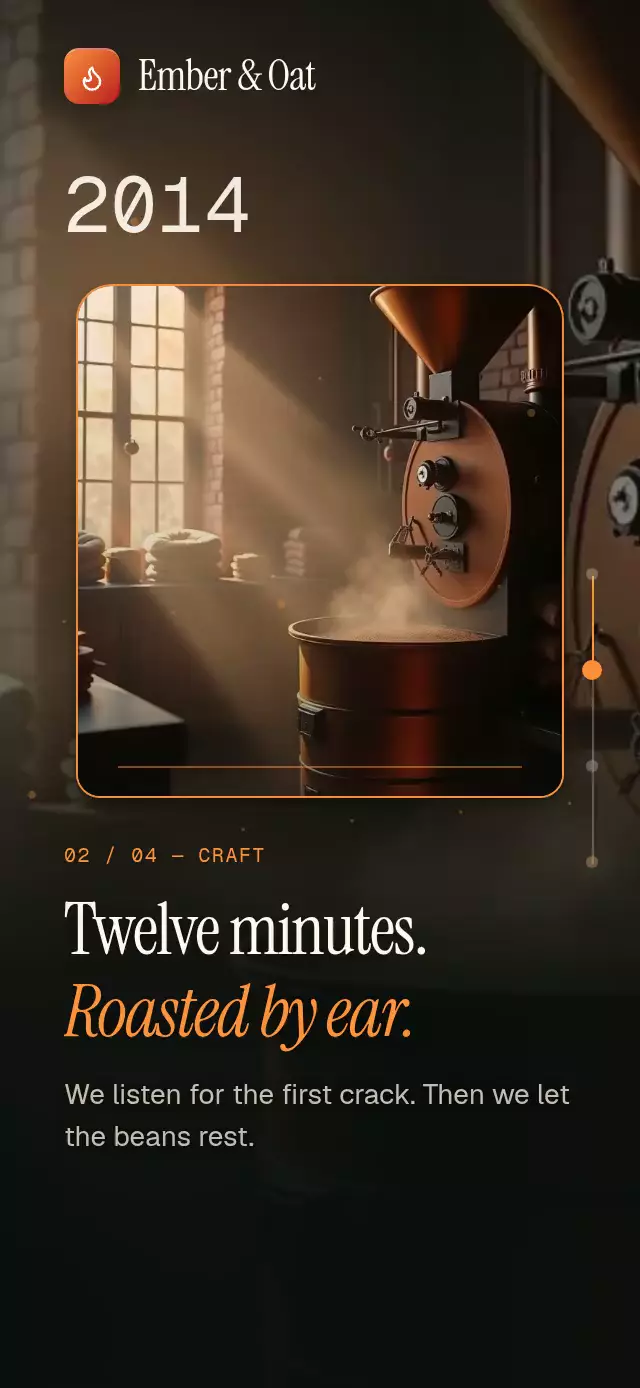
A story that illuminates words along a scroll-linked reading line, with configurable paragraphs, image, gradient colors, and fonts.
Why this one
Most scroll reveals switch whole lines between two colors. This version opens with a full editorial title, measures every word, eases across roughly three word widths, lifts highlighted words with a spring, materializes a dark glass header before the opening text passes underneath, and reveals the final image through a centered expanding crop. The highlight is rendered inside the letters rather than as a colored block above the copy.
How it works
Animated.ScrollViewwrites the real scroll offset to one shared value.- Each wrapped word records its local
xandythroughonLayout. - A 60%-height reading line compares the scroll offset with each measured word position.
- Regular words interpolate from 18% white to full white; highlighted words interpolate each character across the accent gradient.
- The same scroll value raises the header blur from 0 to 50 before the first glyph reaches the 24-point scroll-edge fade beneath the fixed 78-point header. The blur is clipped to the header surface, and a fully opaque dark tint prevents readable text from bleeding through the wordmark. Explicit sibling stacking keeps the brand above the material and the scrolling content, within the root stacking layer below the host viewer controls. The final image crop expands from its center.
- Reduced Motion displays the final state without scroll-linked transitions.
Install
npx expo install expo-blur expo-image expo-linear-gradient @shopify/react-native-skia react-native-reanimated react-native-workletsUsage
import { ScrollWordReveal } from './ScrollWordReveal';

<ScrollWordReveal
  imageSource={require('./coast.jpg')}
  paragraphs={[
    {
      text: 'We make room for the journey, not only the destination.',
      highlightedWords: ['journey', 'destination'],
    },
  ]}
/><ScrollWordReveal
accentStart="#0EA5E9"
accentEnd="#7DD3FC"
actionLabel="Plan a route"
brandName="Northwind"
imageSource={require('./coast.jpg')}
onActionPress={() => openPlanner()}
paragraphs={story}
/>Props
| Prop | Type | Default | Description |
|---|---|---|---|
paragraphs | ScrollWordRevealParagraph[] | Two sample paragraphs | Story copy and highlighted words. |
brandName | string | Northwind | Fixed-header wordmark. |
imageSource | ImageSourcePropType | Required | Final editorial image. |
imageAccessibilityLabel | string | A quiet coastal destination | Accessible image description. |
actionLabel | string | Explore the story | Final button label. |
introEyebrow | string | OUR STORY | Opening mono-style eyebrow. |
introTitle | string | Ten years of slower travel. | Opening editorial headline. |
onActionPress | () => void | — | Final button callback. |
backgroundColor | string | #0B0D12 | Story background. |
accentStart | string | #0EA5E9 | Highlight and brand gradient start. |
accentEnd | string | #7DD3FC | Highlight gradient end. |
fontFamily | string | System | UI typeface. |
mediumFontFamily | string | System | Medium UI typeface. |
monoFontFamily | string | System | Monospaced typeface for editorial eyebrows. |
serifFontFamily | string | System | Editorial typeface. |
serifItalicFontFamily | string | Serif fallback | Highlighted-word typeface. |
accessibilityLabel | string | Our story | Screen-reader story label. |
style | StyleProp<ViewStyle> | — | Root container style. |
testID | string | — | Root test identifier. |
The forwarded ref exposes play(durationMs?), scrollToParagraph(index, durationMs?), reset(animated?, durationMs?), and revealEnding(durationMs?).
Compatibility
- Expo SDK 58, React Native 0.88, Reanimated 4.7, and Skia 2.14.
- iOS: supported.
- Android: supported.
- Web: supported.
- Runs in Expo Go with the listed Expo SDK modules.
Accessibility
The call to action has a button role and customizable label, and the editorial image has a customizable description. With Reduce Motion enabled, all words and the image render in their fully revealed states, keyword springs are disabled, and imperative scrolling becomes immediate.
Icons: Lucide (ISC).
Customization notes
Word visibility follows scroll position; a duration would disconnect it from the reader.