About this animation
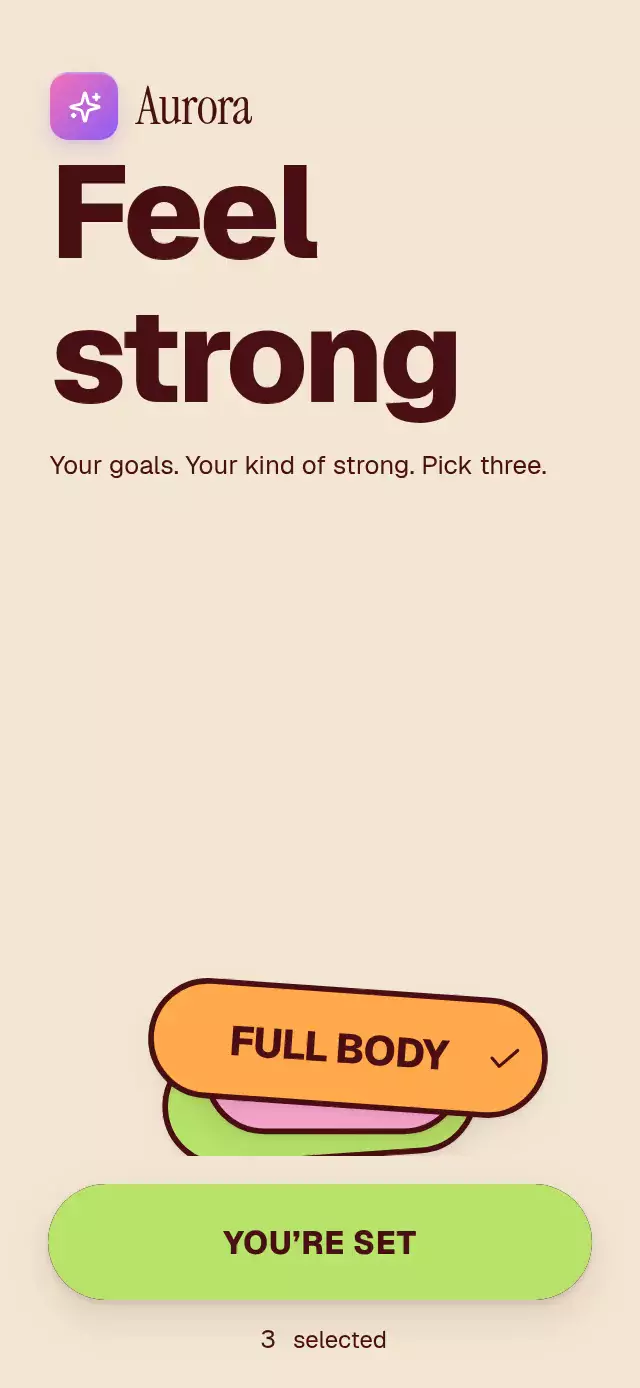
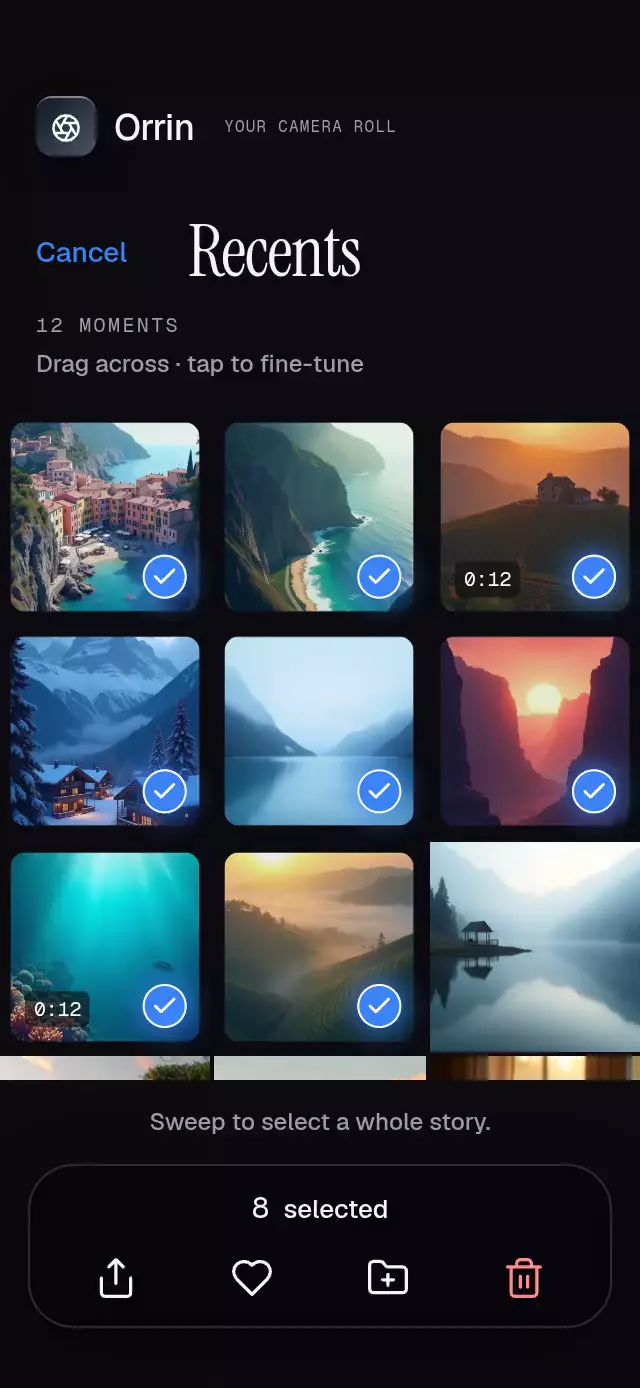
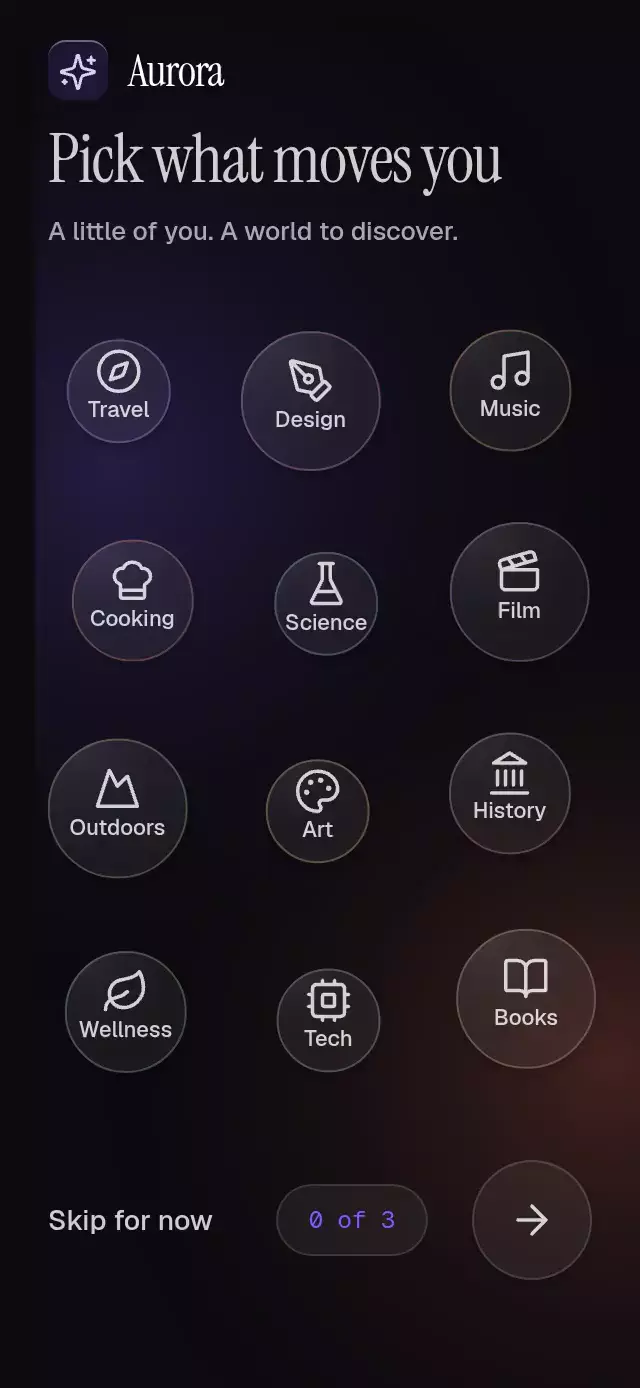
An interest picker whose selected bubbles grow and displace neighbors, with configurable topics, colors, fonts, and growth.
Why this one
Topics have physical weight instead of sitting in chip rows. Selecting one increases its collision radius, pushes its neighbors, and reveals a radial wash of its own accent from the touch point. Dragging the cluster adds an inertial offset; taps and assistive activation remain available throughout.
How it works
onLayoutmeasures the host, and a staggered seed places topic bodies inside the cluster.- One UI-thread body array stores positions, radii, and velocities. Selection supplies each body's target radius.
useFrameCallbackintegrates a damped radius spring and gentle attraction to the cluster's center-relative anchors. Three substeps and five collision-projection passes separate neighbors.Gesture.Racearbitrates taps and pans. Touch feedback uses separate pressure shared values; releasing a drag preserves its velocity.- Dark glass reveals a pale-to-accent radial fill as selection changes. Reaching the minimum fills the continue button with the RGB average of selected topic colors and briefly expands its diffuse glow.
- React updates only on layout and selection. The demo drives
ref.toggle()and cancels its timers on any touch.
Install
npx expo install react-native-reanimated react-native-worklets react-native-gesture-handler @shopify/react-native-skiaUse a GestureHandlerRootView at the app root. Configure Reanimated/worklets as required by your Expo project. On web, initialize Skia's CanvasKit before rendering this component. Copy BubbleInterestPicker.tsx, icons.ts, and index.ts together. No catalog or theme imports are required by the component.
Usage
import { BubbleInterestPicker } from './bubble-interest-picker';

<BubbleInterestPicker
  topics={[
    { id: 'design', label: 'Design', radius: 49 },
    { id: 'travel', label: 'Travel', radius: 42 },
    { id: 'music', label: 'Music', radius: 39 },
  ]}
  onContinue={(ids) => saveInterests(ids)}
/>
Controlled selection and personality knobs:
<BubbleInterestPicker
  ref={pickerRef}
  topics={topics}
  selected={selected}
  onChange={setSelected}
  minSelected={3}
  growth={1.3}
  title="Find your next favorite"
  theme={{ backgroundTop: '#0E0B10', glow: '#7C5CFF', backgroundBottom: '#FF7A59' }}
  onContinue={saveInterests}
/>
// pickerRef.current?.toggle('design');
Props
| Prop | Type | Default | Purpose |
|---|---|---|---|
topics | InterestTopic[] | Required | Unique IDs, labels, optional radius, accent color, bundled Lucide icon, and accessibility label. |
selected | string[] | Internal selection | Controlled selected IDs. |
onChange | (ids: string[]) => void | — | Selection requests. |
minSelected | number | 3 | Minimum required to continue; does not cap selection. |
onContinue | (ids: string[]) => void | — | Continue action. |
onSkip | () => void | — | Skip action. |
onInteraction | () => void | — | Touch notification, including drags. |
header | ReactNode | — | Custom branding or introductory content. |
title / subtitle | string | Pick what moves you / Pick a few topics you love | Heading copy. |
skipLabel / continueLabel | string | Skip for now / Continue | Action labels. |
formatCount | (count, minimum) => string | n of m | Counter and spoken announcement. |
theme | Partial<BubbleInterestPickerTheme> | Warm near-black, violet/coral ambient light, dark glass | All background, ink, border, selection, glow, and petal colors. |
fontFamily / monoFontFamily | string | System | Topic/subtitle and legacy heading fallback/counter fonts. |
titleFontFamily | string | monoFontFamily | Heading font; the demo uses Instrument Serif. |
growth | number | 1.25 | Radius multiplier, clamped to 1–1.5. |
style / testID | StyleProp<ViewStyle> / string | — / bubble-interest-picker | Host styling and stable control IDs. |
ref.toggle(id) requests a selection change; unknown IDs are ignored. With controlled selection, the caller must commit onChange values. Keep IDs unique and topic arrays stable. The intended density is 12–14 short topic labels; unusually long labels or larger lists need a taller host or smaller radii.
Compatibility
Targets Expo SDK 58, React Native 0.88.0, Reanimated 4.7.1, worklets 0.13.0, Gesture Handler 3.3, Skia 2.14.0, and the matching Expo modules. These modules are bundled in the matching Expo Go.
The host owns safe-area insets. The root fills its host; content scrolls in compact, landscape, and 300×400 containers. Cluster width is capped at 480 points for tablets. Text retains system font scaling. Short labels are recommended for circular controls.
Accessibility
Topics expose checkbox roles, checked states, custom labels, and activate actions. Skip and continue are buttons; continue reports its disabled state. Selection changes announce the formatted count. Topic diameters are at least 52 points, with a 12-point inset from every cluster edge; action targets are at least 48 points. Reduced motion removes drift and animated resizing and projects collisions immediately, and changes selection materials with a 200 ms fade. No interaction requires dragging.
Demo timeline
The staggered entrance settles by 632 ms for the twelve-topic demo (680 ms maximum). Design at 750 ms, Travel at 1,550 ms, and Music at 2,350 ms unlock continuation. All three deselect together at 4,500 ms; the next loop begins at 5,400 ms. Any touch stops autoplay. Selection is interruptible in either direction; the origin stays fixed while reversing a fill.
Visual customization
titleFontFamily overrides the legacy monoFontFamily heading fallback. The demo passes Instrument Serif at 34–38 points (including the serif optical adjustment), Geist for topic labels, and Geist Mono for the count. Each topic accepts color and icon (a key from icons.ts). Without overrides, twelve harmonious colors and twelve Lucide icons cycle by topic index. Radius preferences are scaled into three size variants while reserving room for selected growth. Theme keys remain compatible: backgroundTop is now the solid background, backgroundBottom the coral light, glow the violet light, petal the glass highlight, and selectedSurface the light end of the radial fill. For a light theme, override all text and surface keys together.
All topic fills, Lucide icons, and checkmarks share one Skia Canvas, avoiding per-bubble WebGL contexts. The dark glass uses translucent surface and radial highlight layers over the ambient light. No SVG dependency is needed: the repository Lucide SVG paths render through the existing Skia engine with a consistent 1.75-point stroke. The fill is a circle clipped by the bubble, never a rectangular effect over the label.
Icons: Lucide (ISC). Aurora branding follows the repository demo kit. No external image assets.