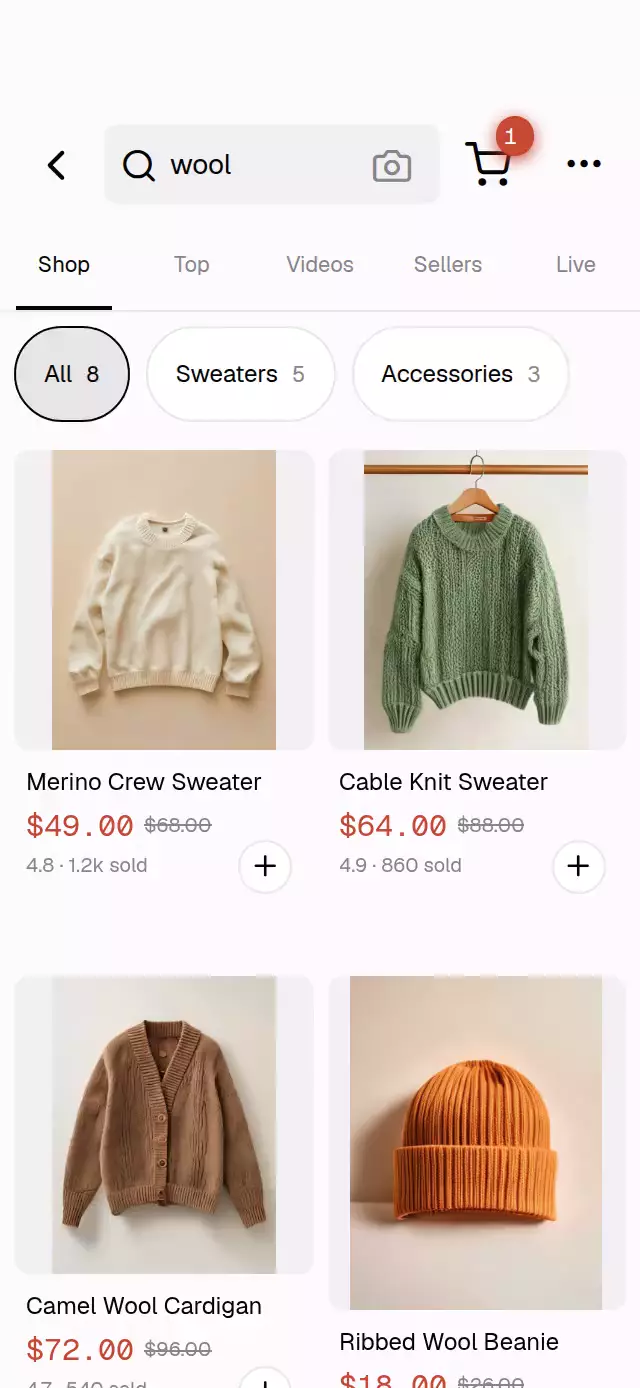
About this animation
A shopping grid with moving skeleton bands and product-to-cart flights, with configurable products, labels, colors, and fonts.
Why this one
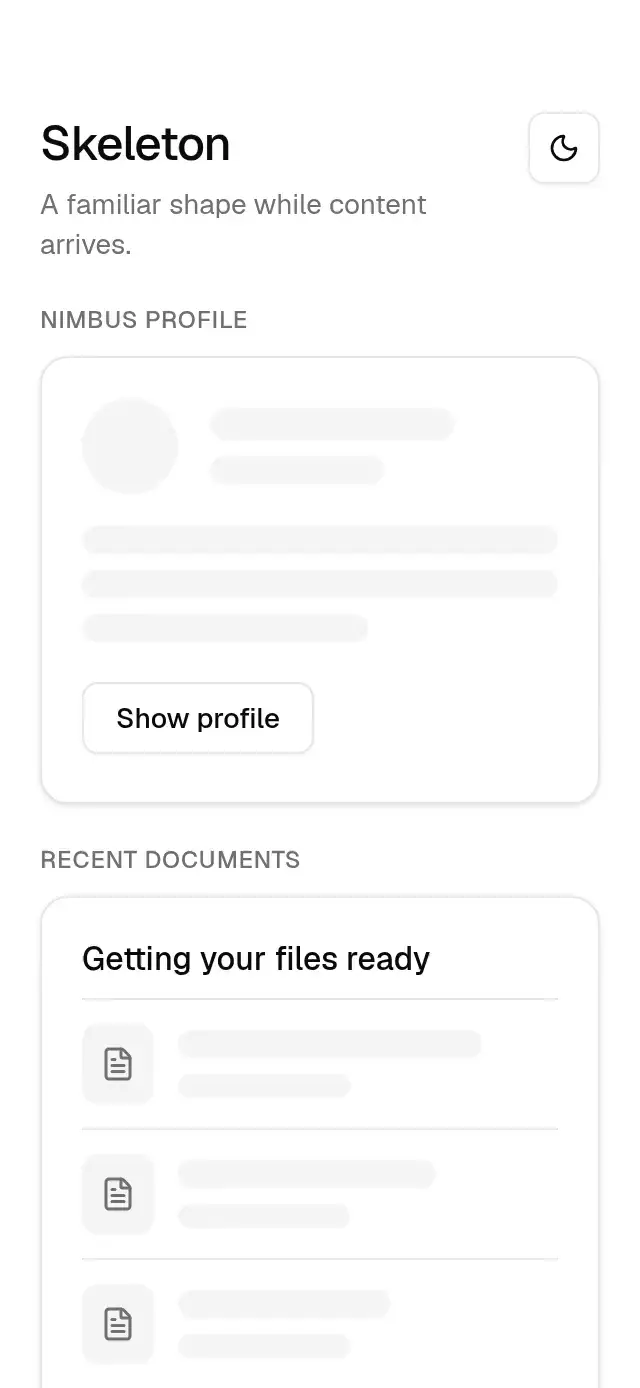
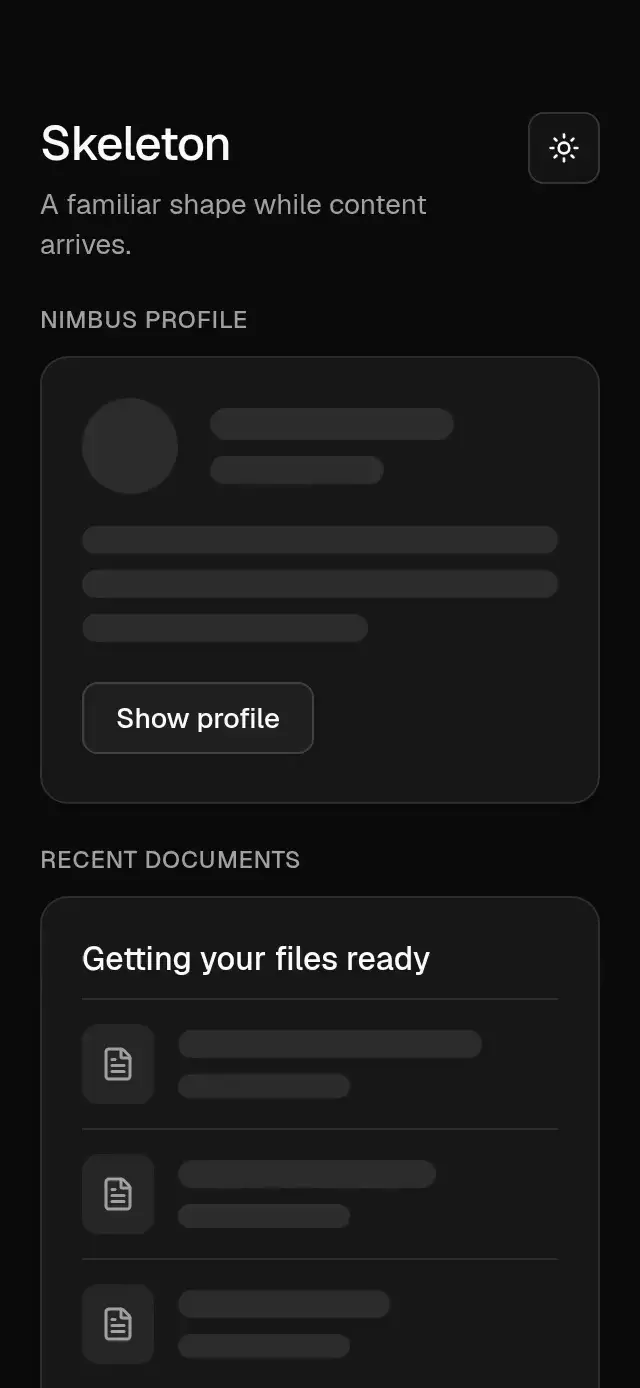
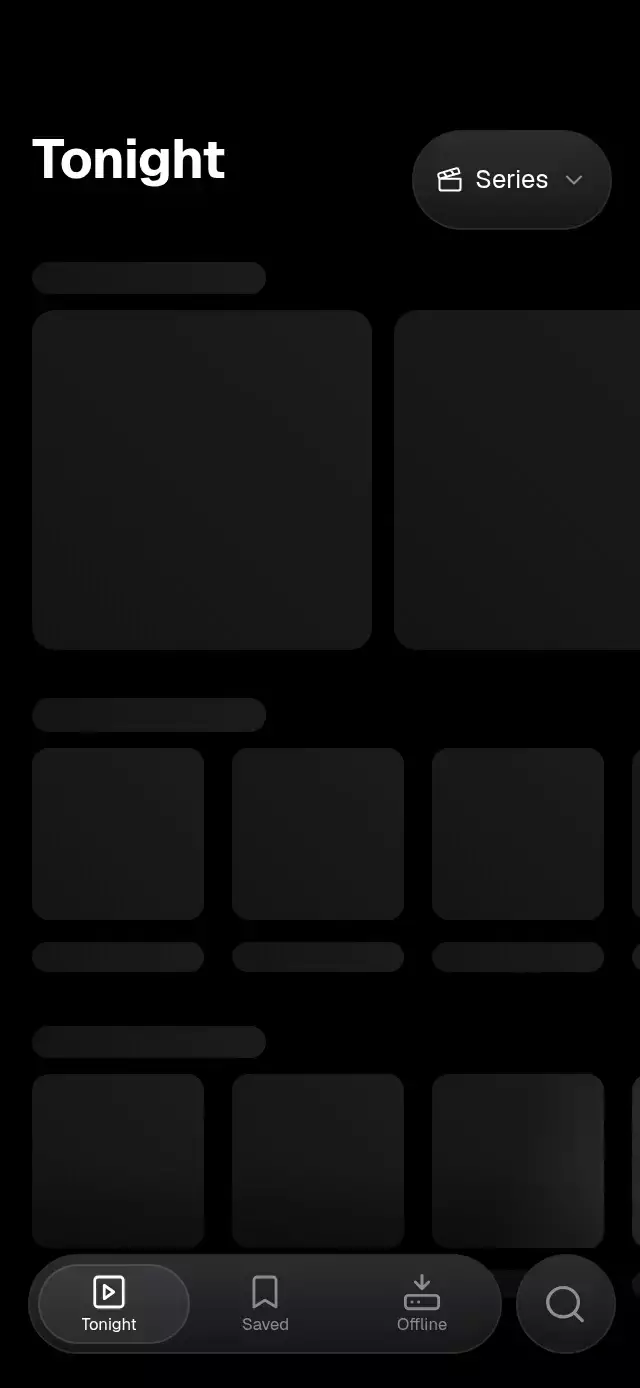
The image placeholders carry soft vertical bands rather than a diagonal shimmer. Search fades the existing cards out in reverse order; results settle in alternating columns, with image focus and a drawn discount strike.
How it works
- A shared UI-thread clock moves an oversized horizontal gradient behind each image crop. Text placeholders share a separate opacity pulse.
- Search and chip selection interrupt a single reveal progress. Its stagger unwinds the last card first, then rebuilds the grid at 70 ms intervals.
- An actual
TextInputdrives search. Local filtering matches titles and tags;loadinglets a host control remote requests. - Card presses open products. Long presses and the plus button measure the image and animate a copy along a short arc to the cart.
- The tab underline and chip fill use interruptible springs. Cart counts enter through a clipped rolling window.
Install
npx expo install @expo/vector-icons expo-image expo-linear-gradient react-native-reanimated react-native-workletsConfigure Reanimated as required by your Expo version. Icons: Feather from @expo/vector-icons, the Lucide predecessor.
Usage
import { useRef } from 'react';
import { ShopGridSkeleton, type ShopGridSkeletonRef } from './shop-grid-skeleton';

const shop = useRef<ShopGridSkeletonRef>(null);

<ShopGridSkeleton
  ref={shop}
  products={products}
  chips={[
    { id: 'all', label: 'All days', count: products.length },
    { id: 'today', label: 'Today', count: 4, tag: 'today' },
  ]}
  onSearch={query => searchProducts(query)}
  onAddToCart={id => cart.add(id)}
  onOpenProduct={id => openProduct(id)}
/>;

shop.current?.setQuery('wool');
shop.current?.selectChip(1);
shop.current?.addToCart('product-id');
shop.current?.reload();
For remote results, set loading to true in onSearch, then replace products and set it false. The host should discard stale requests. Omit loading to use simulated local loading. A controlled true state remains a skeleton until the host clears it.
<ShopGridSkeleton
  products={products}
  loading={loading}
  loadDuration={1100}
  fontFamily="YourInterfaceFont"
  numberFontFamily="YourNumberFont"
  colors={{
    background: '#111114', surface: '#1c1c21', ink: '#faf8fc', muted: '#aaa6b0',
    skeleton: '#25242b', stripe: '#34333c', border: '#3e3b45',
    accent: '#ee9c7e', onAccent: '#171116',
  }}
  labels={{ placeholder: 'Find your next favorite', tabs: ['Shop', 'Top', 'Videos', 'Sellers', 'Live'] }}
  formatPrice={price => new Intl.NumberFormat('en-US', { style: 'currency', currency: 'USD' }).format(price)}
/>
Props
| Prop | Type | Default | Description |
|---|---|---|---|
products | ShopProduct[] | Required | id, title, local image, price, optional oldPrice, rating, sold, and searchable tags. |
chips | ShopChip[] | [] | id, label, count, and optional tag filter. |
labels | Partial<ShopLabels> | Generic English | Search, placeholder, tabs, back, camera, cart, more, add, open, empty, loading, sold. |
colors | Partial<ShopColors> | Light neutral palette | Background, surface, ink, muted, skeleton, stripe, border, accent, onAccent. Pass all roles for dark themes. |
loading | boolean | Uncontrolled | External network loading state. |
initialCartCount | number | 0 | Starting cart badge value. |
initialQuery | string | '' | Initial search text. |
loadDuration | number | 950 | Delay after the latest local search edit; initial load is 1400 ms. |
fontFamily | string | System | UI font loaded by the host. |
numberFontFamily | string | System | Price and count font. |
formatPrice | (number) => string | $0.00 | Currency formatter. |
onSearch | (query) => void | — | Receives text edits, including imperative edits. |
onAddToCart | (id) => void | — | Receives each add immediately. |
onOpenProduct | (id) => void | — | Card tap handler. |
onHeaderAction | (action) => void | — | Back, camera, cart, or more. |
onTabChange | (index) => void | — | Tab selection; each tab also reloads results. |
onInteraction | () => void | — | Lets a demo stop its autoplay on touch or input focus. |
style | StyleProp<ViewStyle> | — | Root container. |
testID | string | shop-grid-skeleton | Stable control prefix. |
The ref exposes setQuery(text), selectChip(index), addToCart(id), and reload(). The demo accepts autoplay; its clock calls these same methods and stops on interaction. Header callbacks and tab content routing belong to the host.
Compatibility
Expo SDK 58, React Native 0.88, Reanimated 4.7. iOS, Android, and web; compatible with Expo Go. No Skia, extra native module, or browser-only import is required. Use local images at least three times the painted size. Cards are capped at 230 pt and centered on wide layouts. The grid scrolls vertically with hidden indicators; filter chips scroll horizontally. A 56 pt top reserve leaves room for a host viewer close button.
Accessibility
Controls expose roles, labels, selected states, and stable test IDs. Tap targets are at least 48 pt. Long press has an equivalent plus button. Reduced motion removes band drift, card travel, scale focus, and cart flight in favor of 220 ms fades. All visible structural copy and currency formatting can be replaced through props.