About this animation
Related guides
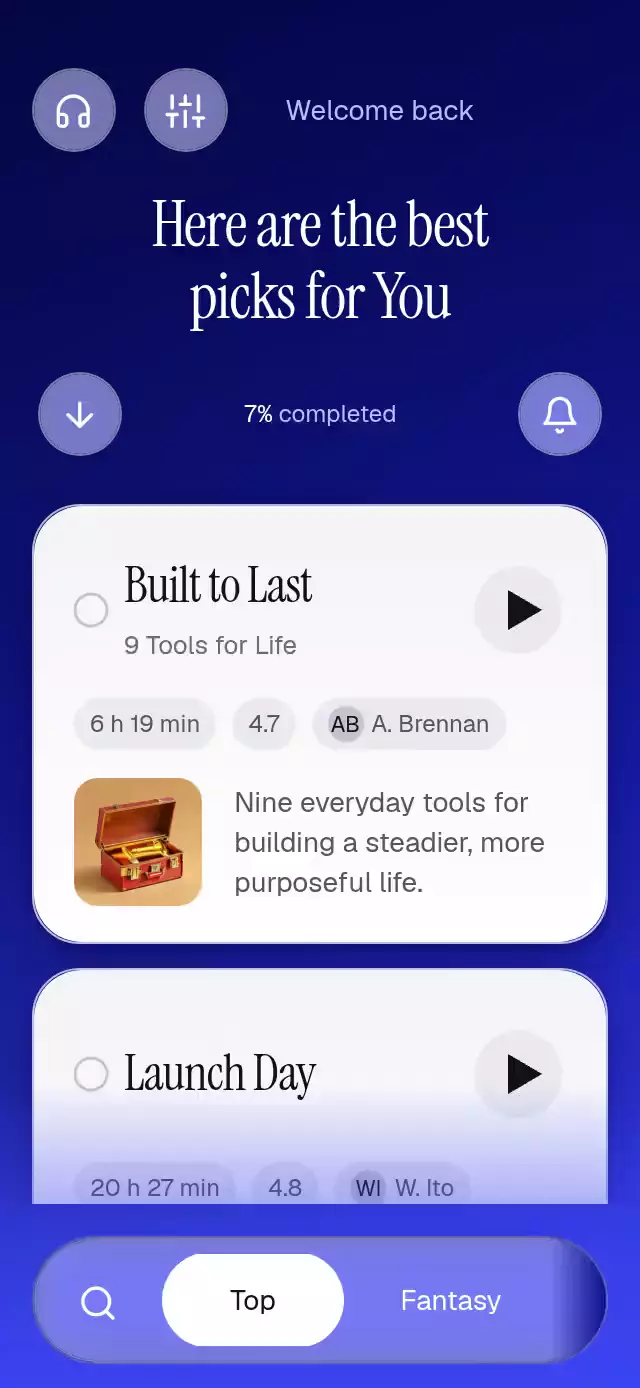
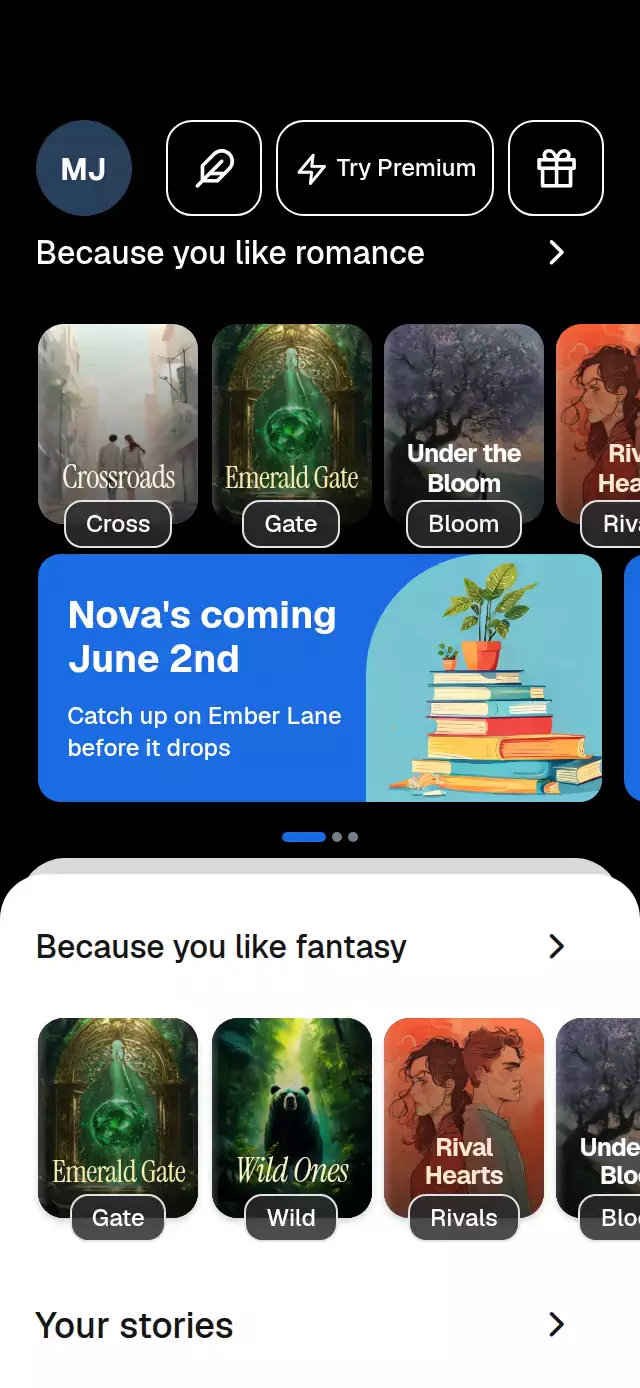
A streaming app shell with shared loading shimmer and card-to-hero transitions, with configurable titles, labels, colors, and fonts.
Why this one
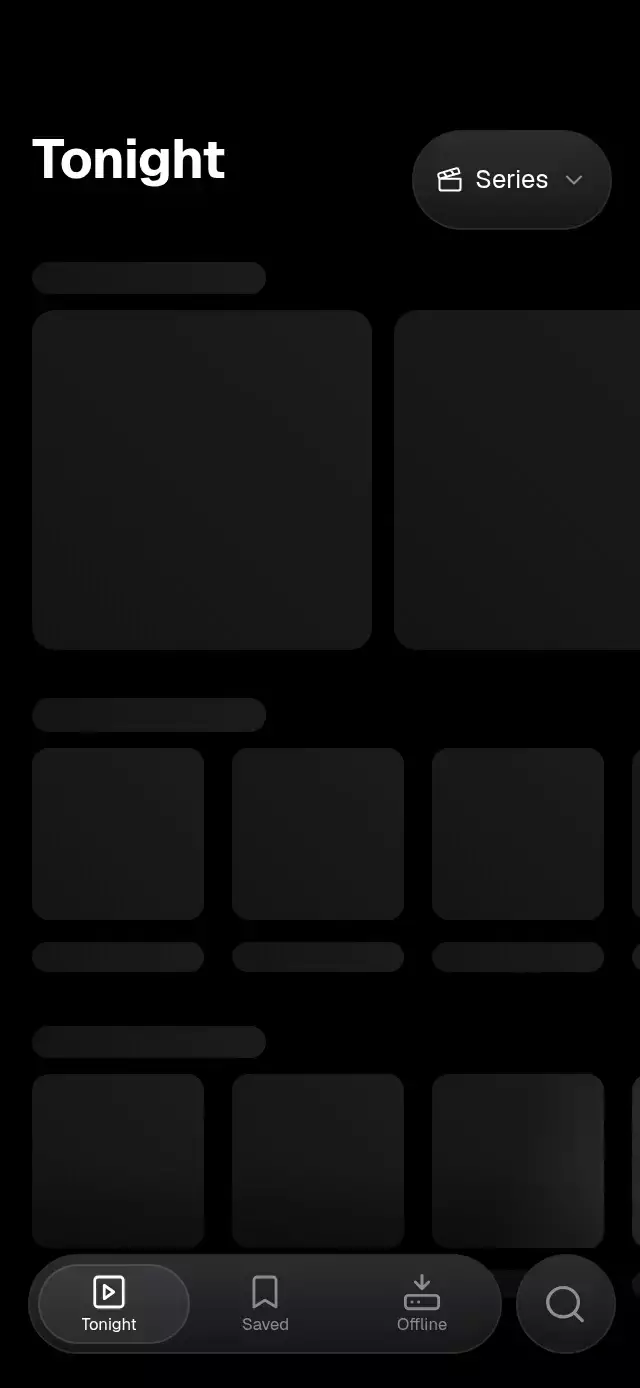
The skeletons belong to one lighting scene. Adjacent cards, text bars, and posters sample the same light in screen coordinates, including while scrolling. Loading reverses the reveal instead of abruptly removing the artwork. Reusable primitives bring that same treatment to your own screens.
How it works
SkeletonSheenProviderowns one repeating UI-thread clock: a 1,500 ms sweep and a 450 ms rest. Each block measures its position relative to the provider and subtracts live scroll offsets.- Clipped gradient strips sample the same diagonal field. Surfaces receive a stronger highlight than text; a subtle static gradient adds depth.
- Each screen has one reveal value. Position along
x + 0.35 * ydetermines when each block crossfades, settles from 1.06 scale, and receives its final specular pass. - Refresh runs the wave backward, waits for data, and reveals again. Tab data is cached after its first visit. Search debounces for 300 ms and filters titles and metadata.
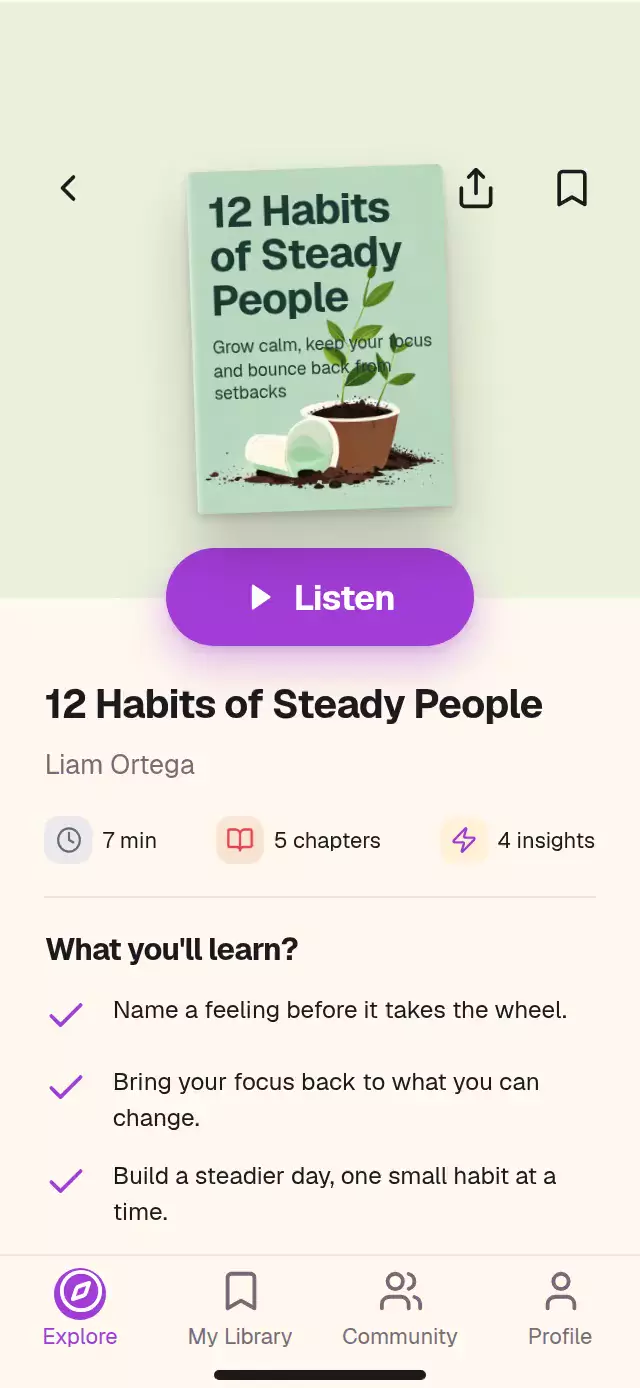
- Card taps measure their screen rectangle. One spring interpolates that rectangle into the full-width detail hero; the back button and edge gesture reverse it.
- Gesture Handler owns taps and pans. Every pressure response has its own spring, independent of navigation and loading.
Install
npx expo install expo-image expo-linear-gradient expo-blur react-native-reanimated react-native-worklets react-native-gesture-handler react-native-safe-area-contextCopy this folder without demo/. Place the screen below GestureHandlerRootView and SafeAreaProvider. Configure Reanimated/Worklets as required by your Expo SDK. No Skia or web-specific setup is required. Icons: Lucide (ISC), copied from the catalog kit and rendered as local SVG data sources by expo-image.
Usage
import { StreamingSkeletonShell } from './streaming-skeleton-shell';

const title = {
  id: 'meridian',
  title: 'The Far Meridian',
  meta: 'Sci-Fi · 3 Seasons',
  image: require('./meridian.jpg'),
};

<StreamingSkeletonShell
  featured={[title]}
  rows={[{ id: 'continue', title: 'Continue Watching', kind: 'tile', items: [title] }]}
  searchRows={[{ id: 'trending', title: 'Trending Now', items: [title] }]}
  saved={[title]}
  offline={[]}
  onPlay={id => player.open(id)}
/>;
const shell = useRef<StreamingSkeletonShellRef>(null);
<StreamingSkeletonShell
ref={shell}
featured={featured}
rows={rows}
searchRows={searchRows}
saved={saved}
offline={offline}
sheen="studio"
loading={{ home: fetchingHome, detail: fetchingDetail }}
labels={{ tonight: 'Discover', featured: 'Spotlight' }}
colors={{ skeleton: '#161619', surfacePeak: '#44444A' }}
fonts={{ regular: 'BrandRegular', medium: 'BrandMedium', bold: 'BrandBold' }}
onOpenTitle={loadDetail}
onSearch={fetchResults}
/>;
shell.current?.setCategory('Films');
shell.current?.openTitle('meridian');Use your own images, titles, metadata, and translated labels. image accepts an expo-image source or a local require. progress is a fraction from 0 to 1; size supplies the download-size string. onPlay, onDownload, and onShare are host integration points; this shell does not stream video or download media.
Props
| Prop | Type | Default | Purpose |
|---|---|---|---|
featured | StreamingTitle[] | Required | Featured cards |
rows | StreamingRow[] | Required | Tile sections |
searchRows | StreamingSearchRow[] | Required | Poster sections |
saved, offline | StreamingTitle[] | Required | Library lists |
categories | (string | StreamingCategory)[] | Series, Films | Optional per-category data; without data, Films reverses the supplied order |
labels | Partial<StreamingLabels> | English strings | Display and accessibility copy |
colors | Partial<StreamingColors> | Pure black / charcoal | Complete palette |
sheen | 'soft' | 'studio' | 'stripe' | soft | Light width and surface treatment |
loading | Partial screen-to-boolean map | Simulated | home, search, saved, offline, detail; true holds skeletons, false reveals |
loadDelayMs | number | 1600 | Simulated screen delay |
detailLoadDelayMs | number | 1100 | Simulated detail delay |
initialTab | number | 0 | Tonight 0, Saved 1, Offline 2, Search 3 |
onTabChange | (index) => void | — | Active tab notification |
onOpenTitle, onPlay, onDownload, onShare | (id) => void | — | Host actions |
onSearch | (query) => void | — | Debounced query notification |
onRefresh | () => void | — | Refresh request |
onCategoryChange | (name) => void | — | Category request |
autoplay | boolean | false | Approximately 26-second tour; stops on touch |
fonts | { regular, medium, bold } | System | Host-loaded font families |
style, testID | RN style / string | — / streaming-skeleton-shell | Embedding and automation |
The ref exposes setTab(index), openTitle(id), closeTitle(), setCategory(name), setQuery(text), and reload().
Reusable skeletons
import { SkeletonSheenProvider, SkeletonBlock, SkeletonLines } from './streaming-skeleton-shell';

<SkeletonSheenProvider width={390} height={844} sheen="soft">
  <SkeletonBlock width={206} height={206} radius={14} />
  <SkeletonLines widths={[206, 160, 110]} height={16} gap={8} />
</SkeletonSheenProvider>;SkeletonBlock: width, height, optional radius, style, emphasis (surface or text). SkeletonLines: widths, height, gap, style. Exported SHEEN_PRESETS defines the three treatments. Provider dimensions describe its coordinate space. For custom scroll layouts, pass UI-thread scrollY and/or scrollX values to the provider. Pass an optional reveal shared value (0–1) and put content inside a SkeletonBlock to reuse the reveal wave.
Compatibility
Expo SDK 58, React Native 0.88, Reanimated 4.7, Worklets 0.13, Gesture Handler 3.3. Designed for iOS, Android, web, and Expo Go. Android glass uses BlurTargetView and the SDK 31+ blur method; earlier Android versions retain the translucent fill.
This is a full-screen shell: it applies bottom safe-area spacing and reserves at least 60 pt above its header. Embed it inside a bounded flex container. Its content width caps at 400 pt (preserving 3× density for the supplied 1,200 px hero artwork) on tablets and landscape; shorter containers scroll beneath the floating navigation. The demo loads Geist once in the host.
Accessibility
Controls expose roles, selected states, accessibility actions, and configurable labels. Reduced motion replaces the moving light with a 1.2-second opacity pulse, reveals all blocks together in 220 ms, and replaces the shared-element flight with a fade. The back button provides an alternative to the edge gesture. Search uses a real TextInput; result lists can be scrolled with touch or a pointer.