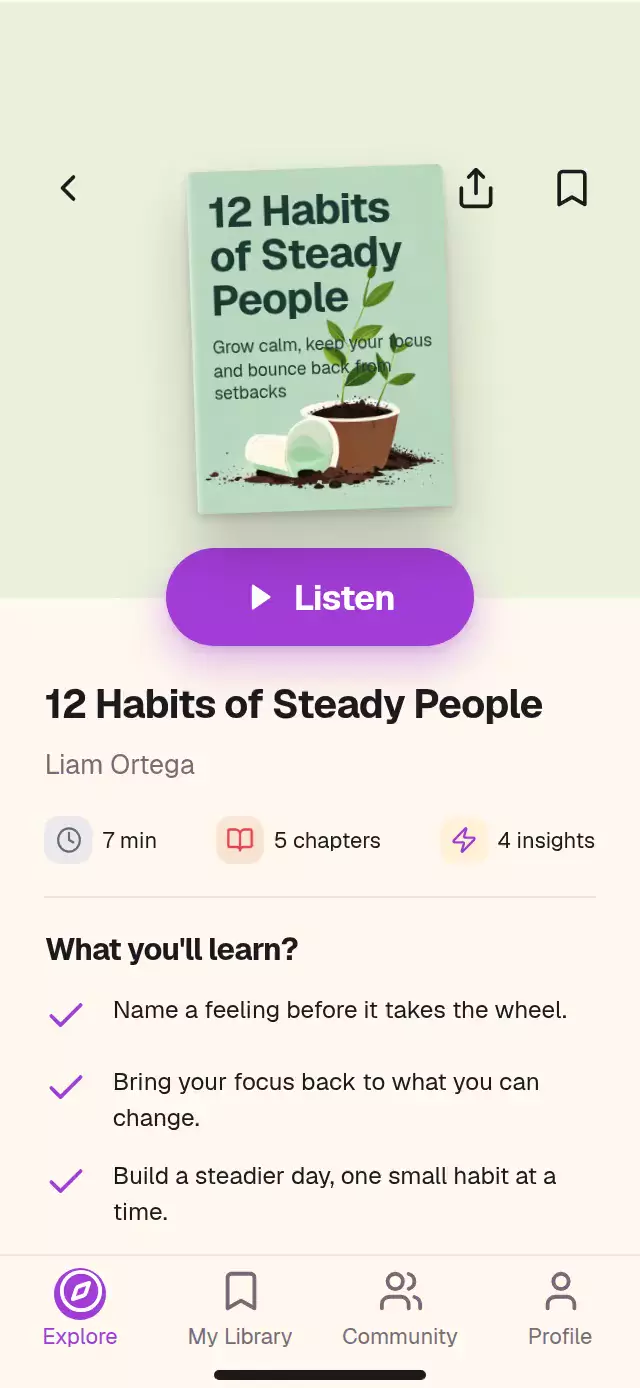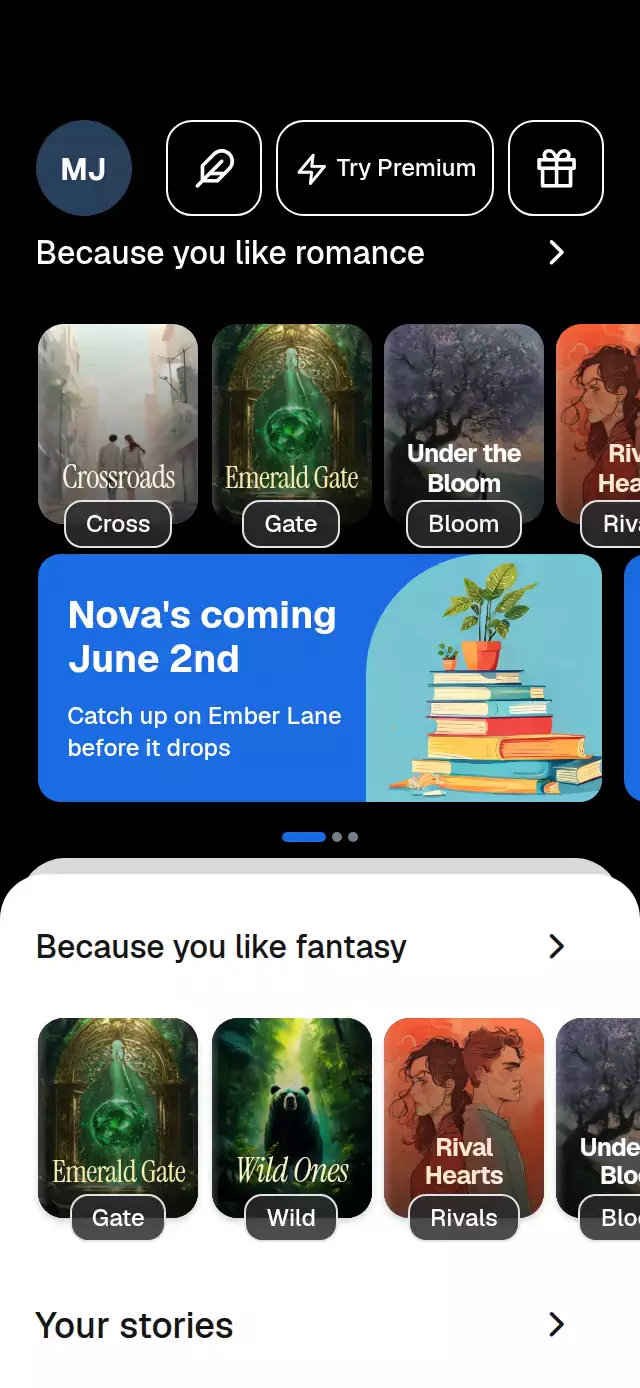
About this animation
A reading home that unfolds into a sheet-based library with shared cards, with configurable shelves, library data, colors, and fonts.
How it works
- A Gesture Handler ScrollView supplies one UI-thread scroll offset. The sheet belongs to its content; the header recedes with half-speed parallax, an 8-degree cover tilt, and a shrinking banner.
- One spring drives the route. It changes the header spacer from 61.5% of the editorial height to 18% of the container height, preserving the current scroll offset when Library opens.
- The story card is mounted once. Its two layout slots are measured inside the sheet; its vertical position interpolates between those exact coordinates as the sheet moves.
- One continuous tab position drives the sliding content and a variable-width, stretching active pill. Book pressure has its own spring, so release cannot cancel navigation.
- The banner snaps on touch and advances every four seconds. Any physical interaction pauses automatic advancement. Demo sequencing uses the public handle and stops on touch.
Install
npx expo install @expo/vector-icons expo-image expo-linear-gradient react-native-gesture-handler react-native-reanimated react-native-workletsWrap your app in GestureHandlerRootView. Load your preferred fonts in the host. Copy the component, types.ts, and index.ts into your project. Demo images and demo font imports are separate from the reusable component.
Usage
import { useRef } from 'react';
import SplitSheetLibrary, { type SplitSheetLibraryHandle } from './split-sheet-library';

const libraryRef = useRef<SplitSheetLibraryHandle>(null);

<SplitSheetLibrary
  ref={libraryRef}
  user={{ initials: 'MJ' }}
  rows={[
    { id: 'romance', title: 'Because you like romance', books },
    { id: 'fantasy', title: 'Because you like fantasy', books: fantasyBooks },
  ]}
  banners={[{
    id: 'new-release', title: 'Your next chapter', subtitle: 'New stories this week',
    art: require('./assets/books.jpg'), color: '#1B6BE3',
  }]}
  story={{ title: 'Find your next favorite story', cta: 'Browse stories', art: readerArt }}
  library={{ tabs: ['Current Reads', 'Archive', 'Reading Lists'], rows, featured: [] }}
  onOpenBook={(id) => openBook(id)}
/>;

libraryRef.current?.openLibrary();
libraryRef.current?.setTab(1);
libraryRef.current?.goHome();
libraryRef.current?.scrollTo(240, 1200);
Each book has id, title, chip, and cover, plus optional titleColor, titleFontFamily, titleAlign, and titleSize for its cover typography. titleSize is the nominal size at a 108-point cover width and scales down with smaller covers. The title is drawn over text-free local art. library.featured adds author, formatted views, formatted chapters, and tags. Use strings to control number formatting and units. Supply library.tabRows to show different shelves for each tab.
<SplitSheetLibrary
  {...content}
  colorScheme="auto"
  colors={{ activeDot: '#1B6BE3', story: '#202128', storyText: '#FFFFFF' }}
  labels={{ compactTitle: 'Selected for you', back: 'Return to recommendations' }}
  springDamping={26}
  springStiffness={240}
  bannerInterval={6000}
  fontFamily="YourRegularFont"
  titleFontFamily="YourBoldFont"
  monoFontFamily="YourNumberFont"
  topInset={insets.top}
  bottomInset={insets.bottom}
/>
Props
| Prop | Type | Default | Purpose |
|---|---|---|---|
user | { initials: string } | { initials: 'AB' } | Avatar initials |
rows | SheetRow[] | Required | Home shelves; romance first, fantasy second |
banners | SheetBanner[] | Required | Local artwork, text, and color for each announcement |
story | SheetStory | Required | Shared story card art, title, and CTA |
library | SheetLibrary | Required | Tabs, shelves, optional per-tab shelves, recommendations |
labels | Partial<SheetLabels> | English labels | All structural text and accessibility strings |
colors | Partial<SheetColors> | Black header, white sheet, blue accent | Complete surface, ink, border, overlay, and control palette |
colorScheme | 'light' | 'dark' | 'auto' | 'light' | Sheet and control theme; header stays dark |
initialRoute | 'home' | 'library' | 'home' | Starting route |
fontFamily | string | System | Interface text |
titleFontFamily | string | System | Titles and buttons |
monoFontFamily | string | System | Chapter and view counts |
motion | 'auto' | 'reduced' | 'full' | 'auto' | Motion preference |
topInset, bottomInset | number | 0 | Real safe areas, supplied by the full-screen host |
springDamping, springStiffness | number | 22, 210 | Route physics; mass is explicitly 1 |
bannerInterval | number | 4000 | Automatic carousel interval; 0 disables |
onOpenBook | (id: string) => void | — | Book action |
onRouteChange | (route) => void | — | Target route changed |
onTabChange | (index: number) => void | — | Target tab changed |
onPremium, onBrowse | () => void | — | Main CTA actions |
onProfile, onPreferences, onGift, onMore | () => void | — | Toolbar actions |
showSearch | boolean | false | Optional Library search field |
onSearchChange | (text: string) => void | — | Host-owned search/filtering |
onInteraction | () => void | — | Stop host autoplay on physical interaction |
autoplay | boolean | — | Host demo contract; sequencing lives in demo/ |
accessibilityLabel | string | 'Story library' | Root description |
testID | string | 'split-sheet-library' | Stable root/control prefix |
style | StyleProp<ViewStyle> | — | Flexible measured container |
The handle exposes openLibrary(), goHome(), setTab(index), scrollTo(y, duration = 1200), and nextBanner().
Compatibility
Designed for Expo SDK 58, React Native 0.88, Reanimated 4.7, Worklets 0.13, and Gesture Handler 3.3. Uses Expo Go-compatible modules and supports iOS, Android, and web. Requires the New Architecture used by Reanimated 4. No native folders, custom native modules, or remote image requests are required.
The layout measures its container and centers at a maximum width of 430 points. Short containers retain a scrollable editorial canvas rather than compressing labels or controls. Home and Library intentionally scroll vertically; shelves and banners scroll horizontally. The full-screen host supplies real safe-area insets. Do not add a second safe-area wrapper that duplicates those same insets.
Accessibility
Buttons expose roles, labels, and selected states; covers announce their titles. Keyboard Enter and Space activate the same button action on web. Back provides a tap alternative to the handle drag. Default reduced motion follows the system: no perspective, parallax, automatic banner loop, or shared-element flight; route changes use a 220 ms fade. Supply labels, cover titles, and the root description for localization. Text retains system font scaling.
Stable identifiers include the root, -sheet, -banner, -book-<row>-<index>, -open-library, -back, and -tab-<index>.
Why this one
The white sheet is the route transition itself. It climbs over the Home instead of replacing the entire screen, while a single story card travels between its two measured slots. The same motion values power touch, imperative control, and demo playback.
Icons: Feather from @expo/vector-icons, the Lucide kit's supported predecessor (MIT). Demo artwork is supplied locally by the host and is not part of the reusable component's file list.