About this animation
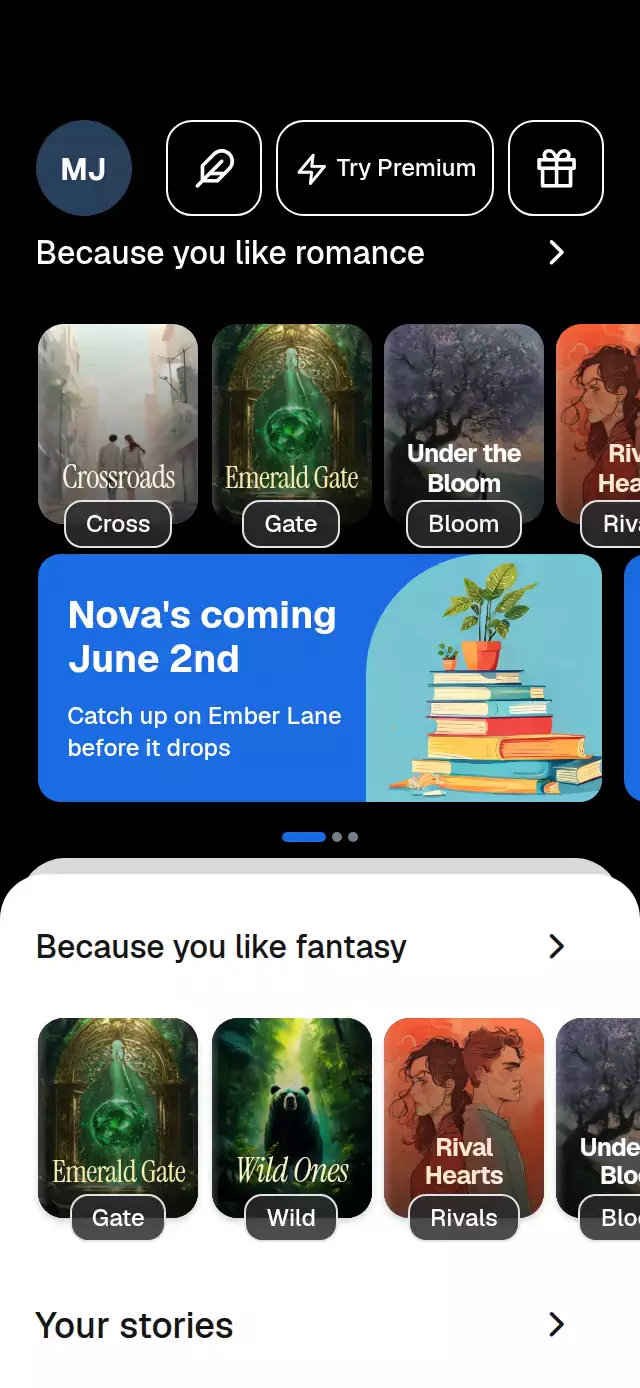
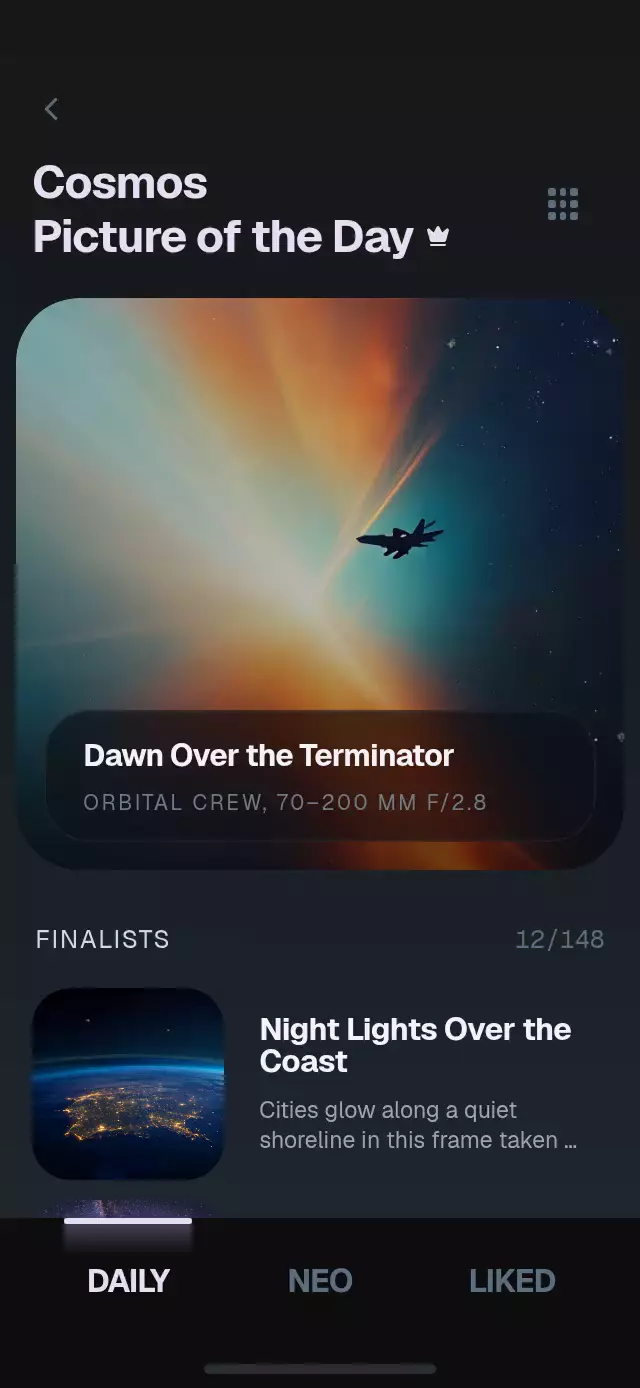
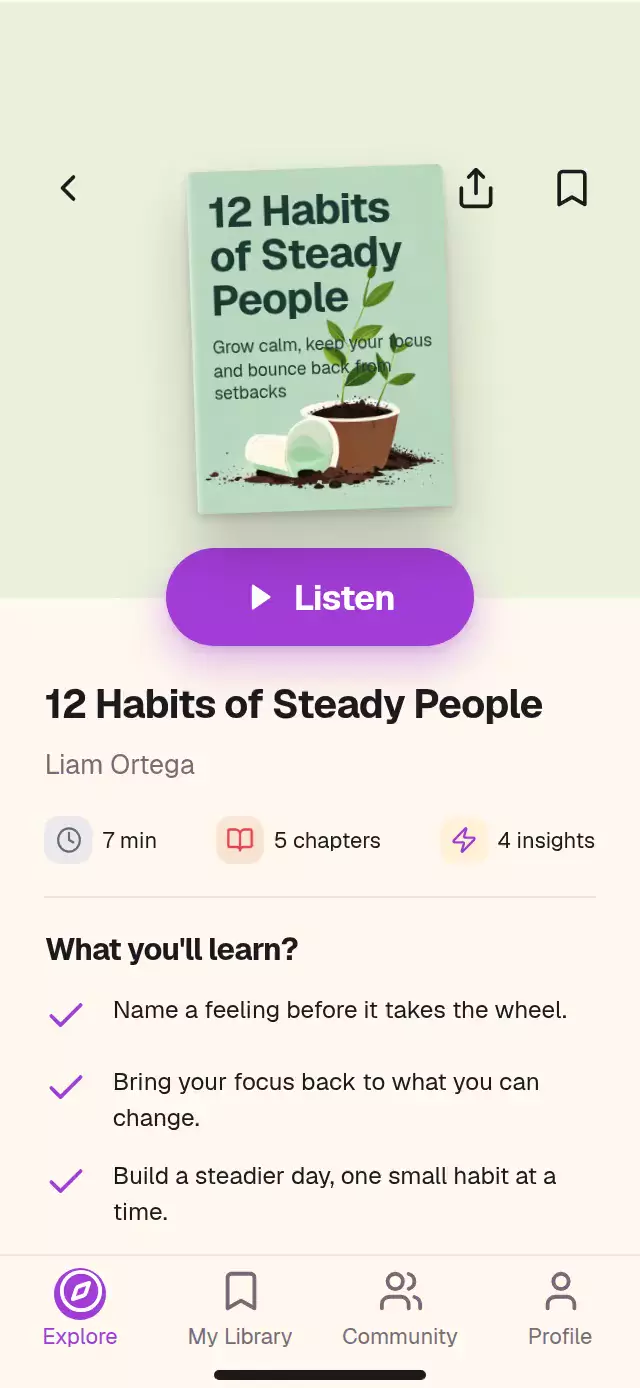
A book discovery flow with cover-to-detail transitions and configurable books, labels, colors, and fonts.
How it works
- Stories, the reading card, and shelf covers measure their source rectangle on the UI thread. The source hides while one floating cover layer interpolates its position, size, corner radius, crop, and rotation.
- One
detailshared value drives the flight, expanding hero tint, and Discover fade. A second reveal axis introduces the listening pill, metadata, and drawn checks. paywallmoves a full-height sheet and pushes the detail backward. A two-row cover mosaic travels in opposite directions.- A single plan axis moves one selection frame and rolls the trial line. Separate pressure values keep touches from resetting screen progress.
- Back, edge drag, cover drag, and the sheet's top drag area provide dismissal. All animation methods can be called through the ref.
Install
Copy the text files listed in piece.json, then install compatible packages:
npx expo install @shopify/react-native-skia expo-image expo-linear-gradient react-native-gesture-handler react-native-reanimated react-native-workletsMount inside GestureHandlerRootView. For web, initialize CanvasKit before importing the component (the standard Skia web setup). Load fonts once in the host. Icons: Lucide (ISC), license included.
Usage
import { BookDiscoverDetail } from './book-discover-detail';

<BookDiscoverDetail
  books={books}
  storyIds={books.slice(0, 4).map((book) => book.id)}
  continueReading={{ id: books[2].id, progress: 0.42 }}
  shelf={{ title: 'Reading list', subtitle: 'A fresh perspective', ids: books.map((book) => book.id) }}
  plans={plans}
  onContinue={(planId) => startCheckout(planId)}
/>
books contains { id, title, subtitle, author, cover, tint, coverTitleColor, coverSubtitleColor, coverAlignment?, minutes, chapters, insights, learn, about }. cover is an expo-image source. Titles and subtitles are rendered over the artwork; supply art with quiet space at the top. coverAlignment is left or center. Use three short learning points and a two- or three-sentence description.
plans contains { id, title, detail, trialLine, badge? }. The demo's prices are fictional presentation copy. Checkout, restore, legal links, sharing, and persistence belong to the host.
const screen = useRef<BookDiscoverDetailRef>(null);

<BookDiscoverDetail
  ref={screen}
  books={books}
  storyIds={storyIds}
  continueReading={reading}
  shelf={shelf}
  plans={plans}
  palette="night"
  colors={{ accent: '#B95DE8', accent2: '#D98DF6' }}
  fontFamily="Geist_400Regular"
  titleFontFamily="Geist_700Bold"
  monoFontFamily="GeistMono_400Regular"
  bottomInset={insets.bottom}
  onOpenBook={(id) => trackOpen(id)}
/>

screen.current?.openBook('steady-habits');
screen.current?.openPaywall();
Import useRef from React and BookDiscoverDetailRef from this folder. Supply insets with the host's safe-area integration; the included demo uses useSafeAreaInsets().
Props
| Prop | Type | Default | Purpose |
|---|---|---|---|
books | DiscoverBook[] | Required | Content, image sources, cover typography, and tint. |
storyIds | string[] | Required | Horizontal stories in display order. |
continueReading | { id, progress } | Required | Reading card; progress is a fraction. |
shelf | { title, subtitle, ids } | Required | Horizontal editorial shelf. |
plans | DiscoverPlan[] | Required | Ordered subscription options. |
initialPlan | string | Last plan | Initial selected ID. |
labels | Partial<DiscoverLabels> | English | All fixed copy and accessibility labels. Templates use {value} and {title}. headline and tabs are tuples. |
colors | Partial<DiscoverColors> | Paper tokens | Background, surfaces, text, accents, dividers, chip colors, danger, on-colors, and scrim. |
colorScheme | light | dark | auto | light | System appearance selection. |
palette | paper | night | Partial<DiscoverColors> | paper | Measured cream palette or an original Night interpretation. |
fontFamily | string | System | Body typeface. |
titleFontFamily | string | System | Heading and cover title typeface; pass a loaded bold face. |
monoFontFamily | string | System | Completion percentage typeface. |
motion | system | reduced | system | Accessibility motion mode. |
bottomInset | number | 0 | Real bottom system inset; zero in an already inset host. |
style | StyleProp<ViewStyle> | — | Root layout override. |
testID | string | book-discover-detail | Automation prefix. |
accessibilityLabel | string | — | Host root description. |
onOpenBook, onListen | (id) => void | — | Detail and listening actions. |
onCloseBook, onClosePaywall | () => void | — | Dismissal actions. |
onSelectPlan, onContinue | (id) => void | — | Plan selection and host checkout. |
onTabChange | (index) => void | — | Visual tab changes; Explore content remains in place. |
onShareBook | (id) => void | — | Host sharing integration. |
onRestorePurchase | () => void | — | Host purchase restoration. |
onLegalPress | (terms | privacy) => void | — | Legal-link destination. |
onInteraction | () => void | — | Stop an external timeline on contact. |
autoplay | boolean | — | Demo contract; timers live in demo/. |
Ref methods: openBook(id), closeBook(), openPaywall(), closePaywall(), selectPlan(id). Book IDs should appear in a story, the reading card, or the shelf so there is a measurable source. Save state is local to this screen's lifetime. Content arrays should have stable IDs.
Compatibility
Expo SDK 58, React Native 0.88, Reanimated 4.7, Worklets 0.13, Gesture Handler 3.3, Skia 2.14, expo-image, and expo-linear-gradient. Intended for iOS, Android, and web with the New Architecture. The installed modules are included in the project's Expo Go environment; a custom host must configure Reanimated and Skia normally.
The viewport measures its container, centers at a maximum width of 430 pt, and caps tablet height to the reference phone aspect ratio. Short containers and landscape preserve readable geometry with vertical scrolling. Content scrolls below a fixed tab bar. bottomInset protects its controls and the plan's scroll footer; the host owns the top safe area. Do not add insets twice. The top band is reserved, and important controls avoid the viewer's upper-right 56 pt square. The home indicator is decorative and appears only when no bottom inset is supplied.
The Paper theme follows the cream reference. Night is an original palette translation, not another reference screen; book artwork and per-book hero tints retain their original colors. Cover art in the demo is 768 × 1024, enough for the 172 × 229 pt hero at 3×. Assets are passed by the demo and are not required by the reusable files.
Accessibility
Controls expose labels, roles, selected states, and accessibility activation. Buttons and cover targets are at least 48 pt. Back and Close provide tap alternatives to the pan gestures. Hidden screens are removed from the accessibility tree. Reduced motion replaces screen flights with 220 ms fades, removes pressure scaling, stops the story-ring gradient and mosaic, and displays complete checks. Body text follows system scaling; cover typography is artwork-sized. Informational body text has a platform-aware minimum of 11 pt on iOS and 12 sp on Android.
Why this one
A cover keeps its identity as it moves from a cropped story or shelf into a readable book detail. Its own tint fills the hero, the listening action lands with a small spring, and a single moving plan border makes the next decision easy to follow. The demo uses seven original book records and local artwork rather than network placeholders.