About this animation
An astronomy gallery with photo-to-grid transitions and animated object data, with configurable pictures, objects, colors, and fonts.
Why this one
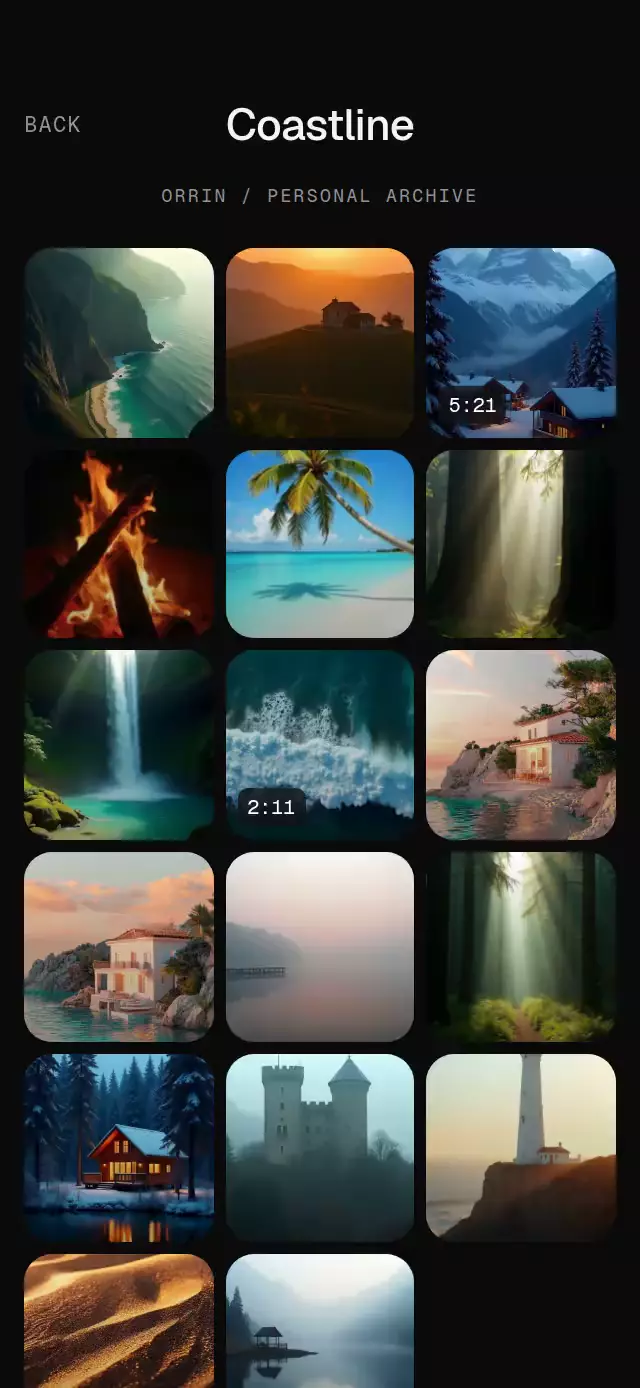
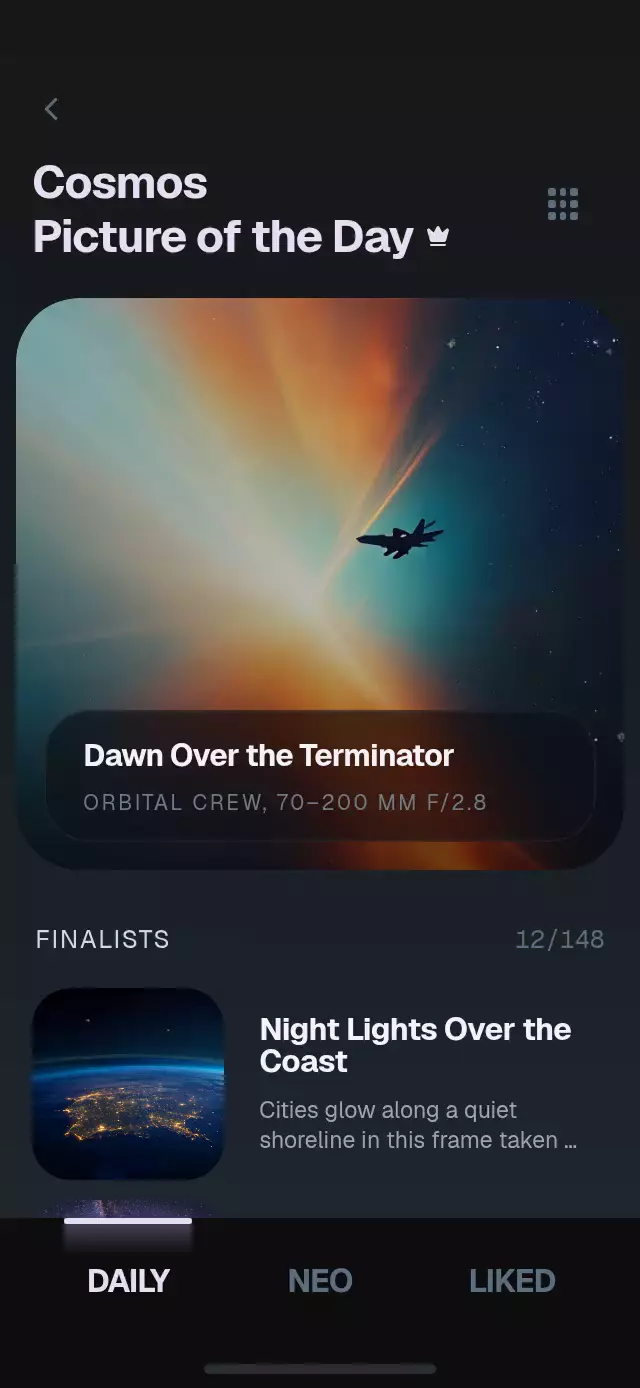
The daily hero is the first grid cell: its single image layer changes size and position instead of dissolving into a second picture. Details start at the tapped photo's measured screen rectangle. A luminous tab indicator follows the same continuous progress as the pages.
How it works
- Measure the host and keep the daily hero in the same image layer as its first grid cell.
- Interpolate that layer’s size and position from a continuous layout progress value.
- Drive horizontal pages and the tab indicator from the same paging progress.
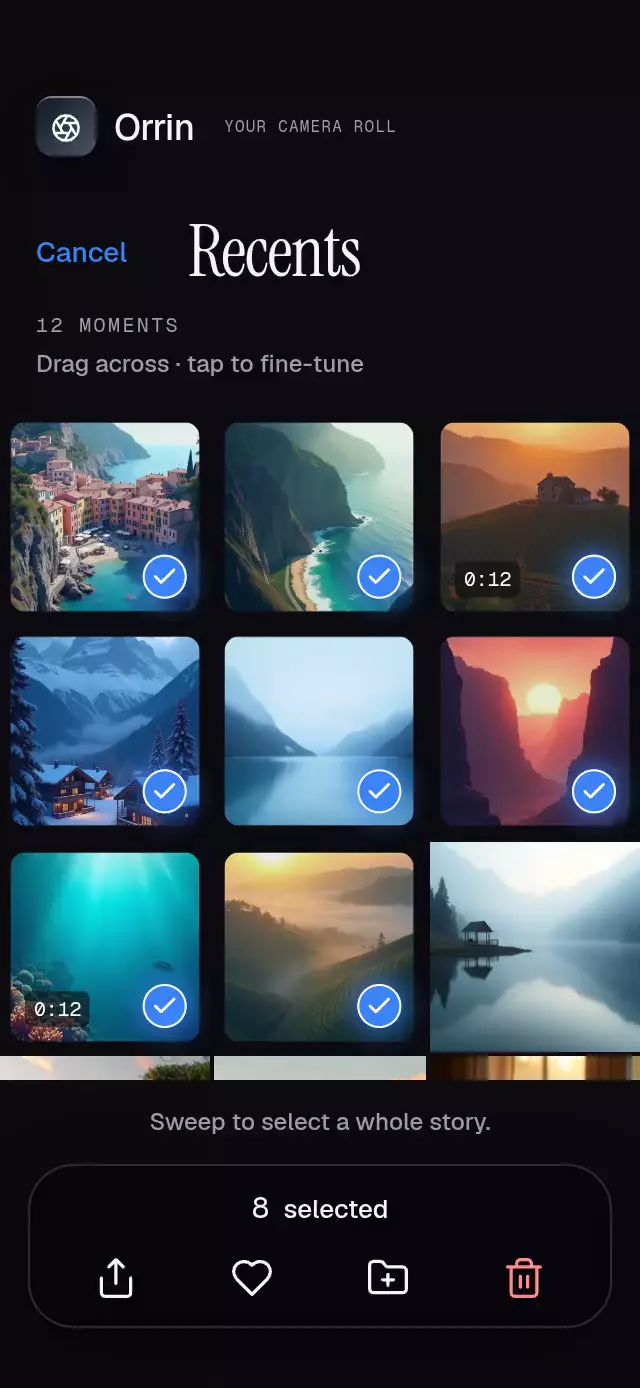
- Measure a tapped photo’s rectangle and animate its detail presentation from that origin.
- Keep photo pressure and detail transitions on shared values; report discrete actions to the host.
Install
Copy the files listed in piece.json into your project. Install SDK-compatible dependencies:
npx expo install expo-blur expo-image expo-linear-gradient react-native-gesture-handler react-native-reanimated react-native-workletsMount below a GestureHandlerRootView and load host fonts before rendering.
Usage
import { useRef } from 'react';
import { OrbitDailyGallery, type OrbitDailyGalleryRef } from './orbit-daily-gallery';

const gallery = useRef<OrbitDailyGalleryRef>(null);

<OrbitDailyGallery
  ref={gallery}
  pictures={pictures}
  finalists={['coast', 'nebula']}
  objects={objects}
  fontFamily="Geist_400Regular"
  titleFontFamily="Geist_700Bold"
  monoFontFamily="GeistMono_400Regular"
  onToggleLike={(id, liked) => saveLike(id, liked)}
/>
Load fonts once in the host. All images are supplied through props; local bundled sources are recommended. The component has no dependency on the demo or the host's theme.
Props
| Prop | Purpose |
|---|---|
pictures | Ordered { id, title, subtitle?, credit?, description?, image, liked? } records. First record is the hero. |
finalists | Picture IDs or complete records. |
finalistsCount | { shown, total }, defaults to { shown: 12, total: 148 }. |
objects | { id, name, hazardous?, image, stats: [{ icon, label, value }] }; icons: ruler, orbit, clock, gauge. |
labels | Fixed headings, tab labels, count template, empty message, hazard label, and accessibility copy; see OrbitLabels. Use {count} in pictureCount. |
colors | Override any OrbitColors field, including every gradient stop, surface, text, border, glass, and glow. |
initialTab, initialLayout | Initial page (0–2) and presentation (hero or grid). |
fontFamily, titleFontFamily, monoFontFamily | Host-loaded typefaces; otherwise platform defaults. |
onTabChange, onLayoutChange | Report target state changes. |
onOpenPicture, onToggleLike, onOpenObject | Photo, like, and object actions. |
onInteraction | Stops a host-controlled autoplay on user contact. |
autoplay | Demo integration flag; the standalone component never schedules actions itself. |
style, testID | Root layout and automation ID. |
Ref: setTab(index), setLayout('hero' | 'grid'), openPicture(id), closePicture(), toggleLike(id). Likes initialize from pictures once per mount. The host owns persistence. The arrow on an object calls onOpenObject; provide your own destination.
Layout and safe areas
The component measures its container, centers a viewport with maximum width 430 pt, and limits its height to the phone reference's aspect ratio on tablets. Content scrolls underneath the fixed tab bar. Short containers keep readable proportions and allow vertical scrolling. Mount inside a GestureHandlerRootView.
This is a full-screen visual composition with a reserved top band and a decorative home indicator. The host owns actual system safe-area insets. When placing inside an already inset screen, do not add another safe-area wrapper within this component.
Compatibility
Expo SDK 58, Reanimated 4.7, Worklets 0.13, Gesture Handler 3.3, expo-image, expo-linear-gradient, expo-blur. Android hero blur uses BlurTargetView with dimezisBlurViewSdk31Plus; earlier Android versions retain the tinted glass surface.
Icons: Lucide (ISC). Photo assets belong to the demo and are not part of the reusable component.
Accessibility
Page, layout, and detail each have one continuous shared progress. Gesture Handler handles taps and pans; photo pressure has independent progress. Animations and scroll-linked positions run on the UI thread. Reduced motion removes ambient zoom, parallax, particles, and pressure movement. Controls have explicit roles, labels, selected states, and at least 48 pt tap targets; photos also provide an accessibility activation action. Back and tab buttons provide alternatives to dismissal and swipe gestures.