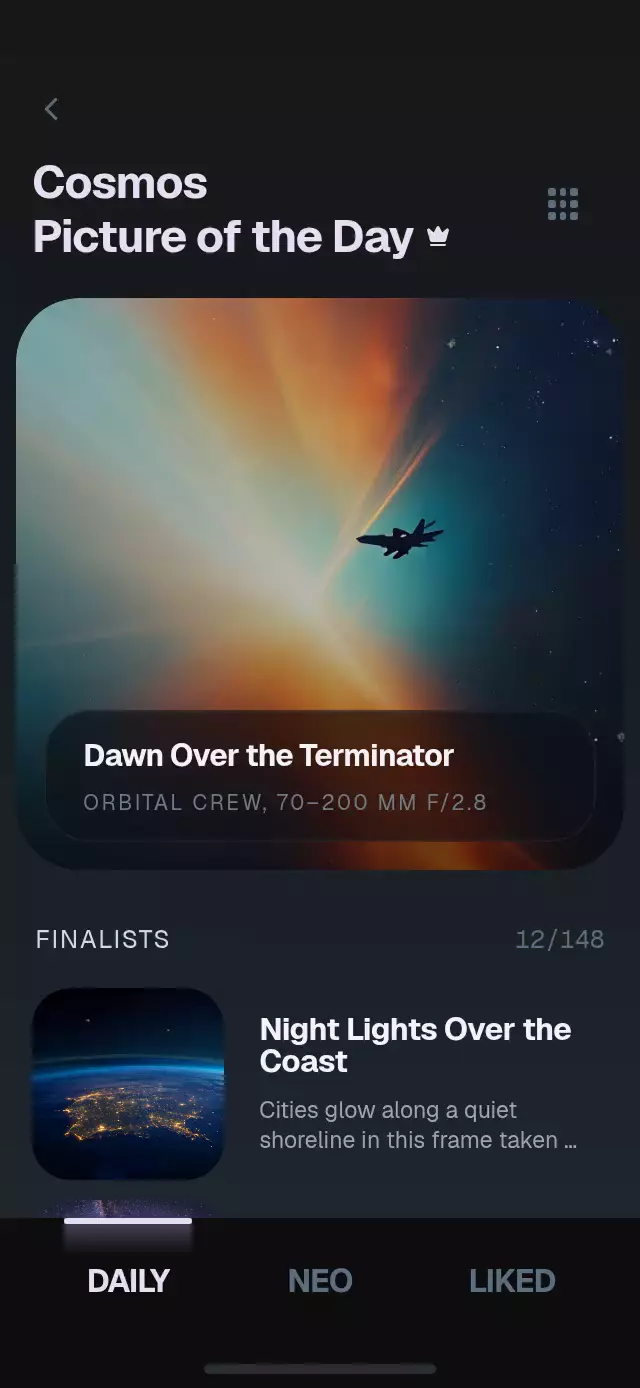
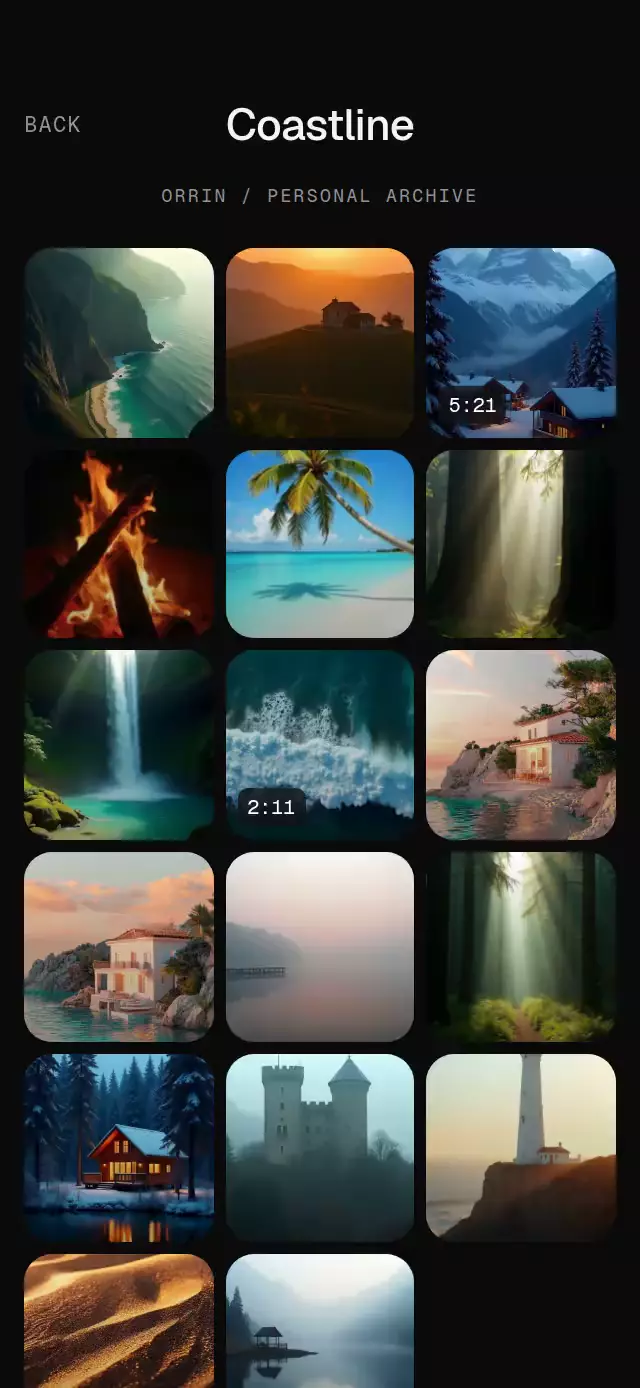
About this animation
A media layout that morphs between grid and list while keeping its scroll anchor, with configurable items, labels, palette, and fonts.
How it works
- The host width and measured text heights produce stable grid and list rectangles for every item ID.
- A single UI-thread progress value interpolates each photo's position, size, crop, and corner radius.
- The scroll offset is compensated from the visible anchor rectangle, so changing layout does not jump to the top.
- Grid labels fade out before list metadata fades in; the selected image and its check badge travel together.
- Failed images keep their reserved cell and expose a retry action. Data changes cancel the current flight and rebuild by ID.
Install
npx expo install expo-image react-native-reanimated react-native-workletsNo native configuration, Skia, blur, or demo assets are required by the component. Reanimated must already be configured by the host app.
Usage
import { GridListLayoutMorph } from './grid-list-layout-morph';

<GridListLayoutMorph
  items={[{ id: 'one', title: 'Quiet object', source: require('./one.jpg'), accessibilityLabel: 'Quiet object' }]}
  labels={{ grid: 'Grid', list: 'List', select: 'Selected items', empty: 'No items', loadError: 'Image unavailable', retry: 'Retry' }}
/>;<GridListLayoutMorph
ref={libraryRef}
items={items}
defaultSelectedIds={['basalt-bowl']}
columns={2}
colorScheme="dark"
motion={{ durationScale: 0.85, glowOpacity: 0.2 }}
fontFamily="YourBodyFont"
titleFontFamily="YourTitleFont"
monoFontFamily="YourMonoFont"
onLayoutChange={(next) => trackLayout(next)}
testID="library"
/>;
libraryRef.current?.scrollToId('basalt-bowl');
libraryRef.current?.setLayout('list');Props
| Prop | Type | Default | Description |
|---|---|---|---|
items | ReadonlyArray<GridListItem> | required | Stable media IDs, titles, optional subtitles, sources, and accessible labels. |
layout | 'grid' | 'list' | uncontrolled | Controlled layout mode. |
defaultLayout | 'grid' | 'list' | 'grid' | Initial uncontrolled mode. |
selectedIds | ReadonlyArray<string> | uncontrolled | Controlled selection. |
defaultSelectedIds | ReadonlyArray<string> | [] | Initial uncontrolled selection. |
columns | 2 | 3 | 2 | Grid columns; hosts narrower than 330 points use one. |
labels | GridListLabels | neutral English labels | Grid/list controls, empty/error/retry copy, and optional announcements. |
palette | Partial<Palette> | theme palette | Semantic color overrides. |
colorScheme | 'light' | 'dark' | 'auto' | 'auto' | Paper, Night, or system palette. |
motion | { durationScale?: number; glowOpacity?: number } | 1, 0.25 | Transition duration and selection glow. |
fontFamily, titleFontFamily, monoFontFamily | string | system | Host typography. |
onLayoutChange, onSelectionChange, onItemPress | callbacks | — | Discrete interaction callbacks. |
style, testID, accessibilityLabel | standard host props | — | Root styling and stable test/accessibility identity. |
Compatibility
Designed for Expo SDK 58, React Native 0.88.0, Reanimated 4.7.1, and Expo Image 58.
The component fills its host and does not add safe-area insets. It adapts to compact containers, landscape, and tablet widths. Supply local images at least 3× their largest painted size. Duplicate or empty IDs are ignored; unknown selection IDs and imperative scroll targets are ignored. Invalid motion values use safe defaults.
Accessibility
Each item is one checkbox action with a stable accessible label and checked state. A failed image becomes a retry button without changing the reserved layout. Grid/list controls expose selected state, and optional announcement formatters are called once after committed changes. Reduced motion swaps the flight for an immediate layout update. Font scaling remains enabled; keyboard activation follows React Native Web control semantics.
Why this one
The layout is the animation: the same editorial image keeps its identity while its geometry changes. Unlike a simple grid/list toggle, the component preserves selection, scroll context, image loading state, and item order so it can be dropped into a real media library.