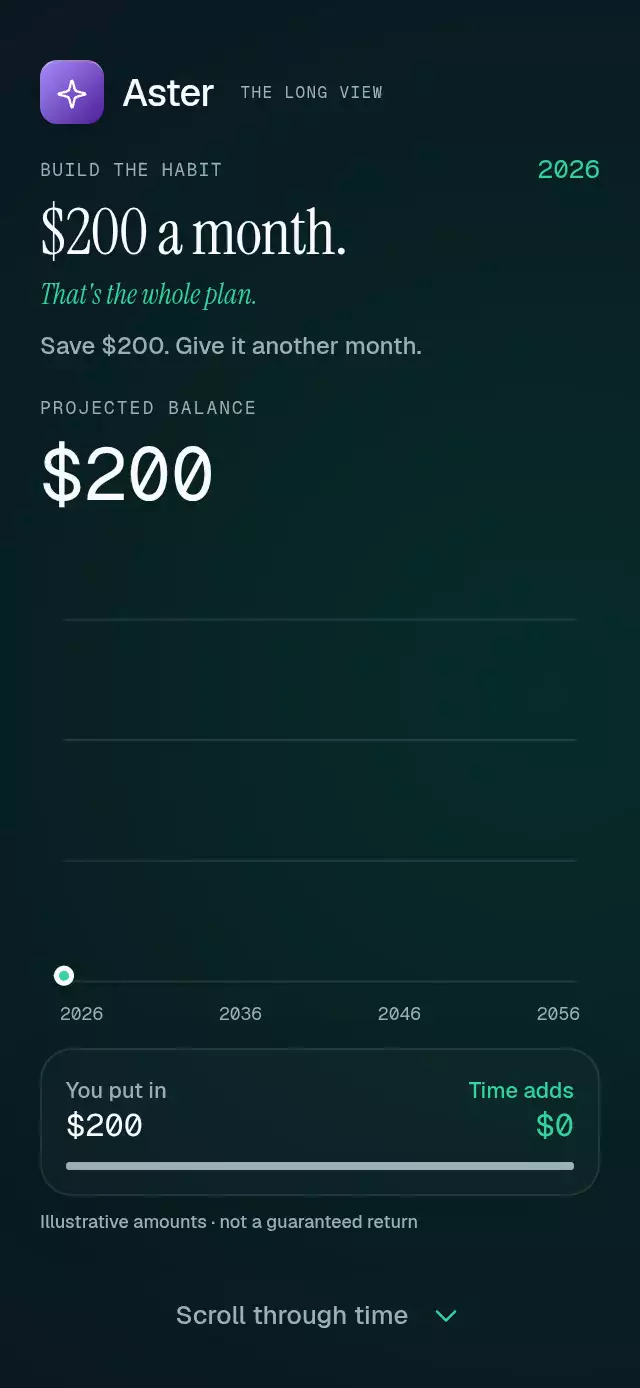
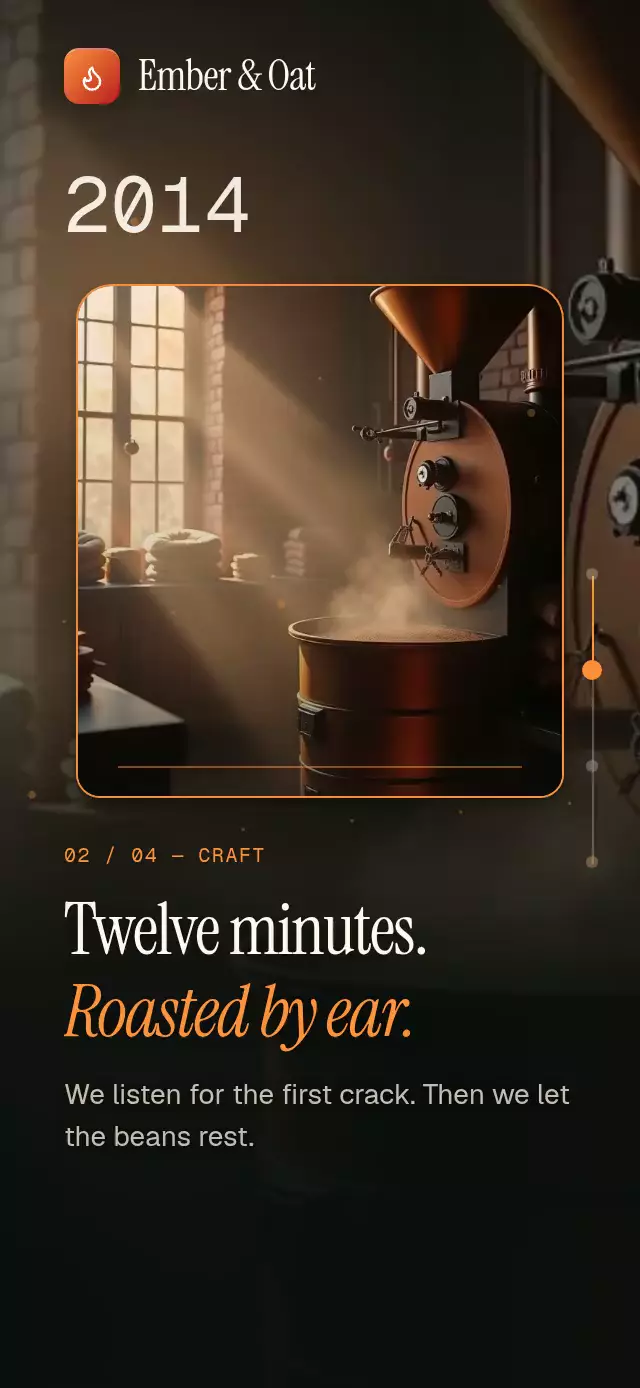
About this animation
A scroll-driven device story that changes app screens in place, with configurable chapters, task data, accent color, and fonts.
How it works
- Measure the component and scroll viewport with
onLayout. Portrait layouts center the device above full-width editorial copy; landscape layouts place copy beside it. Device width defaults to 80% of the container, capped at 360 pt. Its frame adapts to the available height instead of shrinking a fixed screenshot. - Measure chapter copy and action areas in normal layout. All chapters use the tallest measured content, so larger type and longer copy remain reachable by scrolling.
- Derive one continuous story progress from the scroll offset. When a chapter exceeds the viewport, hold its scene while the reader scrolls through the overflow, then morph toward the next chapter. Editorial copy fades out according to its clearance from the device, before either can overlap. The device returns to its top alignment before the next screen morph begins, so every new screen heading is fully visible.
- Keep the five task cards mounted. Their bounds interpolate from list rows into board lanes; the first expands into a focus surface, and the timer ring becomes the tallest weekly bar.
- Native scroll snapping uses chapter stops and reading stops for overflow. Web waits until wheel input settles before snapping, avoiding mandatory CSS snapping on every wheel tick. Every numbered step and next-step action also jumps directly to its chapter with an interruptible spring. Programmatic scrolling settles only after both the animation and the scroll offset reach the requested destination.
- Reduced motion switches scene geometry immediately, removes device rotation, and makes programmatic jumps instant. Demo autoplay cycles through chapters 0–3 and resets to chapter 0. It is disabled with reduced motion and stops on user input.
The material combines a dark device frame, a fine light edge, two-layer shadows, and a violet ambient gradient. No photo assets or network requests are required. Nimbus branding exists only in the demo.
Install
npx expo install @shopify/react-native-skia expo-linear-gradient react-native-reanimated react-native-workletsTarget versions: Expo SDK 58, React Native 0.88.0, Skia 2.14.0, Linear Gradient ~58.0.3, Reanimated 4.7.1, and Worklets 0.13.0. Web requires CanvasKit initialization before mounting, using Skia's WithSkiaWeb integration. Load custom fonts in the host app.
Usage
import StickyDeviceScroll from './sticky-device-scroll';

export function ProductStory() {
  return <StickyDeviceScroll onCtaPress={() => openSignup()} />;
}
import { useRef } from 'react';
import {
StickyDeviceScroll,
type StickyDeviceScrollRef,
} from './sticky-device-scroll';
export function CustomStory() {
const story = useRef<StickyDeviceScrollRef>(null);
return (
<StickyDeviceScroll
ref={story}
colorScheme="dark"
accentColor="#9C85FF"
deviceWidthRatio={0.84}
navigationHint="Swipe up or choose a step"
nextLabel="Continue"
ctaLabel="Start your next chapter"
fontFamily="YourInterfaceFont"
titleFontFamily="YourEditorialFont"
italicFontFamily="YourEditorialItalicFont"
monoFontFamily="YourNumberFont"
screenCopy={{ timer: '15:00', total: '8.5 hrs' }}
onCtaPress={() => openSignup()}
testID="product-story"
/>
);
}Props
| Prop | Type | Default | Description |
|---|---|---|---|
chapters | Four DeviceChapter objects | Generic productivity story | Eyebrow, title, subtitle, and body for each step. Eyebrows also label the device screens and step controls. Keep these short. |
tasks | Five DeviceTask objects | Generic launch tasks | Stable ID, title, initials, and board column (0–2). The first task becomes the focus task. Device rows abbreviate long titles; editorial copy stays in flow. |
brand | ReactNode | — | Optional host-supplied identity in the upper-left header. |
ctaLabel, ctaNote | string | Get started, No card needed | Final action and supporting copy, integrated into step four. |
onCtaPress | () => void | — | Final action callback. |
onChapterChange | (chapter: number) => void | — | Nearest story chapter changes, indexed 0–3. |
onInteraction | () => void | — | User touch, drag, wheel, or control press. |
accentColor | string | #6E56FF | Six-digit hex accent for the ambient gradient, progress, cards, ring, and chart. |
colorScheme | light | dark | auto | light | Complete background, surface, ink, muted text, border, and lane palette. |
fontFamily | string | System | UI and body font. |
titleFontFamily, italicFontFamily | string | System / title font | Editorial statement and accent line. |
monoFontFamily | string | System | Step numbers and device statistics. |
deviceWidthRatio | number | 0.8 | Relative frame width, clamped to 0.45–0.94, with a 360 pt maximum. Landscape uses the device column width. |
snapToChapters | boolean | true | Snap after scroll input; chapter controls work regardless. |
navigationHint | string | Swipe up to explore · Tap a step to jump | Visible navigation instruction. |
nextLabel | string | Next step | Visible and accessible next-step label. |
chapterAccessibilityLabel | (chapter, index) => string | Step N of 4: [eyebrow] | Localizable labels for numbered chapter controls. |
screenCopy | Partial<DeviceScreenCopy> | Generic device copy | Four subtitles, three board columns, timer, timer caption, weekly total, comparison, and seven day labels. |
style, testID | StyleProp<ViewStyle>, string | — | Container styling and root identifier. Controls append -step-0 through -step-3, -next-0 through -next-2, -confirm, and -scroll. |
Ref methods: scrollToChapter(index, duration?), stop(), and reset(). Index 0–3 selects a chapter; index 4 scrolls to the final action in chapter four. Omit duration for an interruptible spring; supply milliseconds for autoplay timing. reset() returns immediately to the beginning. stop() cancels programmatic scrolling.
Compatibility
The component fills its parent's available space; the host provides safe-area insets. The header reserves the upper-right 56 pt for viewer controls. Tablet widths are capped; landscape uses two columns. Small containers and large text use overflow reading stops rather than shrinking editorial text. Resize handling measures the new available layout.
Targets Expo SDK 58, React Native 0.88.0, Reanimated 4.7.1, Worklets 0.13.0, Skia 2.14.0, and Expo Linear Gradient ~58.0.3. Supports iOS, Android, and web with Expo Go-compatible native dependencies; web needs the CanvasKit setup above.
Accessibility
Chapter controls have a selected state, numbered labels, and a minimum 48 pt height. Next-step and final actions also have 48 pt targets and button roles. Editorial titles have header roles; font scaling stays enabled. Decorative device content is excluded from screen readers. All screen labels and values are supplied through chapter data, tasks, or screenCopy. Reduced motion disables autoplay, rotation, springs, and interpolated scene geometry.
Icons: Lucide (ISC), copied from the approved project kit.