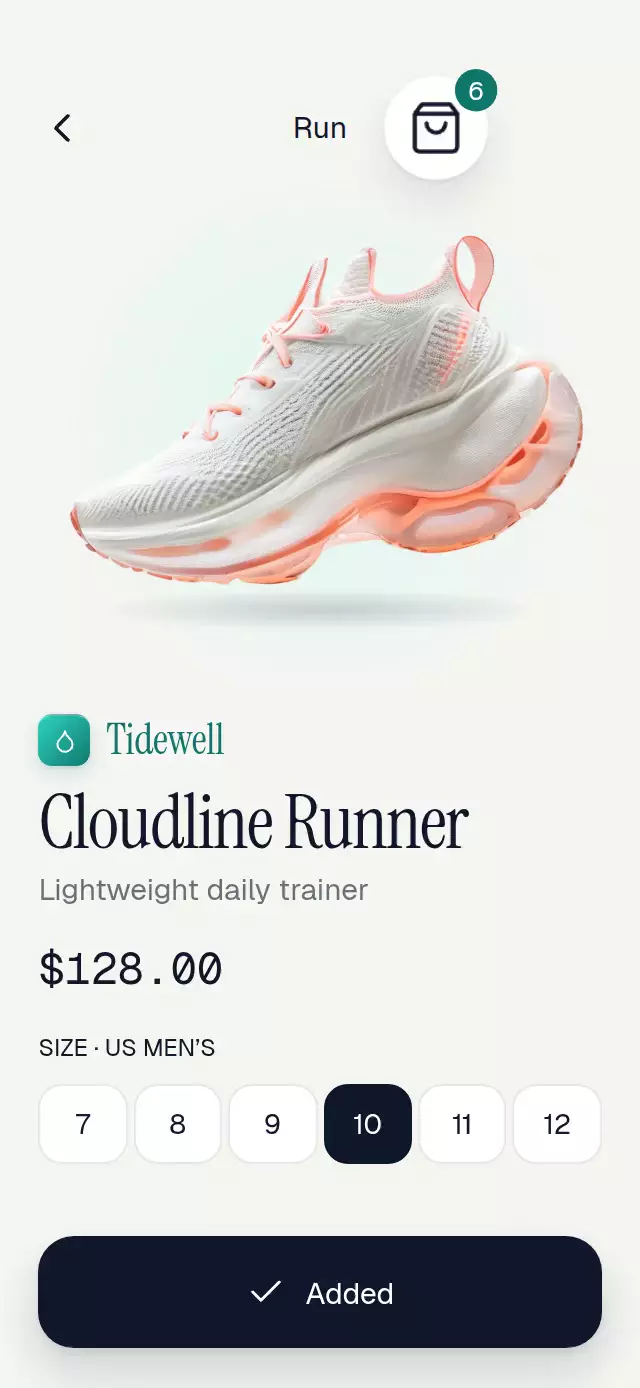
About this animation
An add-to-cart flight with image trails and a rolling count, with configurable product image, copy, fonts, and accent color.
Why this one
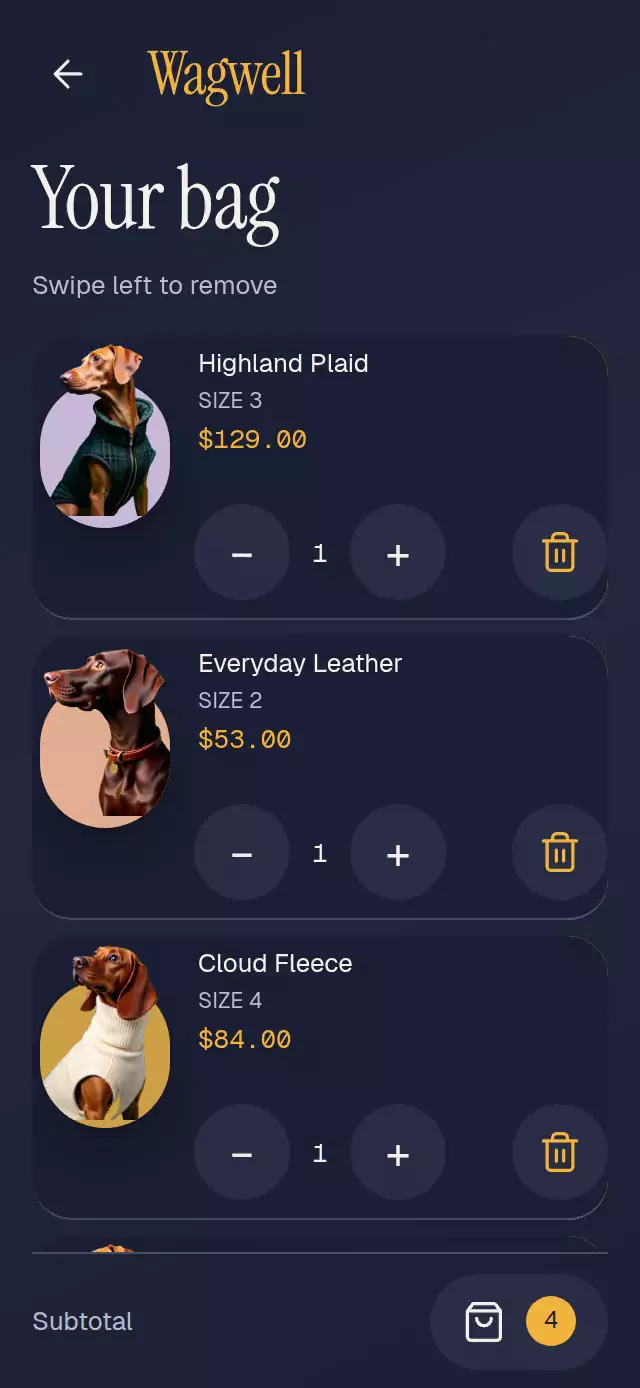
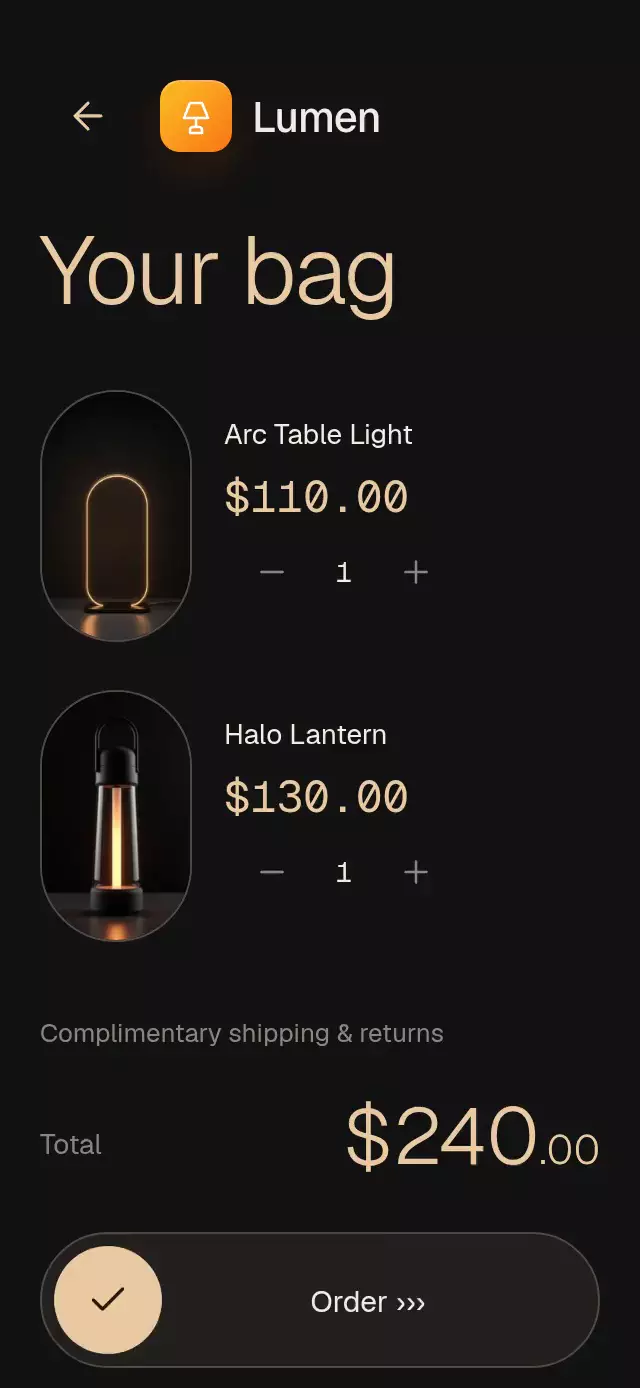
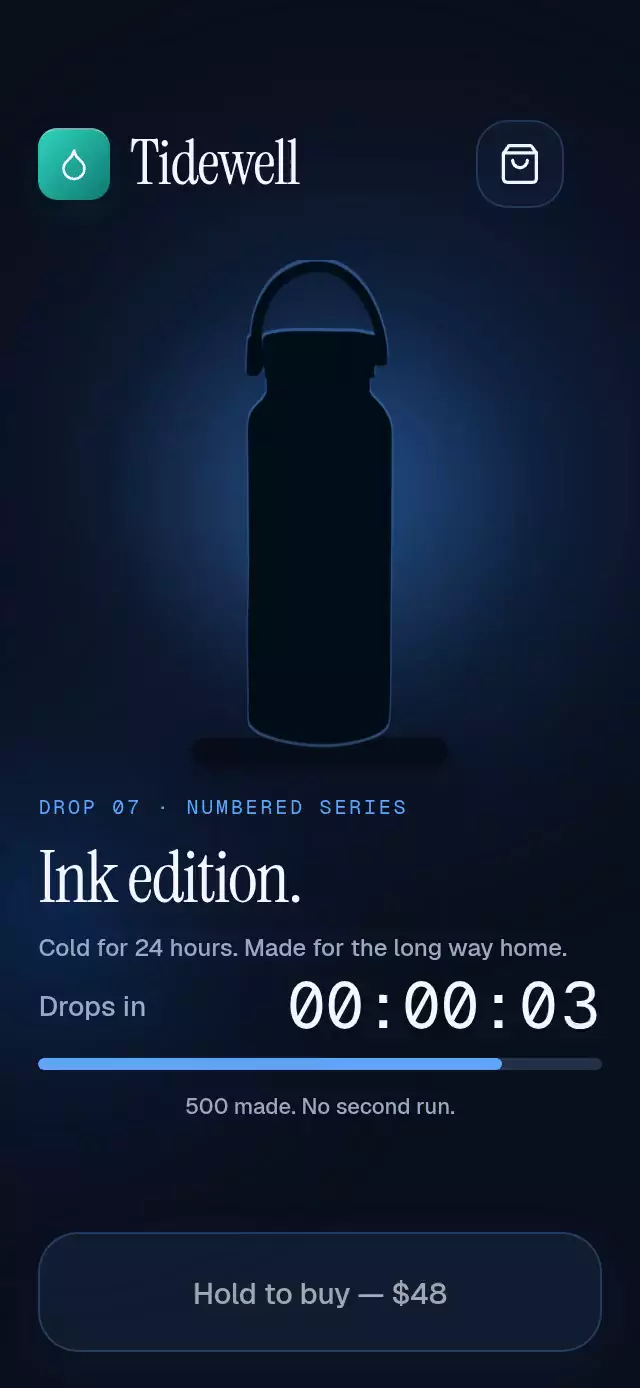
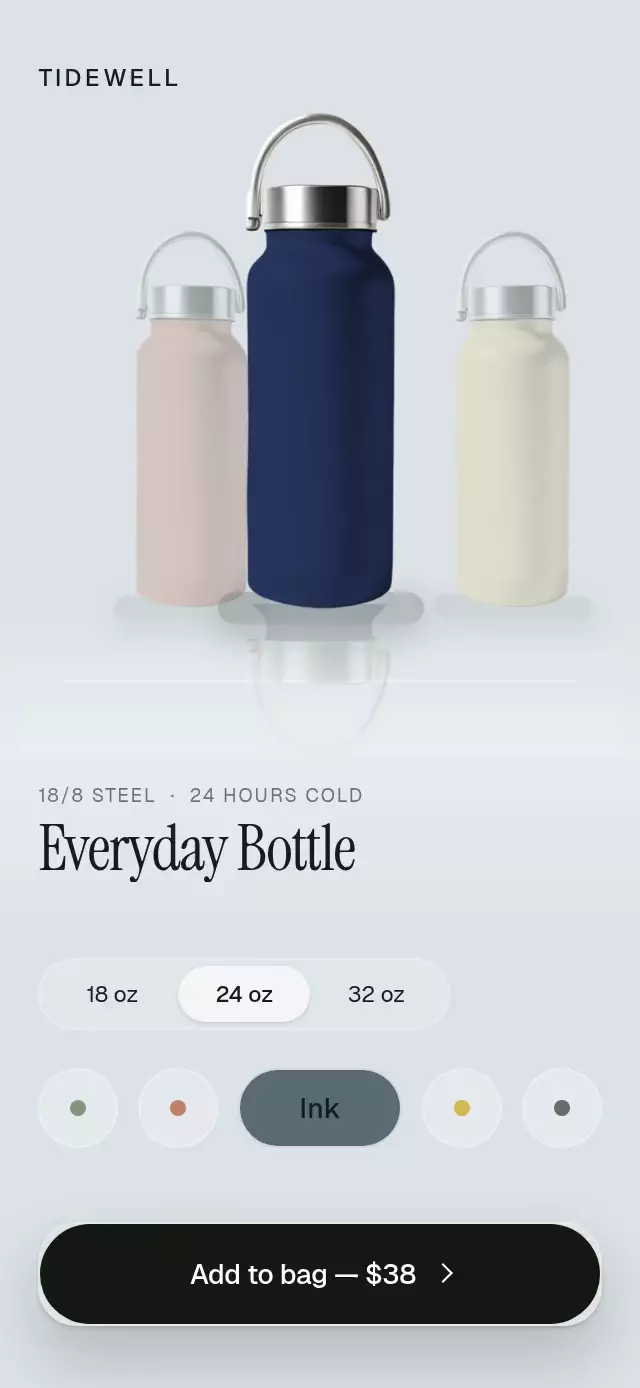
The actual product flies along a quadratic Bézier curve rather than sending a generic dot along a straight line. Three time-delayed copies preserve the source artwork’s proportions and make its path readable; the destination responds with a physical pop, an expanding teal ring, and rolling digits. Missing size selection gets a local shake and an explicit validation message. Up to three flights can overlap without blocking another tap. The trail clears at arrival, freeing its slot for another addition.
How it works
onLayoutmeasures the component. Product and destination coordinates use that container's width and height, with an 80-point bag margin that keeps even the expanding arrival ring outside the host close-button region.- Each of three flight slots owns one normalized 0–1 progress value that advances linearly over 620 milliseconds. The easing curve applied to that timeline derives quadratic position, rotation, scale, and trails sampled 40, 80, and 120 milliseconds earlier.
- The main copy arrives at 620 milliseconds. A UI-thread reaction springs the bag and expands its ring over 300 milliseconds;
scheduleOnRNupdates quantity and callsonAddonce. - Digit columns roll only during their own carry. Distance-based opacity prevents two crisp digits from sharing the badge. Quantity updates and animation start together in a layout effect.
- A Gesture Handler tap springs a separate pressure value to 0.97 and starts the flight from
onEnd. The button changes fromidletoflying, thenadded, and back toidleafter 1,400 milliseconds. Another accepted tap starts another flight immediately. - The demo selects US 10 at 550 milliseconds and launches at 1,000 milliseconds, placing arrival and celebration within the first three seconds. Later it demonstrates three overlapping flights. All demo timers are cleaned up.
Install
npx expo install expo-image @shopify/react-native-skia react-native-gesture-handler react-native-reanimated react-native-workletsWrap the application in GestureHandlerRootView. Configure the Reanimated Worklets plugin as required by your host project. For web, load Skia's CanvasKit before rendering this component; use your Expo project's existing Skia web setup. Demo-only branding also uses expo-linear-gradient.
Icons: Lucide (ISC). Copied icon paths are included in icons.ts.
Usage
import AddToCartFly from './add-to-cart-fly';

export function ProductScreen() {
  return <AddToCartFly image={require('./assets/shoe.png')} />;
}
Customize the screen and drive it externally:
import { useRef } from 'react';
import AddToCartFly, { type AddToCartFlyRef } from './add-to-cart-fly';

export function ProductScreen() {
  const product = useRef<AddToCartFlyRef>(null);
  return (
    <AddToCartFly
      ref={product}
      image={require('./assets/shoe.png')}
      title="Daily Runner"
      subtitle="Made for your morning miles"
      price="$120.00"
      sizes={['7', '8', '9', '10', '11', '12']}
      flightDuration={620}
      accentColor="#0F766E"
      onAdd={(count, size) => saveBag({ count, size })}
    />
  );
}
The ref exposes selectSize(size), add(), and reset(). reset() cancels pending flights, clears validation and selection, and restores initialCount. Autoplay belongs to the demo. onAdd is a local arrival notification; connect it to your own cart persistence and error handling.
Props
| Prop | Type | Default | Description |
|---|---|---|---|
image | ImageSourcePropType | Required | Transparent local product artwork. |
title | string | Running shoe | Product heading. |
subtitle | string | Lightweight daily trainer | Supporting description. |
price | string | $128.00 | Formatted price. |
sizes | string[] | US 7–12 | Available sizes; the demo uses six. |
initialCount | number | 2 | Starting bag quantity. |
flightDuration | number | 620 | Flight time in milliseconds, minimum 180. |
addedDuration | number | 1400 | Confirmation dwell in milliseconds. |
accentColor | string | #0F766E | Badge accent. |
backgroundColor | string | #F5F5F2 | Screen background. |
fontFamily | string | System | Body and control typeface. |
titleFontFamily | string | System | Display typeface. |
monoFontFamily | string | System | Quantity and price typeface. |
brand | ReactNode | — | Host-provided brand lockup. |
addLabel | string | Add to bag | Primary action text and label. |
addedLabel | string | Added | Confirmation text. |
chooseSizeLabel | string | Choose a size | Validation message. |
onAdd | (count, size) => void | — | Called once per arrival. |
onSizeChange | (size) => void | — | Called on size selection. |
onBack | () => void | — | Host back navigation. |
onBagPress | () => void | — | Host bag navigation. |
style | StyleProp<ViewStyle> | — | Outer container styling. |
testID | string | — | Outer test identifier. |
Compatibility
Expo SDK 58, React Native 0.88.0, Reanimated 4.7.1, Worklets 0.13.0, and Skia 2.14.0. Uses bundled Expo Go native modules. iOS, Android, and web are intended targets.
Accessibility
Size pills, back, bag, and primary action expose button roles and labels. Each size exposes its selection state. Size errors use a polite live region. The primary action supports the screen-reader activate action as well as tapping. Hit areas are at least 44 points in the six-size mobile layout. With reduced motion, additions complete immediately, badge changes crossfade, and button text crossfades without translation. Flight, trails, ring, bag pop, pressure scaling, and validation shake stop.