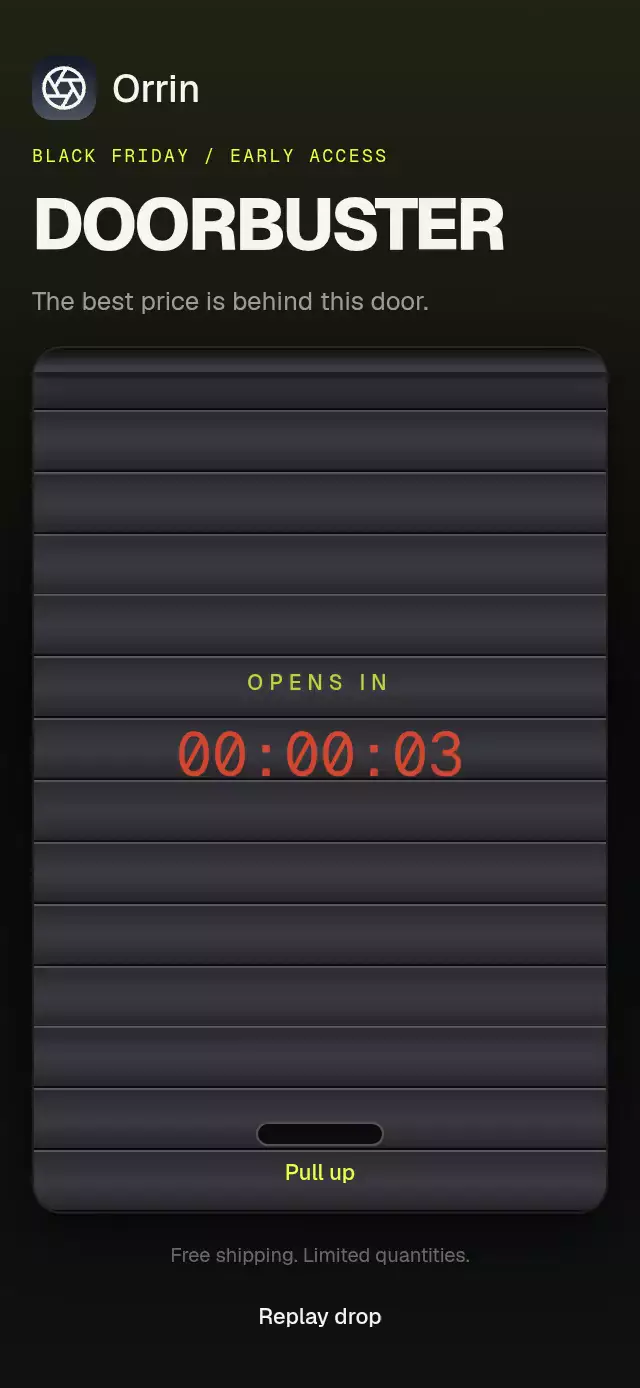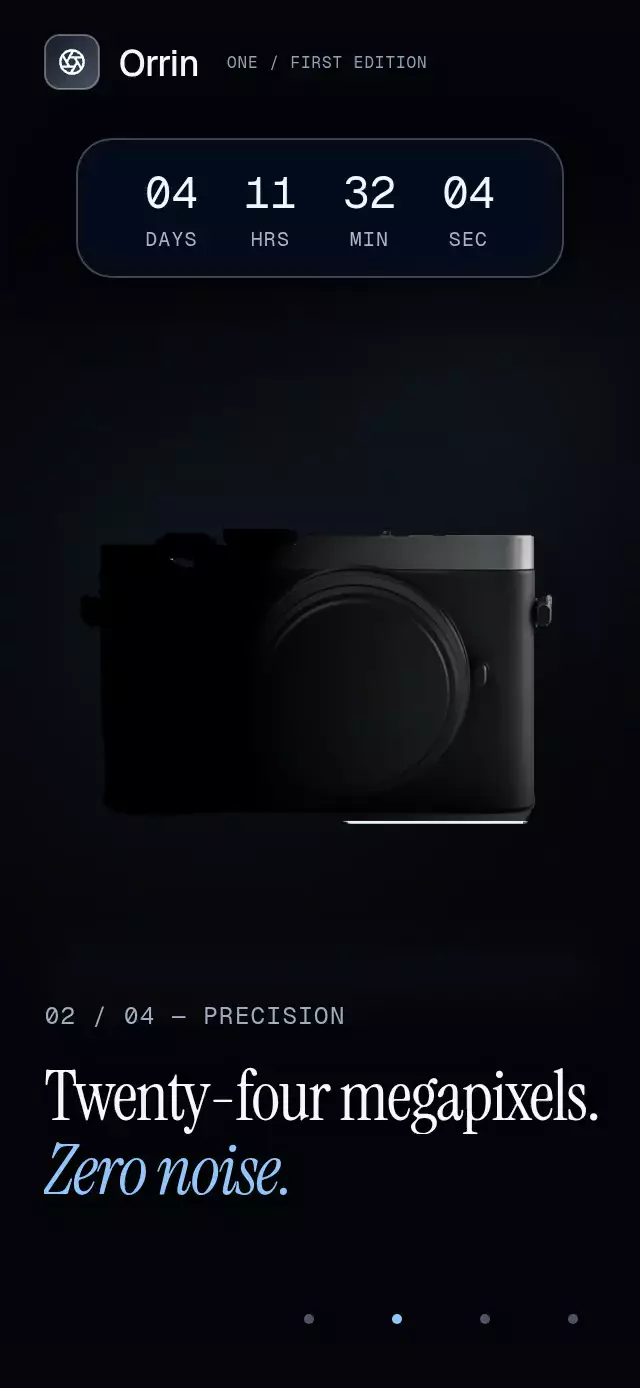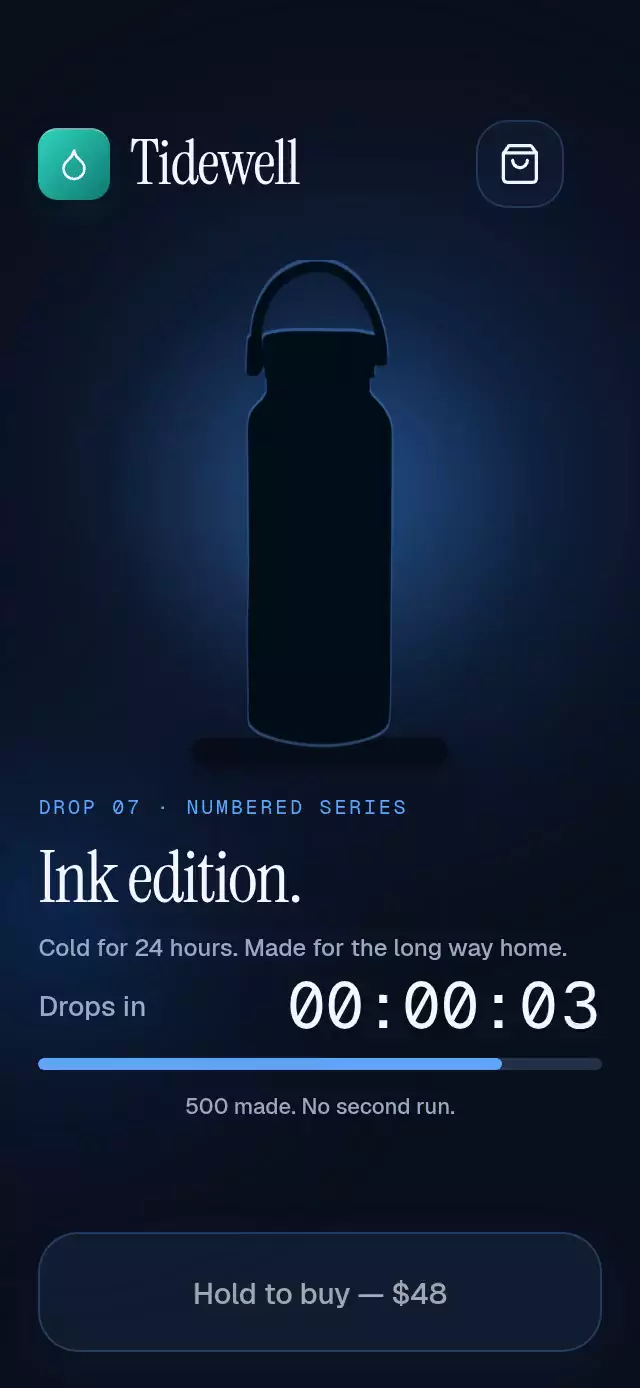
About this animation
A limited-release product screen with hold-to-reserve feedback, with configurable image, stock, fonts, and accent color.
On hosts shorter than 740 pt, the release screen scrolls vertically so the product description, countdown, stock feedback, and purchase control keep their own space.
Why this one
Urgency becomes visible: inventory drains while real purchase labels stack beneath the product. A bottom-to-top light curtain turns the silhouette into the edition artwork, then the bottle leaps into the bag and a numbered receipt rewards the purchase. The reveal and receipt give the familiar product page its own identity.
How it works
onLayoutmeasures the host container; the product is centered at 36% of its height, with a 42% width stage.- The countdown updates once per second. Each digit rolls independently on the UI thread and rests at an exact integer.
- A shared reveal value expands a bottom-aligned image clip. The light curtain uses a tinted copy of the artwork, so light stays inside the product silhouette.
- Stock events update a shared inventory ratio. A critically damped spring moves the 6-point bar; fewer than 50 units switches it to a pulsing warning color.
- Holding advances one continuous shared value over 1.1 seconds. Releasing a hold early springs the fill back. A quick tap starts the same deliberate confirmation for users who cannot hold.
- Completion schedules the callback on the React Native thread, flies the product into the bag, and displays the order number with fine confetti. At most three purchase labels remain visible.
Install
npx expo install @shopify/react-native-skia expo-blur expo-image expo-linear-gradient react-native-reanimated react-native-workletsCopy this folder without demo/. Configure Reanimated and worklets for your Expo project. For web, load CanvasKit before mounting this component, using Skia's documented web setup or your app's existing deferred Skia loader. The component uses up to four canvases, rather than a canvas for each feed entry or particle.
Usage
import { LimitedDropStock } from './limited-drop-stock';

<LimitedDropStock
  productSource={require('./assets/bottle.png')}
  title="Night edition."
  onPurchase={() => openCheckout()}
/>
Use real inventory from your backend in production:
const drop = useRef<LimitedDropStockRef>(null);

<LimitedDropStock
  ref={drop}
  productSource={require('./assets/bottle.png')}
  initialStock={412}
  stock={inventory.available}
  totalStock={500}
  holdDuration={1100}
  accentColor="#60A5FA"
  lowStockColor="#F87171"
  colorScheme="dark"
  fontFamily="YourInterfaceFont"
  titleFontFamily="YourEditorialFont"
  monoFontFamily="YourMonoFont"
  onPurchase={order => openCheckout(order)}
/>
The callback requests checkout; this UI does not charge a card, authenticate a buyer, or guarantee a reservation. The host must validate availability and handle checkout failures. The displayed order number is supplied by the host. simulateSales is off by default; the Tidewell demo explicitly enables illustrative inventory and purchase events. The bundled demo artwork has square transparent margins; replace it with artwork using the same framing, or adjust the stage framing for your asset.
Props
| Prop | Type | Default | Purpose |
|---|---|---|---|
productSource | ImageSourcePropType | required | Local transparent artwork |
productLabel | string | Limited edition bottle | Image description |
brand | ReactNode | Generic wordmark | Brand slot |
title | string | Limited edition | Editorial heading |
edition | string | Drop 01 | Edition label |
description | string | Made for every day. Available just once. | Product detail |
price | string | $48 | Formatted price |
initialStock | number | 412 | Stock at reset |
totalStock | number | 500 | Edition size, clamped to at least one |
stock | number | — | Backend inventory updates |
countdownSeconds | number | 3 | Countdown, clamped to 0–99 seconds |
holdDuration | number | 1100 | Confirmation time in milliseconds, minimum 200 |
orderNumber | number | 388 | Receipt number |
accentColor | string | #60A5FA | Six-digit hex accent |
lowStockColor | string | #F87171 | Warning accent |
colorScheme | dark | light | auto | dark | Theme |
fontFamily | string | system | Interface font |
titleFontFamily | string | system | Editorial font |
monoFontFamily | string | system | Countdown font |
simulateSales | boolean | false | Illustrative sales every 300–900 ms |
purchaseFeed | string[] | Someone just got one | Labels cycled by simulated sales |
onPurchase | (number) => void | — | Checkout request |
onStateChange | (state) => void | — | Countdown, live, purchased, or sold-out |
style | StyleProp<ViewStyle> | — | Host container |
testID | string | — | Root test identifier |
The exported LimitedDropStockRef provides reset(), launch(), buy(), and cancelHold(). Autoplay belongs to the demo: countdown 0–3 seconds, reveal 3–3.56 seconds, hold 5–6.1 seconds, flight 6.1–6.68 seconds, restart at 10 seconds. A physical touch cancels subsequent autoplay actions.
Compatibility
Built for Expo SDK 58, React Native 0.88.0, Reanimated 4.7.1, worklets 0.13.0, and Skia 2.14.0. The installed Expo Go runtime includes the required native modules. Android blur shares one BlurTargetView and uses the SDK 31+ blur method; older Android versions retain the translucent surface. Supports iOS, Android, and web.
Accessibility
The purchase button has a role, state, descriptive label, hint, and accessibility tap action. A quick tap runs the same confirmation as holding; a released hold of at least 220 ms cancels. Stock exposes progress-bar semantics. Countdown and key lifecycle changes have live-region labels and spoken announcements; the low-stock threshold announces once. The bag and artwork have descriptive labels.
Reduced motion uses a 200 ms product fade, removes the flight, light curtain, particles, blur, and digit rolling, and disables press scaling and the warning pulse. The inventory bar uses a short non-spring transition. UI animation never uses React state per frame; React updates only for layout and discrete inventory, countdown, feed, and lifecycle events. Timers and repeating animations are cleaned up on unmount.
Icons: Lucide (ISC), copied from the repository kit. Demo brand: Tidewell, with the kit's droplet tile and teal gradient. The blue accent belongs to the ink edition.