About this animation
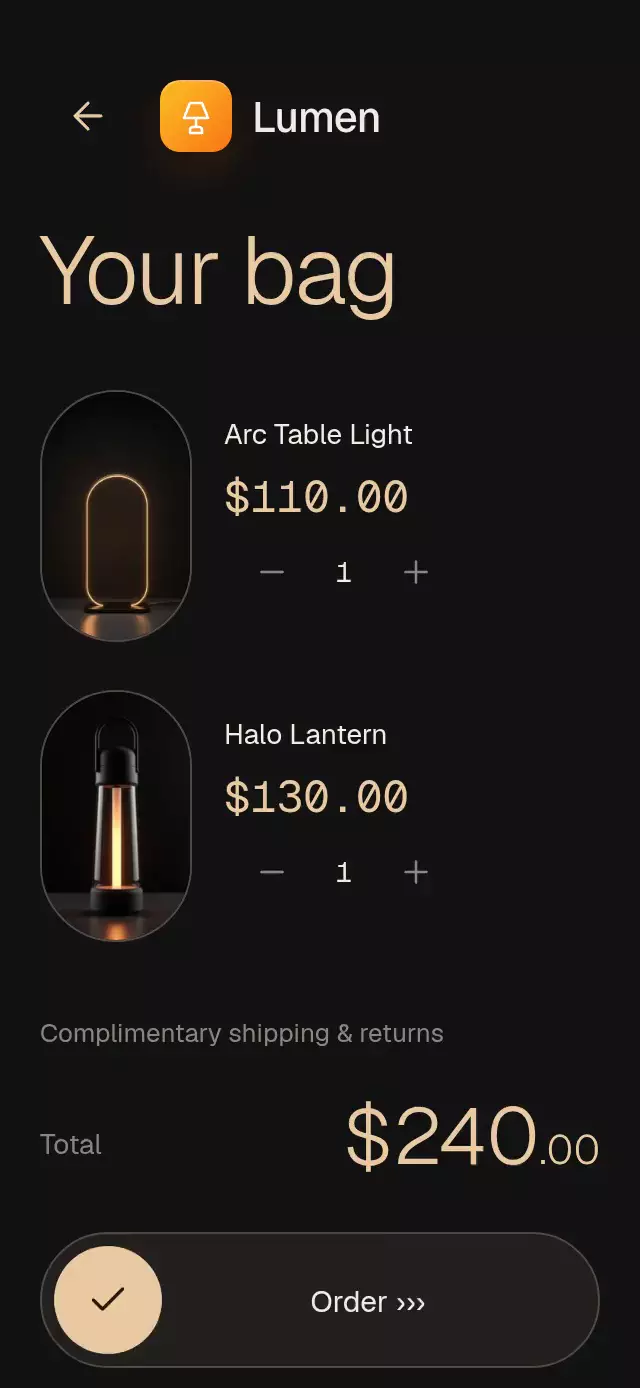
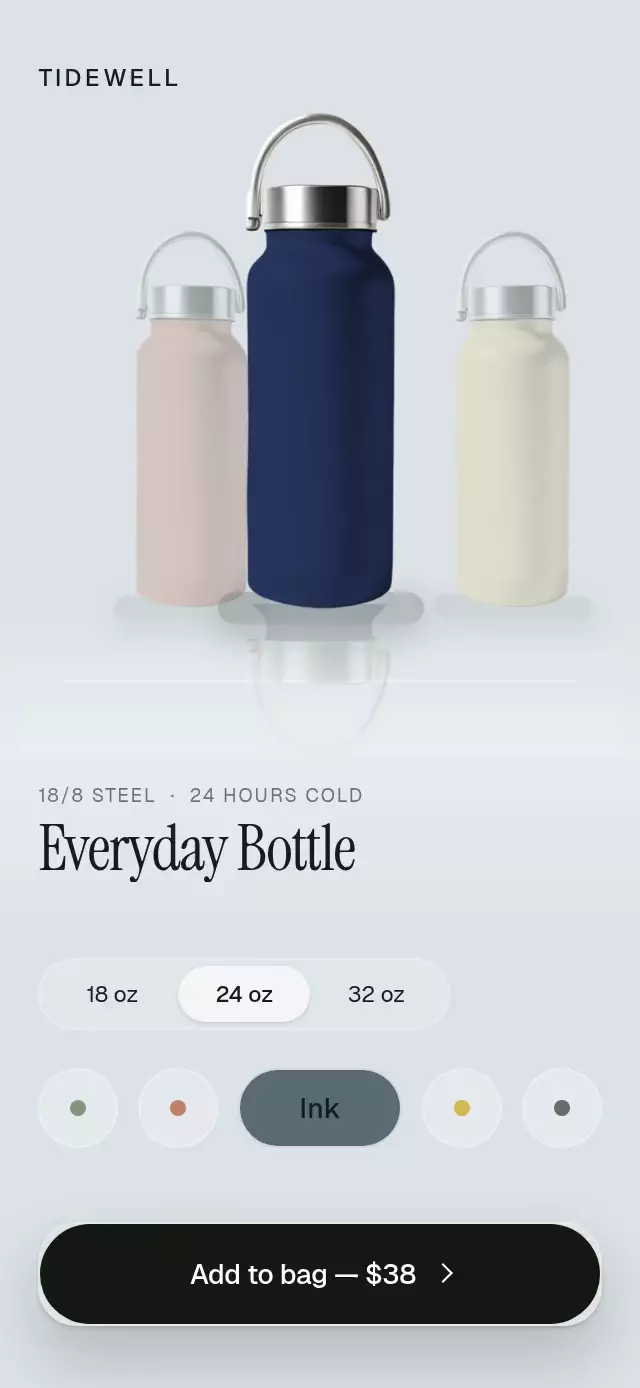
A storefront with product photos that expand from capsules into details, with configurable products, copy, palette, and fonts.
Why this one
Most product cards contain the whole photograph inside a rectangle. This pattern clips the lower body to an oval while letting the head extend above it. A hand-drawn category ring, traced orbital line, and rotating collection stamp give the storefront a distinct identity. The demo pairs a night-blue surface with amber details and three coherent dog portraits.
How it works
- The host supplies products, transparent artwork, and controlled cart rows. Container dimensions come from
onLayout; the host owns safe areas. - A single capsule transitions between the featured card and detail geometry using an interruptible spring. Its image slices share the same pose, and the head rises another 8% of the oval height.
- Skia traces the irregular orbit and active category ring. The circular text stamp rotates once every 12 seconds.
- Size and price characters transition separately. Unchanged digits remain still; decimal separators have narrower columns. A layout effect starts each transition after React commits the new characters.
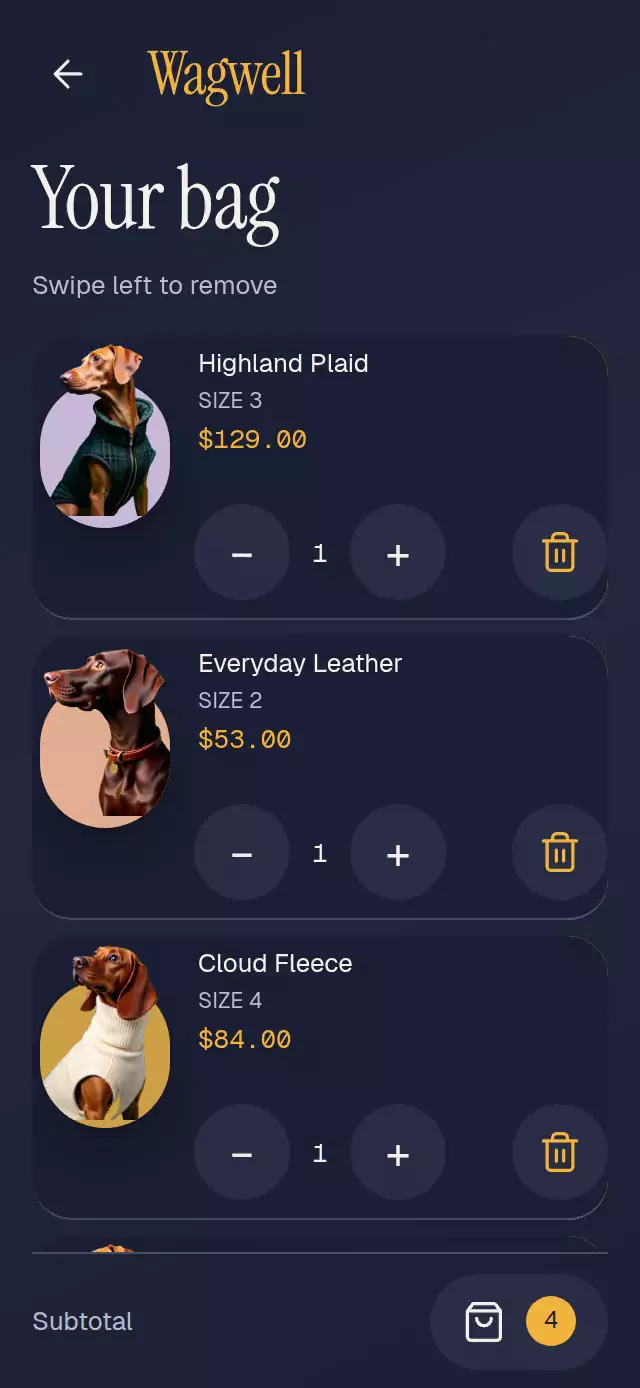
- Adding creates a small capsule that flies toward the fixed bag control. Cart rows combine exclusive pan/tap gestures, an explicit delete button, and a 200 ms fold before
onRemove. - Demo autoplay opens the coat at 0.9 seconds, changes size at 2.2 seconds, adds at 3.3 seconds, opens the bag at 4.4 seconds, removes at 5.8 seconds, and returns at 7.1 seconds. Any touch or scroll stops the loop.
Install
npx expo install expo-image expo-linear-gradient @shopify/react-native-skia react-native-gesture-handler react-native-reanimated react-native-workletsTested dependency targets: Expo Image ~58.0.17, LinearGradient ~58.0.3, Skia 2.14.0, Gesture Handler ~3.3.0, Reanimated 4.7.1, Worklets 0.13.0. Copy OvalPopoutProduct.tsx, icons.ts, and index.ts. Place the component under your application's GestureHandlerRootView. Configure Reanimated/Worklets using your Expo SDK's setup. Web must initialize Skia/CanvasKit before rendering this component; this catalog uses its existing deferred Skia loader.
Usage
const [cart, setCart] = useState<OvalCartItem[]>([]);
const ref = useRef<OvalPopoutProductRef>(null);
const products: OvalProduct[] = [{
  id: 'coat', name: 'Trail Plaid\nGreen\nDog Coat', category: 'Coats',
  image: require('./coat.webp'), ovalColor: '#C7B8DA',
  price: 129, previousPrice: 186, sizes: [1, 2, 3, 4, 5],
}];

<OvalPopoutProduct
  ref={ref}
  products={products}
  cart={cart}
  onAdd={(product, size) => setCart(rows => [...rows, {
    id: `${product.id}-${size}-${Date.now()}`,
    productId: product.id, size, quantity: 1,
  }])}
  onRemove={id => setCart(rows => rows.filter(row => row.id !== id))}
  onQuantityChange={(id, quantity) => setCart(rows => rows.map(row =>
    row.id === id ? { ...row, quantity } : row))}
/>
Customization example (provide loaded font family names):
<OvalPopoutProduct
  {...storeProps}
  copy={{ brand: 'Your collection', add: 'Add to bag' }}
  palette={{ background: '#F4F1EA', surface: '#E9E1D4', text: '#222436',
    muted: '#606274', border: '#CCC4B8', accent: '#8B541A', accentInk: '#FFFFFF' }}
  titleFontFamily="YourEditorialFont"
  fontFamily="YourInterfaceFont"
  monoFontFamily="YourNumberFont"
  stampDuration={16000}
  formatPrice={value => `$${value.toFixed(2)}`}
/>
Call ref.current?.openProduct('coat'), selectSize(5), addToCart(), openCart(), removeItem(rowId), or explore() to control the flow. Unknown product IDs and unavailable sizes are ignored. Each product should have at least one size and a unique ID. Cart rows also need unique IDs. The host updates controlled cart data after callbacks.
Props
| Prop | Type | Default | Purpose |
|---|---|---|---|
products | OvalProduct[] | Required | Name, category, transparent image, capsule color, prices, sizes, optional per-size prices |
cart | OvalCartItem[] | Required | Controlled product ID, size, quantity, row ID |
onAdd | (product, size) => void | Required | Requests an addition |
onRemove | (id) => void | Required | Requests deletion after the row folds |
onQuantityChange | (id, quantity) => void | — | Requests quantity changes; decrementing one deletes the row |
palette | Partial<OvalPalette> | Night blue, amber, ivory | Background, surface, text, muted, accent, border, accent ink |
copy | Partial<OvalCopy> | Generic English | Brand, headings, category all-label, stamp, button copy, announcements, empty state, subtotal, gesture hints |
formatPrice | (number) => string | $0.00 format | Localizable currency formatter |
fontFamily | string | System | Interface font |
titleFontFamily | string | System | Editorial font; demo uses Instrument Serif at 1.18× |
monoFontFamily | string | System | Changing figures |
stampDuration | number | 12000 | Circular stamp period in ms |
onInteraction | () => void | — | Touch/scroll notification for stopping autoplay |
style | StyleProp<ViewStyle> | — | Root style, which defaults to flex 1 |
testID | string | oval-popout-product | Root and stable control suffixes |
Products optionally accept imageScale (default 1.16) and imageOffsetY (default 0), both relative to capsule width. These tune transparent artwork margins without editing the image. Names can contain explicit line breaks; shortName supplies compact card/cart copy. Keep principal artwork at least 3× the displayed width, including imageScale. The demo caps its capsule at 212 pt and uses a 1.2× artwork scale: 254.4 pt × 3 = 763.2 pixels, within the supplied 768 px images. Increase artwork resolution before raising that limit.
Compatibility
Targets Expo SDK 58, React Native 0.88.0, Reanimated 4.7.1, Worklets 0.13.0, and Skia 2.14.0. Uses modules available in the configured Expo Go app. The component is designed for iOS, Android, and web.
The content column caps at 430 pt. A scroll container keeps controls reachable on small screens, landscape, tablets, and 300×400 embeddings. Header and footer stay in normal layout; the upper-right header area is reserved for the catalog close button. Consumers supply safe-area padding outside the component.
Accessibility
Controls expose button roles, labels, selected states, and stable test IDs. Product opening, size changes, additions, and removals announce their result. Every swipe action has a visible delete button; row tapping also reveals/hides the swipe action. Quantity controls use separate 48 pt hit areas outside the gesture surface.
Reduced motion disables flights, stamp rotation, head travel, and swipe movement. Views and changing characters use 200 ms opacity transitions; the orbit and selection ring appear complete. Controls remain usable, including explicit delete buttons. The host can replace all copy and currency formatting.
Icons: Lucide (ISC), copied from the repository kit. Wagwell is demo text only; no logo is used.
Implementation notes
primary copy has at least 1.16× editorial line height and all UI text is supplied through data, copy, or a formatter. The top-right header area contains no control or important copy. At 320×694 the compact thumbnail sizes keep the collection close to a single viewport; at 390×844 the detail remains in a scrollable flow with a fixed reachable bag control. Shorter embeddings scroll rather than overlap. The capsule expansion begins around 1.06 seconds in autoplay, within the first three seconds. The orbit and category circle are actual stroked paths, and the background gradient sits behind the content; no effect is a block over text.