About this animation
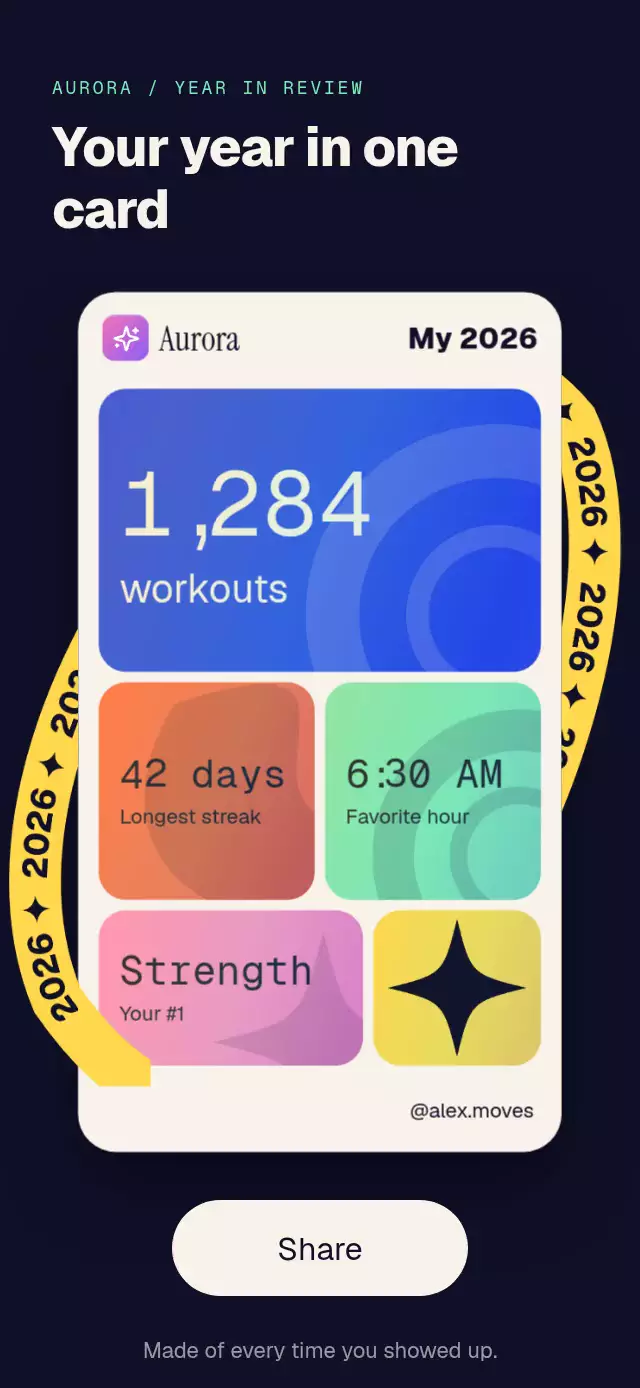
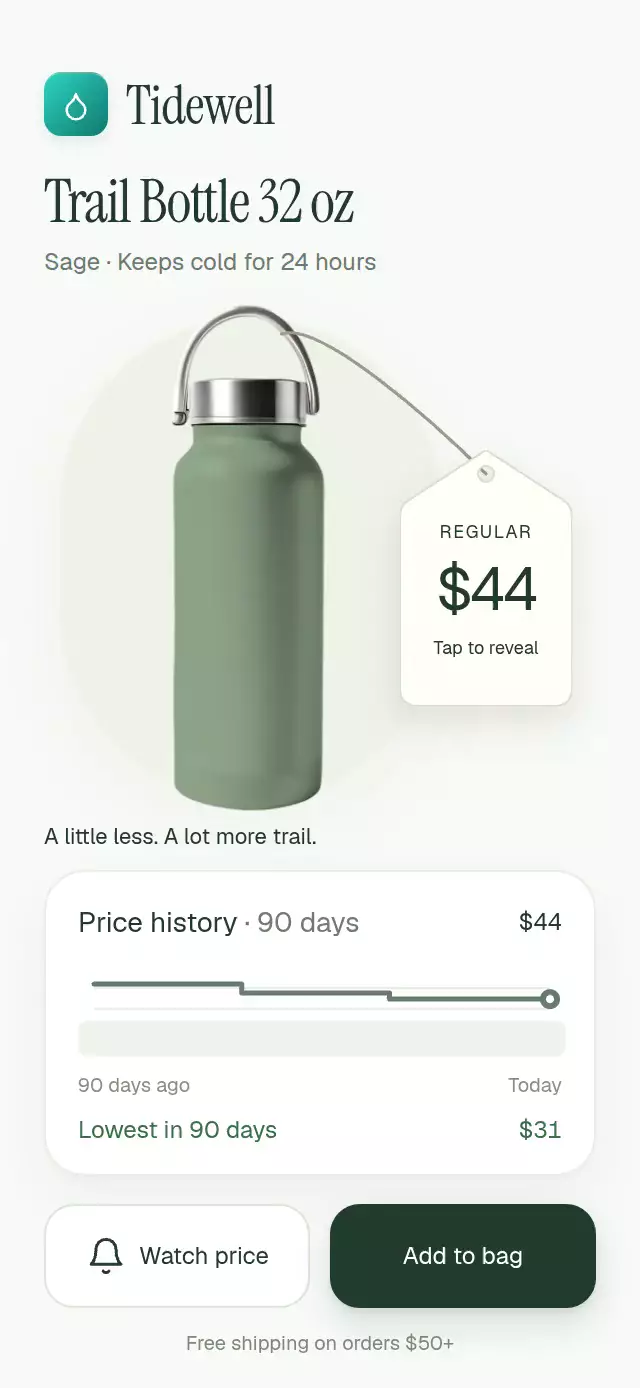
An advent calendar with hinged doors and expanding rewards, with configurable days, colors, labels, and fonts.
Why this one
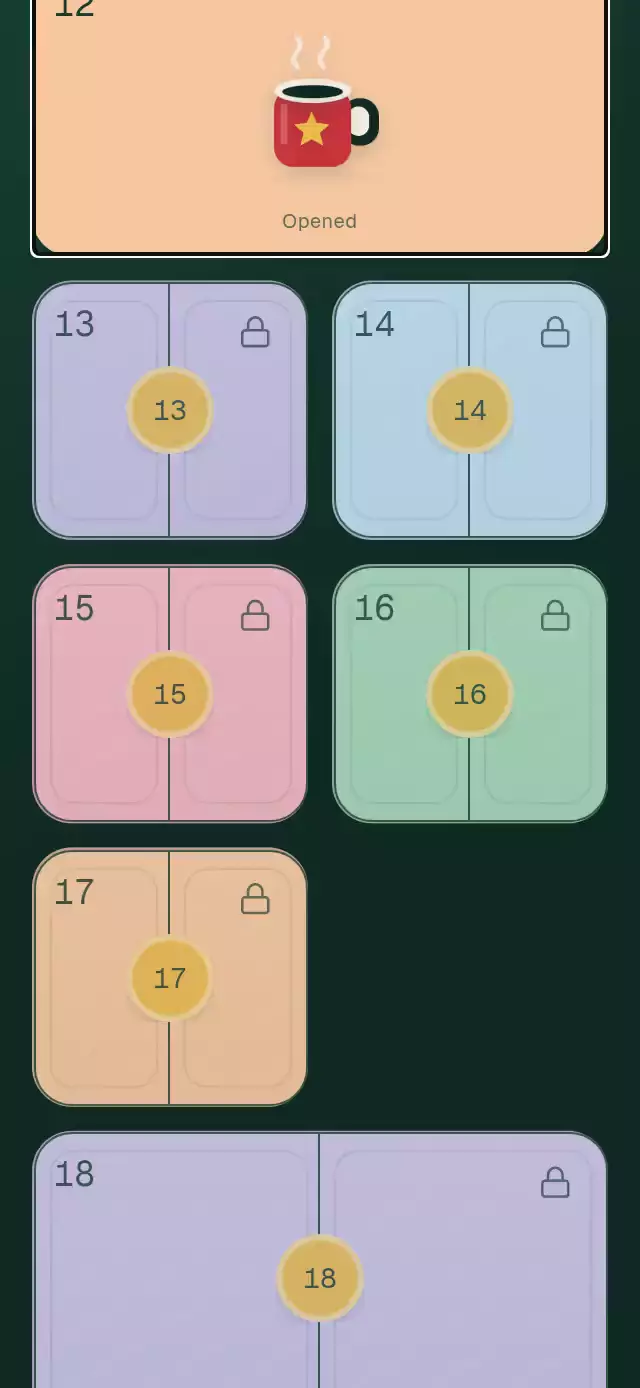
Opening a reward keeps its spatial connection to the calendar. Two paper leaves swing away from an illustrated treat, then the tile fills its host container. Locked dates respond with a short shake and a date hint. Eight original Skia illustrations keep the default artwork sharp at every size.
How it works
- The host is measured with
onLayout. A two-column bento layout gives days 1, 6, 12, 18, and 24 full-width tiles. The internalScrollViewsupports the entire campaign, including in a 300 × 400 container. - Tiles are measured with Reanimated
measureon the UI thread. Coordinates are relative to the component, so the same transition also works inside a card or modal. - One
progressvalue sequences the seal break (220 ms), door reveal (520 ms), pause (250 ms), and expansion (480 ms). Door rotation follows a spring with damping 16, stiffness 180, and explicit mass 1. Press feedback has its own spring. - A second rendering of the selected illustration takes over at exactly the tile's position and size. The overlay animates its bounds and radius to fill the host. All grid illustrations share a canvas; locks share a second canvas.
- The reward floats above a real
expo-blurcard while 20 fine snowflakes fall. Closing reverses the spatial expansion; dragging down dismisses it too. The opened thumbnail stays in the grid. - Controlled
openedDaysand callbacks let the host persist progress.onClaimrequests redemption; it does not validate or redeem rewards itself.
Install
npx expo install @shopify/react-native-skia expo-blur expo-linear-gradient react-native-gesture-handler react-native-reanimated react-native-workletsPlace your screen under GestureHandlerRootView. For web, configure the Skia CanvasKit loader before importing this component, using the Skia web setup for your Expo project. The host applies safe-area insets; this component does not add them.
Usage
import { useState } from 'react';
import { AdventCalendarGrid } from './advent-calendar-grid';

const days = Array.from({ length: 24 }, (_, i) => ({
  day: i + 1,
  reward: i === 11 ? '20% off hot cocoa' : 'A little holiday treat',
}));

export function HolidayRewards() {
  const [opened, setOpened] = useState<number[]>([]);
  return (
    <AdventCalendarGrid
      days={days}
      today={12}
      openedDays={opened}
      onOpen={(day) => setOpened((current) => [...current, day])}
      onClaim={(day) => redeemReward(day)}
    />
  );
}
Customize the palette, artwork, copy, and timing:
const calendar = useRef<AdventCalendarGridRef>(null);

<AdventCalendarGrid
  ref={calendar}
  days={days}
  today={new Date(2026, 11, 12)}
  month={12}
  year={2026}
  colors={{
    background: '#102B25',
    mesh: '#1E4739',
    accent: '#B52E40',
    pastels: ['#BFDCCB', '#F3D1B2', '#D5CDED'],
    ink: '#14372B',
  }}
  labels={{ claim: 'Save my treat', day: (n) => `December ${n}` }}
  expansionDuration={480}
  tileScale={1.1}
  fontFamily="YourSansFont"
  numberFontFamily="YourMonoFont"
  titleFontFamily="YourDisplayFont"
  renderIllustration={(day, size) => (
    <YourRewardArtwork day={day.day} width={size} height={size} />
  )}
/>
renderIllustration receives the full day object and its intended square size, in points. Its return value is a React Native node, not a Skia child. Keep custom artwork local and preloaded; avoid creating a separate Skia canvas for every thumbnail on web. The built-in artwork supports gift, star, ornament, stocking, mug, snowflake, gingerbread, and candle.
Props
| Prop | Type | Default | Purpose |
|---|---|---|---|
days | readonly AdventDay[] | Required | Unique valid dates in the campaign month, sorted automatically. Each has day, reward, optional illustration, and optional color. |
today | number | Date | Required | Days after this date are locked unless already opened. A date before the campaign locks all days; one after it unlocks all. |
openedDays | readonly number[] | Local state | Controlled opened dates. Update this array from onOpen. |
onOpen | (day: number) => void | — | First opening in the current opened state. |
onClaim | (day: number) => void | — | Requests a reward claim. |
colors | Partial<AdventCalendarColors> | Holiday palette | All surfaces, text, illustration materials, mesh, shadows, glass, borders, and button text. An empty pastel array falls back to the default five. |
labels | Partial<AdventCalendarLabels> | English | Open/opened hints, claim, close, scroll label, day label, locked date, and accessible date/state formatter. |
renderIllustration | (day, size) => ReactNode | Built-in Skia art | Override thumbnail and expanded artwork. |
month, year | number | 12, 2026 | Campaign date context. Month is 1-based. |
formatDate | (date, style) => string | US dates | numeric defaults to MM/DD; long to December 12. |
header | ReactNode | — | Campaign content inside the calendar scroll view. |
fontFamily | string | System | Interface typeface. |
numberFontFamily | string | System | Day numeral typeface. |
titleFontFamily | string | Interface font | Expanded reward typeface. |
expansionDuration | number | 480 | Expansion and return duration, in milliseconds. |
tileScale | number | 1 | Tile height multiplier; minimum height 116 pt. |
style | StyleProp<ViewStyle> | Flex 1 | Host layout. Give the parent a bounded height. |
testID | string | advent-calendar-grid | Root ID; controls append -day-N, -close, -claim, or -today. |
The default palette uses pine #0F2A22, cranberry #C8323C, cream #F6EFE3, gold #E9B949, frost #DCEBF5, and five pastel tile colors. Theme overrides merge with defaults; replace the text and material colors too when changing the visual theme.
Ref methods
openDay(n)scrolls to a valid available or opened date, measures it, and opens it. A future date shakes and displays its opening date. Requests while another reward is open are ignored.close()reverses the expansion and preserves the opened state. It can also cancel the opening sequence.scrollToToday()centers today's tile. If that day is absent, it does nothing.
The overlay fills the measured component rather than creating an application-wide native modal. A screen-size host produces the full-screen presentation. On rotation, the overlay adapts to the new bounds. Avoid changing campaign data or rearranging the parent while a reward is open; the return target is the captured tile rectangle.
Accessibility
Every tile is a native button with a date and locked, available, or opened state in its accessible label. Locked buttons remain actionable so their opening date can be announced. Close, claim, and jump-to-today controls are at least 48 pt. The grid is removed from accessibility traversal while the modal reward is open. After expansion, focus moves to the close control; closing returns focus to the originating date. A screen-reader escape gesture also closes the reward. All visible and accessible strings are replaceable.
useReducedMotion replaces the door and spatial transition with a 200 ms fade. It removes falling snow, floating artwork, tile travel, shaking, and pulsing glow. The visible close button provides an alternative to the downward drag. Long reward text can scroll inside the bounded glass card without clipping the claim button.
Compatibility
Targets Expo SDK 58, React Native 0.88.0, Reanimated 4.7.1, Worklets 0.13.0, Gesture Handler 3.3, and Skia 2.14.0. Uses only modules available in this project's Expo Go stack. Android blur uses BlurTargetView and dimezisBlurViewSdk31Plus; older Android versions use the translucent fallback.
Icons: Lucide (ISC). The license is included. Illustrations are original Skia geometry.