About this animation
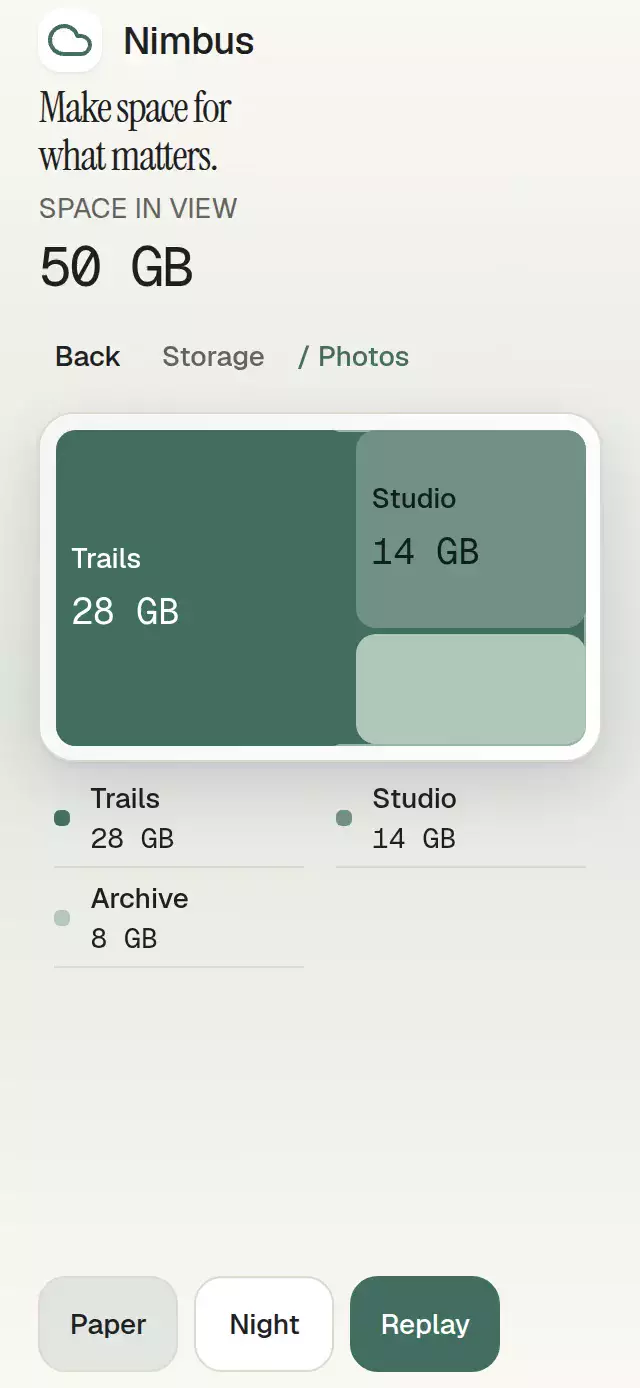
An expandable content tree with growing connectors and configurable nodes, labels, palette, and fonts.
How it works
- A bounded, iterative index validates the entire hierarchy before rendering. Duplicate IDs, cycles, more than 200 nodes, or more than 12 levels produce the supplied invalid message.
- Expansion and selection are independent. Closing an ancestor removes only that ancestor from the expanded set; descendants retain their expansion and the selected ID stays unchanged.
- Rows measure their own natural height with
onLayout, including wrapped or enlarged text. One tree progress value interpolates row positions, clips, icons, and connector endpoints between measured poses. - Interrupting an operation captures its current pose before constructing the next target. Opening takes 260 ms and closing 180 ms; entering children fade with a capped 120 ms stagger. Selection has a separate 280 ms transition.
- The tree displays three levels at a time. Opening a folder at the third visible level drills into it and exposes horizontally scrollable breadcrumbs so long paths cannot consume the tree viewport.
revealopens all ancestors and scrolls the requested node into view without selecting it.
Install
Copy this entire folder, excluding demo/, into your project.
npx expo install @shopify/react-native-skia react-native-reanimated react-native-workletsBuilt against Skia 2.14.0 and Reanimated 4.7.1. Reanimated also requires the Expo-compatible react-native-worklets package (0.13.0 in this project). Follow your host's Reanimated setup. On web, load CanvasKit before importing this module; the Native Animation host uses a lazy Skia boundary. See Skia web installation.
No raster assets, remote requests, provider, safe area, or demo font is required by the component. The demo additionally uses expo-blur for its header, with a BlurTargetView and the SDK 58 Android API-31-plus blur method. Its solid surface remains readable when blur is unavailable.
Usage
import AnimatedContentTree, { type TreeNode } from './animated-content-tree';

const nodes: readonly TreeNode[] = [
  { id: 'ideas', label: 'Ideas', children: [
    { id: 'draft', label: 'Draft', meta: 'Updated today' },
  ] },
];

export function Collection() {
  return <AnimatedContentTree nodes={nodes} defaultExpandedIds={['ideas']} />;
}
Controlled state and personality knobs:
const tree = useRef<AnimatedContentTreeHandle>(null);
const [expanded, setExpanded] = useState<string[]>([]);
const [selected, setSelected] = useState<string | null>(null);

<AnimatedContentTree
  ref={tree}
  nodes={nodes}
  expandedIds={expanded}
  onExpandedIdsChange={setExpanded}
  selectedId={selected}
  onSelect={setSelected}
  colorScheme="dark"
  palette={{ accent: '#B5AEF2', focus: '#B5AEF2' }}
  indent={18}
  motion={{ durationScale: 0.8, glowOpacity: 0.18 }}
  labels={{
    expand: 'Expand folder', collapse: 'Collapse folder',
    containsSelection: 'Contains selection', empty: 'No notes yet',
    invalid: 'Unable to display these notes', root: 'All notes', select: 'Select note',
    level: (n) => `Level ${n}`, selected: (label) => `${label} selected`,
  }}
  style={{ flexGrow: 0, flexShrink: 0, flexBasis: 'auto', width: 300, height: 400 }}
/>;
// Opens ancestors and reveals the row; does not select it.
tree.current?.reveal('draft');
Import useRef/useState from React and AnimatedContentTreeHandle from this folder for the second example. The host owns safe areas. The component owns vertical scrolling; avoid wrapping it in another vertical scroller unless the host explicitly coordinates nested scrolling.
Props
| Prop | Type | Default | Behavior |
|---|---|---|---|
nodes | readonly TreeNode[] | required | Stable, globally unique string IDs; immutable updates. |
expandedIds / selectedId | readonly string[] / string | null | uncontrolled | Controlled values always win, including empty arrays and null. |
defaultExpandedIds / defaultSelectedId | same | [] / null | Initialize uncontrolled state; also used by reset. |
onExpandedIdsChange | (ids: string[]) => void | — | One request per distinct expansion action; no selection callback on collapse. |
onSelect | (id: string | null) => void | — | Explicit selection only; reset can request null. |
labels | TreeLabels | neutral English | Actions, empty/error copy, breadcrumbs, level and selection formatters. |
title | string | omitted | Optional panel heading. |
formatCount | (count: number) => string | String | Direct child count, including disabled children. |
indent | number | 20 | Clamped to 12–32; hosts below 340 cap it at 16. |
disabled | boolean | false | Disables rows, breadcrumbs, keyboard and all handle actions except reset. |
colorScheme | 'light' | 'dark' | 'auto' | 'auto' | Complete Paper/Night themes. |
palette | Partial<Palette> | theme | All semantic tokens plus selection, highlight and two shadow colors. |
fontFamily / titleFontFamily / monoFontFamily | string | system | Body / heading and folders / counts. |
motion | { durationScale?, glowOpacity? } | 1 / 0.25 | Clamped to 0.5–2 / 0–0.3; non-finite inputs fall back. |
style | StyleProp<ViewStyle> | — | Applied last to the flex root. |
testID | string | 'animated-content-tree' | Rows: -node-<id>; breadcrumbs: -breadcrumb-node-<id> / -breadcrumb-home. |
accessibilityLabel | string | 'Content tree' | Host name. |
TreeNode is { id; label; meta?; children?; disabled? }. Unknown expanded IDs and leaf IDs are ignored. An unknown selected ID displays no marker; if it returns in the data, its selection returns. Invalid input renders only labels.invalid, never a partial tree. Empty input renders labels.empty. Disabled nodes reject imperative actions; reveal also rejects a path through disabled ancestors. Reset can restore disabled defaults. Default prop changes do not replace live uncontrolled state until reset.
Handle: expand(id), collapse(id), select(id), reveal(id), reset(). select accepts any enabled node and never opens it. Controlled handles request a change through callbacks and wait for the supplied prop; they do not override it. A collapsed ancestor uses the contains-selection label and a shaped marker until its selected descendant becomes visible again.
Compatibility
Expo SDK 58, React 19.2, React Native 0.88.0, Reanimated 4.7.1, worklets 0.13.0, Skia 2.14.0. Native modules are included in this project's Expo Go version.
Accessibility
Rows have a button role, original hierarchy level, expanded/selected/disabled states, and explicit expand/collapse actions. All rows are at least 52 points tall and wrap labels and metadata without truncation. Invisible rows cannot receive taps, Tab focus or screen-reader navigation. Decorative canvases and the selection overlay do not intercept scroll or touch.
Web: Tab moves between visible rows, arrows move/open/close, Home/End jump, Enter selects, Space activates the row, and Escape leaves a drill-in level. Logical indentation and spatial arrows follow RTL. Collapse moves focus to the ancestor if a descendant had focus; reopening restores that descendant when it still exists. Native accessibility focus is guarded from web's unsupported findNodeHandle.
useReducedMotion plus a live accessibility subscription replaces geometric animation with immediate committed poses. Autoplay stops under reduced motion, on interaction, in the background, and on unmount. Selection announcements occur only on uncontrolled selection commits, never per frame; controlled hosts can provide their own confirmation announcement.
Why this one
An accordion reveals independent blocks. This tree preserves nested expansion by ID, carries selection through hidden ancestors, connects measured row centers, and switches to drill-in navigation before indentation consumes the mobile reading width.
Icons: Lucide (ISC), exact paths copied from the local licensed kit. Nimbus is the kit's fictional demo identity. Fonts are supplied only by the demo; the component has no dependency on the theme, catalog, or demo. Raster requirements: N/A. Motion, code, copy, colors, and composition are original; the reference supplies only the hierarchy pattern.
Icon license
ISC License

Copyright (c) for portions of Lucide are held by Cole Bemis 2013-2022 as part of Feather (MIT). All other copyright (c) for Lucide are held by Lucide Contributors 2022.

Permission to use, copy, modify, and/or distribute this software for any
purpose with or without fee is hereby granted, provided that the above
copyright notice and this permission notice appear in all copies.

THE SOFTWARE IS PROVIDED "AS IS" AND THE AUTHOR DISCLAIMS ALL WARRANTIES
WITH REGARD TO THIS SOFTWARE INCLUDING ALL IMPLIED WARRANTIES OF
MERCHANTABILITY AND FITNESS. IN NO EVENT SHALL THE AUTHOR BE LIABLE FOR
ANY SPECIAL, DIRECT, INDIRECT, OR CONSEQUENTIAL DAMAGES OR ANY DAMAGES
WHATSOEVER RESULTING FROM LOSS OF USE, DATA OR PROFITS, WHETHER IN AN
ACTION OF CONTRACT, NEGLIGENCE OR OTHER TORTIOUS ACTION, ARISING OUT OF
OR IN CONNECTION WITH THE USE OR PERFORMANCE OF THIS SOFTWARE.