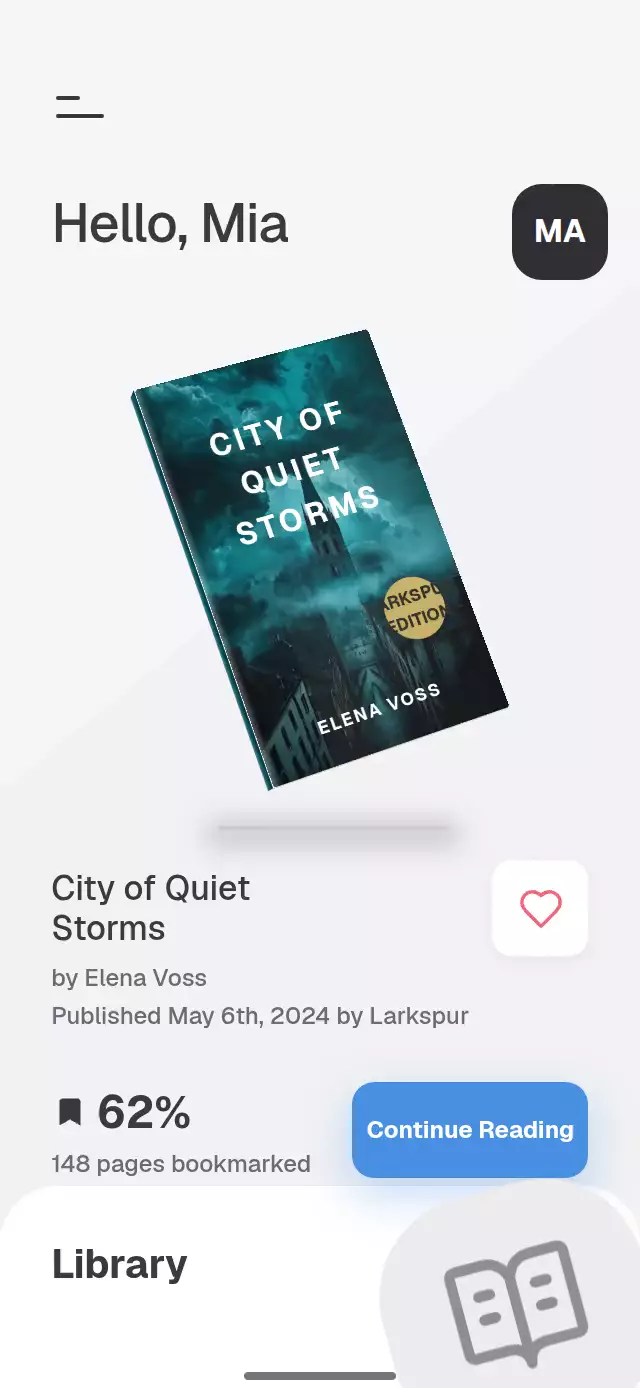
About this animation
A music browser with cover-to-player transitions and a draggable waveform, with configurable tracks, labels, colors, and fonts.
Why this one
The shadow moves with the cover between discovery and playback. Every button sinks toward its shadow instead of shrinking, so the visual language carries through the entire interaction.
How it works
- The component measures its container with
onLayout, limits the content width on larger screens, and sizes the cover against both available axes. - A shared
screenspring interpolates the selected thumbnail's position, size, corner radius, and shadow displacement into the player cover. Back reverses that spring. - Independent pressure values translate buttons toward fixed shadows. The cover's opening press is also available through
openTrack. - One normalized
progressvalue drives clipped waveform fills and timestamps. A UI-thread clock advances it while playing; a pan gesture writes directly to the same value. - Track changes send the cover sideways, replace its content, then spring the new cover into place. Waveform heights stagger into the new shape.
- Reduced motion replaces the screen transition with a fade and disables cover flights and waveform bounce.
Install
npx expo install expo-image react-native-gesture-handler react-native-reanimated react-native-workletsWrap the host application in GestureHandlerRootView. Configure Reanimated and Worklets for your Expo SDK. No Skia or web canvas setup is required. Icons: Lucide (ISC); paths are included locally in icons.ts.
Usage
import { BrutalistMusicPlayer } from './brutalist-music-player';

<BrutalistMusicPlayer
  tracks={[
    {
      id: 'first',
      title: 'First Light',
      artist: 'Your Artist',
      cover: require('./cover.webp'),
      duration: 280,
    },
  ]}
  artists={[{ id: 'artist', name: 'Your Artist', photo: require('./artist.webp') }]}
  onPlay={(playing) => audioEngine.setPlaying(playing)}
/>
Supply fontFamily, titleFontFamily, and monoFontFamily after loading your fonts. The demo uses Geist and Geist Mono, loaded by the catalog host.
<BrutalistMusicPlayer
  ref={playerRef}
  tracks={tracks}
  colors={{ paper: '#1A1A1A', ink: '#FFFFFF', muted: '#555555' }}
  shadowOffset={{ x: 4, y: 5 }}
  labels={{ discover: 'Explore', artistsTitle: 'Featured Artists' }}
  onSearch={openSearch}
  onTabChange={navigateToTab}
/>
// playerRef.current?.openTrack('first');
// playerRef.current?.seek(0.7);
Props
| Prop | Type | Default | Purpose |
|---|---|---|---|
tracks | MusicTrack[] | Required | IDs, titles, artists, local covers, durations in seconds, optional 46 normalized waveform heights |
artists | MusicArtist[] | [] | Featured portraits; the first three appear on Discover |
labels | Partial<MusicLabels> | English UI labels | Visible copy and accessibility labels |
colors | { ink?, paper?, muted? } | #1A1A1A, #FFFFFF, #CFCFCF | Full palette |
shadowOffset | { x, y } | { x: 5, y: 6 } | Small-card hard shadow; player cover grows to 9/11 |
fontFamily | string | System | Body typeface |
titleFontFamily | string | System | Bold typeface |
monoFontFamily | string | System | Changing timestamps |
onPlay | (playing: boolean) => void | — | Audio-engine integration |
onTrackChange | (track: MusicTrack) => void | — | Selected-track notification |
onSearch | () => void | — | Host search navigation |
onTabChange | (index: number) => void | — | Host navigation; tab selection is local |
onInteraction | () => void | — | Stop host autoplay on touch |
style | StyleProp<ViewStyle> | — | Container styling |
testID | string | brutalist-music-player | Control ID prefix |
Ref
openTrack(id), back(), togglePlay(), next(), previous(), and seek(p) provide the same controls used by touch. Seeking clamps to 0–1. Unknown track IDs are ignored. Artists open the track at the corresponding list position.
Demo
Monotone is an invented music app with five invented artists and local generated portraits. Autoplay opens the second row at 1.2 seconds, advances at 3.4 seconds, seeks at 5 seconds, pauses at 5.5 seconds, and returns at 7 seconds in a 9-second loop. Touch stops autoplay.
Compatibility
Targets Expo SDK 58, React Native 0.88.0, and Reanimated 4.7.1 on iOS, Android, and web. Install the SDK-compatible dependencies above for Expo Go. Audio playback requires a host-provided engine.
Accessibility
Buttons expose roles, labels, and accessibility activation. The waveform supports direct touch and screen-reader increment/decrement actions. Reduced motion removes spatial screen and track travel, press displacement, and waveform playback motion while retaining short fades. The host owns safe-area padding. The component is intended for a bounded screen container and supports compact layouts with a width cap in landscape.
Limitations
This is a visual player and playback clock; it does not load or play audio. Connect an audio engine through callbacks. Search and destination tabs belong to the host. Shuffle and repeat are local playback modes. No artwork or fonts are bundled in the installable component. The demo assets stay in demo/assets.
The supplied demo portraits are 600 × 600 pixels. The cover can reach 330 points, so these demo assets do not meet the catalog’s 3× image-density target. Supply artwork of at least 990 × 990 pixels for that maximum size; resizing the current portraits would not add detail.