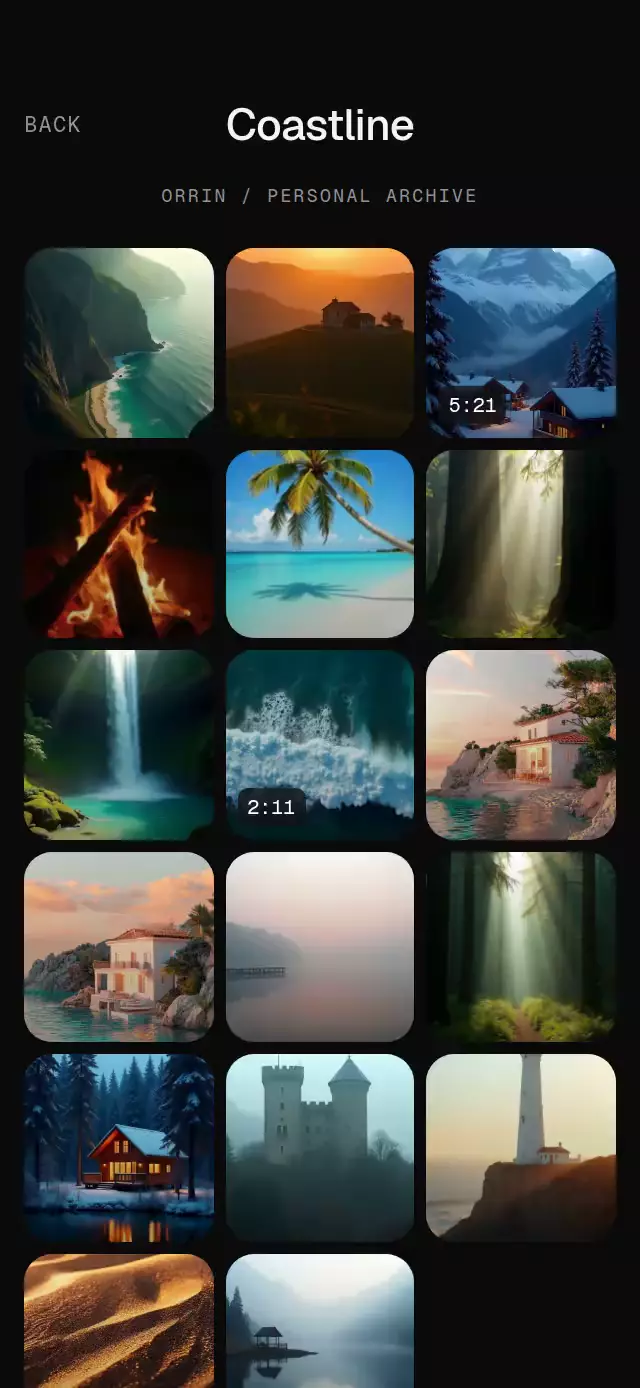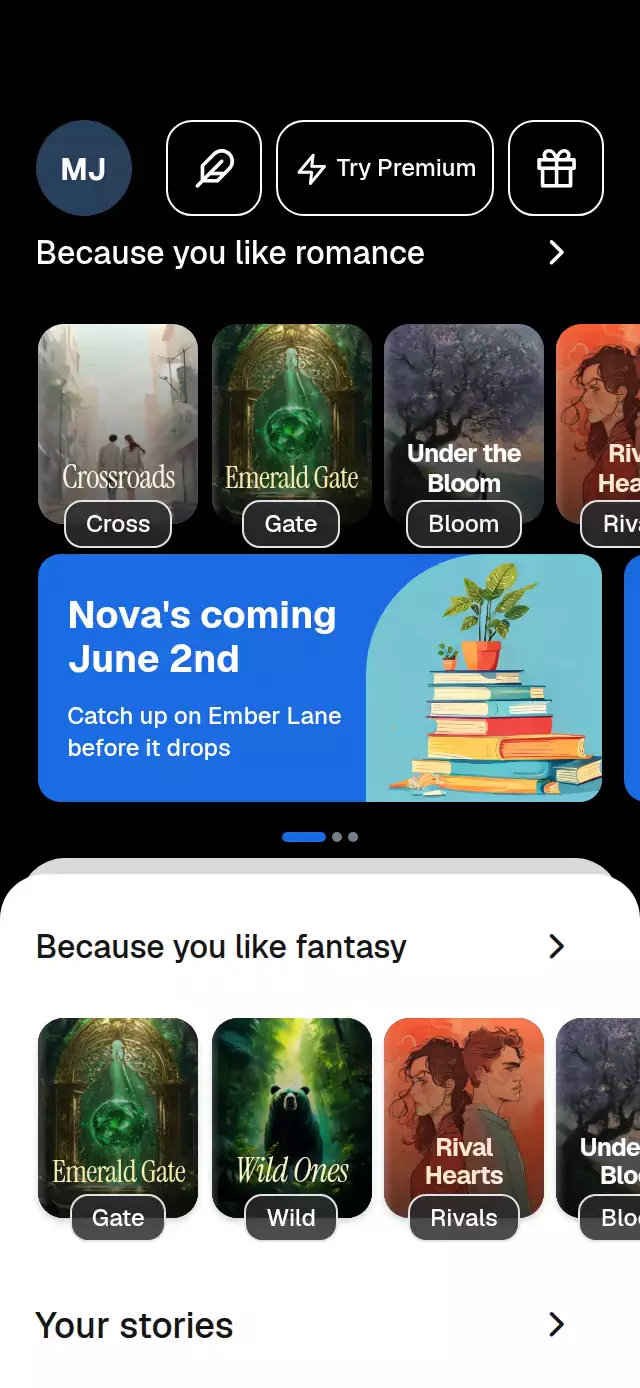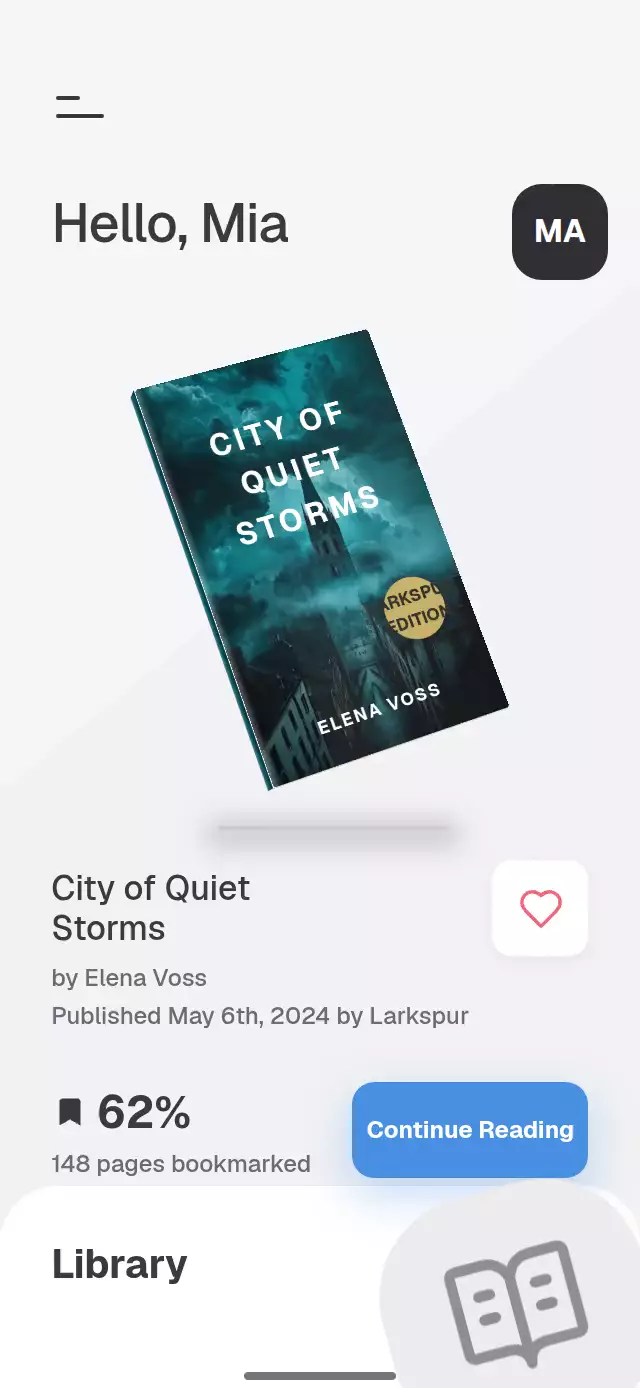
About this animation
A floating book hero that unfolds into a library grid, with configurable books, labels, colors, and fonts.
How it works
- Five individually projected faces form the hardcover: front, back, spine, fore-edge, and bottom page edge. A column-major rotation matrix positions every face with perspective, including on native renderers that flatten nested transforms.
- A vector shared value controls finger tilt. Release uses a spring with damping 12, stiffness 120, and mass 1. Fast horizontal swipes select the neighboring book.
- A separate sheet shared value drives the exact same cover from its Home rectangle to its library rectangle, reducing thickness and rotation as the sheet rises. Other covers enter with a diagonal stagger.
- Book changes reveal the back before committing the new cover; metadata rolls into place, and the percentage counts toward its next value. Each cover receives its own image, lettering, binding color, and optional edition seal.
- Favorites have their own pressure/pop value and five short-lived heart particles. Continue Reading has independent pressure feedback. The demo host stops its timed sequence on user interaction.
Install
npx expo install react-native-reanimated react-native-worklets react-native-gesture-handler expo-image expo-linear-gradient @shopify/react-native-skiaCopy this folder without demo/. Place your screen beneath GestureHandlerRootView. For web, load Skia's LoadSkiaWeb before dynamically importing this component, and serve canvaskit.wasm from your public directory. Load your fonts in the host before mounting the component. Images enter through props; the component contains no demo assets or catalog imports.
Usage
import { useRef } from 'react';
import FloatingBookHero, {
  type FloatingBook,
  type FloatingBookHeroHandle,
} from './floating-book-hero';

const books: FloatingBook[] = [{
  id: 'field-notes', title: 'Field Notes', author: 'A. Reader',
  published: 'Published May 6th, 2024',
  cover: require('./assets/field-notes.jpg'), coverTitleColor: '#FFFFFF',
  progress: 62, pagesBookmarked: 148, spineColor: '#174954', tint: '#86BBC1',
}];

export function ReadingScreen() {
  const ref = useRef<FloatingBookHeroHandle>(null);
  return <FloatingBookHero ref={ref} books={books} greeting="Hello, Alex"
    user={{ initials: 'AR' }} onContinue={(id) => openReader(id)} />;
}
openReader is your application's navigation callback. The component does not own routing.
<FloatingBookHero
  books={books}
  initialBook={0}
  initialSheet={1}
  colorScheme="dark"
  colors={{ accent: '#68A7EB', accentText: '#12202F' }}
  floatAmplitude={4}
  tiltLimit={28}
  labels={{ library: 'My books', bookmarked: (n) => `${n} saved pages` }}
  onBookChange={(id) => saveCurrentBook(id)}
  onSheetChange={(open) => trackLibrary(open)}
/>
The imperative handle exposes setBook(index), openLibrary(), closeLibrary(), spin(), toggleLike(), and tilt(x, y). Selecting a library cell closes the sheet and flies that book back into the hero. Indices outside the array are clamped; nonfinite indices are ignored.
Props
| Prop | Type | Default | Purpose |
|---|---|---|---|
books | readonly FloatingBook[] | Required | Cover sources, title, author, publication line, progress, bookmarked pages, binding, tint, optional favorite and edition seal. |
greeting / user | string / { initials: string } | Hello / AB | Heading and avatar content. |
labels | Partial<FloatingBookLabels> | English copy | All interface labels, accessibility descriptions, author and page formatters. |
colors | Partial<FloatingBookColors> | Measured light palette | Surface, ink, muted ink, accent, page material, seal, avatar, progress, and illustration colors. |
colorScheme | 'light' | 'dark' | 'auto' | 'light' | Full light/dark palette or system preference. |
fontFamily | string | System | Interface text font. |
titleFontFamily | string | Interface font | Heading, cover, and button font. Individual books may override their cover font, tracking, alignment, and the Home heading line breaks with displayTitle. |
monoFontFamily | string | Heading font | Changing tabular percentage. |
initialBook / initialSheet | number | 0 / 0 | Initial selection and sheet progress. |
motion | 'auto' | 'reduced' | 'auto' | Operating-system motion preference or forced reduced mode. |
floatAmplitude / tiltLimit | number | 6 / 35 | Ambient travel in points and horizontal finger rotation in degrees. |
bottomInset | number | 0 | Host-provided bottom safe area for the decorative home indicator. |
style / testID | StyleProp<ViewStyle> / string | — / 'floating-book-hero' | Root styling and stable identifier prefix. |
accessibilityLabel | string | 'Reading library' | Root description. |
onContinue | (id: string) => void | — | Open your reader. |
onToggleLike | (id: string, liked: boolean) => void | — | Persist a favorite change. |
onBookChange | (id: string) => void | — | Persist selection. |
onSheetChange | (open: boolean) => void | — | Observe the requested sheet destination. |
onInteraction | () => void | — | Stop a demo host's autoplay on input. |
The intended library is a curated four-book selection. Additional rows may extend beyond the bounded viewport; use a dedicated library route for a longer catalog. Initial props are read at mount; replace the component's key when replacing its dataset. All book IDs must be unique. progress is expressed as a percentage, not a fraction.
Compatibility
Expo SDK 58, React Native 0.88, React 19, Reanimated 4.7, Worklets 0.13, Gesture Handler 3.3, and Skia 2.14. Designed for iOS, Android, and web with Expo Go's bundled modules. No new native module or development build is required for this dependency set. The root fills its host, centers at a maximum width of 430 points, and uses a compact composition below 650 points in height. The host owns safe-area padding and passes its real bottom inset. The demo supplies useSafeAreaInsets().bottom.
Accessibility
Buttons expose roles, favorite and selection states, and customizable labels. The library can be opened with a tap or the menu; tapping a cover selects it, so changing books does not require a swipe. Screen-reader activation uses the same controller. The operating-system reduced-motion setting disables floating, specular movement, flip turns, particles, and the favorite bounce; finger tilt is restricted. Percentages use tabular figures, and supporting text stays at least 12 points. Text scaling remains enabled. Cover titles are decorative repetitions of the book's accessible name. At very large system text sizes, let the host provide a taller reading surface.
Why this one
A hardcover feels like an object before becoming a library card: the very same projected cover changes position, thickness, and curvature on an interruptible sheet axis. The reference's quiet hierarchy stays intact while the interaction adds a tangible binding, responsive light, and a return flight into reading.
Icons: Lucide (ISC). Demo cover illustrations are project-owned generated assets. Demo fonts are supplied by the host and are not bundled with the reusable component.