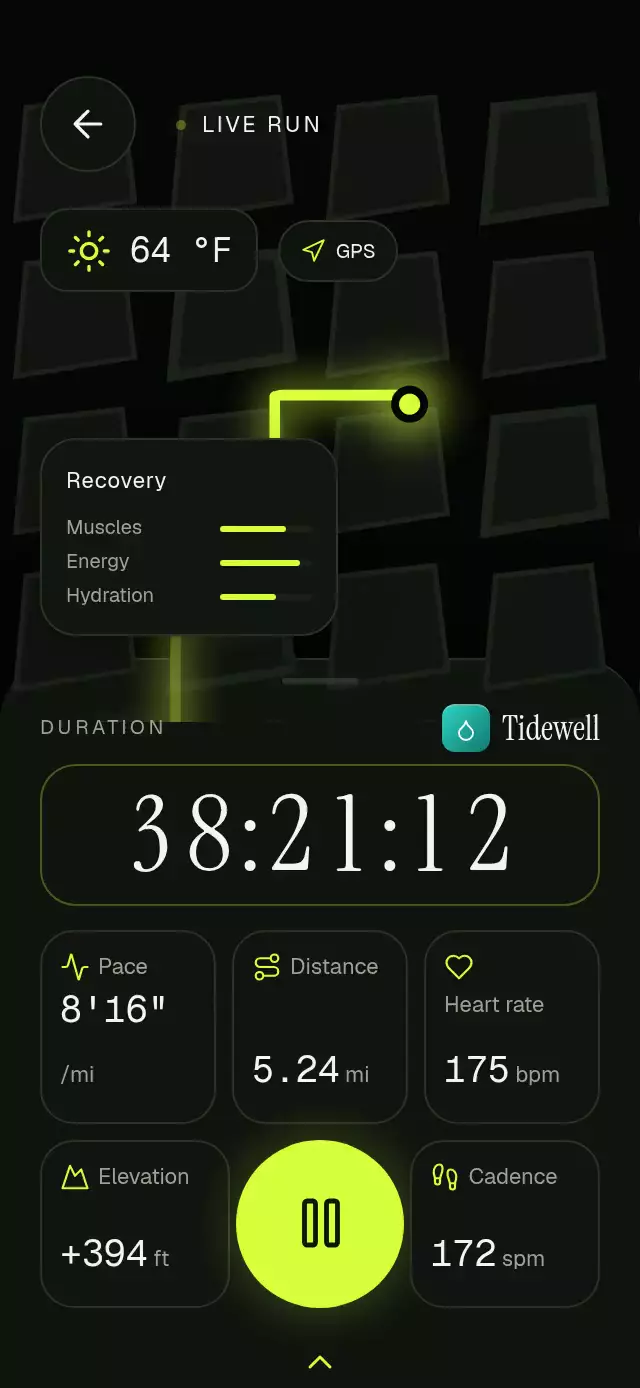
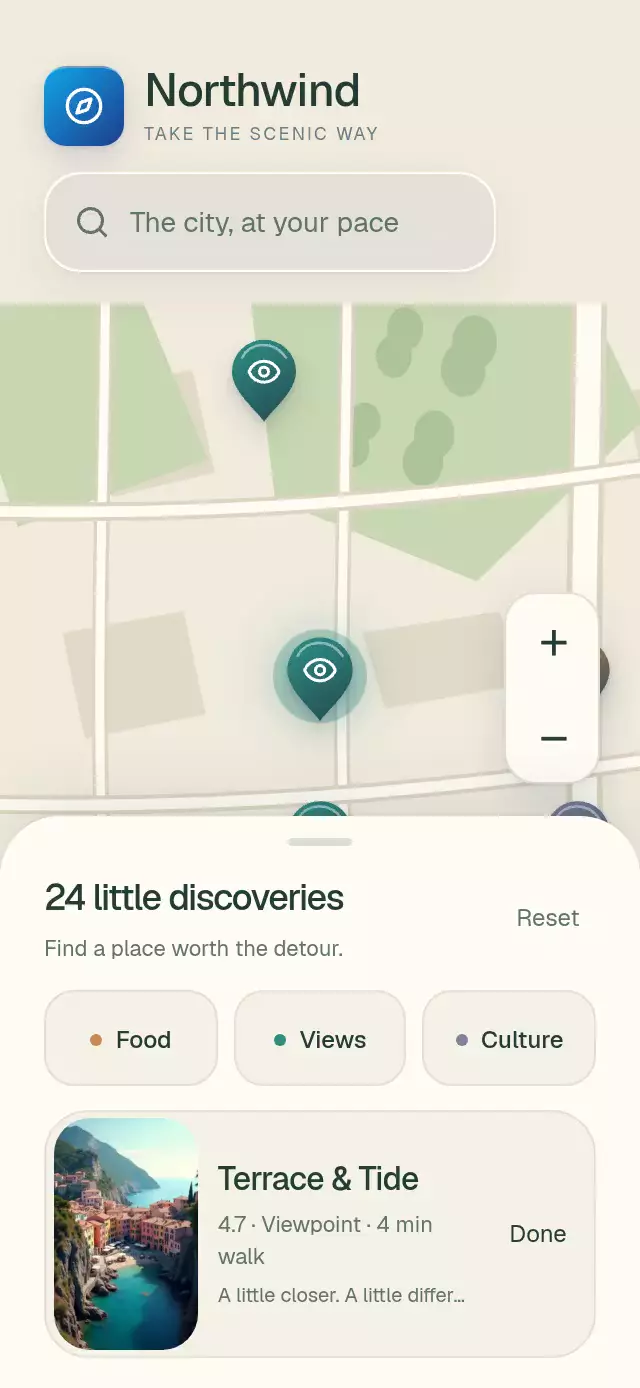
About this animation
A delivery timeline with a moving courier and rolling ETA, with configurable step labels, initial ETA, accent color, and fonts.
Why this one
A typical delivery tracker has a stationary map or a disconnected checklist. Here, one UI-thread route progress drives the courier's position and tangent, the gradient trail, the remaining minutes, and the current step. The destination answers the courier's arrival with a pop and expanding ring while the last connector fills, its check draws, and the headline sharpens into “Enjoy your order.”
How it works
- The route is sampled at equal distances. The same samples build the Skia path and interpolate the courier's position, so the growing stroke always ends beneath the courier.
- A continuous shared value controls the entire journey. At 6% progress, “Picked up” advances to “On the way.” At 100%, it advances to “Delivered.”
- Each stage reacts to those thresholds: the connector fills downward in 400 ms, the node springs from 0.8, and its timestamp fades in. The active ring follows the stage.
- Each ETA digit rests at an integer and rolls only during the final quarter of a minute. The tens column moves only at its carry; distance-based opacity keeps neighboring digits from remaining visible at rest.
- Tapping the map toggles a separate interruptible spring. The map extends from 32% to 62% of container height (ending at 70%), and the timeline slides away.
- Completion draws the final Lucide check and runs a 600 ms destination ring and blurred text transition. The demo compresses twelve minutes into 24 seconds and repeats after a four-second delivered hold.
Install
npx expo install @shopify/react-native-skia react-native-gesture-handler react-native-reanimated react-native-workletsCopy this folder without demo/. Wrap your app with GestureHandlerRootView. On web, initialize CanvasKit before importing this component (for example, use Skia's lazy web loading boundary). Font loading belongs to the host app. The included Lucide paths retain their license in LUCIDE-LICENSE.txt.
Usage
import { useEffect, useRef } from 'react';
import { DeliveryTrackerSteps, type DeliveryTrackerStepsRef } from './delivery-tracker-steps';

function OrderScreen() {
  const tracker = useRef<DeliveryTrackerStepsRef>(null);
  useEffect(() => { tracker.current?.start(); }, []);
  return <DeliveryTrackerSteps ref={tracker} />;
}
A faster route with contact actions and custom typography:
<DeliveryTrackerSteps
  ref={tracker}
  merchantName="Your neighborhood café"
  destinationLabel="8:54 AM · Oak Street"
  courierName="Marco"
  duration={24000}
  accentColor="#B91C1C"
  gradientColor="#FB923C"
  fontFamily="Geist_400Regular"
  mediumFontFamily="Geist_500Medium"
  titleFontFamily="InstrumentSerif_400Regular"
  monoFontFamily="GeistMono_400Regular"
  onMessage={openCourierChat}
  onCall={callCourier}
/>
For live delivery data, call setProgress(0…1) instead of start(). pause() cancels the timer animation, reset() returns to pickup, and toggleMap() controls expansion. Progress updates remain available with Reduced Motion enabled. This component begins at pickup; the first two steps are historical events.
Props
| Prop | Type | Default | Description |
|---|---|---|---|
| merchantName | string | Your order | Header wordmark |
| destinationLabel | string | 8:54 AM · Oak Street | Arrival metadata |
| courierName | string | Your courier | Courier name |
| courierInitials | string | MJ | Avatar initials |
| courierRating | string | 4.9 | Courier rating |
| stepLabels | readonly string[] | Five delivery stages | Labels in order |
| stepTimes | readonly string[] | 8:31 / 8:33 / 8:41 / 8:42 / 8:54 AM | Stage timestamps |
| initialMinutes | number | 12 | ETA; use a whole number from 1 to 99 |
| duration | number | 720000 | Total journey time in milliseconds |
| accentColor | string | #B91C1C | Route, nodes, and courier; six-digit hex for halo alpha |
| gradientColor | string | #FB923C | Route and brand gradient start |
| colorScheme | light / dark / auto | light | Warm light and dark palettes |
| fontFamily | string | System | Body font |
| mediumFontFamily | string | Body font | Step and courier titles |
| titleFontFamily | string | System | Editorial title and wordmark |
| monoFontFamily | string | System | ETA and timestamps |
| onMessage / onCall | () => void | — | Contact actions |
| onStepChange | (step: number) => void | — | Zero-based stage change callback |
| mapAccessibilityLabel | string | Expand or collapse delivery map | Map button label |
| style | StyleProp<ViewStyle> | — | Root customization |
| testID | string | — | Root identifier |
Compatibility
Expo SDK 58, React Native 0.88.0, Reanimated 4.7.1, Worklets 0.13.0, Gesture Handler 3.3, and Skia 2.14.0. Uses the installed Expo Go stack; no extra native modules. Layout comes from the container's onLayout; give the parent a height or flex layout. Uses five Skia canvases total, including contact icons.
Supports iOS, Android, and web. The gate does not exercise an unregistered screen at runtime.
Accessibility
The map exposes a button role, expanded state, and an accessibility activation action. Contact buttons have 44-point hit areas, roles, labels, and independent press scales. Expanded-map mode removes the hidden contact controls from touch and accessibility traversal. A polite live region announces stage and whole-minute ETA updates.
Reduced Motion holds the courier at a static “On the way” position when start() is called. Host-driven progress still works; stage nodes and timestamps fade, without rolling digits, pulse, rotation, pop, blur, or an expanding destination ring. The map switches size directly.
Review notes
Code-based layout review at 390×844 and 320×694: the headline scales to fit one line, the last timestamp ends before the courier card, and the header leaves the viewer's top-right close control clear. The autoplay stage transition begins at about 1.74 seconds and settles before 3 seconds. Light effects live in radial map shaders or surface shadows; no effect uses a colored block over text.