About this animation
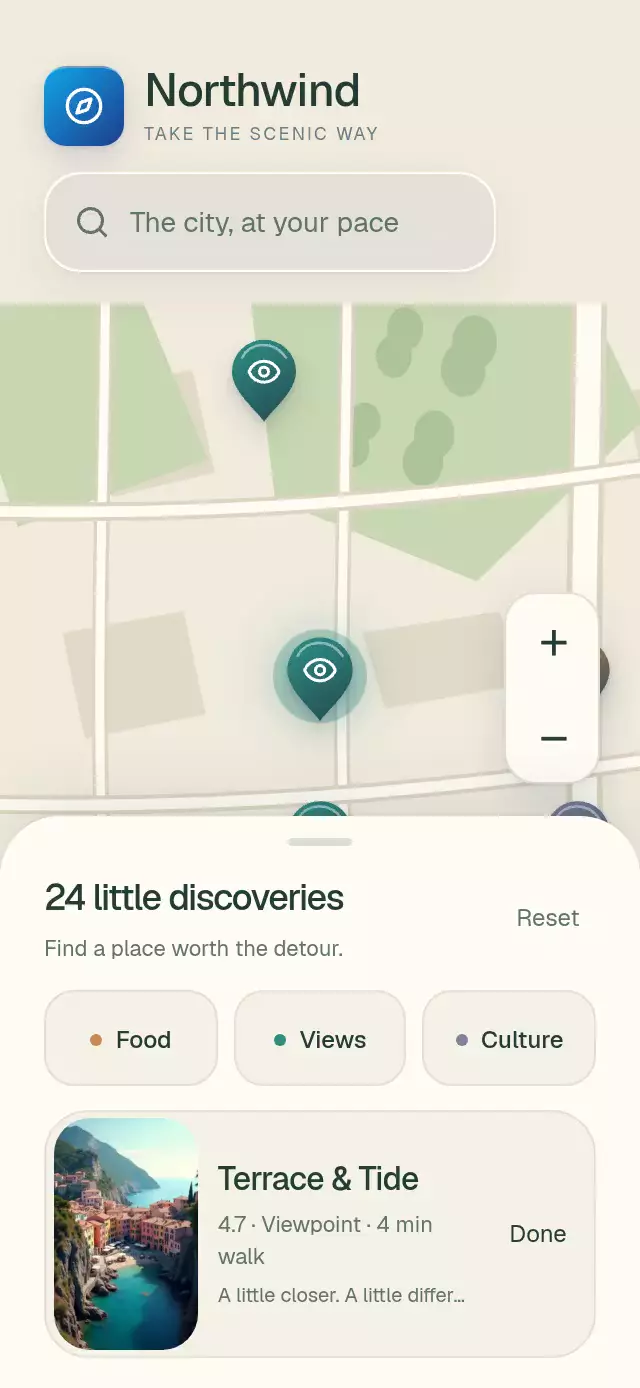
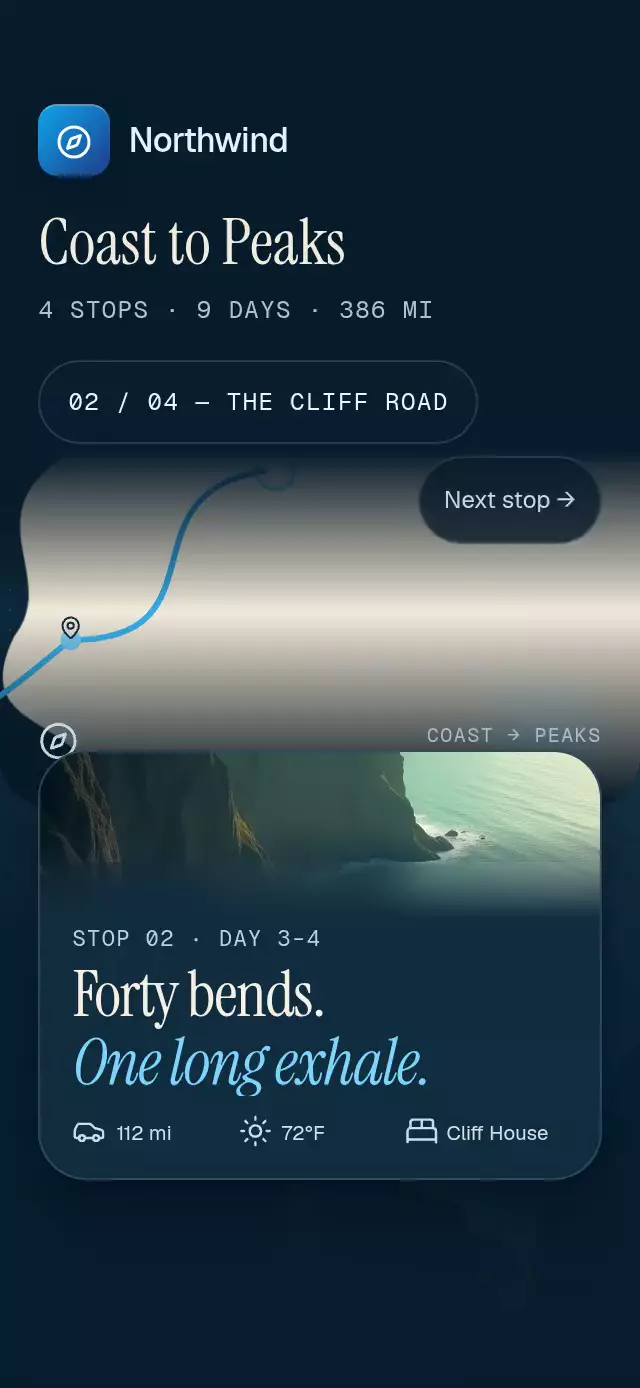
A travel album with route-linked photo fans and a full-screen viewer, with configurable stops, title, palette, and fonts.
Why this one
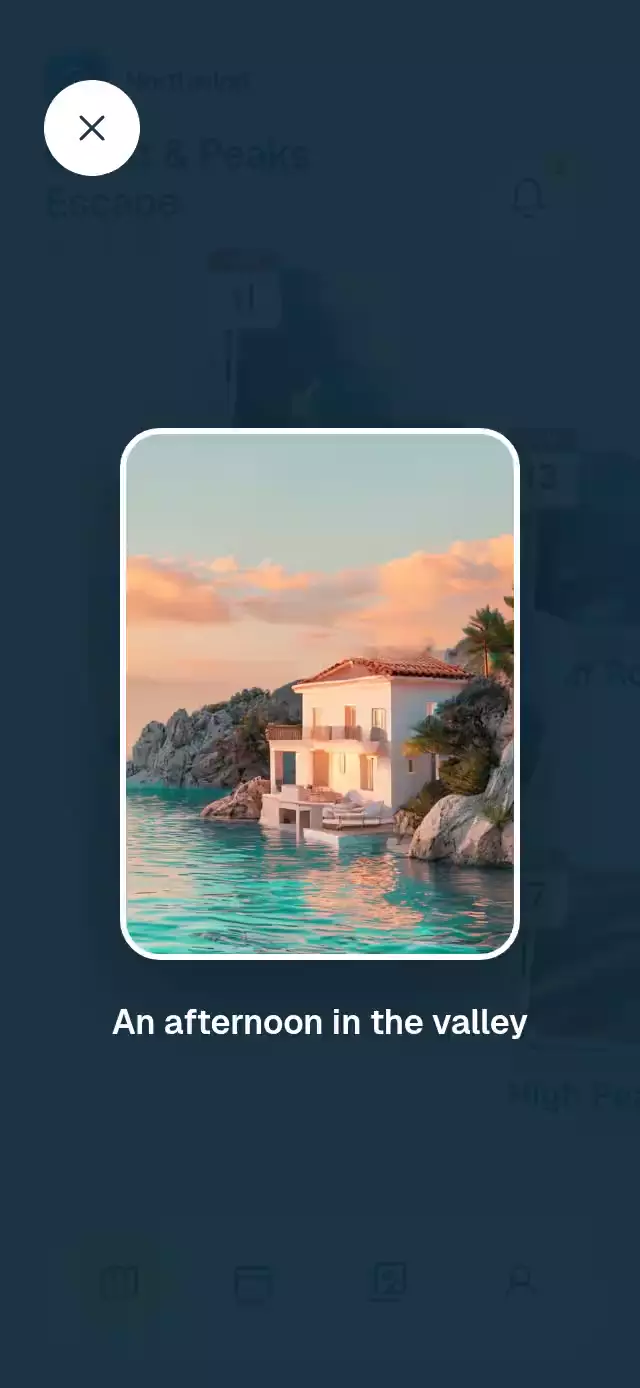
The journey is an album you can explore directly on the map. A dotted route connects stops in travel order; each arrival places a small stack of memories on the coast. Open a stop to spread its photos and bring the camera toward it, then expand a photo from its exact position. The abstract coast and calendar badges make the itinerary readable without copying geographic landmarks or a travel brand.
How it works
onLayoutmeasures the available map area; stop positions use normalized coordinates with photo-safe margins. Short containers reflow the itinerary into two rows.- One route shared value reveals successive Skia cubic paths. Each stack derives its arrival scale, opacity, and settling motion from that progress.
- A shared active stop drives spring fans and a 1.15× camera. Current fan positions are retained on the UI thread for hit testing and transition origins.
- One
Gesture.Raceresolves map taps and pans. Photos, pins, and route share the camera transform; the watercolor drifts at 85% of that translation. - A photo viewer starts at the tapped photo's transformed bounds. Its position, size, and rotation interpolate into the viewer and return along the same path.
- The demo owns the autoplay timers and cancels all scheduled actions on the first physical interaction.
Install
npx expo install react-native-reanimated react-native-worklets react-native-gesture-handler expo-image expo-blur @shopify/react-native-skiaWrap your application in GestureHandlerRootView. Configure Reanimated/worklets as recommended for your Expo SDK. On web, load CanvasKit before importing/rendering the piece using your application's Skia web setup. The component does not load fonts, images, or shared application code itself. Icons: Lucide (ISC), copied from the project kit.
Usage
import { PhotoPinJourneyMap, type JourneyStop } from './photo-pin-journey-map';

const stops: JourneyStop[] = [
  {
    name: 'Coastal village',
    month: 'JUN',
    date: '11',
    position: { x: 0.2, y: 0.1 },
    photos: [
      { source: require('./coast.jpg'), label: 'Morning on the coast' },
      { source: require('./bay.jpg'), label: 'The quiet bay' },
    ],
  },
];

<PhotoPinJourneyMap stops={stops} title="A week away" dates="Jun 11–17" />;
const map = useRef<PhotoPinJourneyMapRef>(null);
<PhotoPinJourneyMap
ref={map}
stops={stops}
title="Coast & countryside"
dates="Jun 11–17"
colorScheme="dark"
focusScale={1.12}
routeDuration={1800}
photoMaxWidth={300}
palette={{ accent: '#F9CE68', onAccent: '#24352D' }}
onOpenStop={(index) => saveSelectedStop(index)}
onOpenPhoto={(stop, photo) => recordPhotoOpen(stop, photo)}
/>;
map.current?.openStop(0);
map.current?.openPhoto(0, 1);
map.current?.closePhoto();
map.current?.openStop(-1);
map.current?.replayRoute();The second example also imports useRef from React and PhotoPinJourneyMapRef from this folder. Supply local image assets before the entrance begins. Stop arrays are in travel order; the component does not parse localized date labels. Two or three photos per stop are recommended; custom accessibility actions expose every photo.
Props
| Prop | Type | Default | Purpose |
|---|---|---|---|
stops | JourneyStop[] | Required | Names, date labels, fractional positions, photos and descriptions |
title, dates | string | Your journey, empty | Header content |
brand | ReactNode | None | Your own header wordmark |
notificationCount | string | 3 | Badge text |
tabs | Four strings | Map, Dates, Photos, Profile | Navigation/accessibility labels |
initialTab | number | 0 | Initial selected tab |
onTabChange | (index) => void | None | Host navigation callback |
onTitlePress, onNotificationsPress | () => void | None | Header actions |
onOpenStop | (index) => void | None | Selected stop; -1 means collected |
onOpenPhoto | (stopIndex, photoIndex) => void | None | Photo selection |
onInteraction | () => void | None | Stop an external playback controller |
fontFamily, headingFontFamily | string | System | Interface and heading typefaces |
colorScheme | light / dark / auto | auto | Complete light/dark theme |
palette | Partial<JourneyPalette> | Theme palette | Sky, land, coast, cloud, ink, muted, paper, border, accent, calendar, route, glass, scrim, onAccent, calendarInk and viewerInk |
routeDuration | number | 2200 | Intro reveal duration in milliseconds |
focusScale | number | 1.15 | Focus zoom, clamped to 1–1.3 |
photoMaxWidth | number | 360 | Viewer photo width cap in points |
photoAspectRatio | number | 0.75 | Fallback viewer photo width/height |
labels | Label strings and openStop(stop) formatter | English labels | Notifications, close-photo and map descriptions |
style | StyleProp<ViewStyle> | None | Root container customization |
testID | string | photo-pin-journey-map | Root and stable control suffixes |
JourneyPhoto contains source, label, and optional pixelSize: {width, height}. JourneyStop contains name, month, date, position: {x,y}, and photos. All visible itinerary text, navigation labels, imagery, and theme colors are supplied or replaceable through props.
Compatibility
Built for Expo SDK 58, React Native 0.88.0, Reanimated 4.7.1, worklets 0.13.0, Gesture Handler 3.3, and Skia 2.14.0. Uses installed Expo Go modules, including Expo Image and Expo Blur. Android glass uses an internal BlurTargetView with dimezisBlurViewSdk31Plus.
The root fills its host. The host supplies safe-area padding. The header is measured in flow, and photos shrink in short containers. The supplied assets have a minimum width of 600 px: the demo supplies pixelSize, which caps photos at 200×267 or 240×420 pt to retain 3× density. Increase photoMaxWidth with higher-resolution assets; the pixel-size density cap still applies. The full-screen viewer fits each source aspect ratio and bounds its enlargement to its actual resolution. Without pixelSize, a conservative 200 pt width cap applies.
Accessibility
Buttons have labels and 48-point targets. Map taps use Gesture Handler; accessibility actions open each stop and individual photos. Opening stops and photos announces their descriptions. Tapping empty map space collects a fan, and selecting the map tab centers the camera (tapping it again replays the route). The viewer closes by tapping its surface or its top-left close button, leaving the catalog's top-right close control free.
Reduced motion replaces arrivals and route drawing with 200 ms fades, removes camera zoom and parallax, fades between fan poses, and crossfades the viewer without photo flight. Dragging remains directly attached to the finger.
Demo timeline
Autoplay starts after 200 ms: route finishes by 2.4 s, Vineyards opens at 2.8 s, its photo expands at 3.8 s, closes at 5.4 s, High Peaks opens at 6.4 s, the fan collects at 8 s, and the cycle restarts at 9.8 s. Interaction cancels the whole cycle.
The bell center stays 56 pt from the right edge, below the top-right viewer control. At 390×844 and 320×694 the itinerary uses staggered left/right columns with photo-safe margins; short containers use two rows. No effect is an opaque block painted over text. Route arrivals supply the opening wow before 3 s.