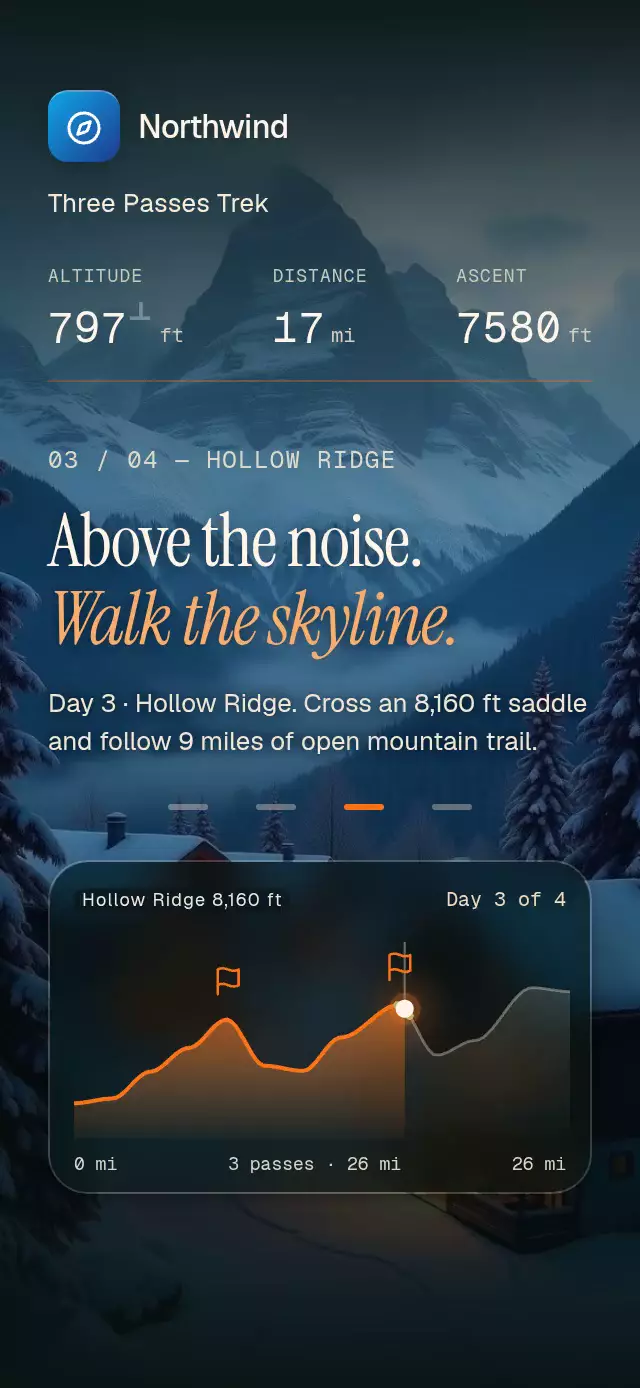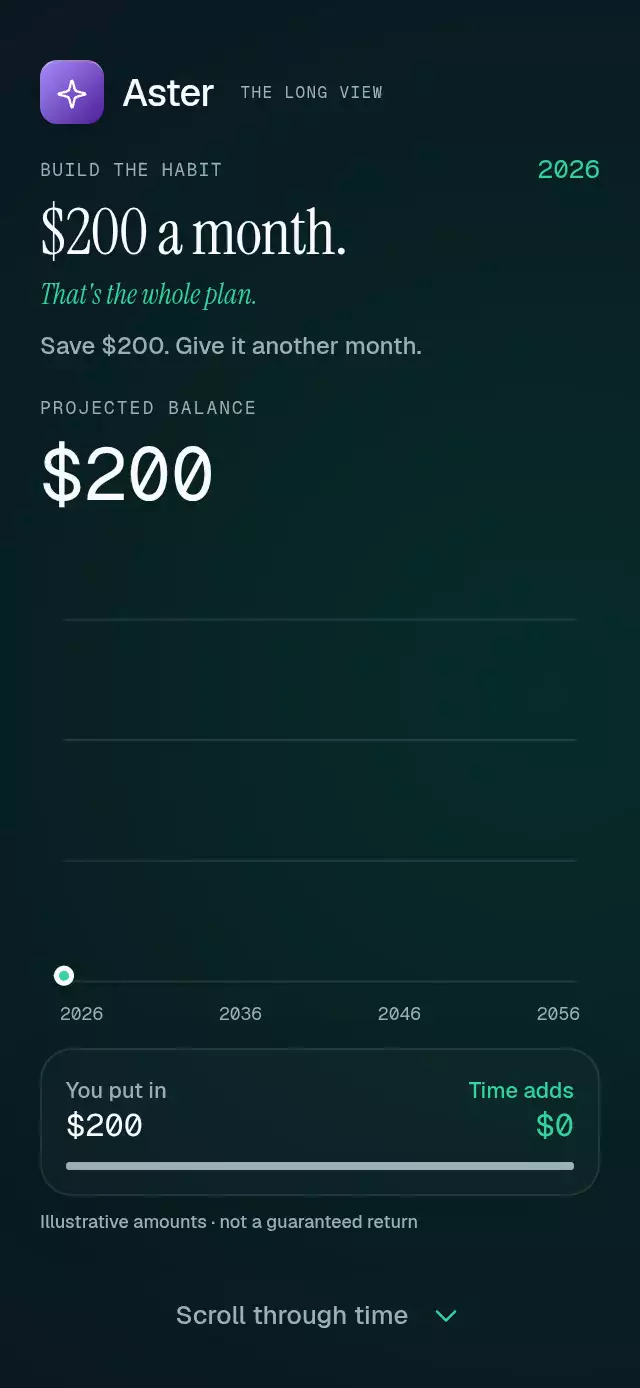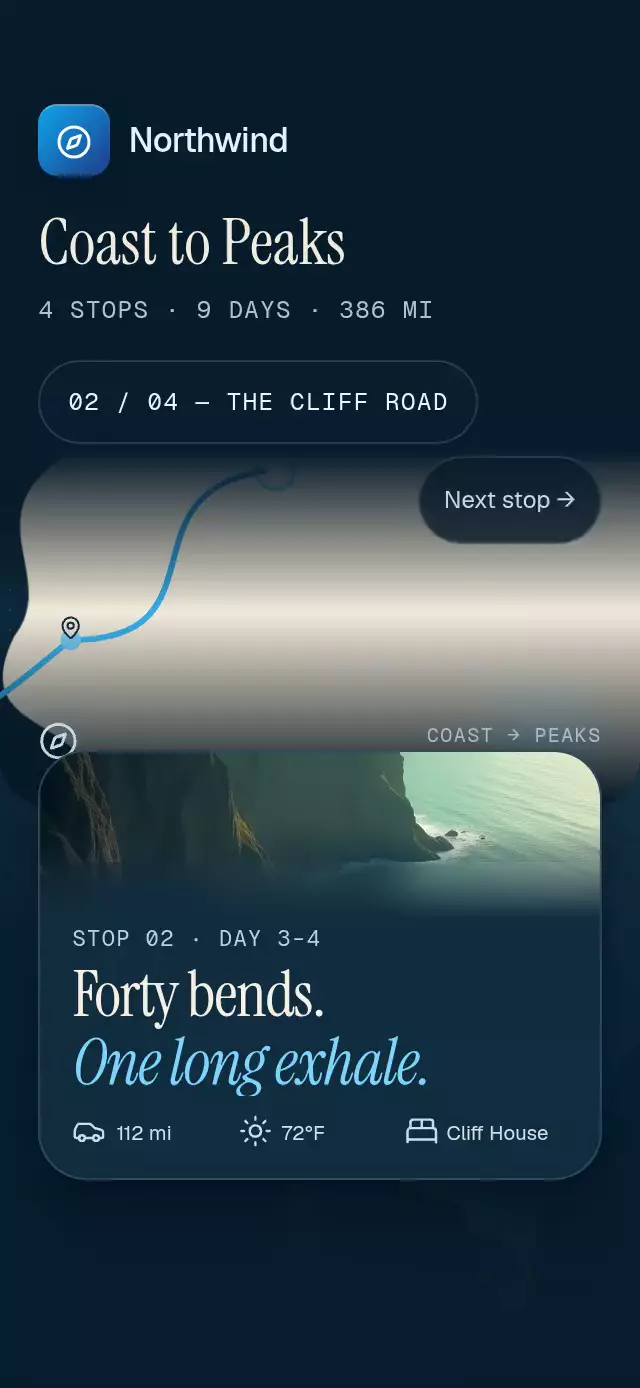
About this animation
A scroll-driven itinerary with route-following camera motion and pop-out postcards, with configurable stops, copy, fonts, and accent color.
Why this one
The map travels with you instead of sitting above a list. Each postcard originates at its own pin. An original dotted sea, organic coast, mountain contours, and a luminous route tip give the itinerary its own visual language. No map service, tiles, or location data are needed.
How it works
- An animated ScrollView converts its measured scroll offset into one continuous chapter progress,
p, from 0 to 3. - Smoothstep poses hold the traveler still within 20% of each chapter. Cubic curves and length-normalized samples keep the traveler aligned with the trimmed route.
- The camera looks 15% ahead along the route and follows with interruptible springs. All map geometry is in an independent 600-unit coordinate system.
- Postcards launch from the transformed pin into their lower-screen position. Headline windows finish exiting before the next begins entering.
- Incoming background photos fade over the previous photo. Top and bottom veils maintain contrast. Fast-scroll route light activates above 600 points per second; the intro also shows the route light.
- The cover title, brand name, and stop counter use ordinary views and percentage positioning, independently of map measurement. The dotted sea is built only across the visible viewport; the land closes outside all camera poses, and the map window clips to rounded lower corners.
- The demo drives actual scrolling through the imperative ref, stops on interaction, and resets behind a short black fade. The final action lives inside the scroll content.
Install
npx expo install @shopify/react-native-skia expo-blur expo-image expo-linear-gradient react-native-reanimated react-native-workletsConfigure Reanimated/worklets as required by your Expo project. On web, initialize CanvasKit and load this component lazily after Skia is ready, using your app's Skia web bootstrap. Keep your loading fallback outside the Skia gate if the cover must appear before CanvasKit initializes. This catalog currently gates the entire demo in App.tsx, so its cold-load fallback cannot be replaced from this component folder. Bundle images locally to avoid an empty postcard while a network image loads. Icons: Lucide (ISC); paths are included in icons.ts.
Usage
import { JourneyMapScroll, type JourneyStop } from './journey-map-scroll';

// Supply four original stops, each with its own local image.
const stops: readonly [JourneyStop, JourneyStop, JourneyStop, JourneyStop] = [
  harborStop, cliffStop, valleyStop, mountainStop,
];

<JourneyMapScroll stops={stops} onAction={() => saveTrip()} />;
const journey = useRef<JourneyMapScrollRef>(null);
<JourneyMapScroll
ref={journey}
stops={stops}
title="Coast to Peaks"
cameraScale={1.6}
accentColor="#38BDF8"
fontFamily="Geist_400Regular"
serifFontFamily="InstrumentSerif_400Regular"
italicFontFamily="InstrumentSerif_400Regular_Italic"
monoFontFamily="GeistMono_400Regular"
onInteraction={stopAutoplay}
onIndexChange={setSelectedStop}
/>;
// Fractional chapters work too. Autoplay belongs in the caller.
journey.current?.goTo(2, 1900);Props
| Prop | Type | Default | Description |
|---|---|---|---|
| stops | Four-element readonly JourneyStop tuple | Required | Names, day ranges, two-line headlines, descriptions, local images, miles, weather, lodging, and accents. |
| brand | ReactNode | None | Optional brand lockup; demo-only brand stays in the demo. |
| title | string | Journey | Itinerary title. |
| summary | string | Four stops | Compact itinerary facts. |
| mapLabel | string | ROUTE OVERVIEW | Short map caption. |
| actionTitle | string | Keep your journey. | Final section heading. |
| actionDescription | string | Save all four stops in one itinerary. | Final section description. |
| fontFamily | string | System | Interface font. |
| serifFontFamily | string | System | Main headline font. |
| italicFontFamily | string | System | Accent headline font. |
| monoFontFamily | string | System | Counter font. |
| accentColor | string | #38BDF8 | Route and traveler ring accent. |
| backgroundColor | string | #071C2B | Root and veil color. |
| cameraScale | number | 1.6 | Map size relative to its window. |
| snapToChapters | boolean | true | Chapter snapping on native only. |
| actionLabel | string | Save itinerary | Final button text and accessible label. |
| onAction | () => void | None | Final button callback. |
| onIndexChange | (index: number) => void | None | Nearest chapter callback on the JS thread. |
| onInteraction | () => void | None | Touch, wheel, or drag callback for canceling autoplay. |
| style | StyleProp<ViewStyle> | None | Root styling. Root defaults to flex: 1. |
| testID | string | None | Root test identifier. |
duration | number | 300 | Reset curtain fade duration in milliseconds. Spring physics and reduced-motion timing are unchanged. |
stops | readonly [ JourneyStop, JourneyStop, JourneyStop, JourneyStop, ] | Required | Exactly four stops in itinerary order. |
brand | ReactNode | undefined | Optional brand lockup rendered above the map. |
title | string | 'Journey' | Itinerary title. |
summary | string | 'Four stops' | Compact itinerary facts. |
mapLabel | string | 'ROUTE OVERVIEW' | Caption under the map. |
actionTitle | string | 'Keep your journey.' | Final section heading. |
actionDescription | string | 'Save all four stops in one itinerary.' | Final section description. |
fontFamily | string | undefined | Interface font; system font when omitted. |
serifFontFamily | string | undefined | Editorial headline font. |
italicFontFamily | string | undefined | Italic headline font. |
monoFontFamily | string | undefined | Counter font. |
accentColor | string | '#38BDF8' | Route highlight. |
backgroundColor | string | '#071C2B' | Root surface color. |
cameraScale | number | 1.6 | Size of the map relative to its viewport. |
snapToChapters | boolean | true | Native chapter snapping. Web always scrolls freely. |
actionLabel | string | 'Save itinerary' | Final action label. |
onAction | () => void | undefined | Called when the final action is pressed. |
onIndexChange | ( index: number, ) => void | undefined | Called when the nearest chapter changes. |
onInteraction | () => void | undefined | Called on touch, wheel, or drag so callers can stop autoplay. |
style | StyleProp<ViewStyle> | undefined | Outer container style. |
testID | string | undefined | Root test identifier. |
Ref methods: goTo(chapter, duration = 1900), replay(), and reset(). Font assets must be loaded by the caller. The component never imports the catalog theme or demo assets.
Compatibility
Targets Expo SDK 58, React Native 0.88.0, Reanimated 4.7.1, worklets 0.13.0, and Skia 2.14.0. Uses Expo Go's installed modules; no new native dependency is introduced. Supports iOS, Android, and web. The demo entry compiles into iOS and Android development bundles (HTTP 200). The photograph uses 20% of container height on taller phones and contracts on compact phones to preserve the two-line headline and data row.
Accessibility
Each chapter includes a descriptive accessible block and a header-role headline. Inactive postcards are hidden from assistive technology. Next-stop buttons provide a tap alternative to scrolling, with 44-point minimum targets. The final button exposes its role and label and scales to 0.97 on press. Reduced motion removes camera travel/zoom, postcard flight, pulse, ambient drift, and trails; chapter arrivals use 200 ms fades. Web scrolling never uses mandatory snap.