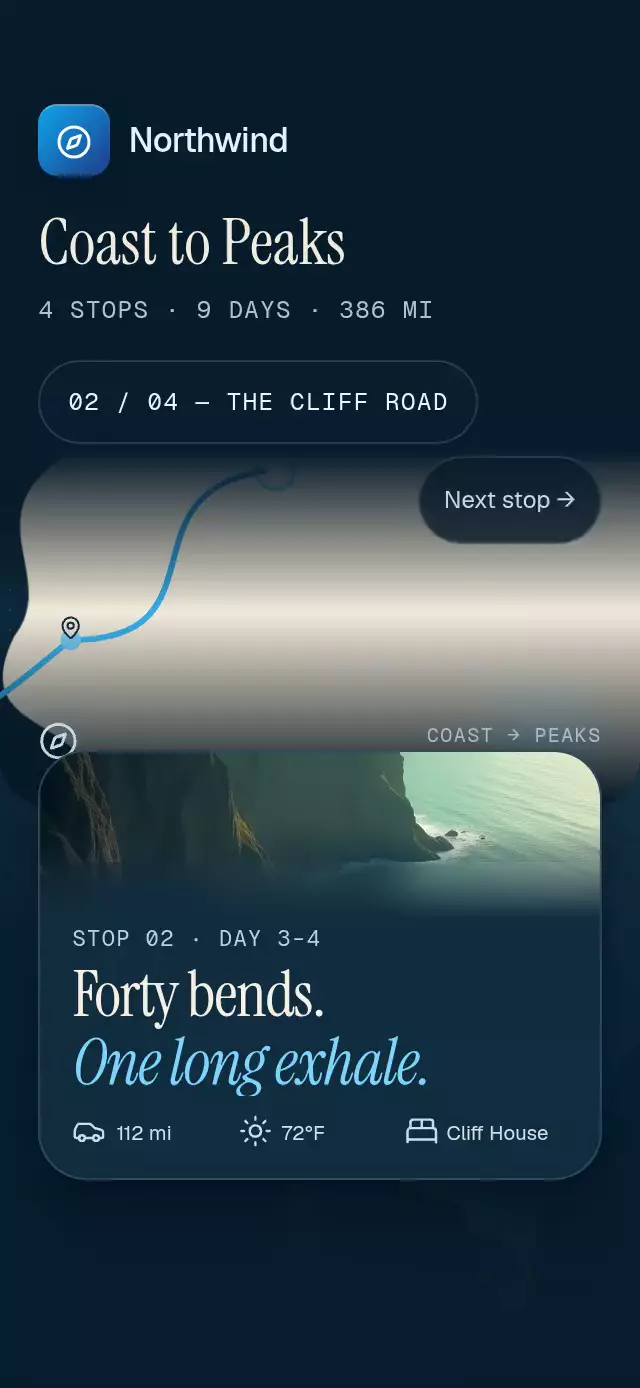
About this animation
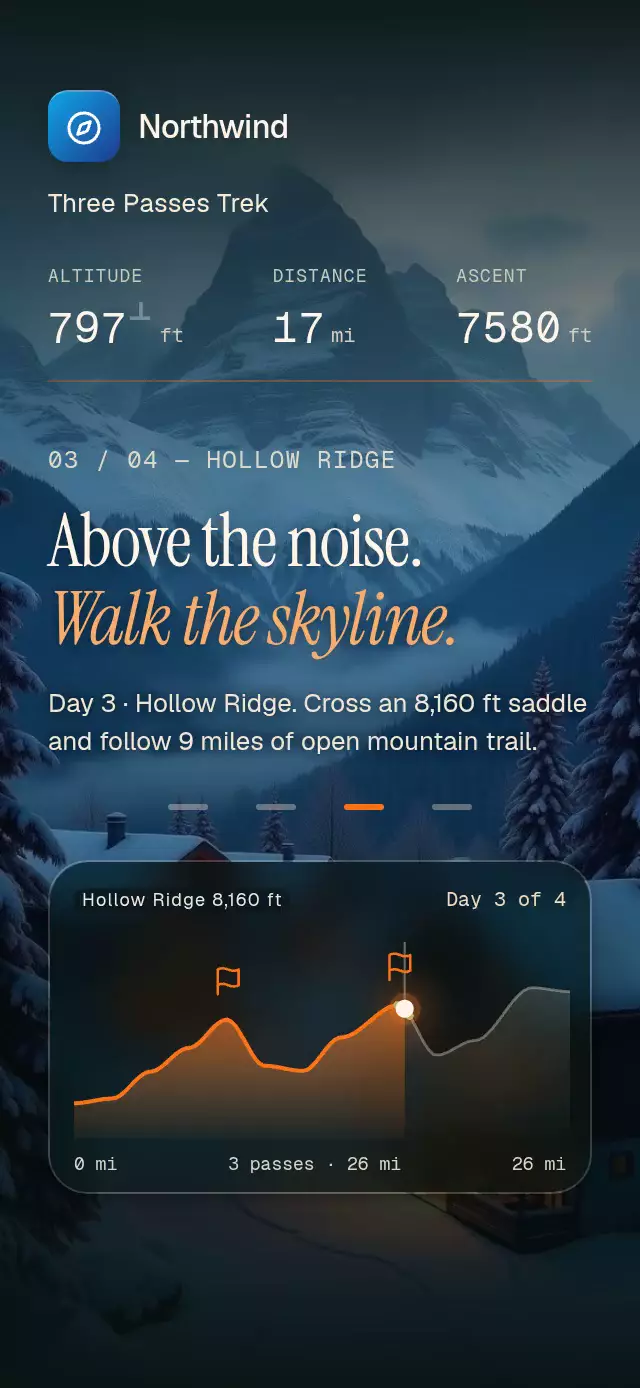
A trail story with a scroll-linked elevation profile and summit flags, with configurable chapters, elevation samples, accent color, and fonts.
Why this one
Elevation tells a mountain route's story more clearly than a line on a map. The active slope changes from green to amber to red as the climb steepens. Each day briefly magnifies the profile, then restores the complete route before the next chapter.
How it works
onLayoutmeasures the container. The scroll handler converts scroll offset into one continuous chapter progress on the UI thread.- Smoothstep interpolation holds poses within 20% of each chapter boundary. Distance, altitude, cumulative ascent, and the trail point derive from that progress.
- Skia draws the elevation area, clips the traveled fill to the current distance, and colors the current slope from its calculated grade.
- A spring scales the profile horizontally during each day's climb. Summit flags plant when the point reaches their distance; metric lighting responds to proximity.
- Photos enter above the previous photo. Headline entrance and exit windows never overlap. Native scroll snaps to chapters; web scroll remains continuous.
- The demo clock calls
scrollToProgressat about 2.6 seconds per chapter using the editorial easing curve. A black fade hides its reset. Touching or dragging stops autoplay.
Install
npx expo install @shopify/react-native-skia expo-blur expo-image expo-linear-gradient react-native-reanimated react-native-workletsUse SDK-compatible versions. Configure Reanimated and worklets in the host application. On web, load CanvasKit before importing this component with Skia's LoadSkiaWeb / WithSkiaWeb integration or the host's equivalent lazy loader. Keep local images in your application and load custom fonts before mounting. Icons: Lucide (ISC).
Usage
import { RouteElevationScroll } from './route-elevation-scroll';

const photo = require('./mountains.jpg');
const chapters = [
  { name: 'Trailhead', title: 'Start the climb.', emphasis: 'Find your pace.', body: 'Walk 6 miles toward the first pass.', image: photo, color: '#F8BB77' },
  { name: 'First pass', title: 'Above the trees.', emphasis: 'Take in the view.', body: 'Reach 7,400 ft before descending.', image: photo, color: '#F97316' },
  { name: 'Ridgeline', title: 'Follow the ridge.', emphasis: 'Keep looking up.', body: 'Cross 8 miles of open trail.', image: photo, color: '#F6AC6C' },
  { name: 'Camp', title: 'You made it.', emphasis: 'Rest under the stars.', body: 'Finish 26 miles at mountain camp.', image: photo, color: '#FFCE8D' },
];
const samples = [
  { miles: 0, feet: 3200 }, { miles: 8, feet: 7400 },
  { miles: 12, feet: 4800 }, { miles: 17, feet: 8200 },
  { miles: 20, feet: 5600 }, { miles: 24, feet: 9000 },
  { miles: 26, feet: 8800 },
];

<RouteElevationScroll chapters={chapters} samples={samples} />;

// Customize the material and motion without changing the scroll recipe.
<RouteElevationScroll
  chapters={chapters}
  samples={samples}
  accentColor="#F97316"
  zoomScale={1.6}
  snapToChapters={false}
  passes={[{ name: 'First pass', miles: 8, feet: 7400 }]}
  ctaLabel="Reserve a place"
  onCtaPress={() => openReservation()}
/>;
The parent must provide bounded height. Supply four chapters, at least two increasing samples, a positive final distance, and opaque six-digit hex accent colors. Align pass distances and elevations with the samples.
Props
| Prop | Type | Default | Description |
|---|---|---|---|
| chapters | readonly RouteChapter[] | required | Four photos, names, headlines, colors, and descriptions. |
| samples | readonly ElevationSample[] | required | Increasing distances in miles and elevations in feet. |
| passes | readonly RoutePass[] | [] | Names and positions for summit flags. |
| brand | ReactNode | none | Optional top-left brand lockup. |
| routeName | string | Mountain route | Route title below the lockup. |
| accentColor | string | #F97316 | Trail fill, CTA, and summit color. |
| ctaLabel | string | Explore this route | Final action label. |
| onCtaPress | () => void | none | Final action callback. |
| onChapterChange | (index: number) => void | none | Nearest chapter, reported on the JS thread. |
| onInteraction | () => void | none | Touch or drag callback for stopping demo autoplay. |
| fontFamily | string | system | Interface font. |
| titleFontFamily | string | system | Editorial font. |
| italicFontFamily | string | system | Italic title font. |
| monoFontFamily | string | system | Rolling figure font. |
| zoomScale | number | 1.85 | Horizontal zoom strength. |
| snapToChapters | boolean | true | Native chapter snapping. |
| style | StyleProp<ViewStyle> | none | Root container style. |
| testID | string | none | Root test ID. |
Ref methods: scrollToProgress(progress, animated = false) scrolls to a continuous chapter position; fade(black) transitions the scene to or from black over 200 ms. Autoplay belongs to the demo, not the reusable component.
Compatibility
Expo SDK 58, React Native 0.88.0, Reanimated 4.7.1, worklets 0.13.0, Skia 2.14.0. Dependencies are recorded from imports in piece.json. Intended for Expo Go with these SDK-bundled modules. Android uses BlurTargetView and dimezisBlurViewSdk31Plus, with a translucent fallback on older versions. Supports iOS, Android, and web.
Accessibility
Each chapter has a header with a full spoken day description. The final CTA is a labeled button in the scroll content, with a minimum 52 pt height. Four 44 pt chapter buttons provide a tap alternative to scrolling. Reduced motion removes zoom, translations, flag bounce, press scaling, and rolling autoplay progression; photos and chapter titles use 200 ms fades. There are no parallax or velocity trails.
Customization notes
The route follows scroll position; the imperative scroll API controls programmatic pacing.