About this animation
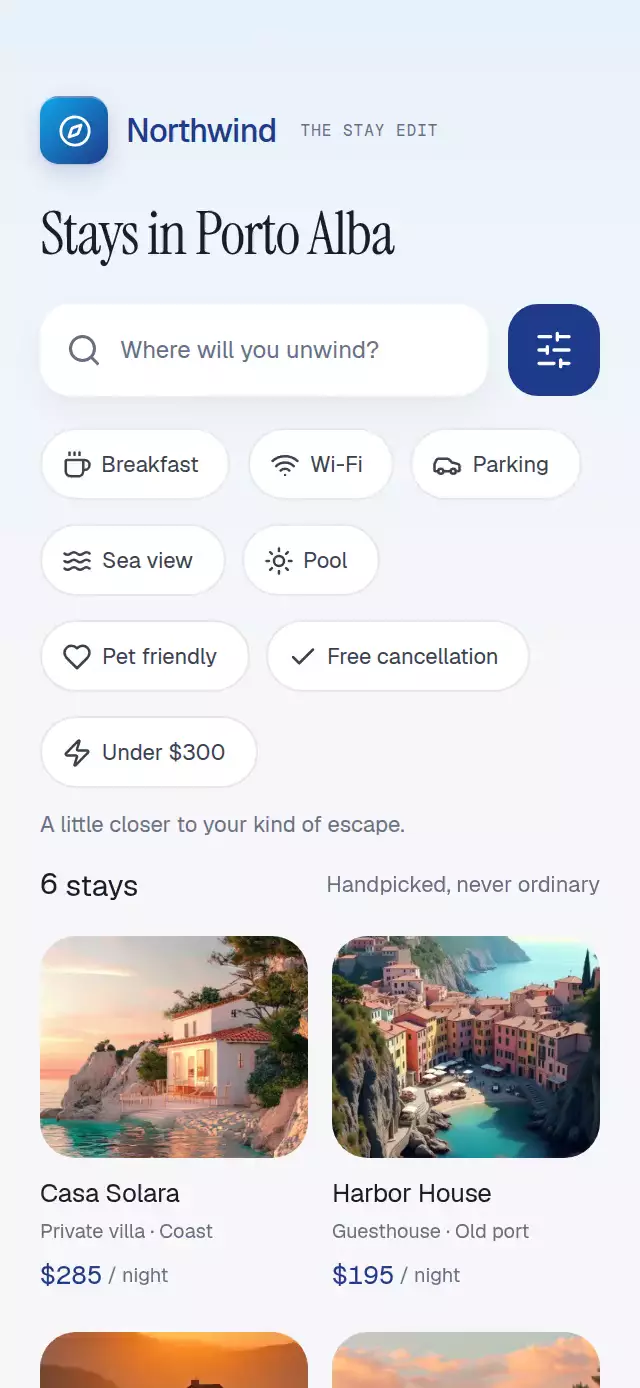
A lodging filter bar with promoted chips and an animated results grid, with configurable filters, stays, accent color, and fonts.
Why this one
Selected filters travel to the front instead of staying buried among inactive options. A circular fill starts at the touch location inside the chip's rounded mask, while a contextual empty-state suggestion offers a quick way back to results. The Northwind demo pairs a local collection of travel photography with a 6 → 3 → 2 result sequence.
How it works
- Store filter IDs as a discrete selection; results must satisfy every selected attribute.
- Stable-sort selected chips ahead of inactive chips, retaining their original relative order.
- Drive each chip's circular reveal and removal-glyph width from one UI-thread shared value. Pressure uses a separate spring so release cannot cancel selection.
- Animate chip and card layout with a damping-56, stiffness-300 spring. Chip delays increase by 20 ms for each position traveled.
- Exit cards at scale 0.94 over 180 ms; returning cards enter from the same scale. Counts roll through a clipped, intrinsically sized text strip.
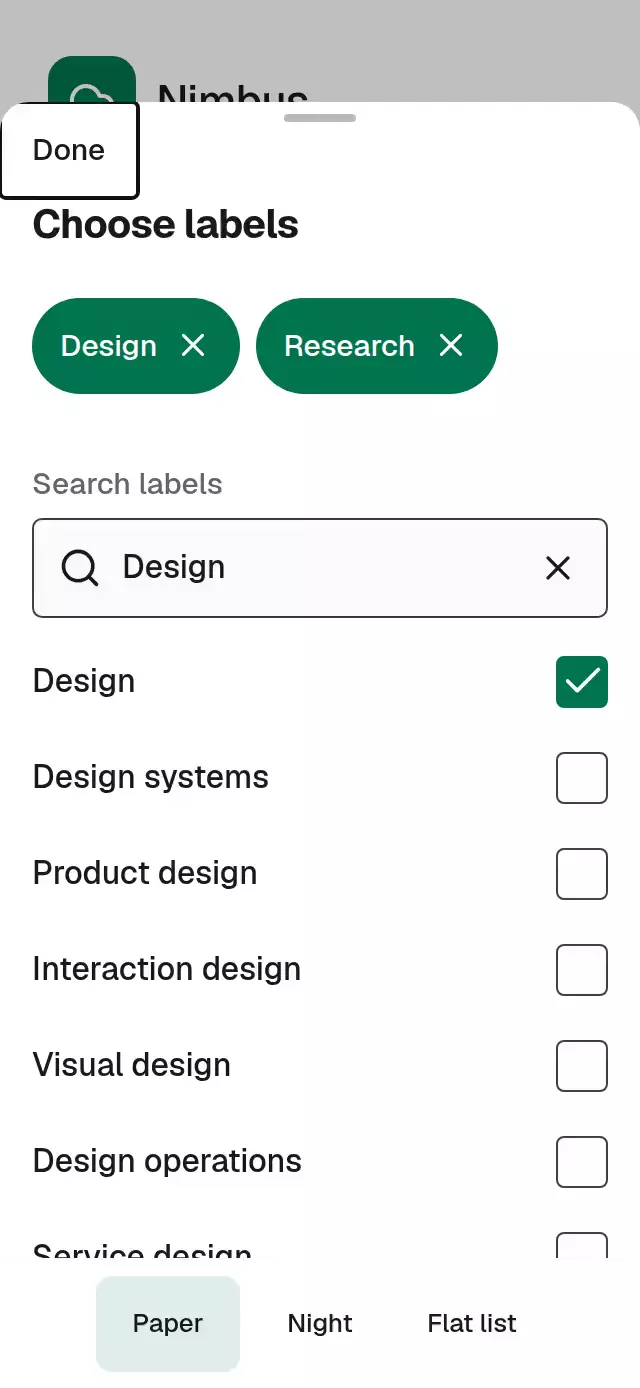
- A sheet edits the same selection. Reduced motion substitutes fades and immediate layout changes.
Install
Copy this folder into your project, excluding demo/.
npx expo install expo-image expo-linear-gradient react-native-reanimated react-native-workletsVersions tested by compilation: Expo SDK 58, React Native 0.88.0, Reanimated 4.7.1, expo-image ~58.0.17, expo-linear-gradient ~58.0.3. Keep the standard Expo Reanimated/worklets configuration. No new native dependencies or Skia initialization are required.
Usage
import FilterChipsReflow from './filter-chips-reflow';

<FilterChipsReflow
  filters={[{ id: 'pool', label: 'Pool', icon: 'sun' }]}
  stays={[
    {
      id: 'garden',
      name: 'Garden House',
      location: 'Private villa · Garden district',
      price: 240,
      image: require('./garden.jpg'),
      attributes: ['pool'],
    },
  ]}
/>
Customize the material, fonts, and response:
<FilterChipsReflow
  ref={filtersRef}
  filters={options}
  stays={stays}
  title="Your next escape"
  colorScheme="dark"
  accentColor="#2563EB"
  highlightColor="#38BDF8"
  springDamping={58}
  springStiffness={320}
  fontFamily="YourInterfaceFont"
  titleFontFamily="YourEditorialFont"
  monoFontFamily="YourNumberFont"
  onFiltersChange={(ids) => saveFilters(ids)}
/>
The forwarded ref exposes toggle(id), reset(), and openFilters(). The component owns selection; callbacks run directly on the JavaScript event thread. Mount it in a bounded container. Photos and brand content are supplied by the caller.
Props
| Prop | Type | Default | Purpose |
|---|---|---|---|
filters | FilterOption[] | Required | Stable IDs, labels, and included Lucide icon names. |
stays | FilterStay[] | Required | Images, names, locations, prices, matching attribute IDs. |
title | string | Find your stay | Editorial heading. |
brand | ReactNode | — | Host-provided brand area. |
accentColor | string | #1E3A8A | Selected chips and primary actions. |
highlightColor | string | #0EA5E9 | Count badge and empty-state icon. |
fontFamily | string | System | Interface typography. |
titleFontFamily | string | System | Heading typography. |
monoFontFamily | string | System | Prices and rolling counts. |
colorScheme | light / dark / auto | auto | Surface and text theme. |
springDamping | number | 56 | Chip and result reflow damping, bounded to ζ ≥ 0.8 with effective mass 4. |
springStiffness | number | 300 | Chip and result reflow stiffness. |
onFiltersChange | (ids: string[]) => void | — | Selection notification. |
style | StyleProp<ViewStyle> | — | Root container override. |
testID | string | — | Test identifier. |
Compatibility
Targets iOS, Android, and web, including Expo Go with SDK 58. Demo assets stay local and are excluded from the public component imports.
Accessibility
Chips expose selected states and add/remove labels. A chip is 36 pt high with 4 pt vertical hit slop, providing a 44 pt touch area; spacing avoids overlap. Clear, sheet, and dismissal actions meet the same minimum. Result counts have a live-region announcement; decorative icon images and number strips are hidden from screen readers. Reduced motion removes springs, circular growth, number scrolling, and card scaling, retaining short fades. All interactions are available by touch; search is a labeled native text input.
Demo timeline
At 800 ms, select Sea view (6 → 3); at 1600 ms, select Pool (3 → 2). At 3000 ms, add Pet friendly to demonstrate the empty-state recovery; remove it at 4000 ms and reset at 5200 ms. All timers are cleaned up on unmount. The first two selections deliver the reflow moment within the first three seconds.
Icons: Lucide (ISC), copied from the project kit. Northwind's gradient tile and compass glyph follow the kit. Photos are supplied local demo assets.